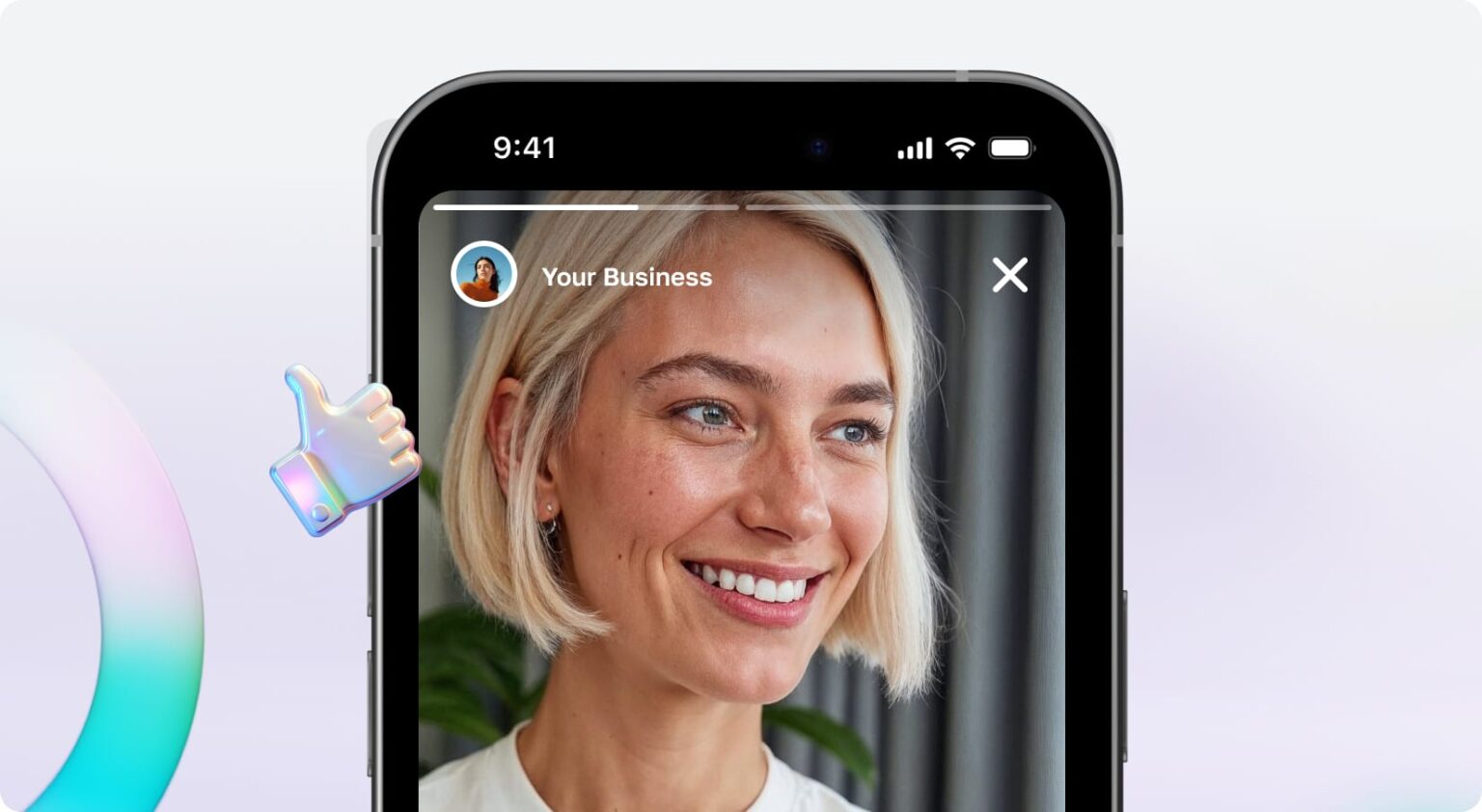
Make product photos that sell
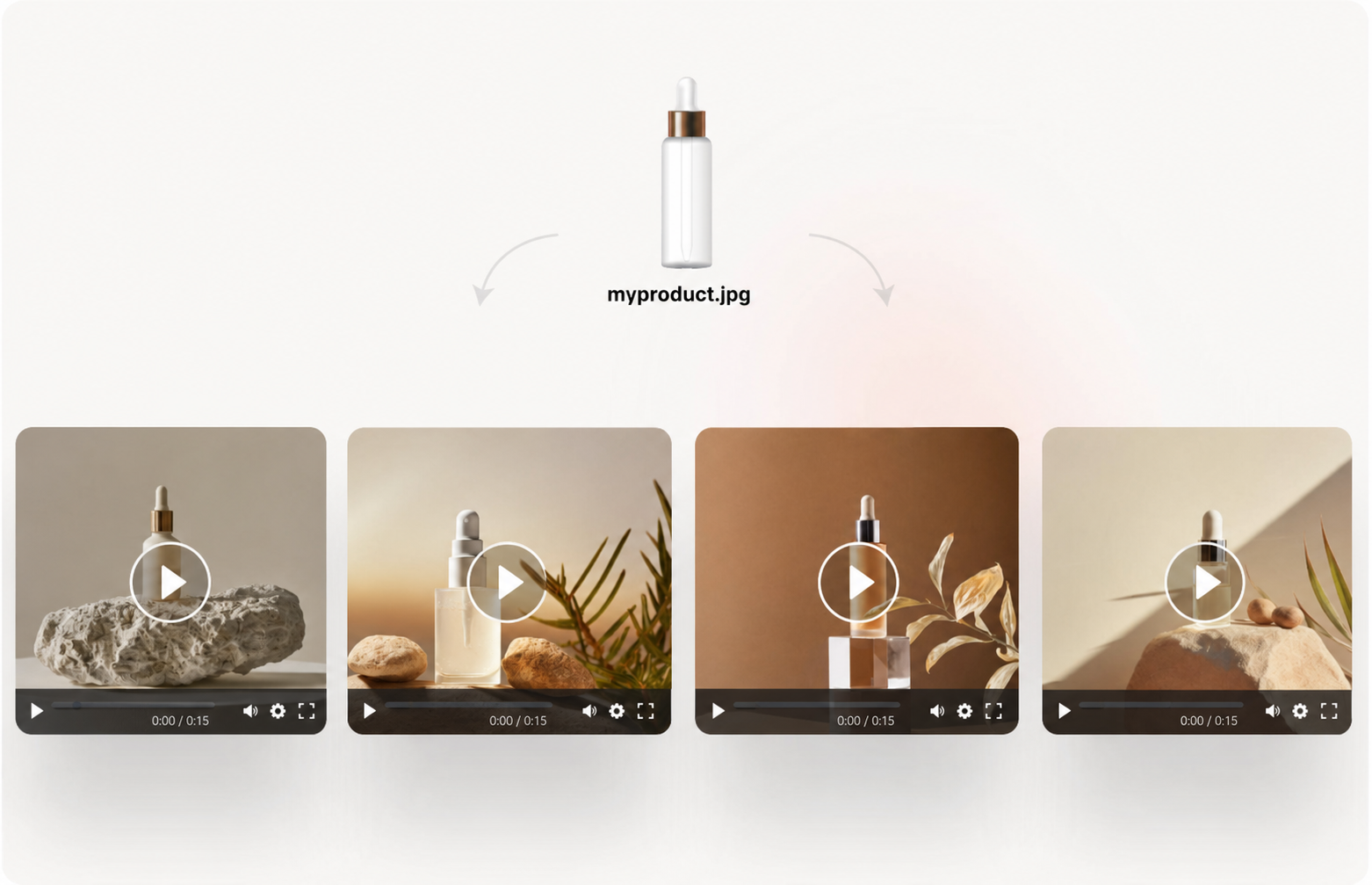
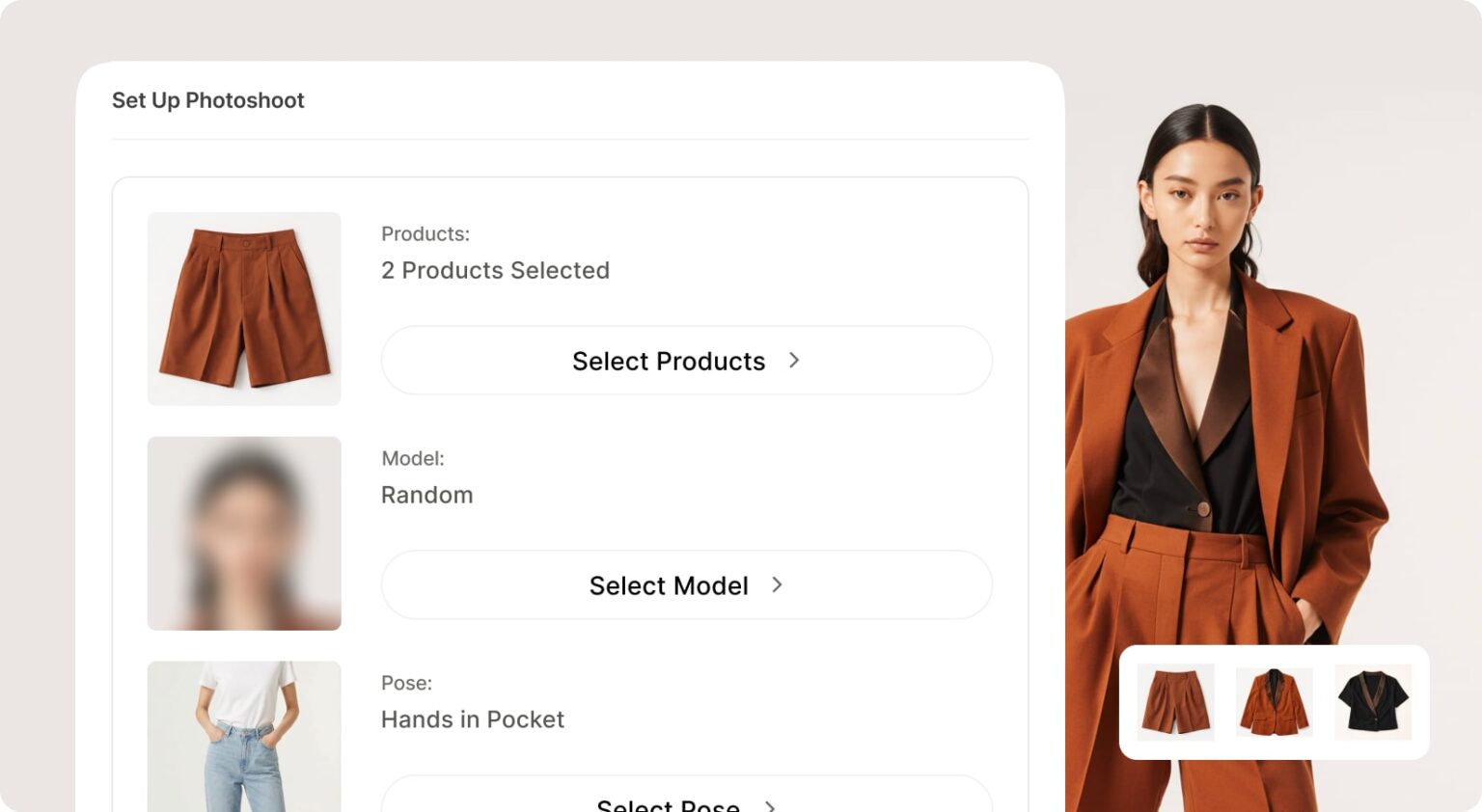
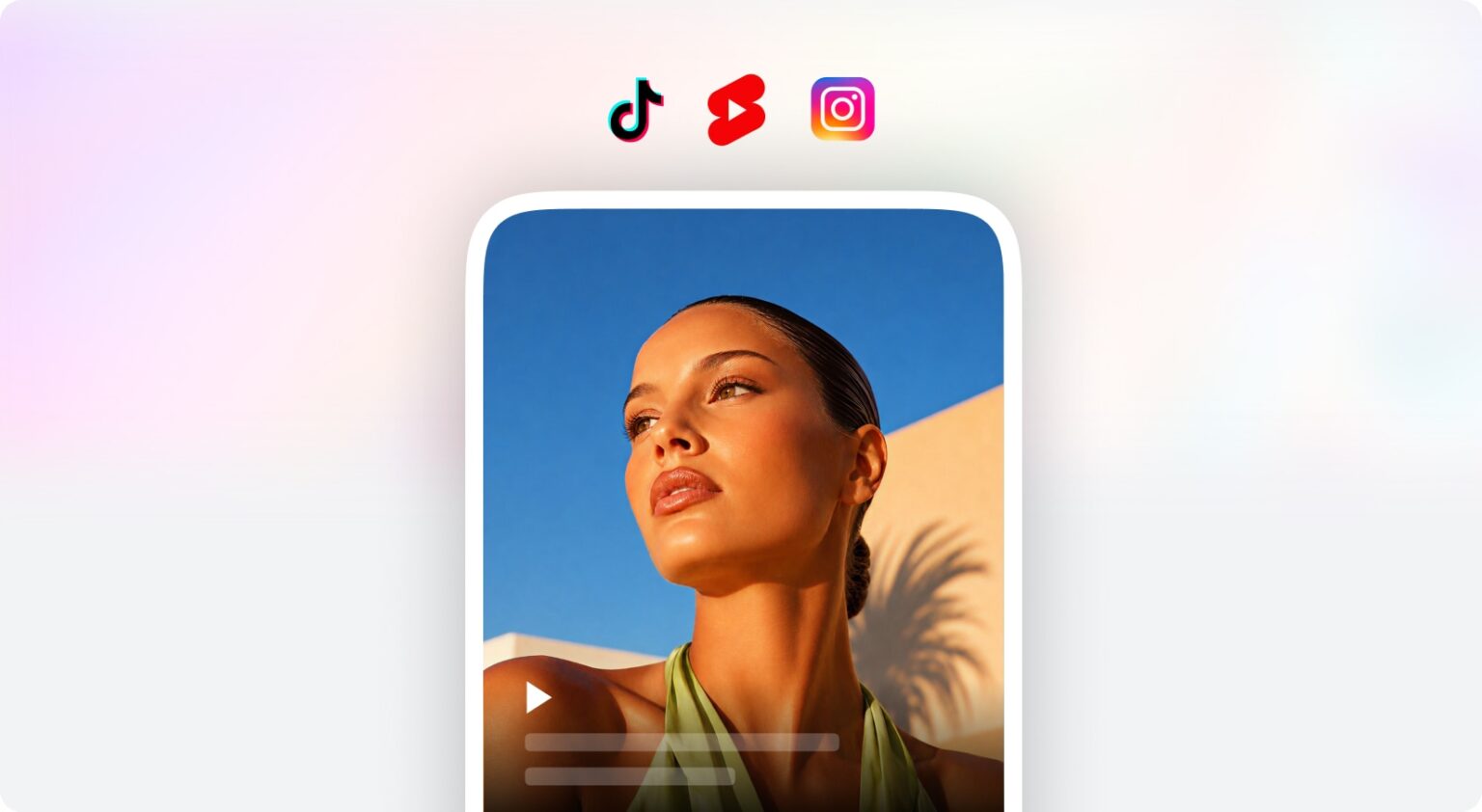
Studio-quality shots from a single phone photo. No studio, no photographer.
See it in actionQyx.ai Think. Create. Publish. Convert. Engage.
Create content, images, videos, campaigns and customer experiences with the world’s leading AI models - without juggling a stack of separate tools.
From $29/month · 7-day money-back guarantee · Cancel anytime
Use leading models for writing, research, images, video and audio - without separate accounts, subscriptions or API keys.
 GPT-6 AstraGPT-5.6 SolGPT Image 2.5
 Claude Opus 5Claude Sonnet 5Claude Fable 5.1
 Gemini 3.1 ProNano Banana Pro
 Veo 3.1
 Grok 4.6Grok Imagine ImageGrok Imagine Video
 DeepSeek V4 ProDeepSeek V4 Flash
 Flux 2 FlexFlux Pro
 Kling v3 ProKling 2.6 Motion Control
 Seedance 2.5Seedance 2.0
 ElevenLabs v3
+ more leading models inside Qyx
YOUR PROBLEM · OUR SOLUTION
Pick what you do and see what Qyx takes off your plate.
I lose whole days shooting and editing product photos.
Every new product means another description to write from scratch.
Customers ask questions while I sleep and buy elsewhere.
Replace all those tools with one platform:
I need 20 ad variants to test, and a day to make each one.
Every platform wants its own format, caption and cut.
I pay for 11 tools. I actually use three.
Replace all those tools with one platform:
I'm burning out posting something new every day.
One video, but every platform wants its own cut.
Filming and editing eats the time I'd rather spend creating.
Replace all those tools with one platform:
I'm the designer, copywriter, support and marketer all at once.
When client work gets busy, my own marketing just stops.
One article or post eats a whole day I don't have.
Replace all those tools with one platform:
Customers message at midnight and I can't always reply.
I can't pick up the phone in the middle of a job.
I know I should post on social, but never get to it.
Replace all those tools with one platform:
From idea to sale to support - in one place.
Pick a phase to see the tools
Chat with GPT, Claude and Gemini in one place. Run deep research with real sources, compare models side by side, and build agents connected to your own data. Everything you create next starts here.
Studio product photos from one phone shot. Video ads from a product link. UGC videos, voiceovers, designs and articles. If your business needs it made, it is already inside.
Schedule and post to Instagram, Facebook, X and LinkedIn once. Let the Social Media Agent plan your whole calendar, broadcast to thousands on WhatsApp and Telegram.
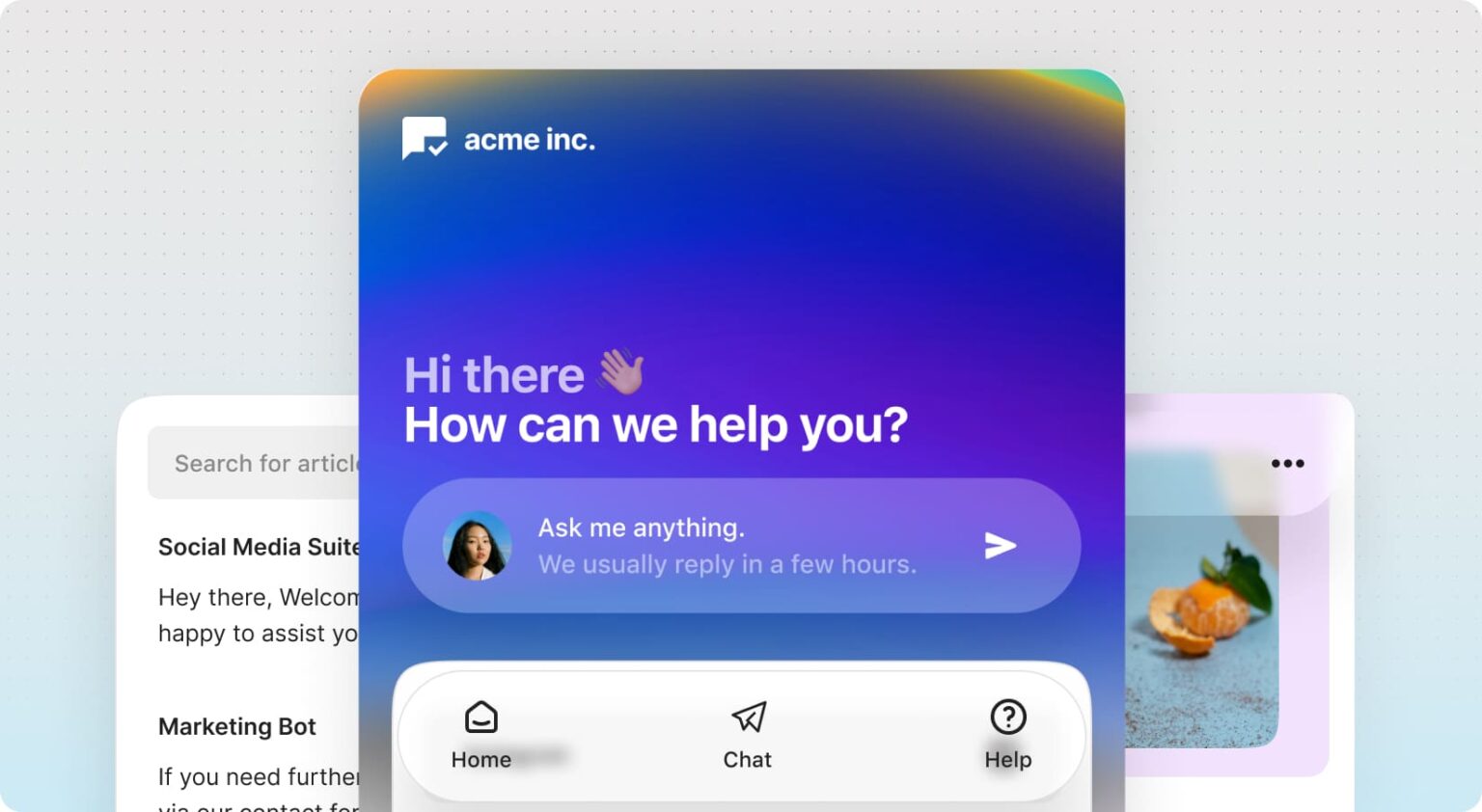
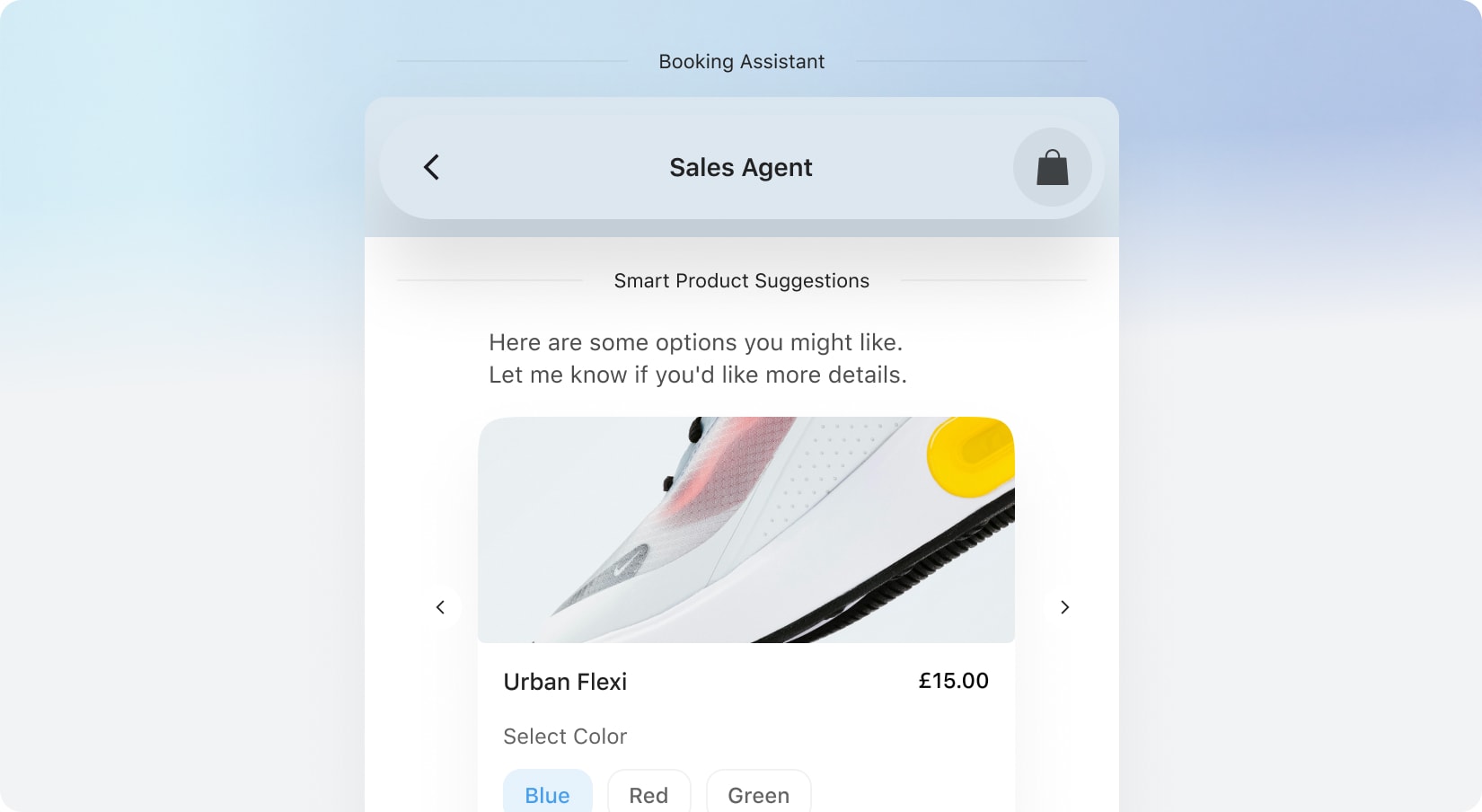
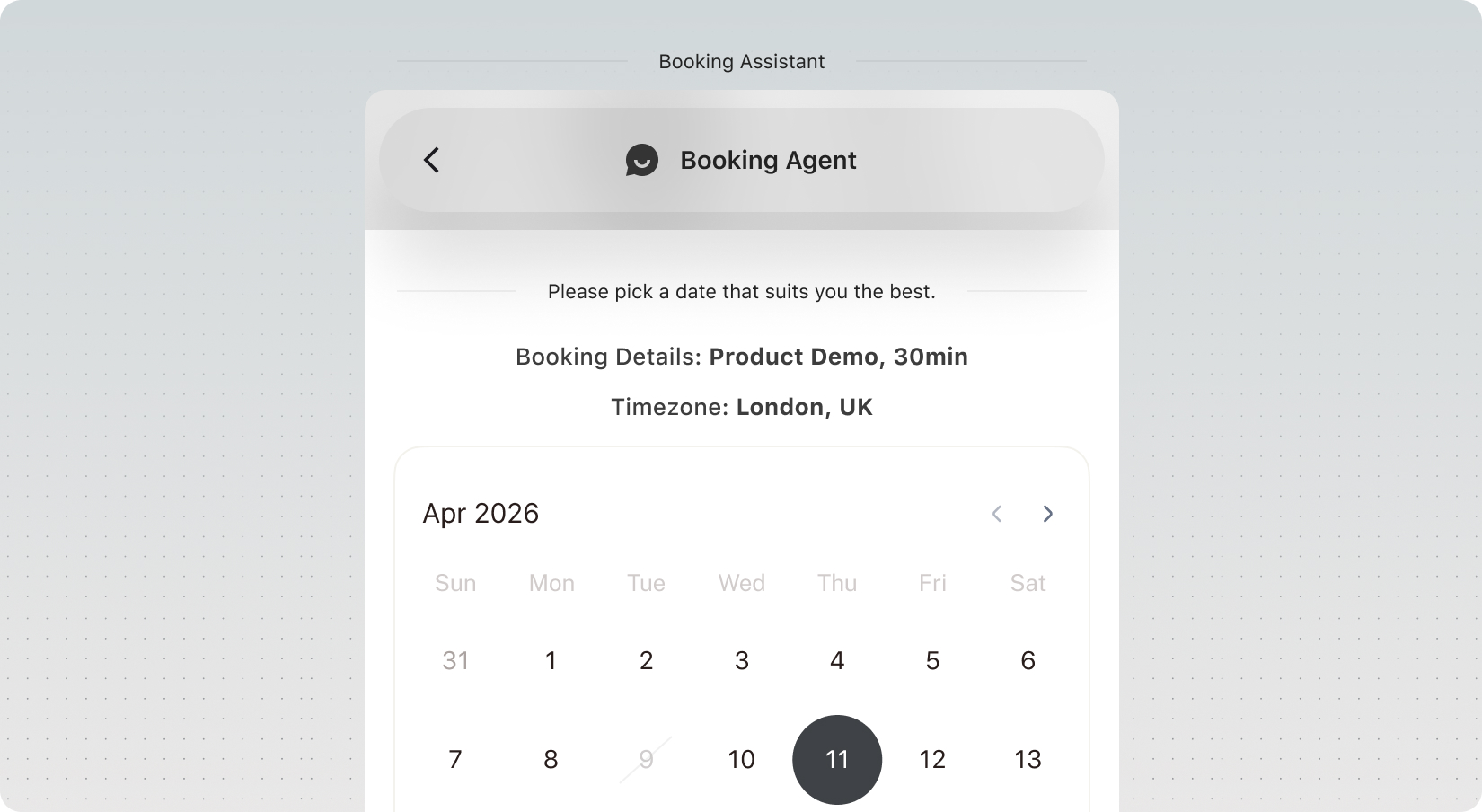
A chatbot trained on your business answers instantly, recommends products, adds them to cart and books appointments, right inside the chat. Your site starts selling 24/7.
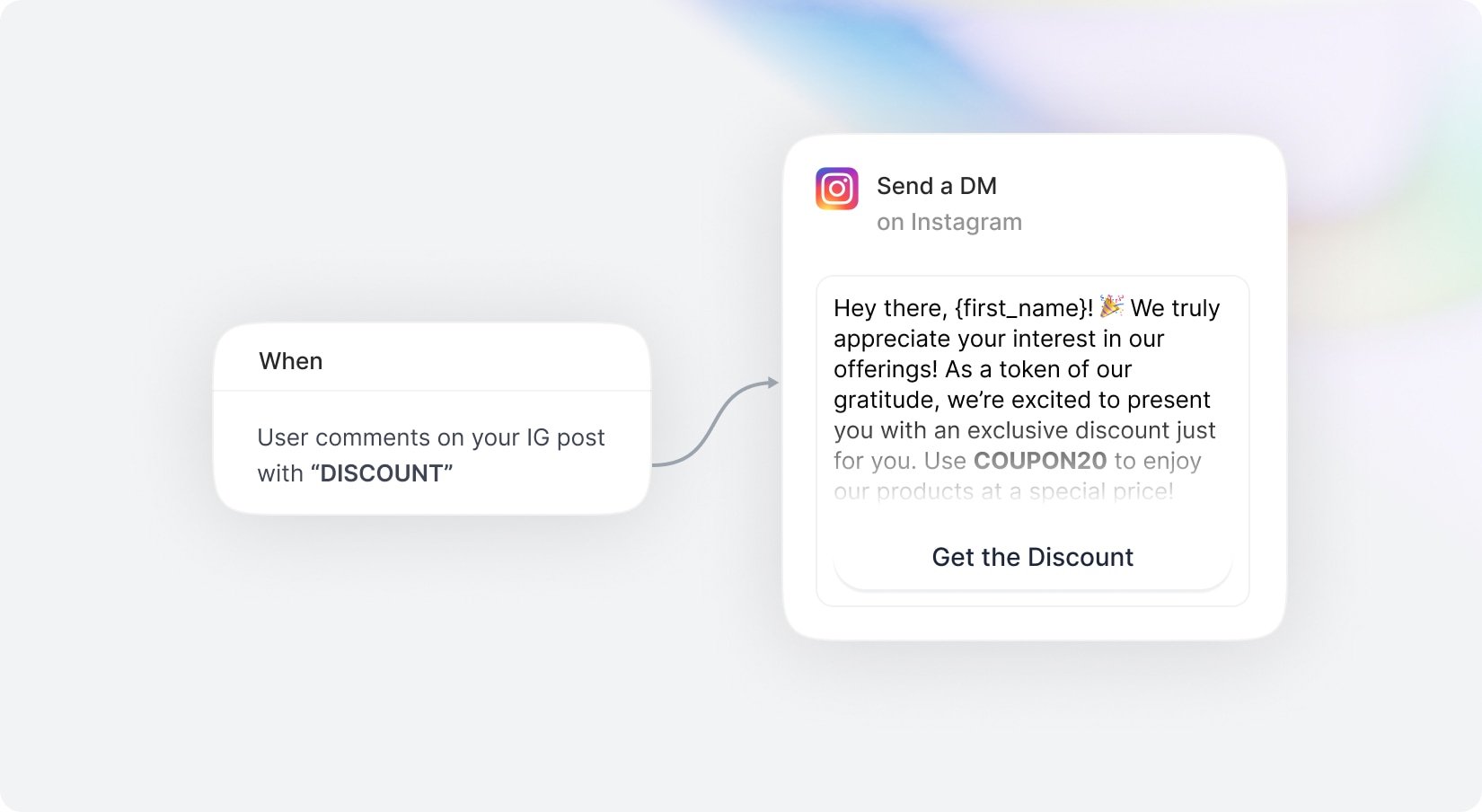
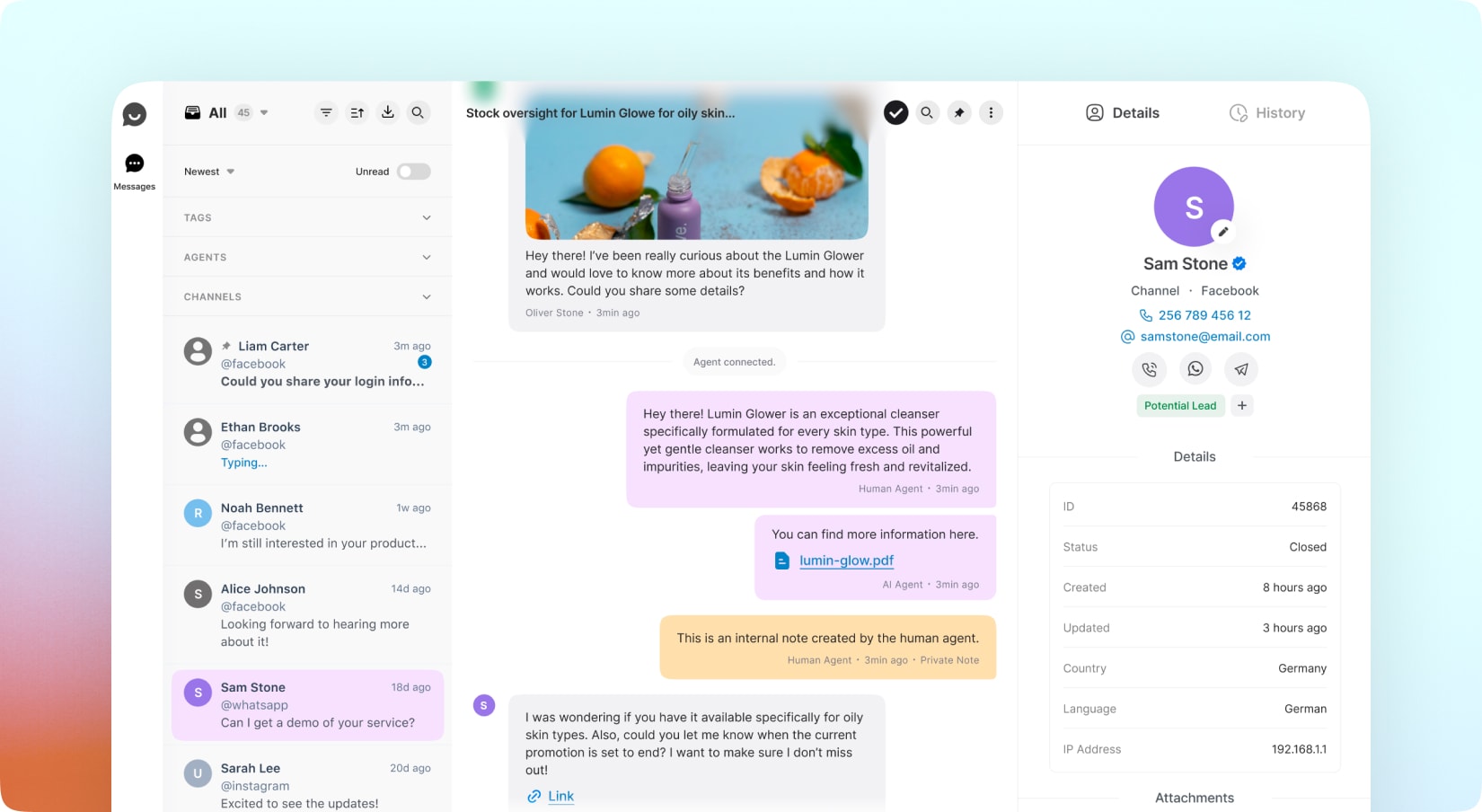
Auto-reply to every comment and DM on Instagram, Facebook and X. Manage every conversation from one Smart Inbox, tag contacts and capture leads while you work.
Your job, minus the parts you hate.
Studio-quality shots from a single phone photo. No studio, no photographer.
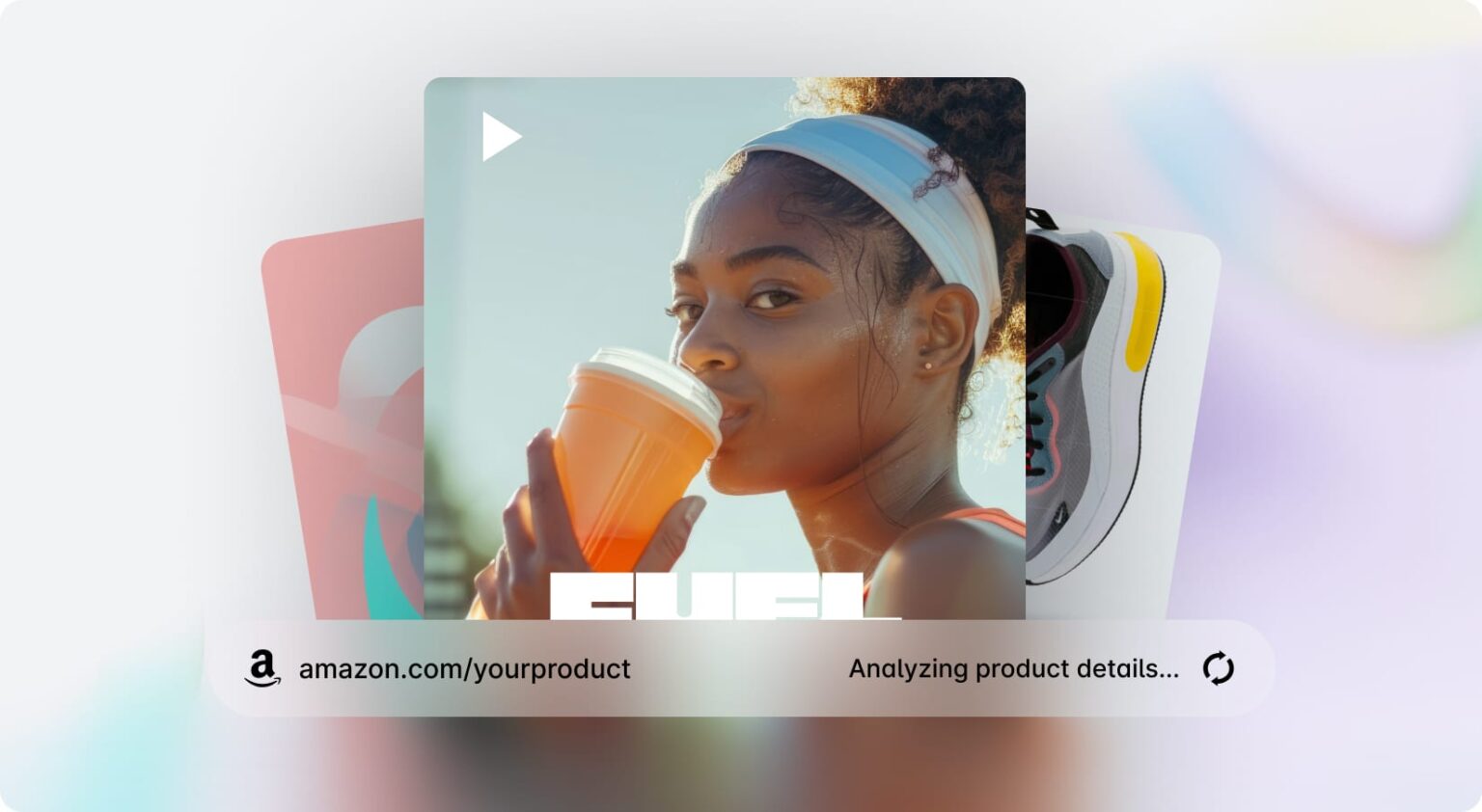
See it in actionPaste a product URL and get a ready-to-run video ad in minutes.
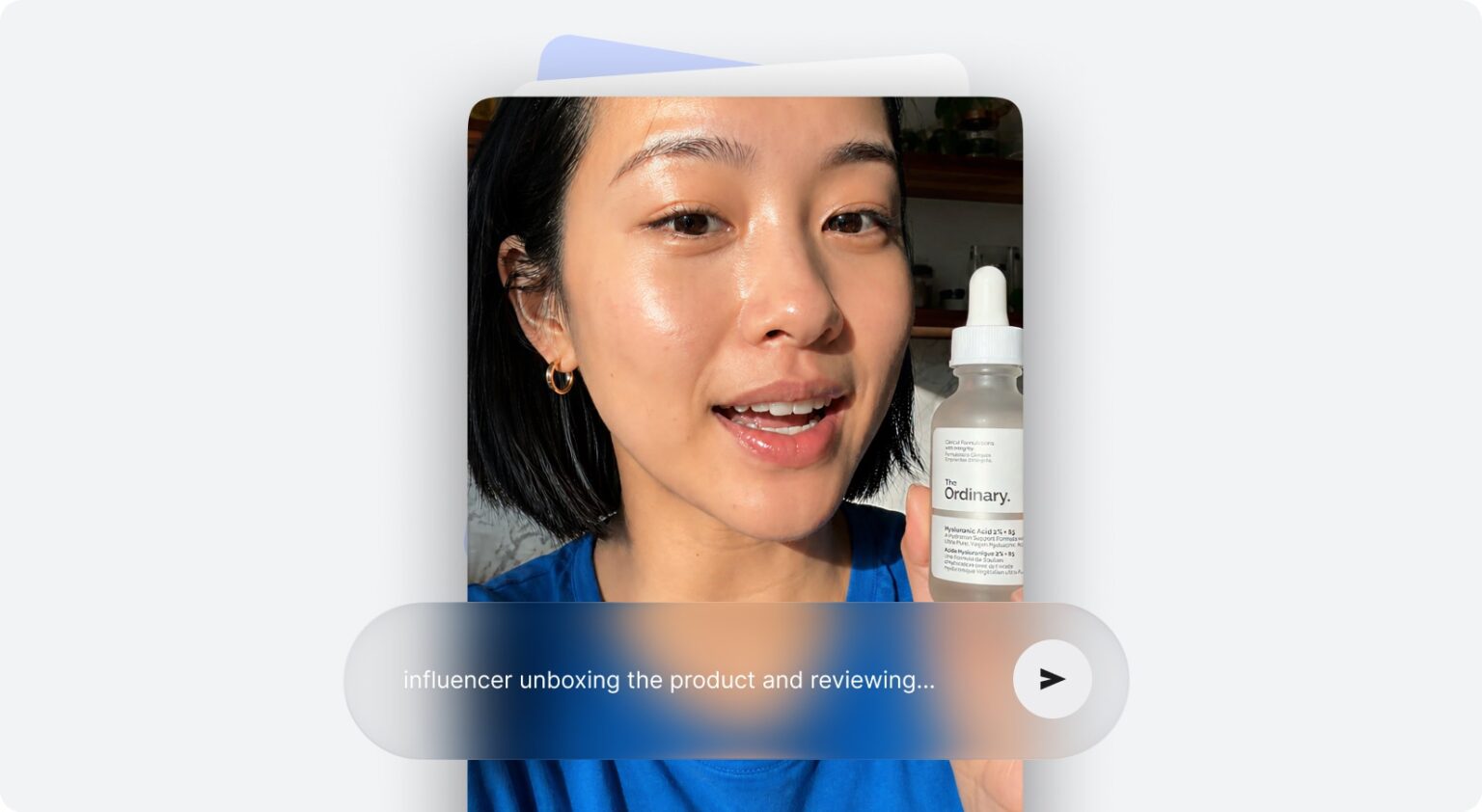
See it in actionAuthentic creator-style videos on demand. No casting, no shoots.
See it in actionYour digital twin presents, speaks and sells for you on camera.
See it in actionVirtual try-on visuals without hiring models or booking photoshoots.
See it in actionIt recommends products, adds them to cart and answers order questions, right in the chat.
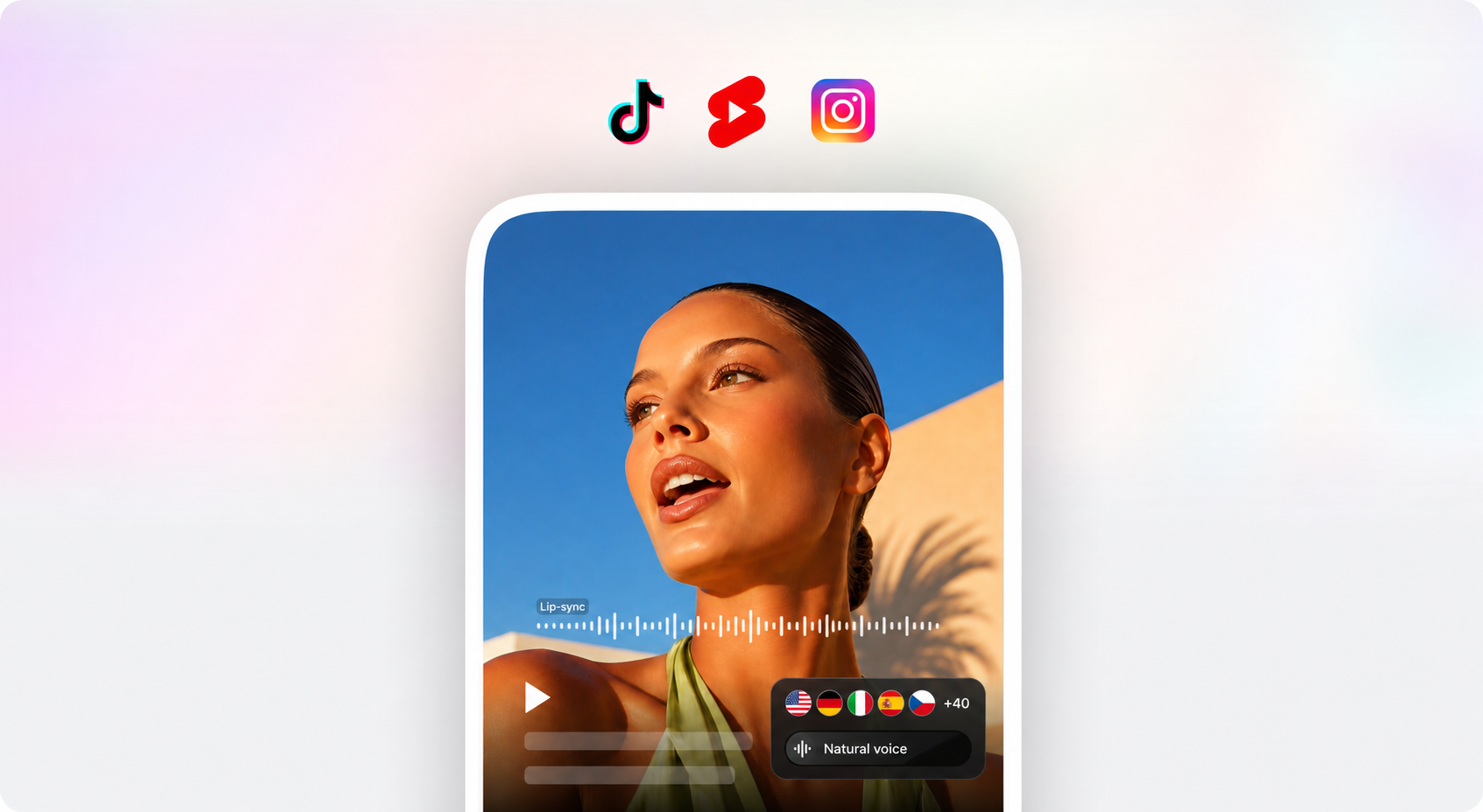
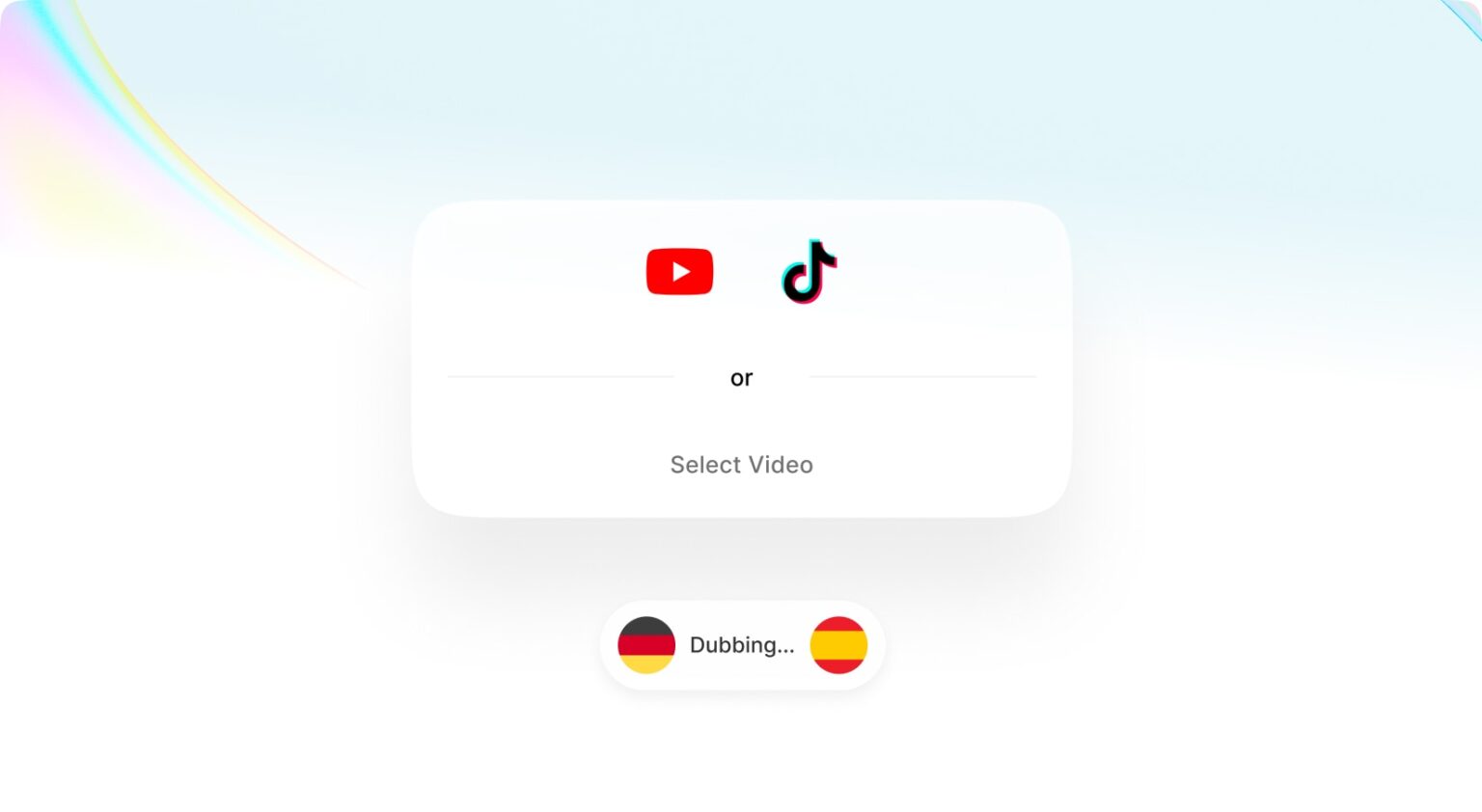
See it in actionTranslate any video into dozens of languages in one click, same voice, same energy.
See it in actionAnimate any product shot into a scroll-stopping video.
See it in actionEvery tool you need, grouped by what you are doing right now.
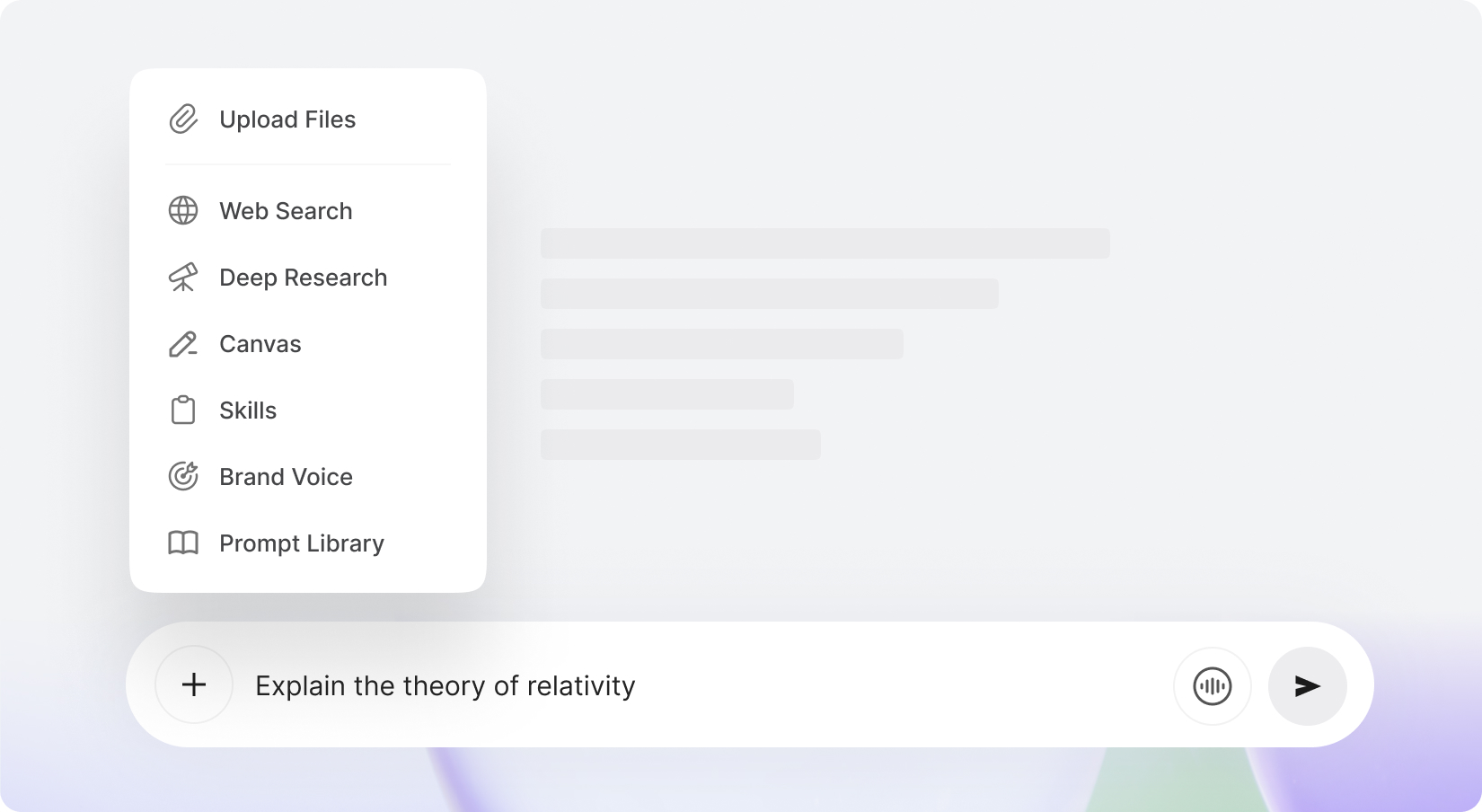
Chat with GPT, Claude, Gemini and more, with memory, folders, web search and a prompt library built in.
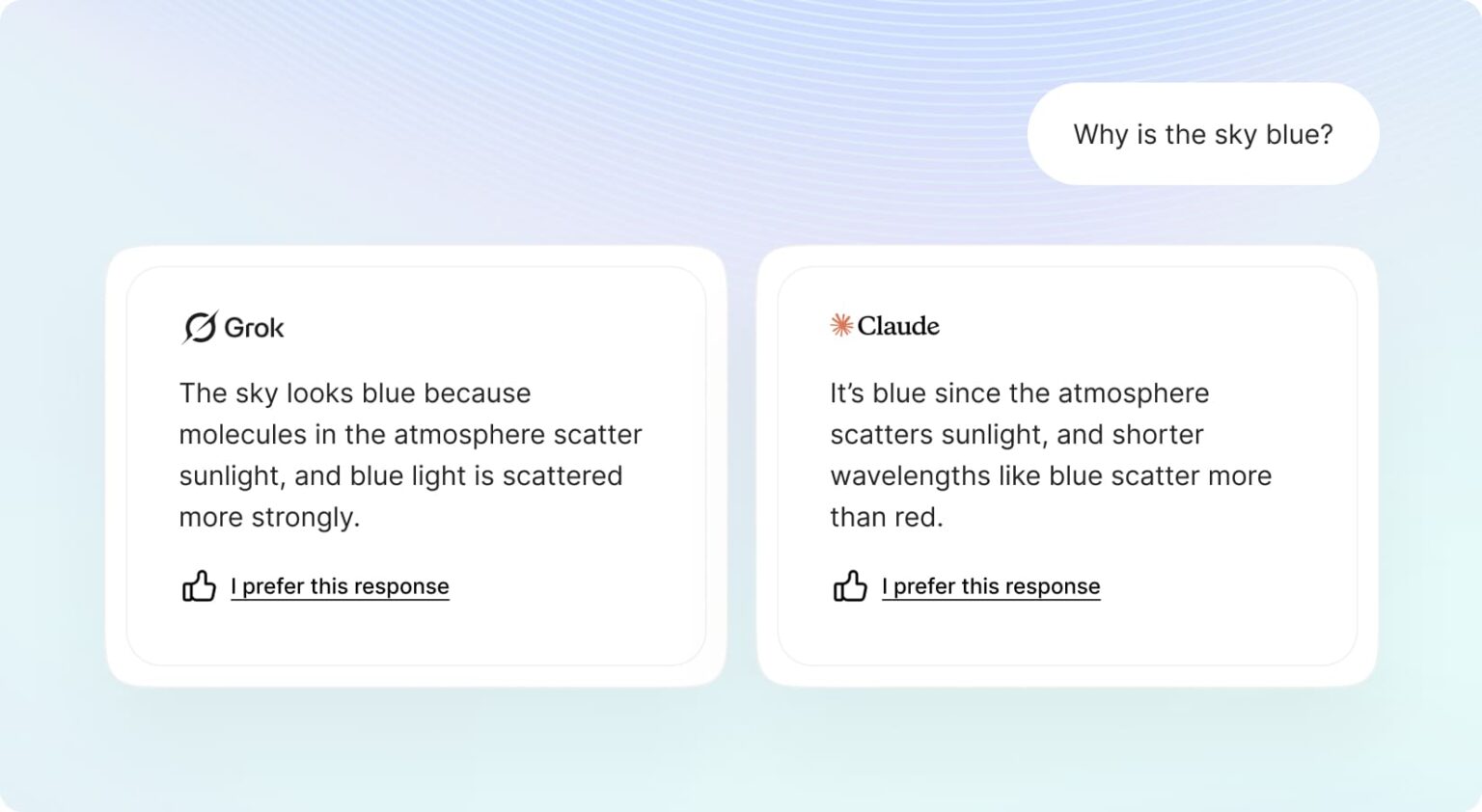
Run several AI models side by side and compare their answers instantly.
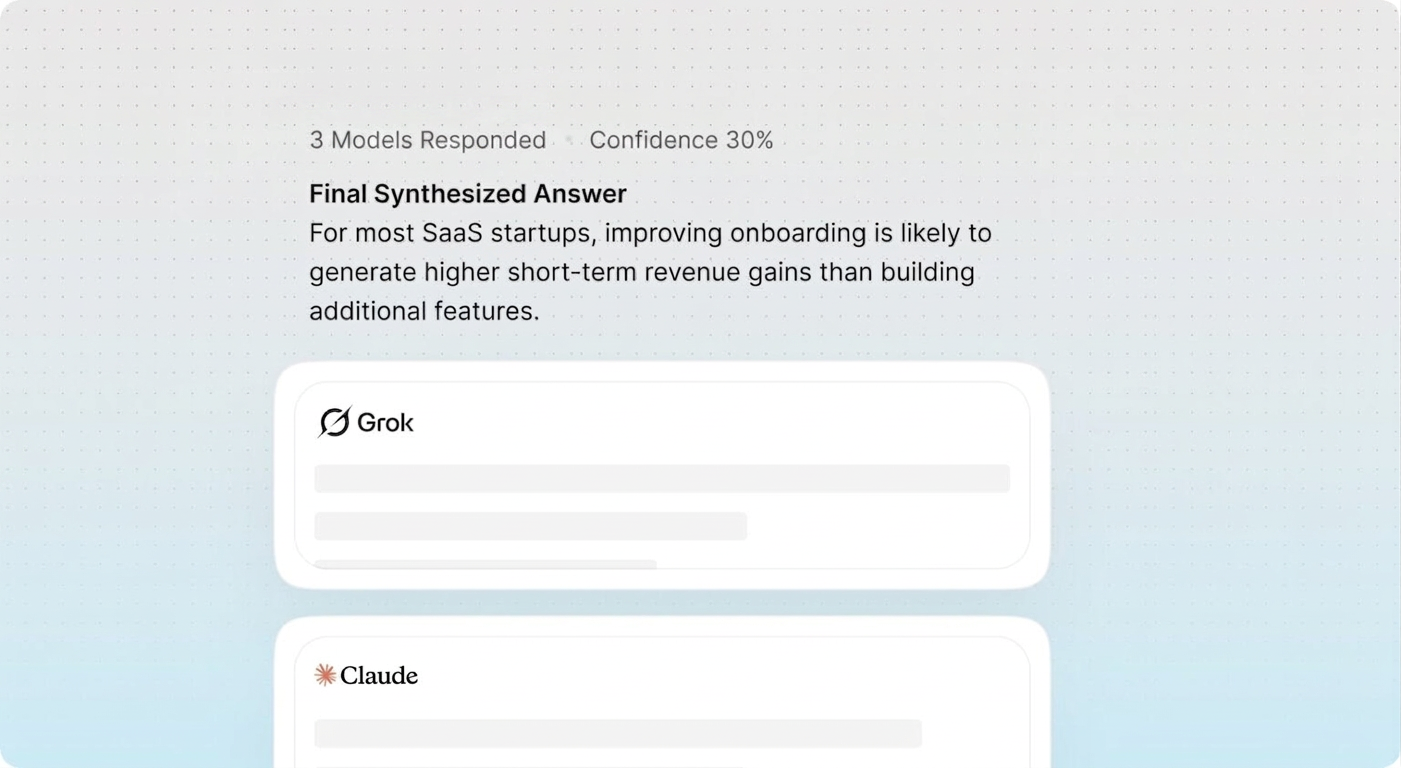
Council Mode runs multiple models in parallel and brings their answers together with confidence scoring.
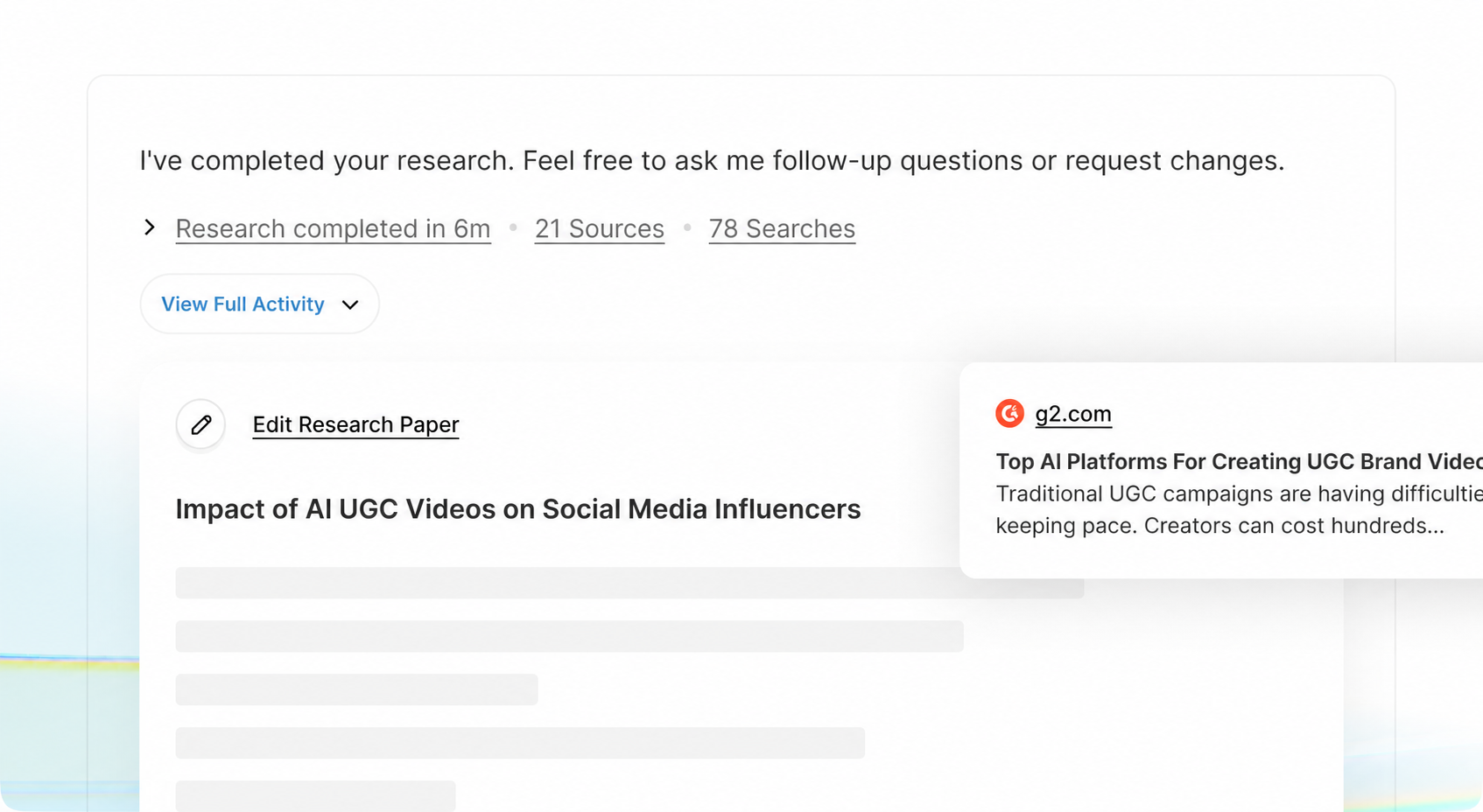
Deep, multi-step research that reads the web and cites every source it uses.
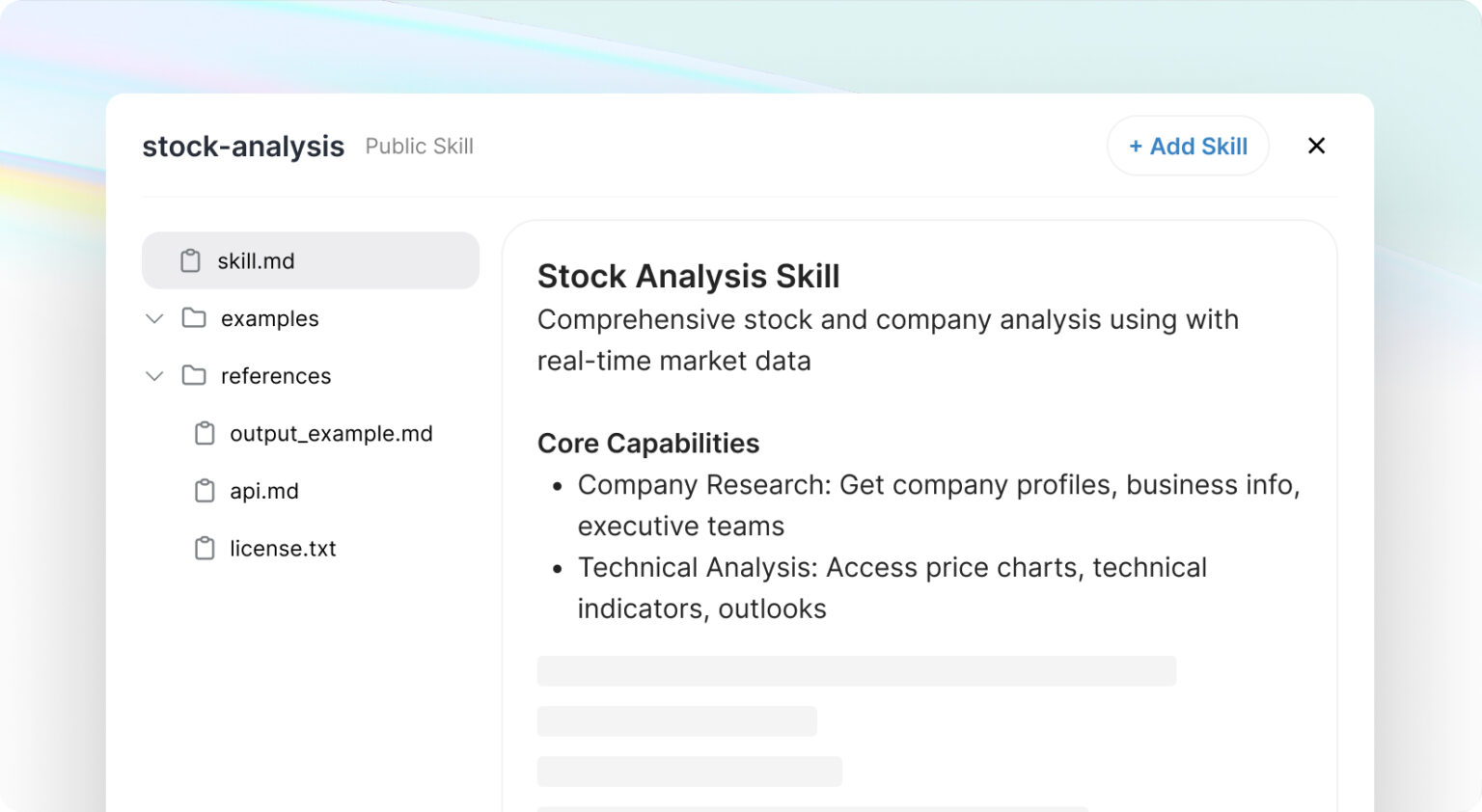
Add custom skills and knowledge so the AI works exactly the way you need.
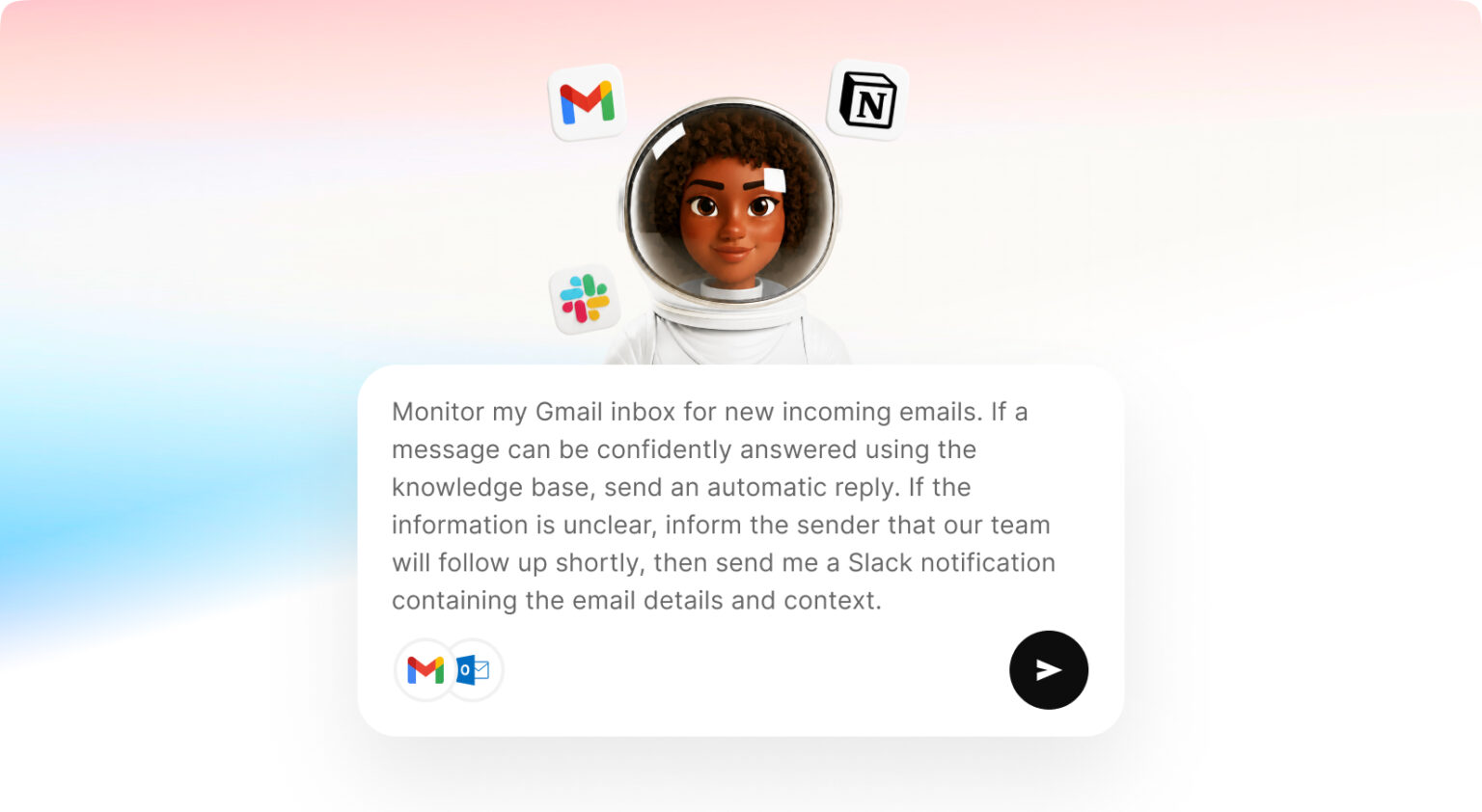
Create agents from your own data and connect them to Slack, WhatsApp, Outlook, your calendar and CRM.
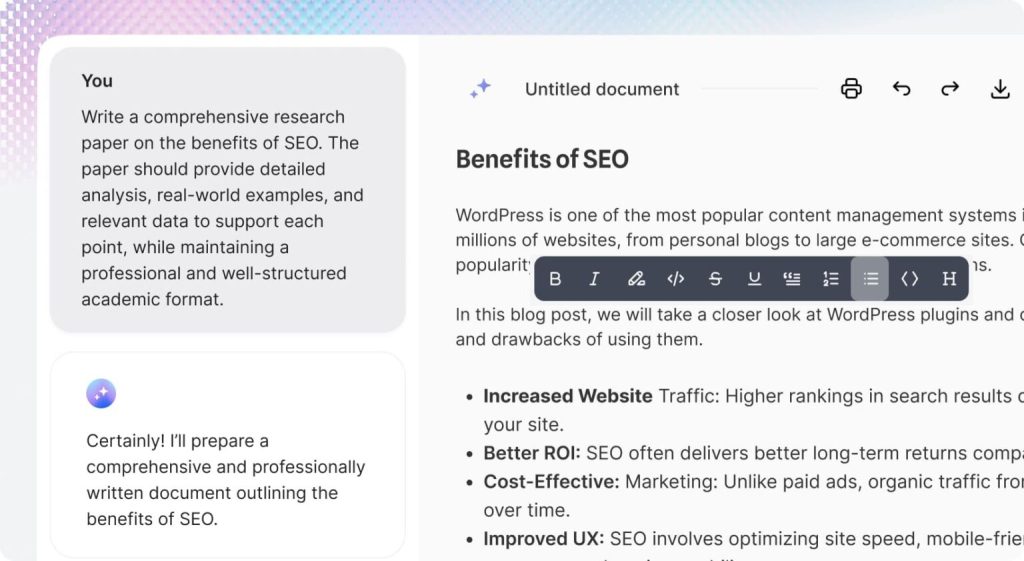
Canvas opens a live document next to the AI, so you draft, edit and export without ever leaving the conversation.
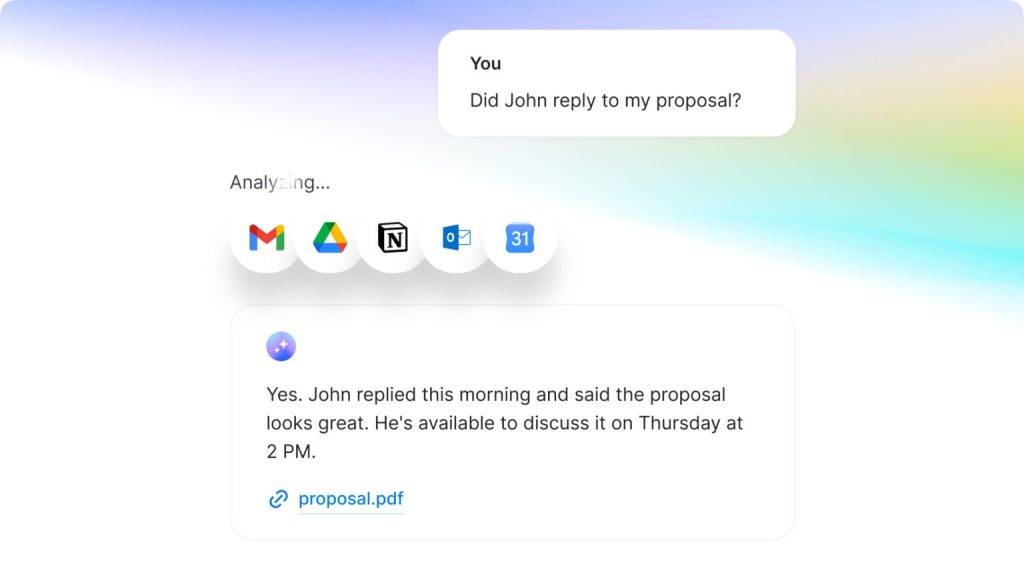
Link Notion, Gmail, Outlook, Google Drive and Calendar, so the AI answers from your real emails, files, notes and meetings, not just your prompts.
Animate any product image into a video ad. Pick your model, add motion, and export in minutes.
Generate video from text with Seedance, Kling, Sora and Veo, all in one place.
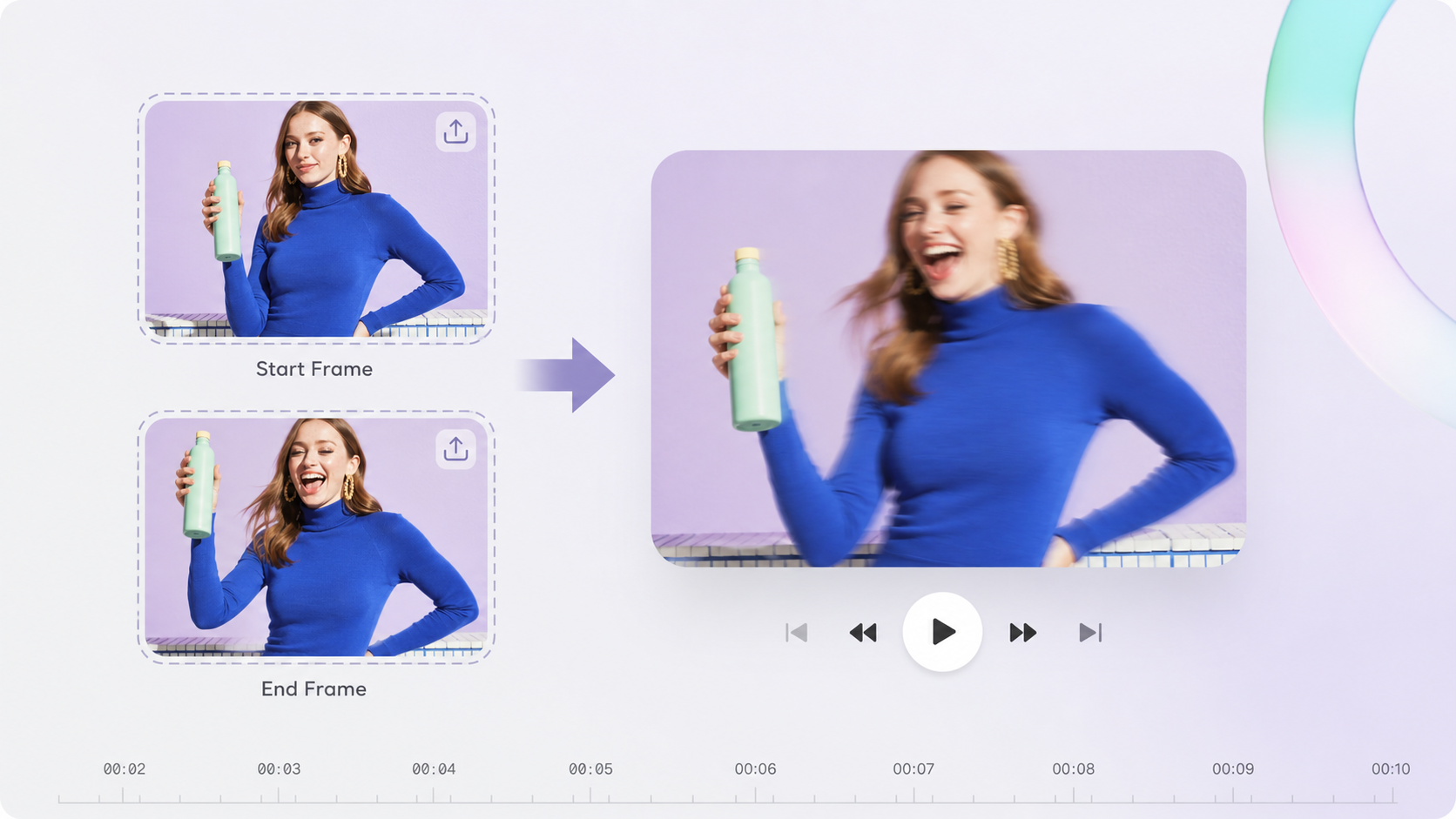
Set a start and end frame and let AI generate the motion in between.
Paste a product URL and get a ready to run video ad in minutes.
Upload your product and an avatar, add a script and voiceover, and get a UGC video.
Pick from ready actors or turn your photo into a digital twin that tells your story.
Create talking avatars with natural voice and lip sync from a simple script.
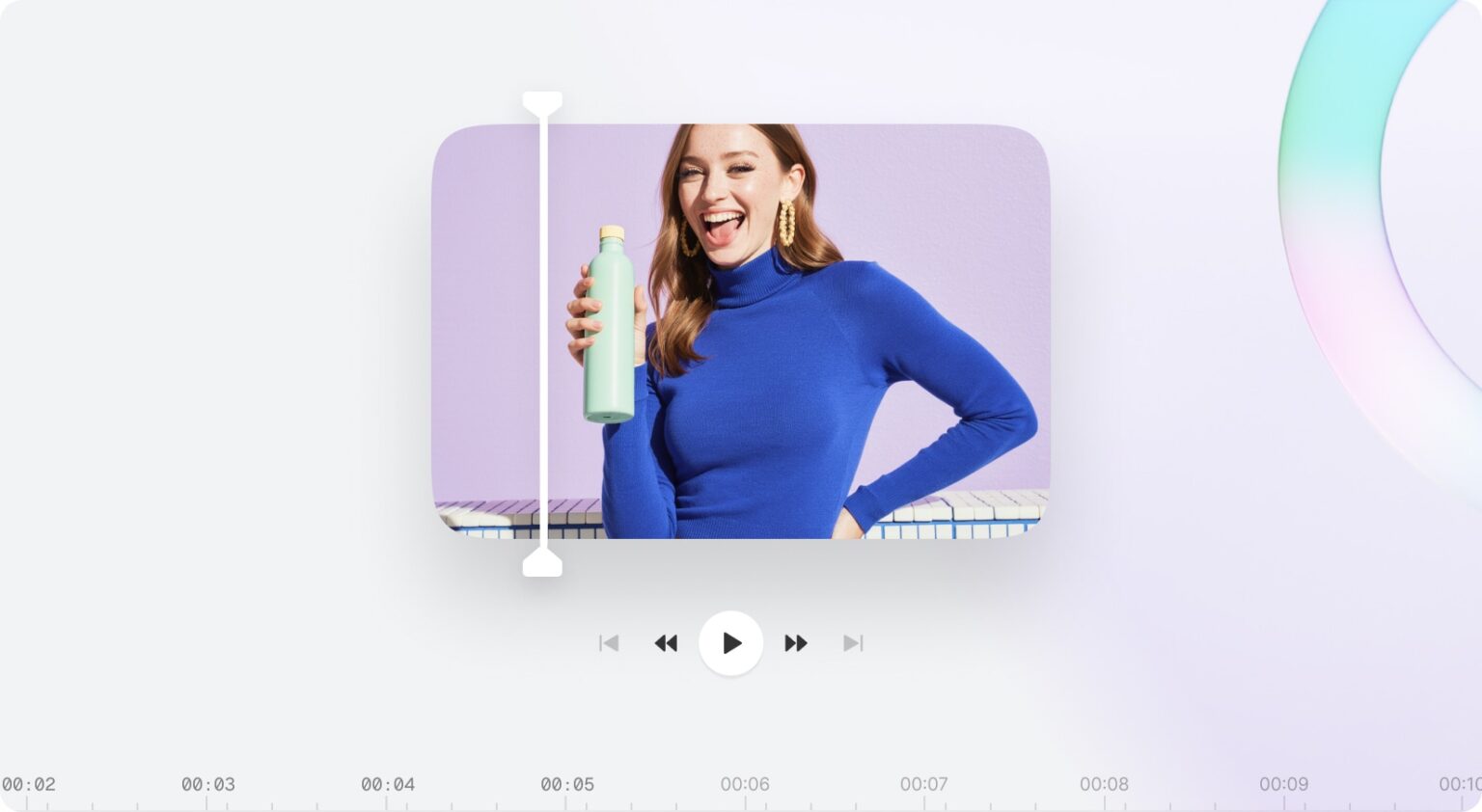
Trim, split, add text and media, and combine clips without leaving the platform.
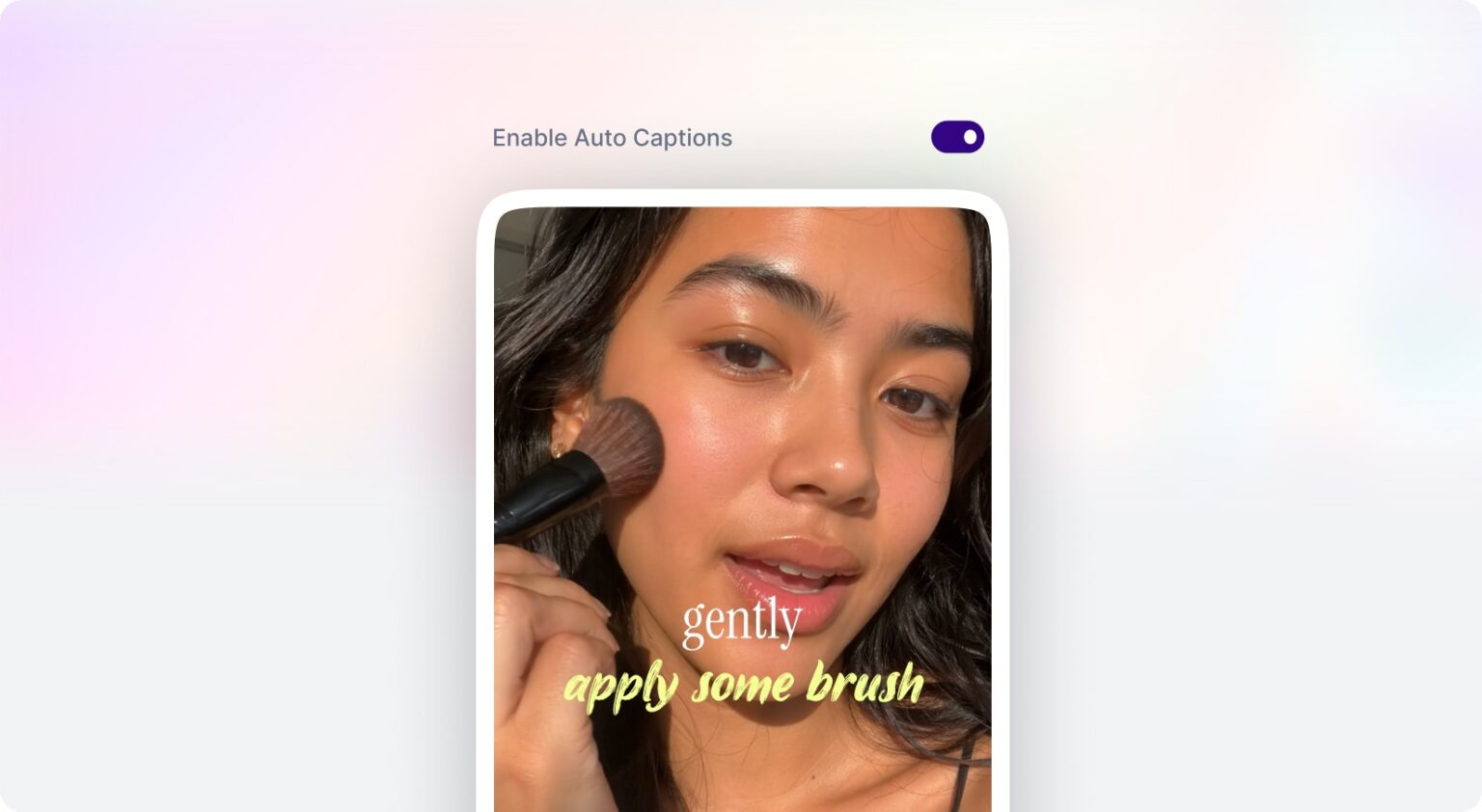
Add eye catching subtitles to any video in seconds with ready made styles.
Translate your videos into dozens of languages in one click, with speakers detected automatically.
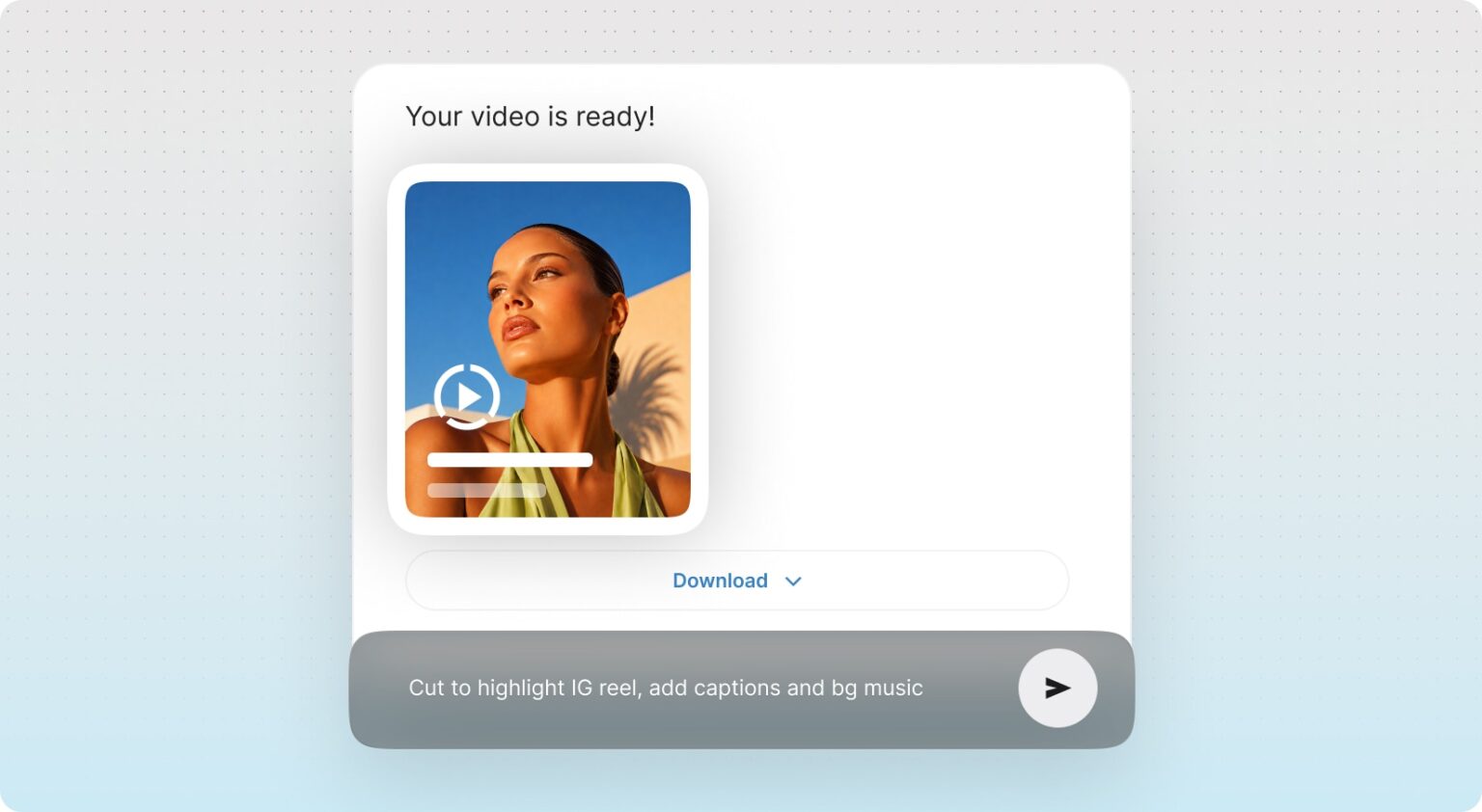
Tell AI what to change and let it cut, caption, reframe and polish your footage automatically.
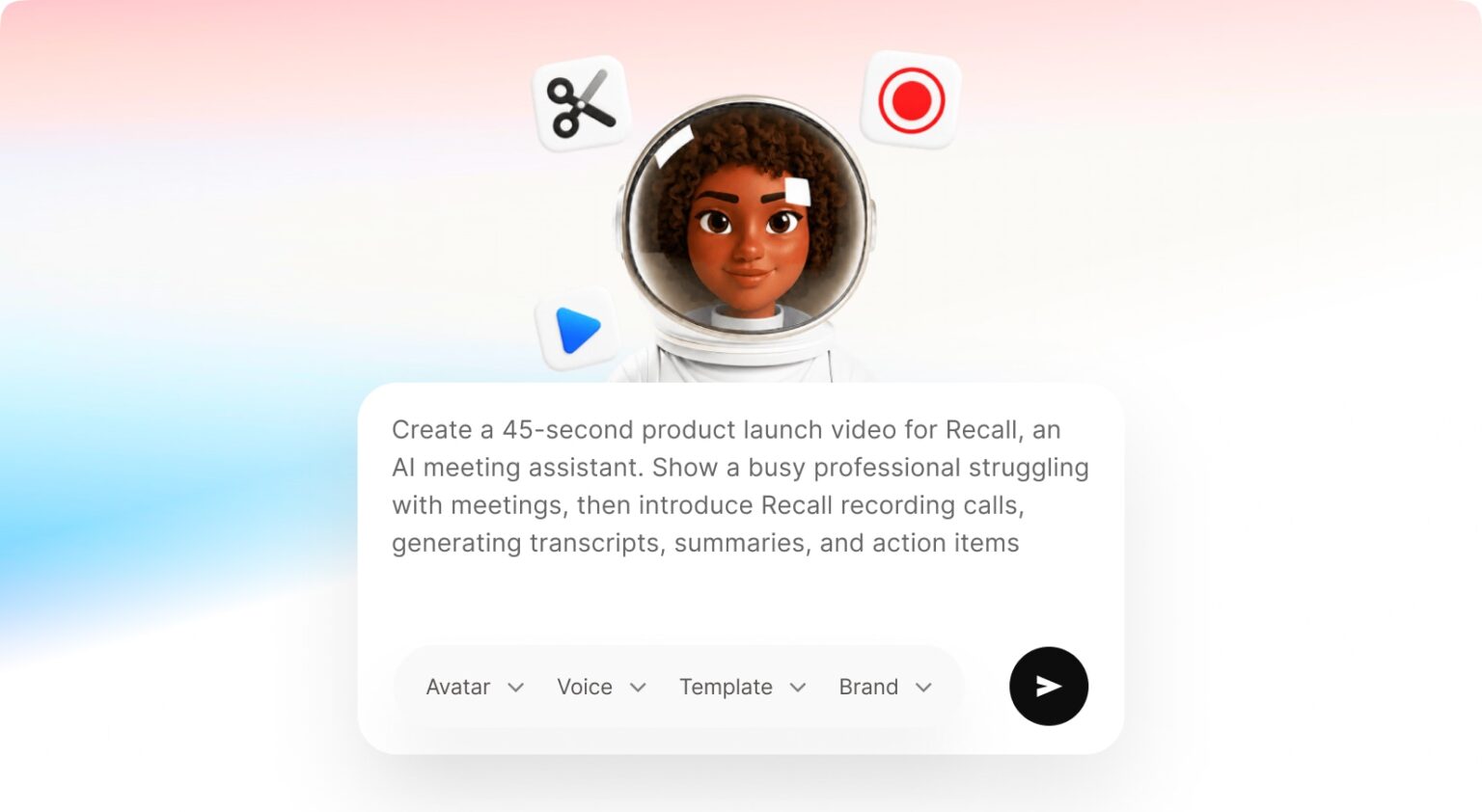
Give AI an idea or script and get the scenes, visuals, voiceover and final edit built for you.
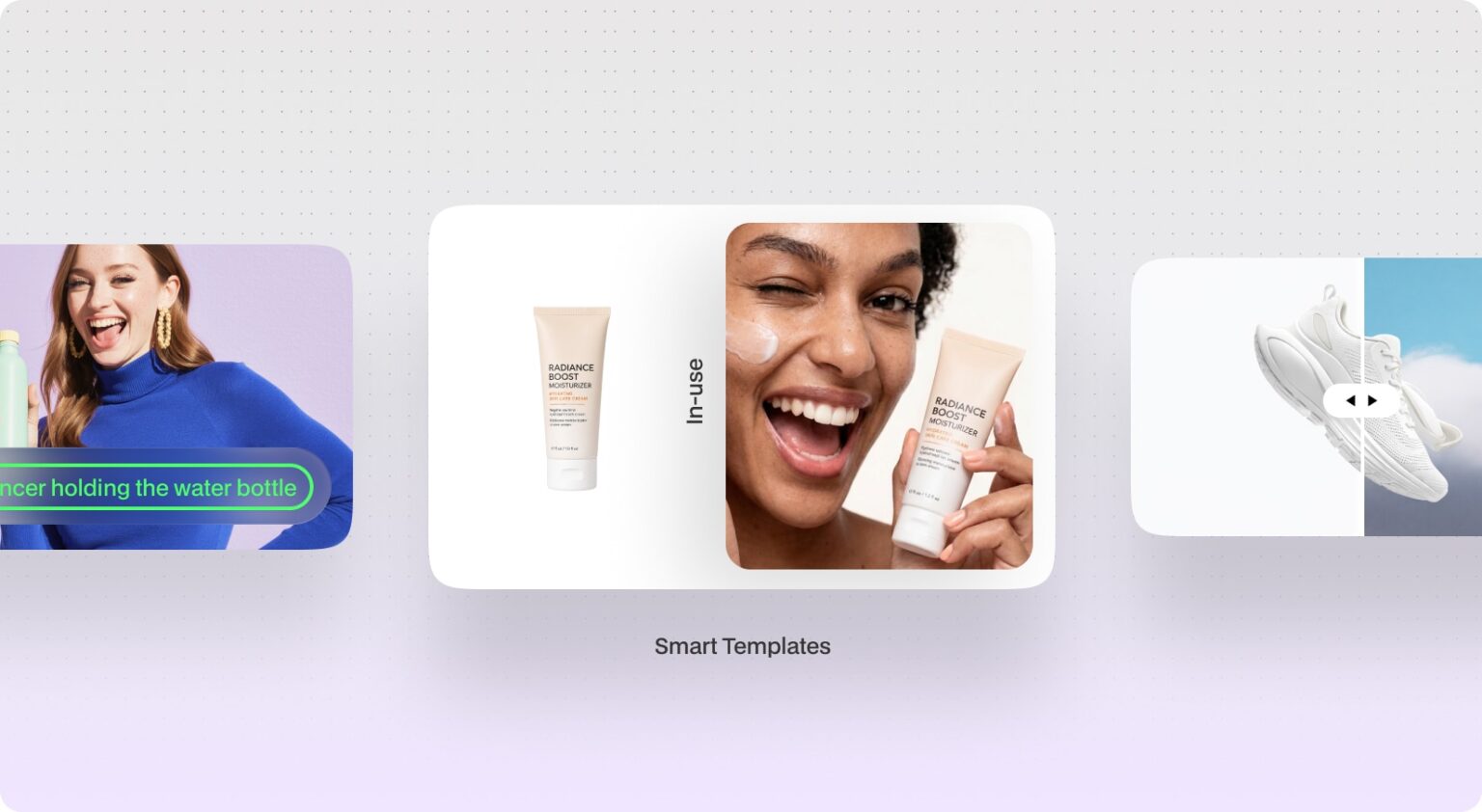
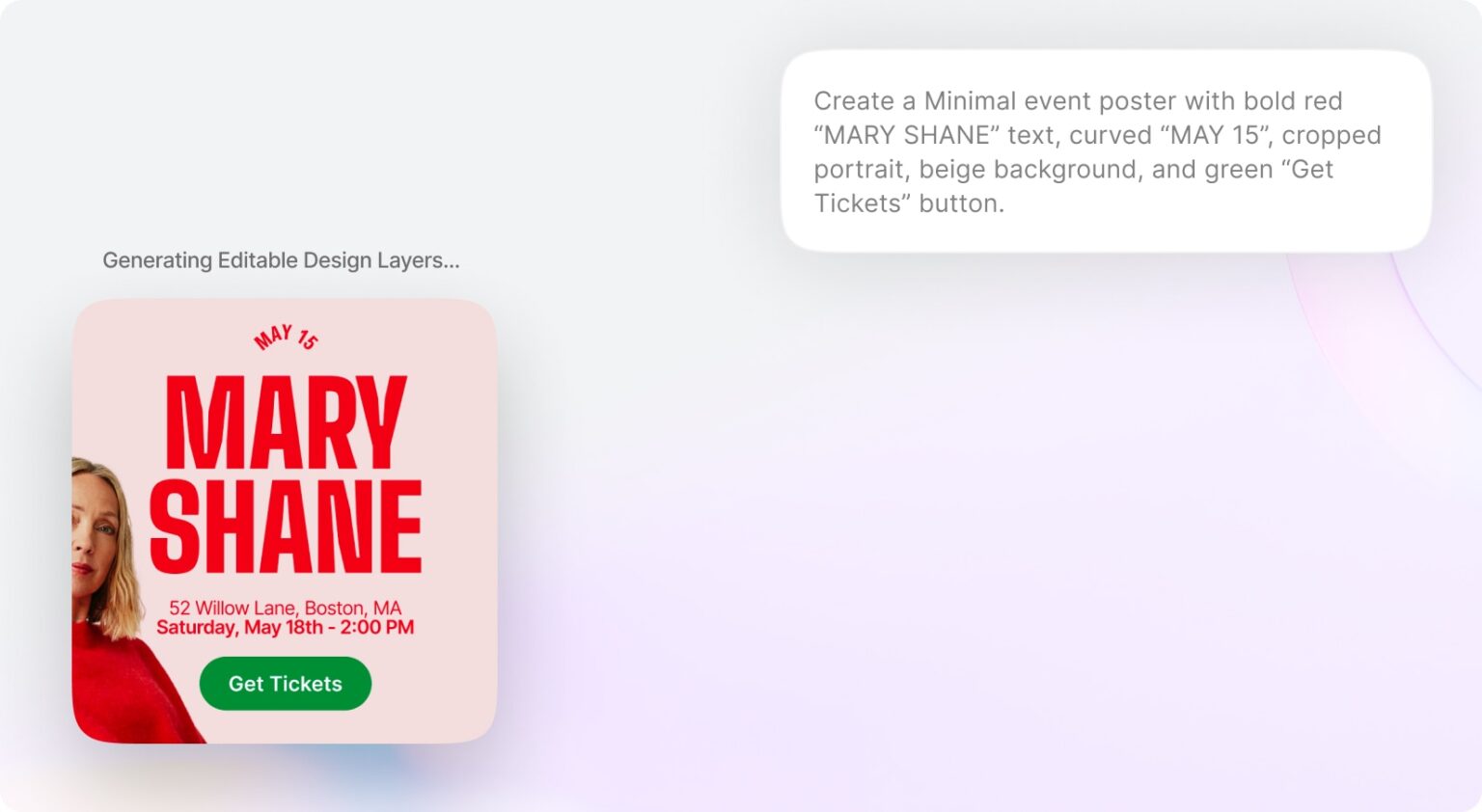
Turn one product shot into lifestyle, studio, billboard and editorial visuals.
Virtual try on and on model visuals with no photoshoot and no models.
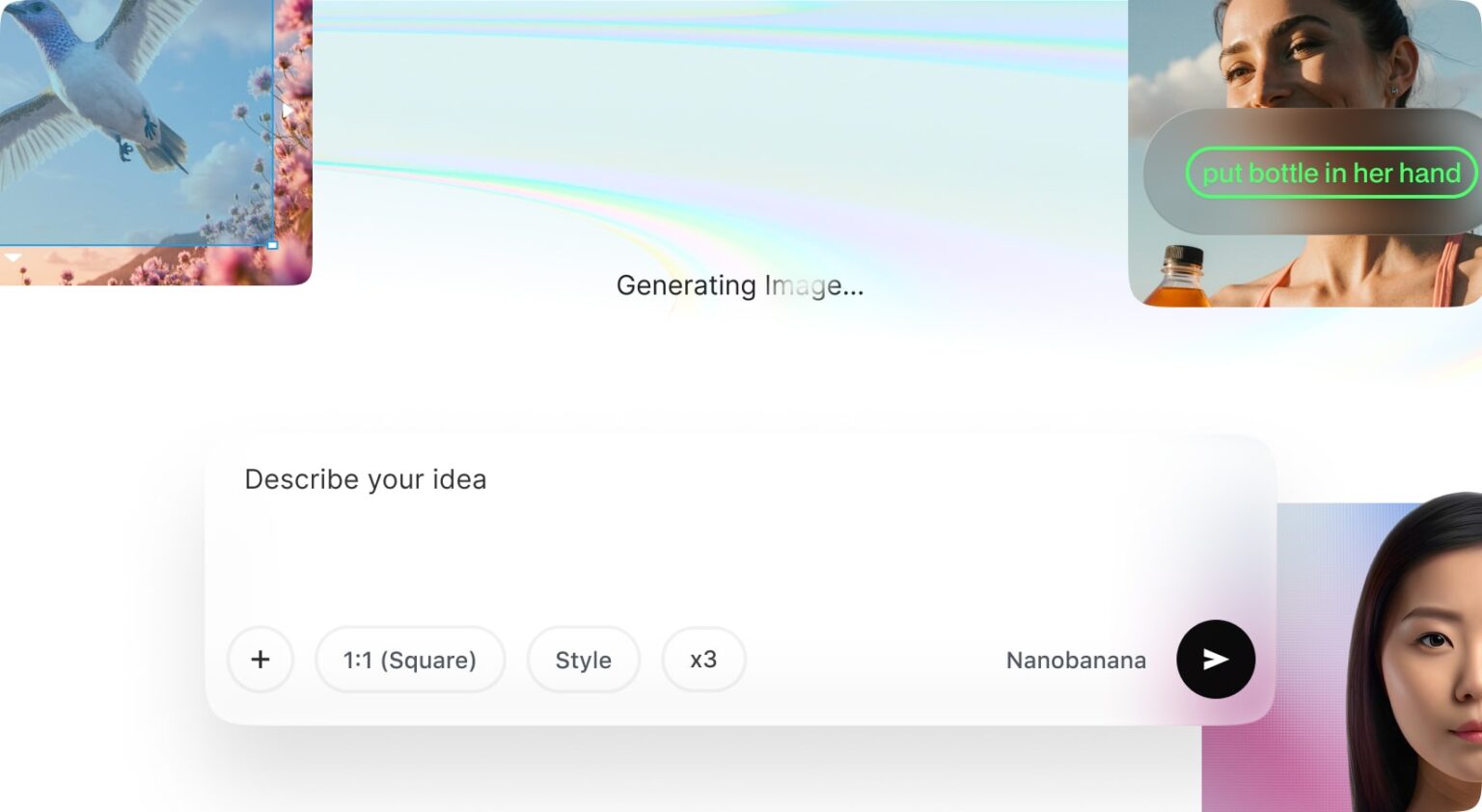
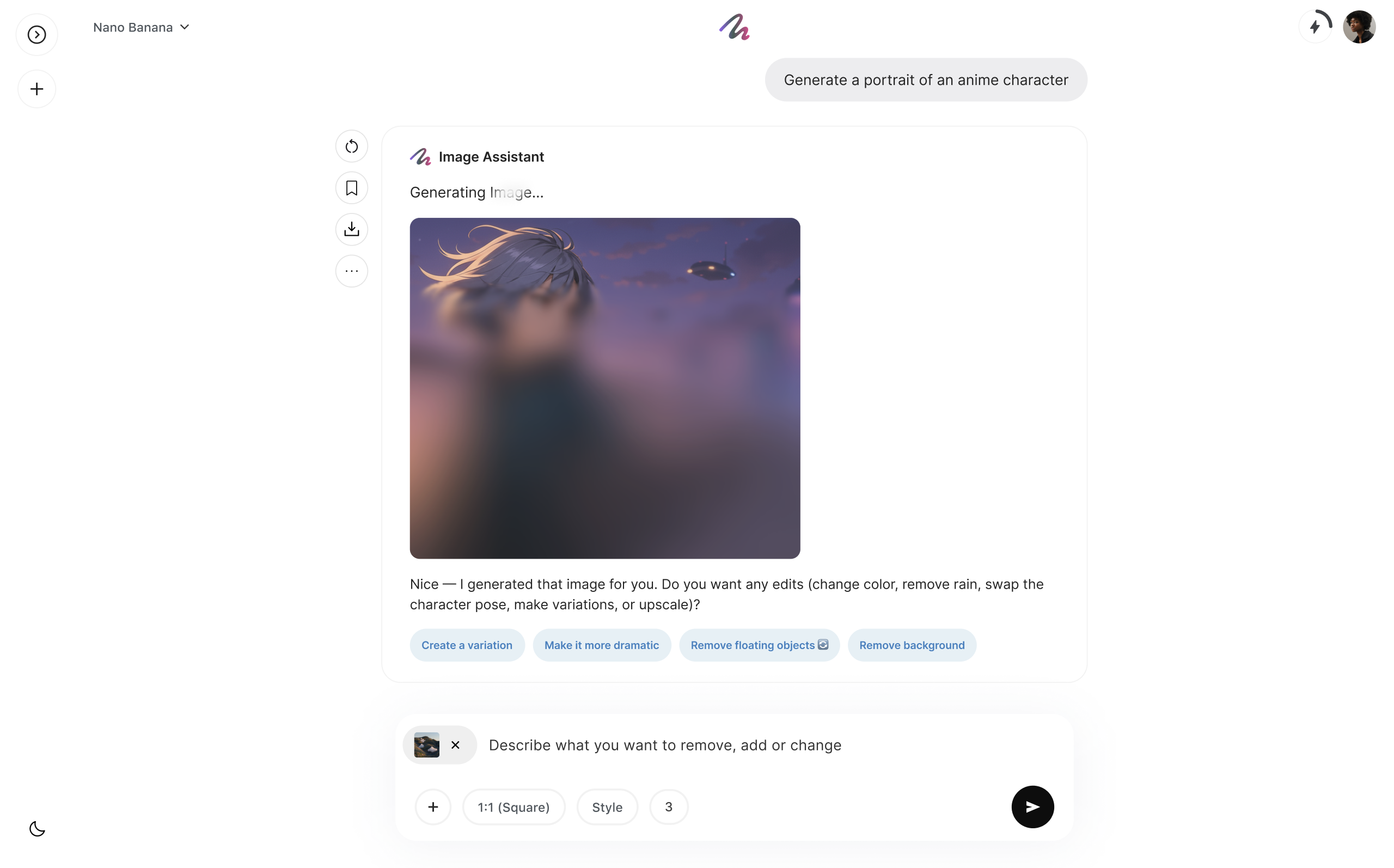
Generate visuals with frontier models, train your own style, and edit on the fly.
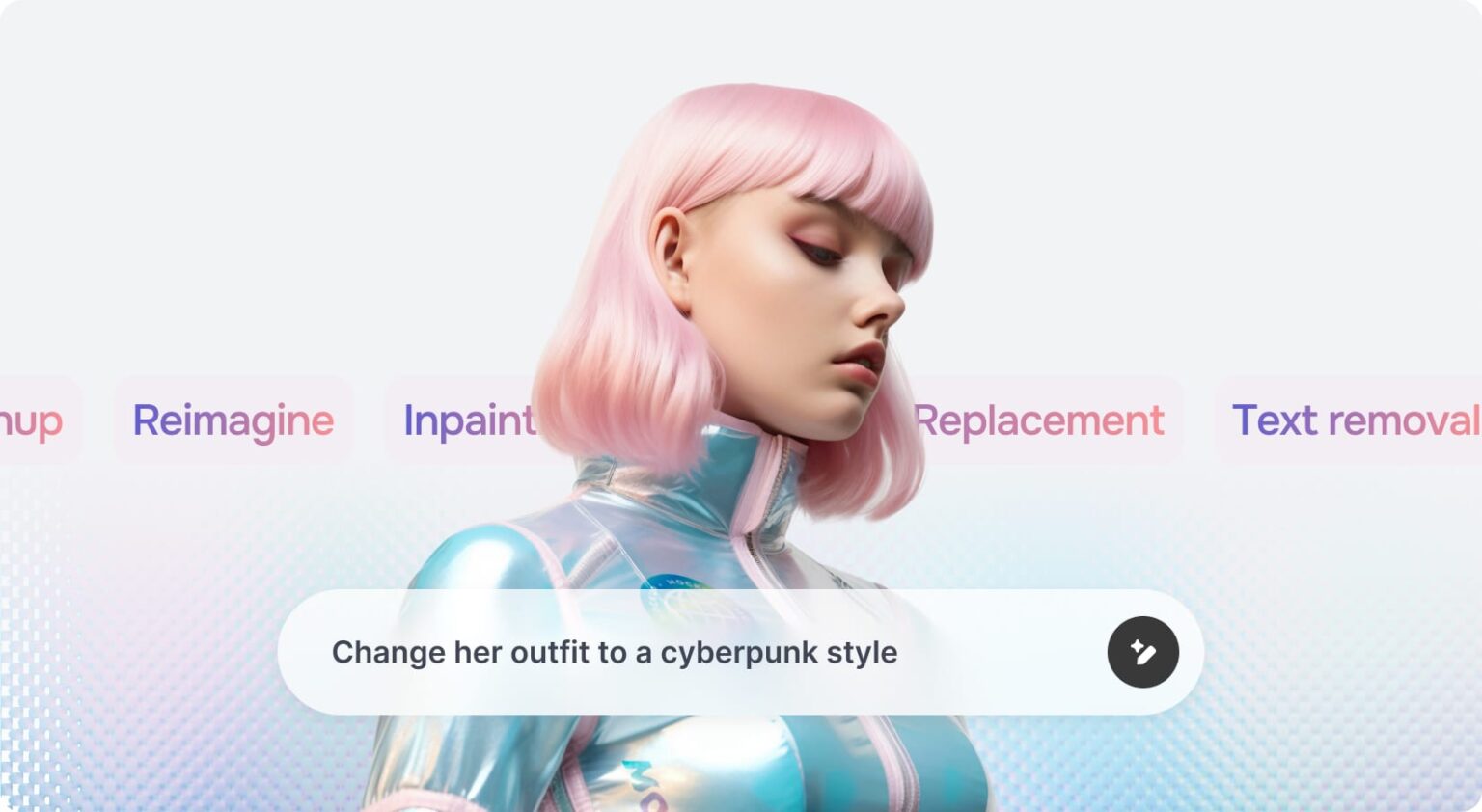
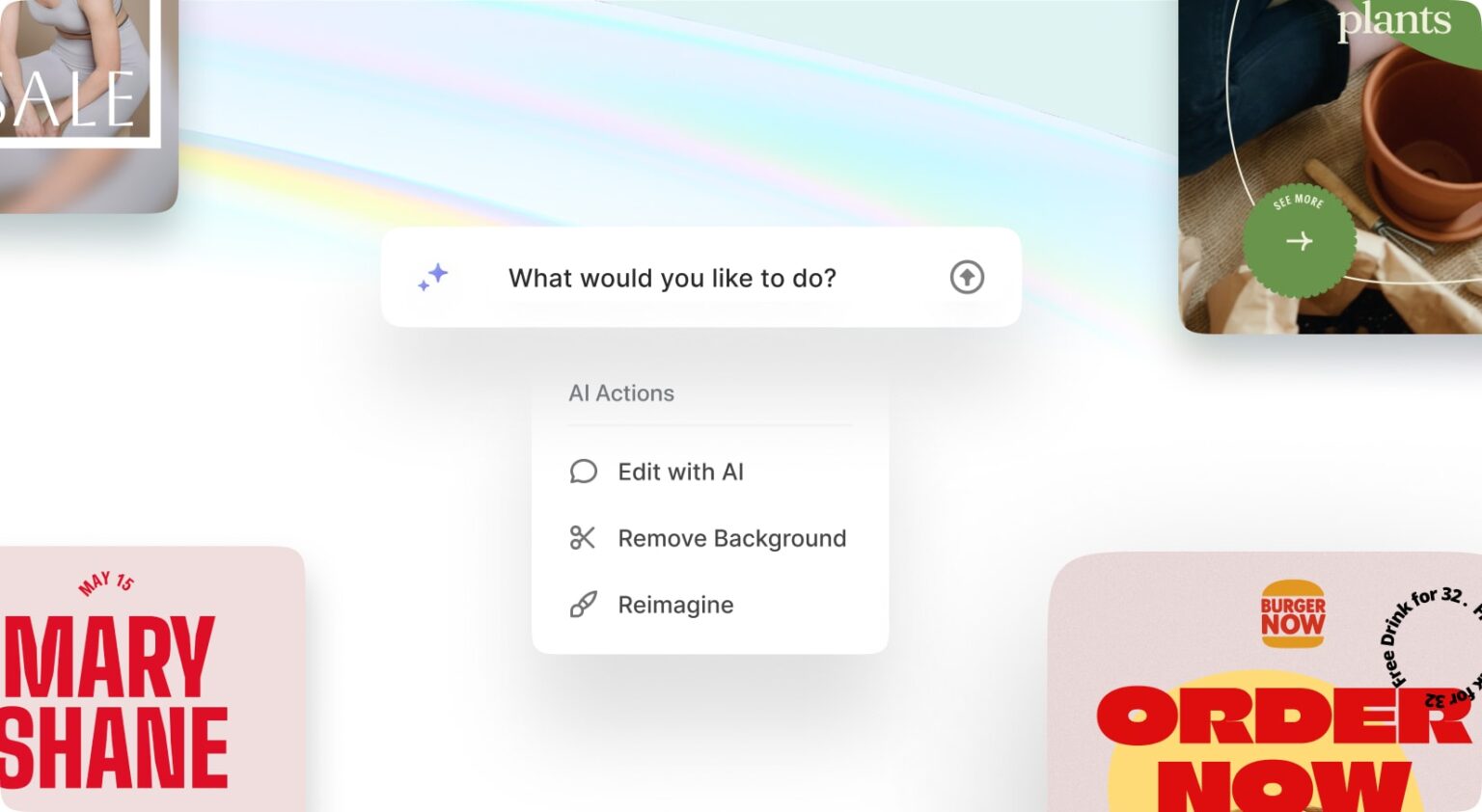
Erase objects, swap backgrounds, clean up and reimagine any image by typing what you want.
An infinite canvas with templates, layers and everything you need to design anything.
Tell the AI what you want and get a finished, fully editable design back.
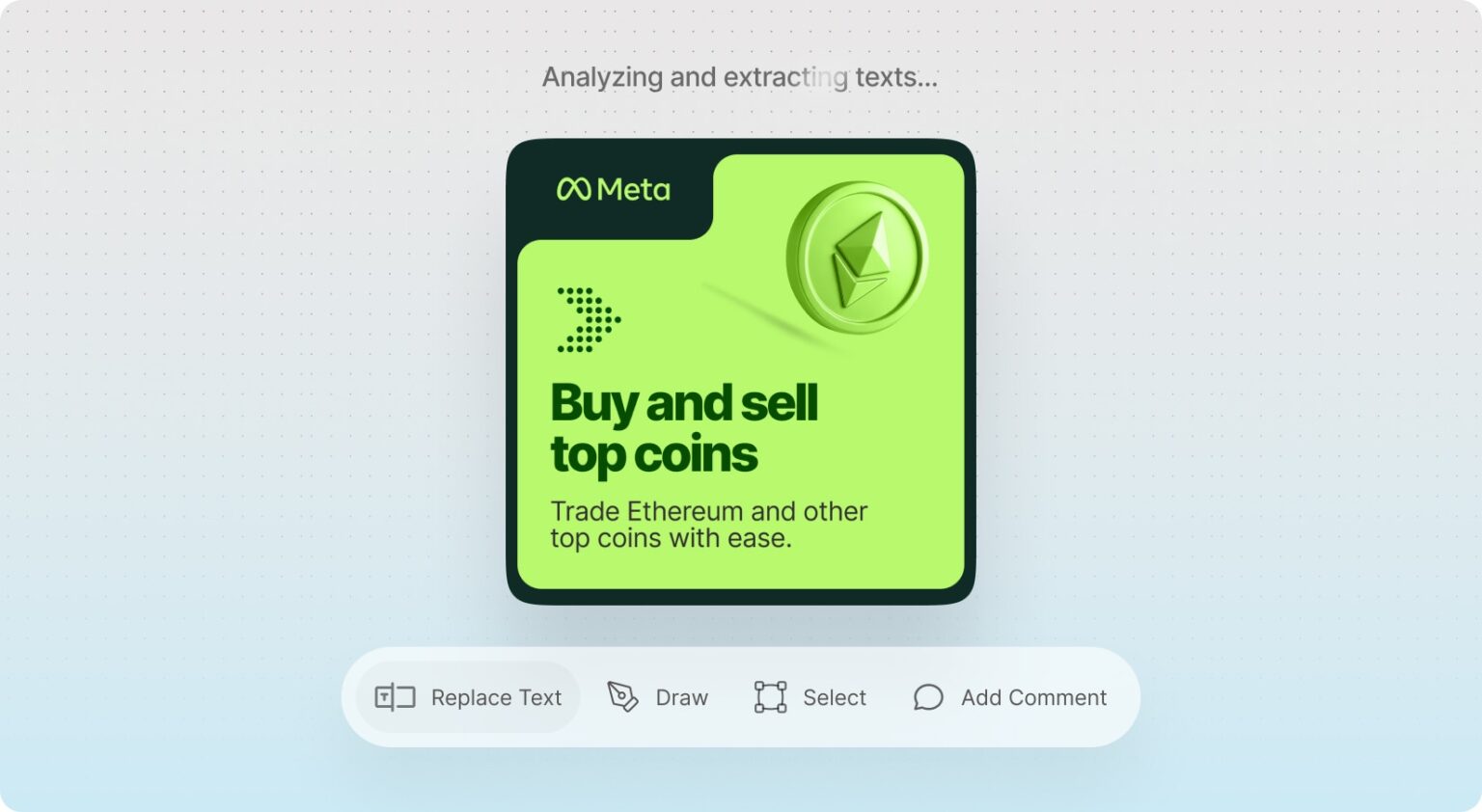
Mark areas, draw masks and replace text to guide edits exactly where you want them.
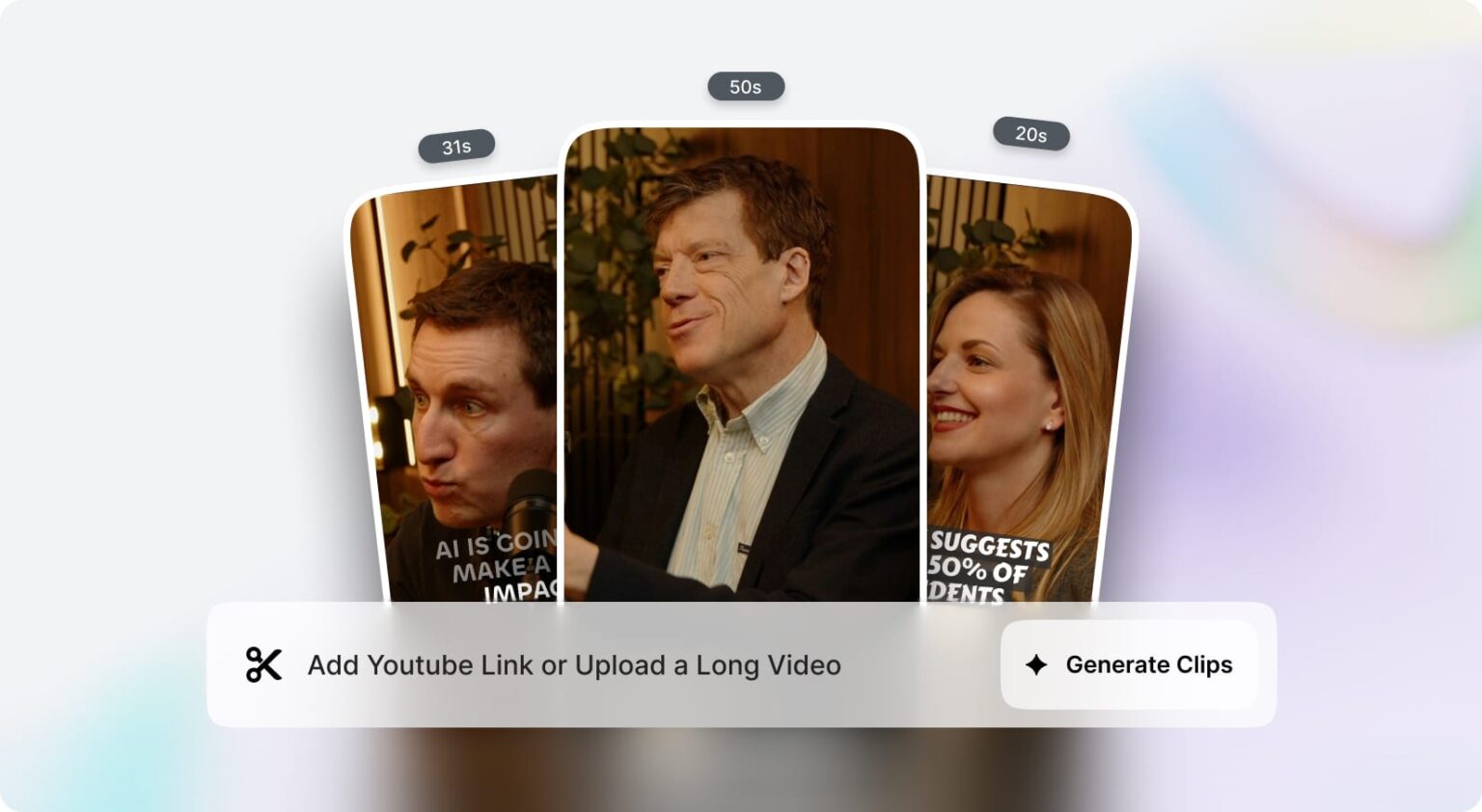
One click detects the best moments and cuts them into ready TikToks, Reels and Shorts, with captions and aspect ratio your way.
Write a script, pick one of 21 AI voices or record your own, and get a talking-to-camera video for your ads.
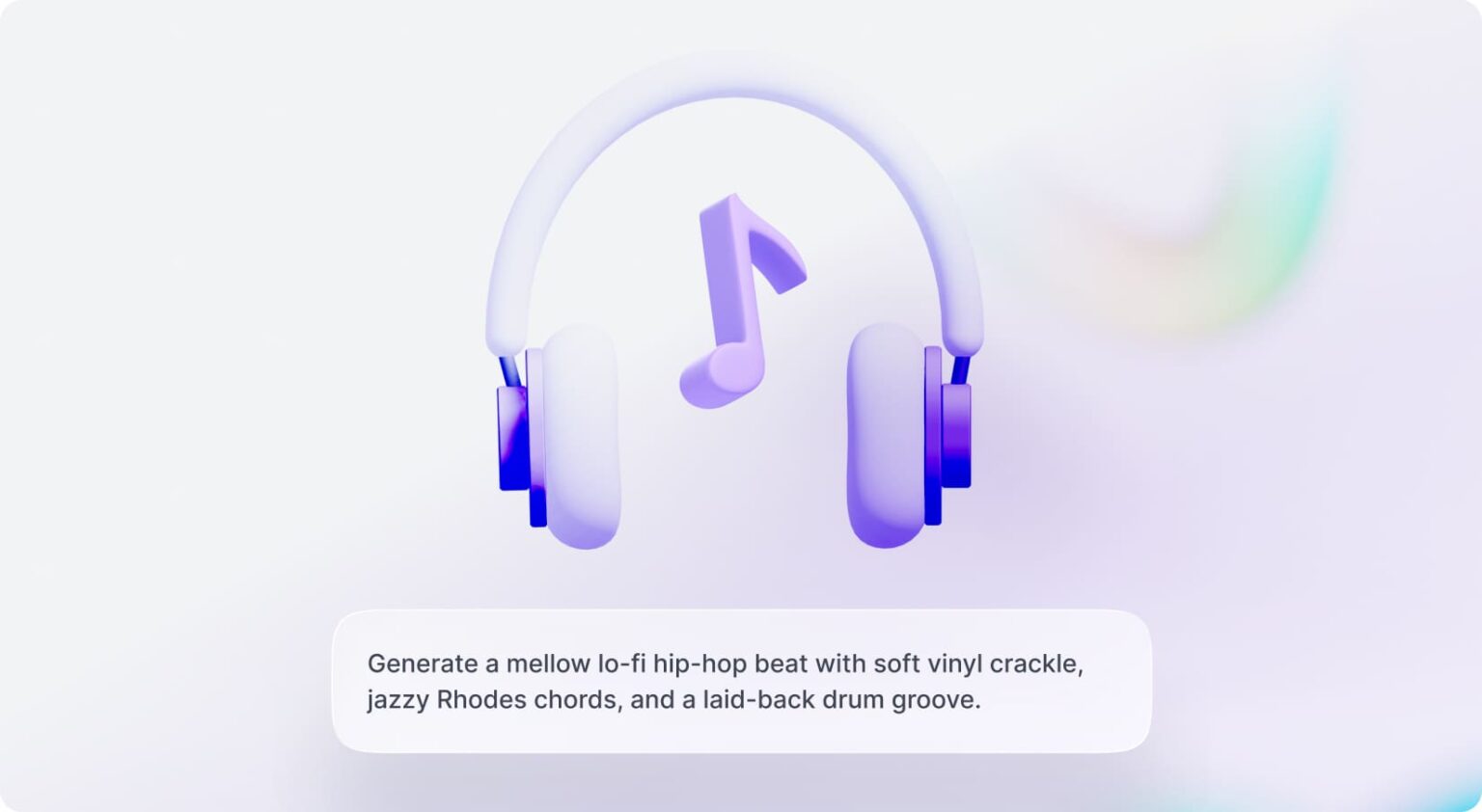
Generate royalty free music to fit any video or campaign.
Refine any result in a conversation, ask for moodier lighting, a new background or three variations, instead of generating from scratch and giving up.
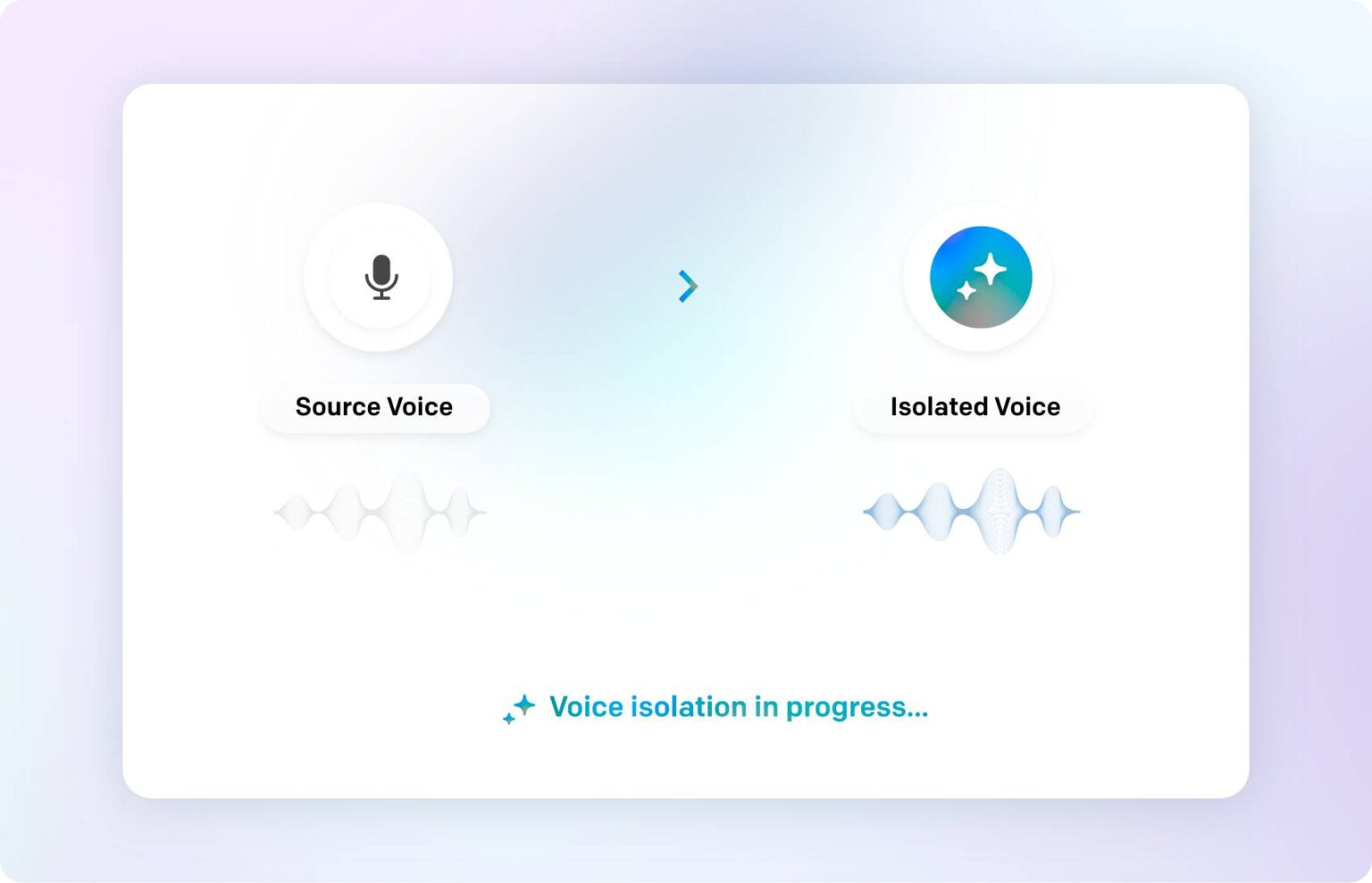
Pull clean vocals out of any recording instantly.
Generate on brand copy for your store, ads and pages in seconds.
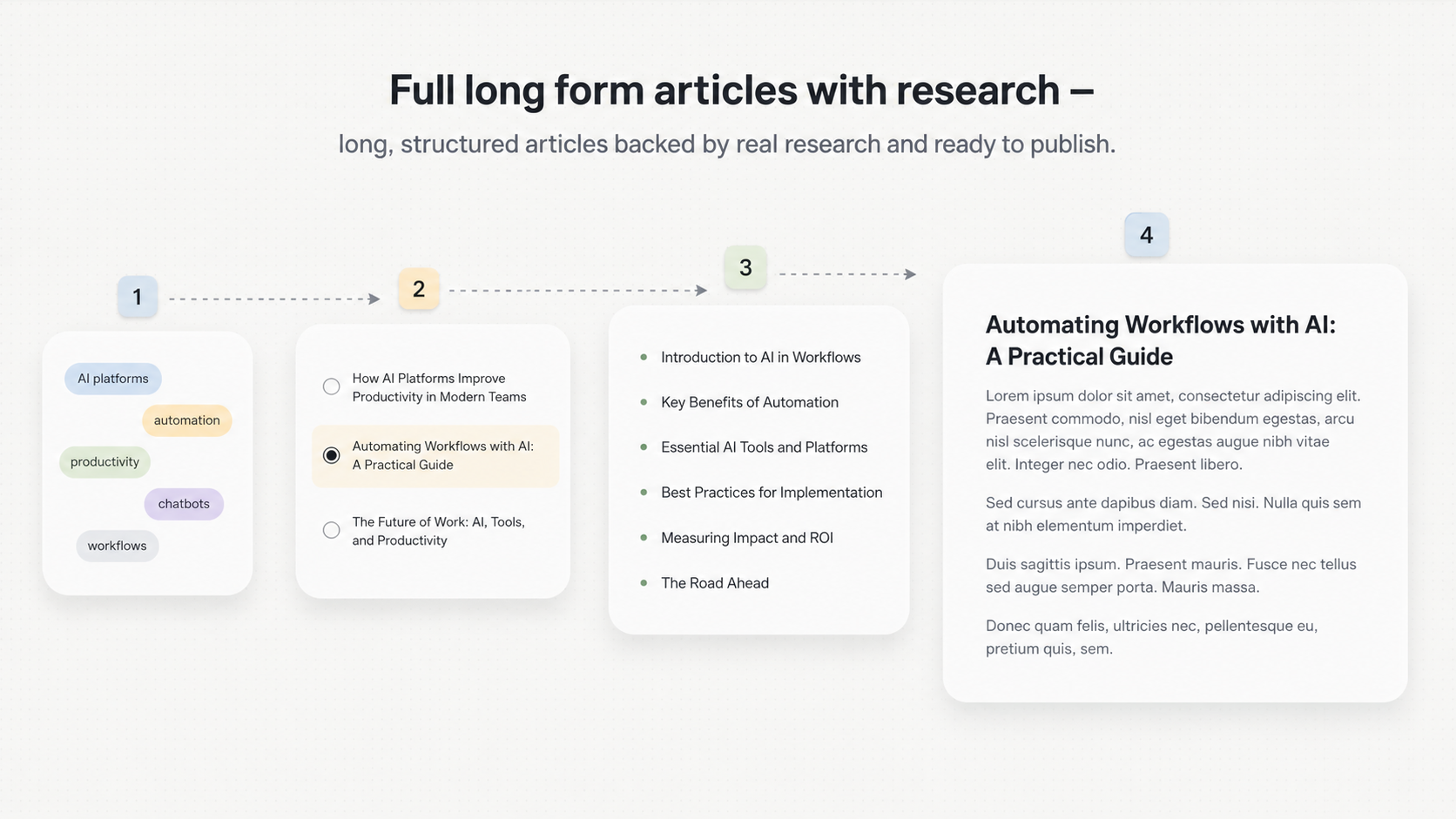
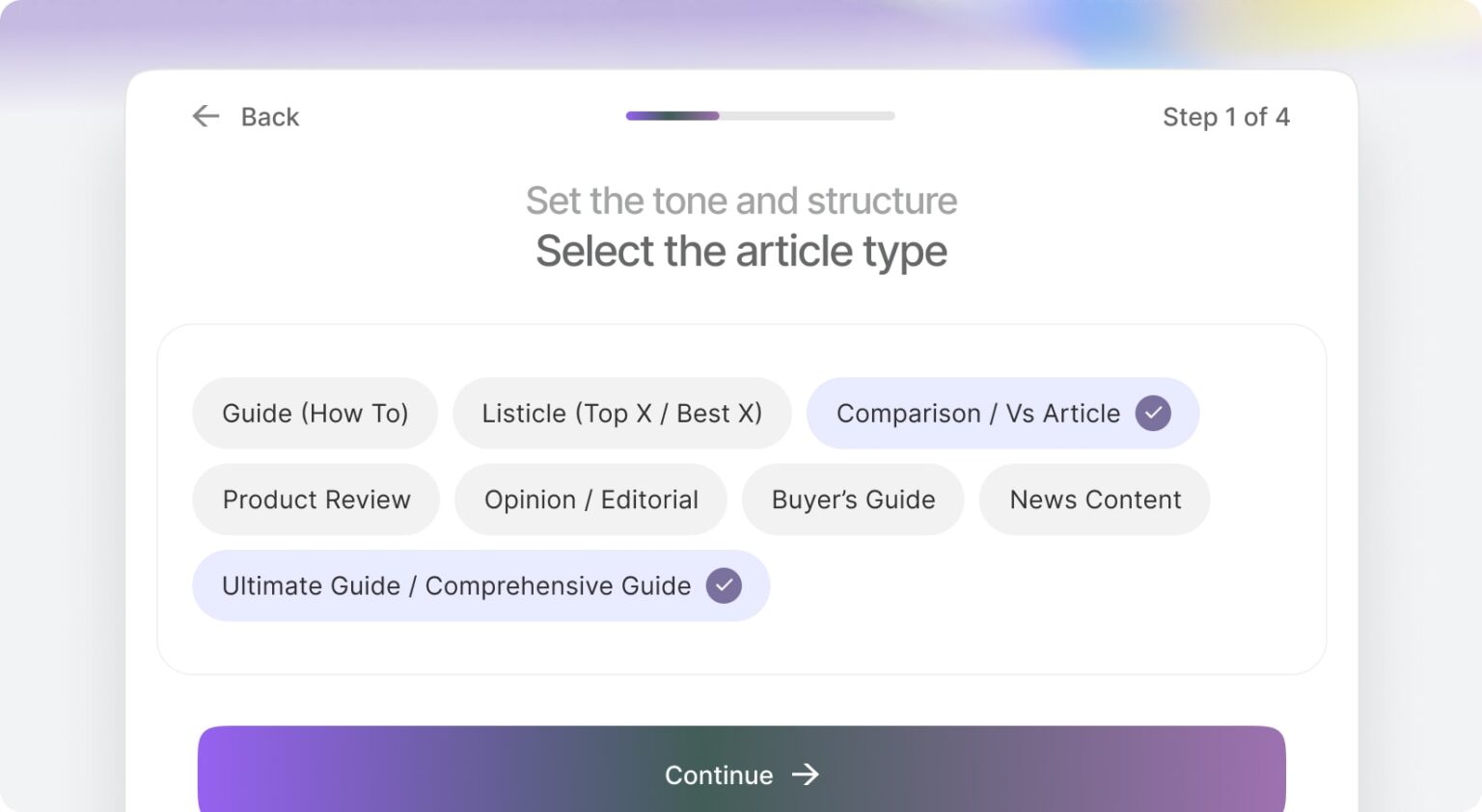
Long, structured articles backed by real research and ready to publish.
Define your topics and let AI research, write and auto publish to WordPress on a schedule.
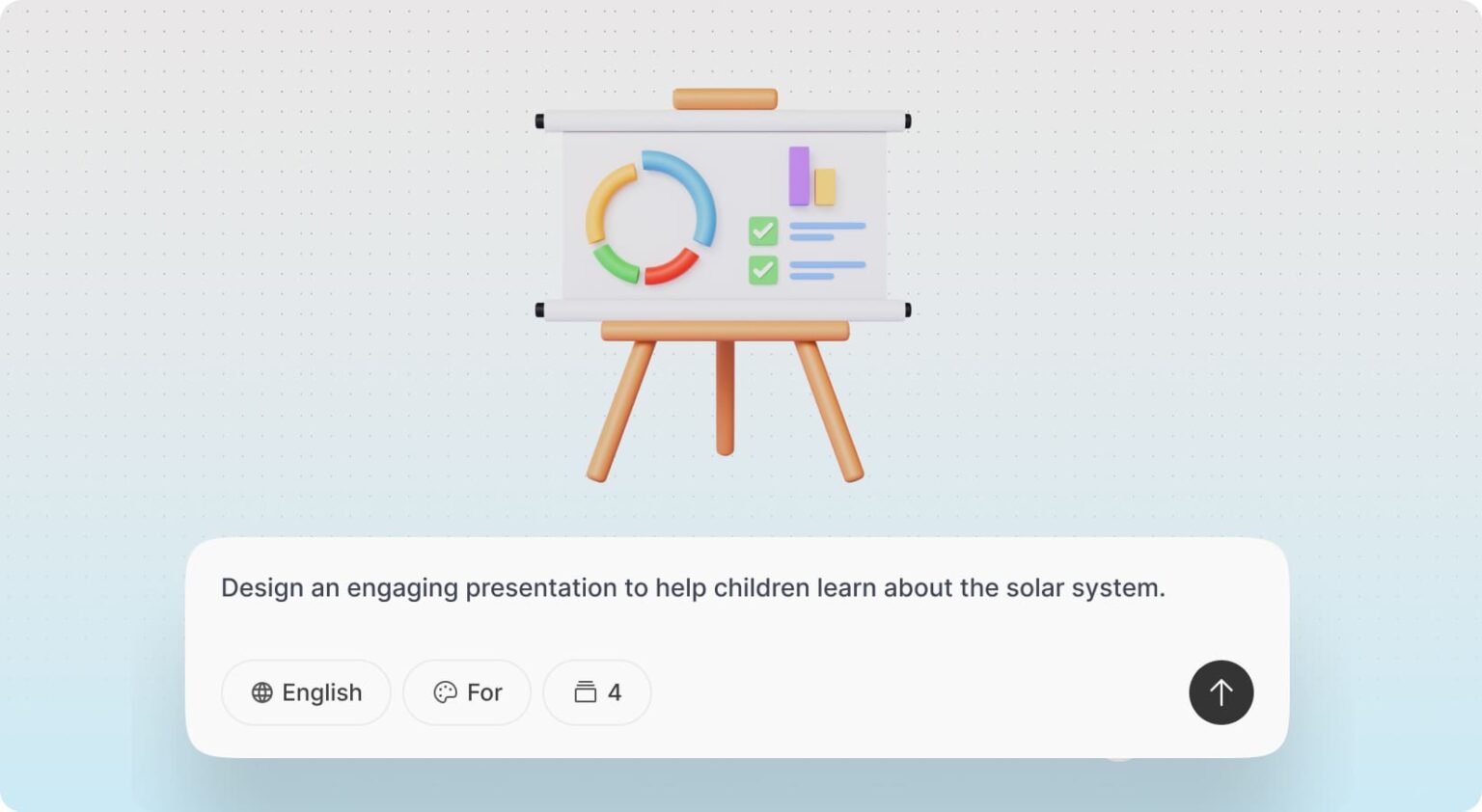
Turn an idea into a finished presentation with AI visuals.
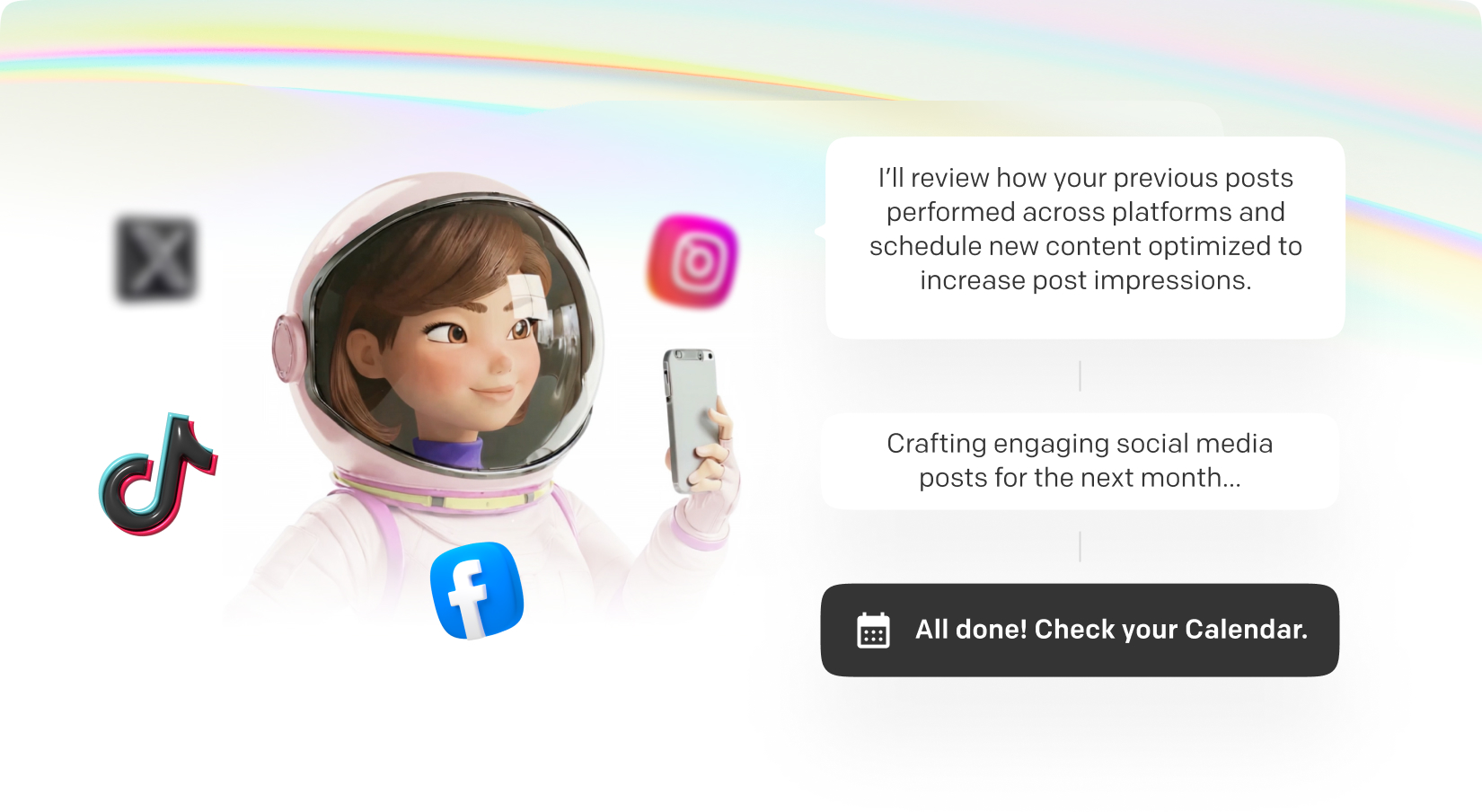
An autonomous agent that plans your calendar, creates posts and improves with every result.
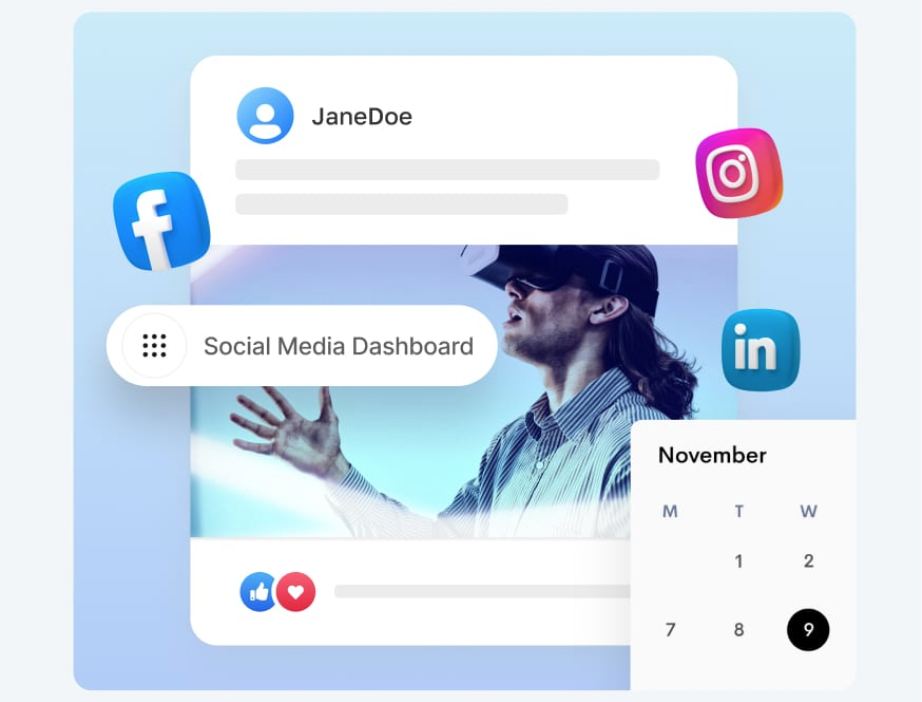
Schedule and publish to Instagram, Facebook, X and LinkedIn at once.
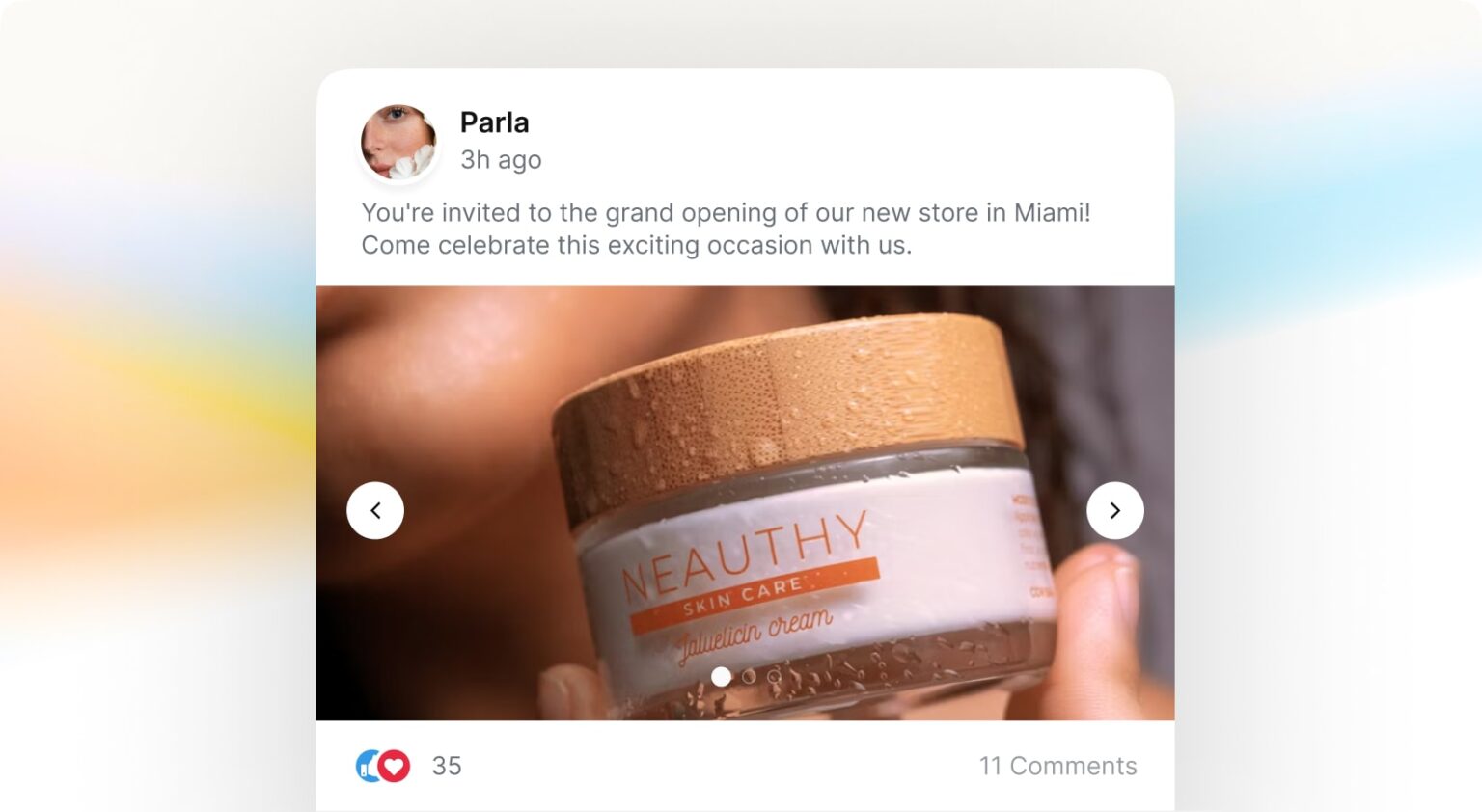
Create multi image carousel posts with custom AI visuals.
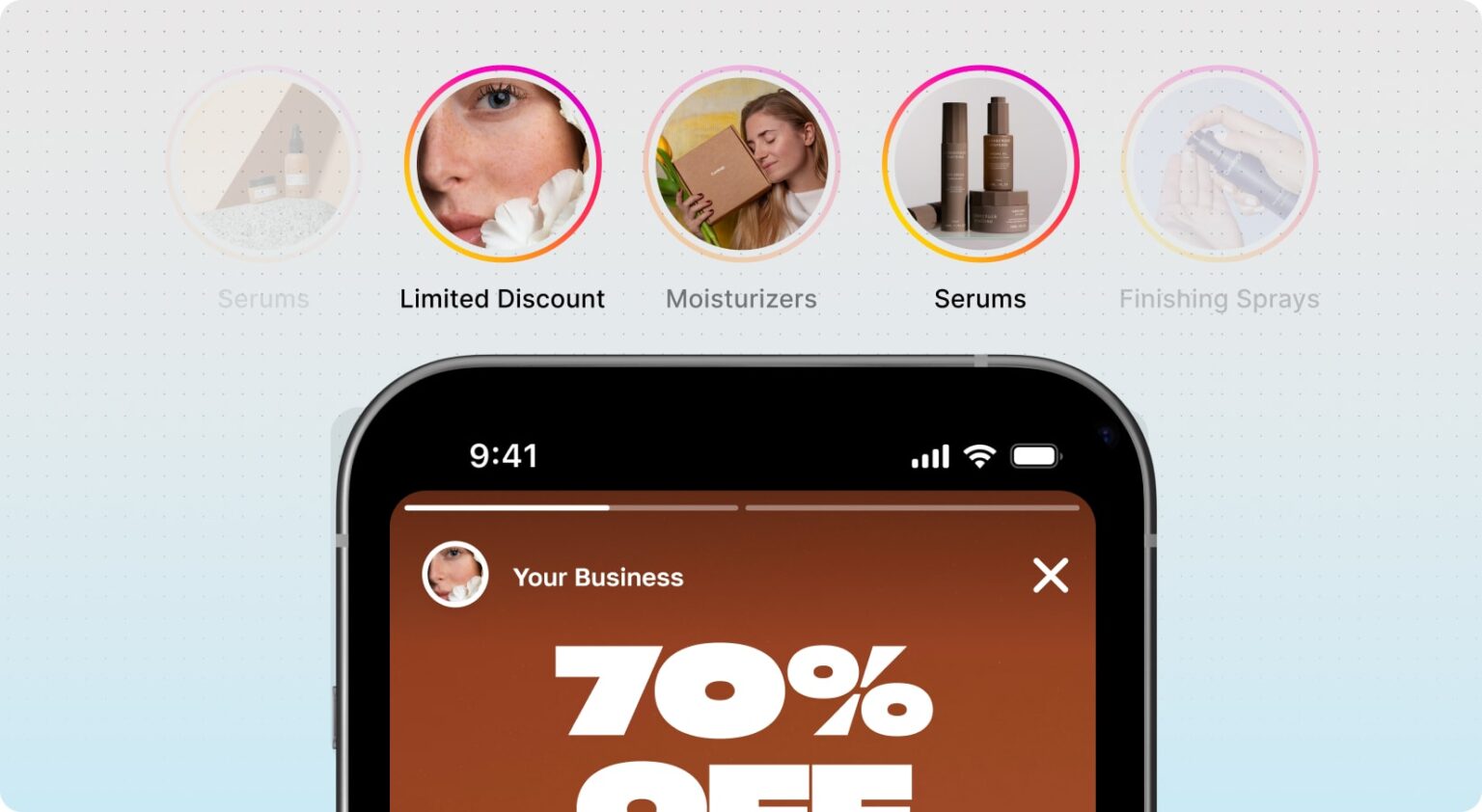
Share standard posts or stories straight to your channels.
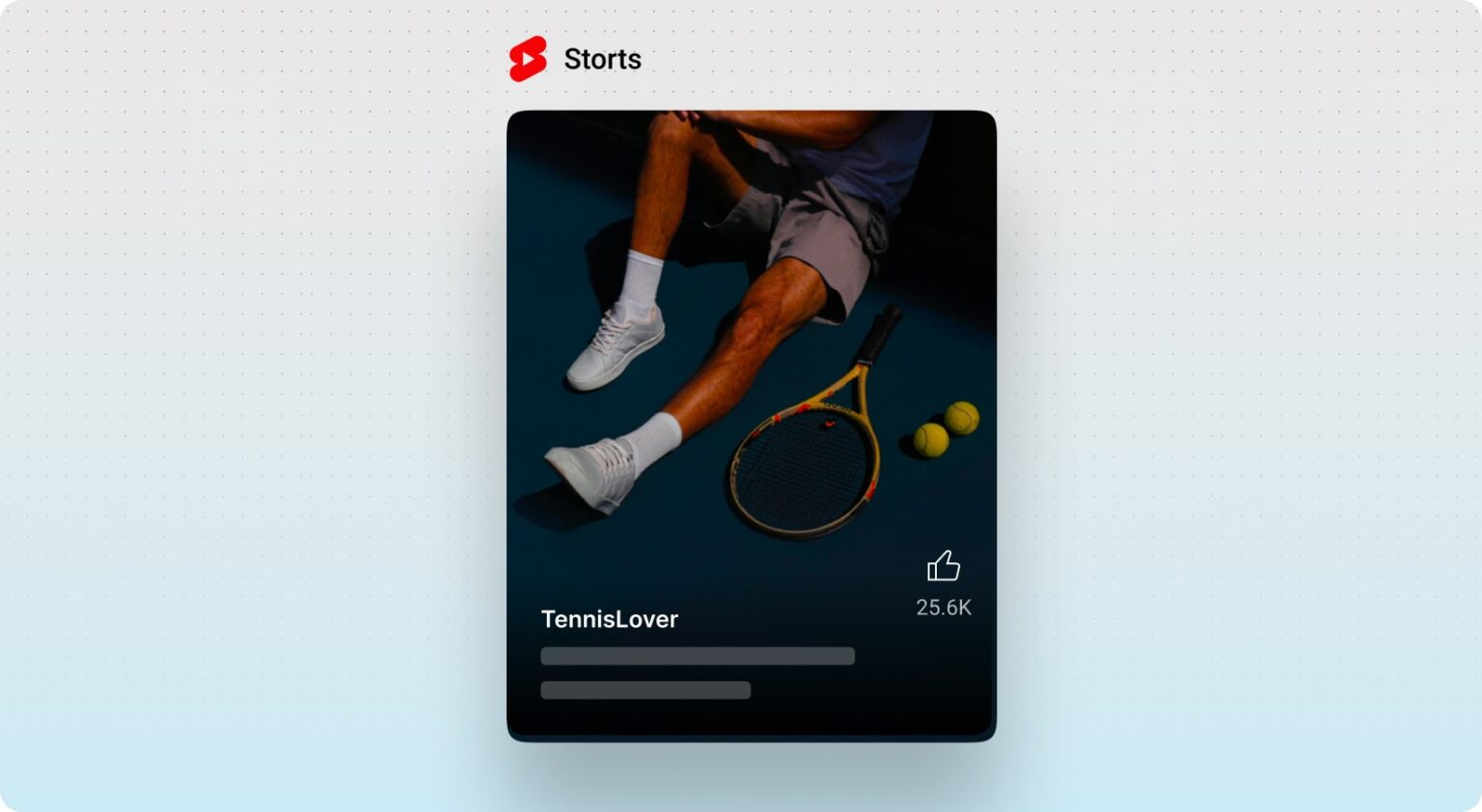
Create AI videos or upload your own and publish them directly.
Broadcast promotions and updates to your audience in one click.
A web chatbot trained on your business that answers customers instantly.
Recommend products, show prices and variants, add to cart and send buyers to checkout.
Schedule appointments right in the conversation through Calendly and Cal.com.
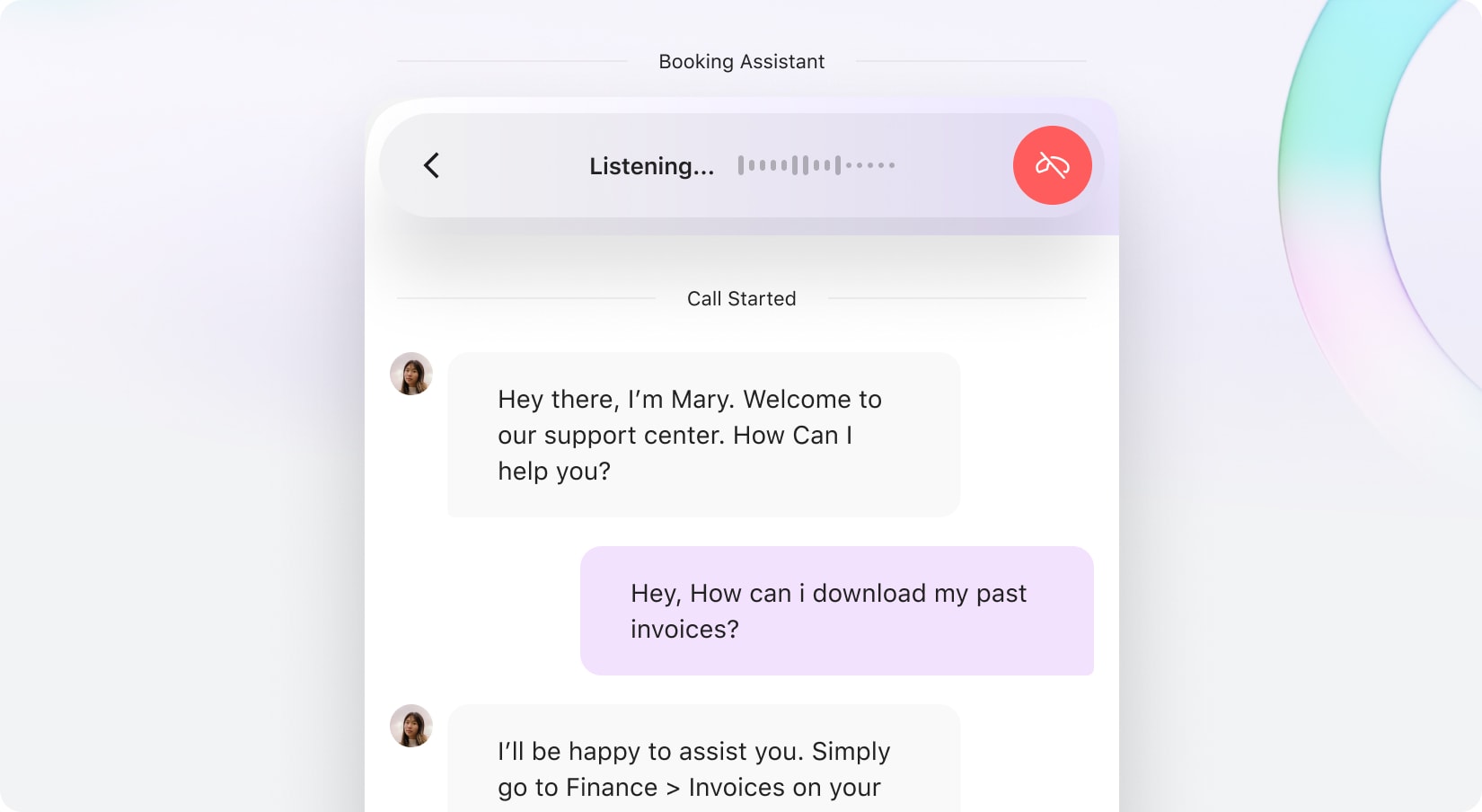
Add real time voice chat so visitors can speak with your AI assistant.
Auto respond to Instagram, Facebook and X with a visual workflow builder.
Read and reply to all your chats across channels, tag contacts and capture leads in one place.
Tick what you pay for today. We will wait.
AI Models
Creation Tools
Sell and Publish
Approximate monthly prices of typical tools.
You instantly save $60 / month
That's $720 back in your pocket every yearWhat you actually get for $29/month
10,000 credits every month - one shared balance across every tool. Use them however you like.
*Mix them however you like - credits are shared across every tool.
7-day money-back guarantee — full refund if it's not for you.
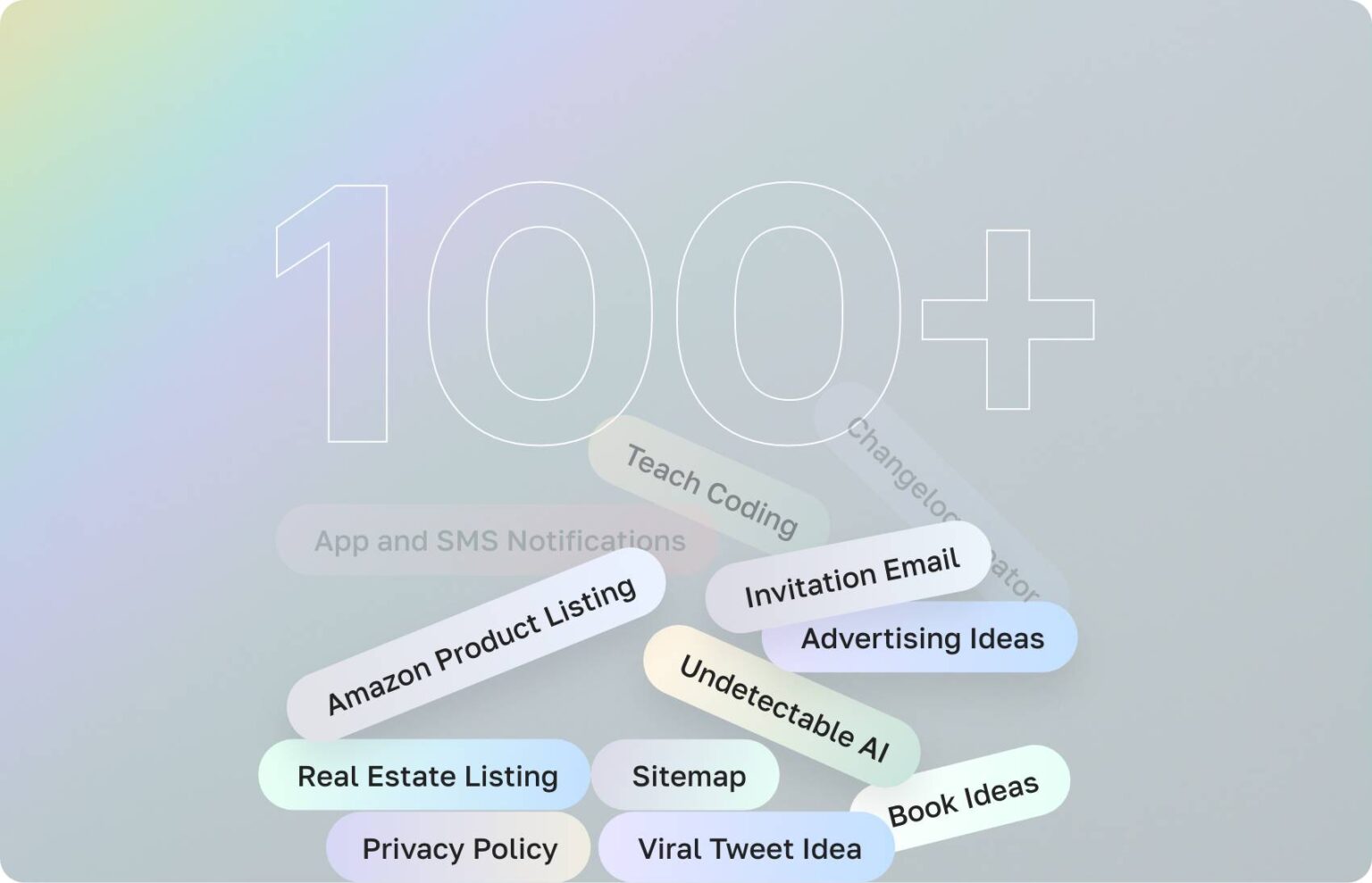
Ready-made starting points for the things you write every week. Pick one and go.
To write a product description, enter the product name and a short description in the Product Description template in Qyx and get a descript…
To write an SEO article, enter the article title and your focus keywords in the Article Generator template in Qyx and get a complete article…
To draft a testimonial for a customer to approve, enter what the testimonial should be about in the Testimonial Review template in Qyx and g…
To write a conclusion for a blog post, enter the title of your post and a short description in the Blog Conclusion template in Qyx and get a…
To write a description for a YouTube video, enter the video title in the Youtube Video Description template in Qyx and get a description to…
To write an Instagram caption, enter what your post is about in the Title field of the Instagram Captions template in Qyx and get caption id…
To find hashtags for Instagram posts, enter a few keywords about your post in the Instagram Hashtags template in Qyx and get a list of hasht…
To write a tweet from a title, enter the title of what you want to share in the Social Media Post Tweet template in Qyx and get tweets to po…
To write social media posts for your company, enter the company name and a description in the Social Media Post Business template in Qyx and…
To write headlines for Facebook, enter a title and a short description in the Facebook Headlines template in Qyx and get headline ideas for…
To write headlines for Google Ads, enter the product name, a description and your audience in the Google Ads Headlines template in Qyx and g…
To write descriptions for Google Ads, enter the product name, a description and your audience in the Google Ads Description template in Qyx…
To write a paragraph with keywords, enter a description and your keywords in the Paragraph Generator template in Qyx and get a paragraph tha…
To make a list of pros and cons, enter a title and a short description in the Pros & Cons template in Qyx and get a balanced list of advanta…
To write a meta description, enter a short description of the page, its title and keywords in the Meta Description template in Qyx and get m…
To write answers for an FAQ, enter a description and the FAQ question in the FAQ Generator (All Datas) template in Qyx and get a clear answe…
To write an email from a subject and a few notes, enter what the email is about and its subject line in the Email Generator template in Qyx…
To answer an email you received, paste the email into the Email Answer Generator template in Qyx and get a reply to send back. The Email Ans…
To write a newsletter issue with a title and subject line, enter the description, title and subject in the Newsletter Generator template in…
To fix grammar mistakes in a text, paste it into the Grammar Correction template in Qyx and get a corrected version back. The Grammar Correc…
To summarize a long text, paste it into the Description field of the TL;DR Summarization template in Qyx and get a short summary of the main…
To create an image from a text prompt, describe your idea in the AI Image Generator in Qyx, pick a model and get images to download. The AI…
To transcribe an audio file into text, upload the recording to the AI Speech to Text tool in Qyx and get a transcript. AI Speech to Text is…
To generate code from a description, describe what the code should do in the AI Code Generator in Qyx, enter the coding language and get cod…
To turn text into a spoken voiceover, pick a language, a voice and the pace in the AI Voiceover tool in Qyx, add your text and get an audio…
To write a full article from a description, describe the topic in the AI Article Wizard Generator in Qyx and get an article to edit in the d…
To ask questions about an image, upload it to AI Vision in Qyx and chat about what it shows. AI Vision is a Qyx AI tool for AI image analysi…
To chat with a PDF or another document, upload the file to the File Analyzer in Qyx and ask questions about its content. The File Analyzer i…
To create images in a chat, describe the picture in Chat Image in Qyx and get images as replies. Chat Image is a Qyx AI image chat that crea…
To turn a YouTube video into a summary or a blog post, paste the video URL into AI YouTube in Qyx, choose the action and get the text in the…
To rewrite a text in a new tone, paste it into the AI ReWriter in Qyx, set the tone and the length and get a new version in the editor. The…
To turn a post from an RSS feed into an article, paste the feed URL into AI RSS in Qyx, fetch the posts, pick one and get an article in the…
To check a text for plagiarism, paste it into the AI Plagiarism Checker in Qyx and get a report on passages that match other sources. The AI…
To check if a text was written by AI, paste it into the AI Content Detector in Qyx and get an estimate of how likely it is AI-generated. The…
To create a video from a text description, describe the scene in AI Video in Qyx and get a video in your results. AI Video is a Qyx AI video…
To ask questions about a web page, share its address in AI Web Chat in Qyx and chat about its content. AI Web Chat is a Qyx AI tool that let…
To write a cover letter for a job, enter the job title, the company name, your name and your skills in the Cover Letter template in Qyx and…
To solve a math question step by step, type the question into the Math Question template in Qyx and get a solution with the steps explained.…
To get a short answer in bullet points, type your question into the Bullet Point Answer template in Qyx and get the answer as a list of poin…
To write a thesis statement for an essay, enter your thesis topic in the Thesis Statement template in Qyx and get thesis statements to build…
To proofread a text before you publish it, paste it into the Proofreading template in Qyx and get suggestions for typos, punctuation and wor…
To rephrase a sentence or paragraph, paste it into the Rephrase template in Qyx and get a new version that says the same thing more clearly.…
To make a text you wrote better, paste it into the Improve template in Qyx and get an improved version with clearer structure and wording. T…
To write a job description for a job ad, enter the job title, the company name and your notes on the role in the Job Description template in…
To write a resume from your skills, enter your name and your skills and experience in the Resume Builder template in Qyx and get resume text…
To write a LinkedIn profile summary, enter your name, your title and a short summary in the Linkedin template in Qyx and get a profile text…
To find a startup idea with market estimates, enter keywords about your interests or a market in the Startup Ideas (w/ quantities) template…
To write copy with the PAS formula, fill in Pain, Agitation and Solution in the PAS template in Qyx and get copy that moves from the custome…
To draft a business strategy, enter keywords about your business and your goal in the Strategy template in Qyx and get a strategic plan to d…
To write a short personal bio, enter your name and a few notes about yourself in the Personal Bio template in Qyx and get a bio for your pro…
To weigh the costs and benefits of a decision, enter keywords about the decision in the Cost Benefit Analysis template in Qyx and get a stru…
To brainstorm ideas for a problem, enter keywords about the problem in the Brainstorming template in Qyx and get a list of ideas and possibl…
To write a LinkedIn post, describe what you want to share in the Linkedin Post template in Qyx and get a post to edit and publish. The Linke…
To write a sales pitch, enter your product or service, your target audience and what makes you different in the Sales Pitch template in Qyx…
To reply to comments and messages on social media, enter the platform and the comment in the Social Media Reply template in Qyx and get a re…
To reply to a customer support ticket, enter the ticket ID and the ticket content in the Ticket Reply template in Qyx and get a professional…
To write original song lyrics, enter the genre and the theme in the Song Lyrics template in Qyx and get lyrics to use as a starting point. T…
To write jokes on a topic, enter the topic in the Jokes template in Qyx and get jokes to use in a speech, a post or a card. The Jokes templa…
To plan an event itinerary, enter the event type and the event details in the Event Planner template in Qyx and get a detailed plan for the…
To plan a trip, enter your destination and what you like in the Travel Planner template in Qyx and get a travel itinerary for that place. Th…
To find the right gift for someone, enter who the gift is for and the occasion in the Gift Ideas template in Qyx and get a list of gift idea…
To write product features, enter the product name and its main features in the Product Features template in Qyx and get a clear feature list…
To name a new product, enter the product type and how many names you want in the Product Name Ideas template in Qyx and get a list of name i…
To tell customers why to buy your product, enter the product name and your reasons in the Why Choose This Product template in Qyx and get a…
To write a product review, enter the product name and your notes from using it in the Reviews template in Qyx and get a detailed review to e…
To reply to a customer review, paste the review and the main point of your answer into the Review Responder template in Qyx and get a polite…
To plan the page structure of a website, enter the website URL in the Sitemap template in Qyx and get a suggested sitemap with main pages an…
To write a tagline, enter your website name and a short description in the Tagline template in Qyx and get tagline ideas for your homepage a…
To improve the user experience of a website, enter the website name and the current UX issues in the UX Ideas template in Qyx and get ideas…
To find design ideas for your website, enter the website name and your design preferences in the Design Ideas template in Qyx and get design…
To write a services page for your website, enter the service name and the service details in the Services Page template in Qyx and get page…
To write a features page for your product, enter the feature name and the feature details in the Features Page template in Qyx and get page…
To find keywords for your content, enter your topic in the Keyword Generator template in Qyx and get a list of keyword ideas for your websit…
To extract keywords from a text, paste the content into the Keyword Extractor template in Qyx and get a list of the main keywords it contain…
To optimize your content for search engines, paste the text and your target keywords into the SEO template in Qyx and get an optimized versi…
To turn customer feedback into a testimonial, enter the customer's name and what they told you in the Testimonials template in Qyx and get a…
To write landing page copy, enter the product name and its benefits in the Landing Page Content - Copywriting template in Qyx and get copy f…
To write copy for your website pages, enter the page name and your notes in the Website - Copywriting template in Qyx and get page copy to p…
To find questions for an FAQ page, enter your topic in the FAQ template in Qyx and get a list of frequently asked questions for your website…
To write a call to action, describe what you want visitors to do in the Call to Action template in Qyx and get call to action ideas for your…
To add keywords to a text naturally, paste the content and the keywords into the Rewrite with Keywords template in Qyx and get a rewritten t…
To write a privacy policy for your website, enter your company name in the Privacy Policy template in Qyx and get a first draft to review wi…
To write terms and conditions for your website, enter your company name in the Terms and Conditions template in Qyx and get a first draft to…
To write one section of a blog post, describe what the section should cover in the Blog Section template in Qyx and get the text for that pa…
To write a script for an Instagram Reel, enter the video topic in the IG Reel Script template in Qyx and get a script to record. The IG Reel…
To write a caption for an Instagram photo, describe the photo in the IG Captions template in Qyx and get captions to post with it. The IG Ca…
To write a script for TikTok, enter the video topic in the TikTok Script template in Qyx and get a script you can read while you film. The T…
To write a caption for a TikTok video, describe the video in the TikTok Video Caption template in Qyx and get captions to post with it. The…
To plan a TikTok video before you film, enter the video topic in the TikTok Video Script template in Qyx and get a script for the whole vide…
To write a Facebook post, describe what the post should be about in the Facebook Post template in Qyx and get a post to edit and publish. Th…
To write a script for a Facebook video, enter the video topic in the Facebook Video Script template in Qyx and get a script to record. The F…
To turn your message into a post for X, paste what you want to say into the X Tweet template in Qyx and get a post ready to publish. The X T…
To write a thread for X, paste your content into the X Thread template in Qyx and get a thread split into connected posts. The X Thread temp…
To write a title for a YouTube video, describe the video in the Youtube Video Title template in Qyx and get title ideas to choose from. The…
To find tags for a YouTube video, enter the video title in the Youtube Video Tag template in Qyx and get a list of tags to add in YouTube St…
To turn a YouTube video into a blog post, paste the video URL into the Youtube Video to Blog Post template in Qyx and get a blog post based…
To find ideas for your next video, enter a video topic in the Video Idea template in Qyx and get a list of video ideas to plan. The Video Id…
To write a description for any video, enter the video topic in the Video Description template in Qyx and get a description for your platform…
To find tweet ideas people want to share, enter a tweet topic in the Viral Tweet Idea template in Qyx and get a list of tweet ideas for X. T…
To write catchy titles that get clicks, enter the topic in the Clickbait Titles template in Qyx and get attention-grabbing titles for your s…
To write Facebook ad copy, describe your offer in the Ad Content field of the FB Ad template in Qyx and get ad text to paste into Meta Ads M…
To write Google Ads copy, describe your product and offer in the Ad Content field of the Google Ad template in Qyx and get ad text for your…
To write ideas and content for a TV commercial, describe your ad in the TV Ads template in Qyx and get ideas and copy for a TV spot. The TV…
To write ideas and copy for a YouTube ad, describe your ad in the Youtube Ads template in Qyx and get ideas and content for a video ad. The…
To translate a text into another language, enter the source language, the target language and the text in the Translate template in Qyx and…
To check grammar and get suggestions, paste your text into the Grammar Check template in Qyx and get a list of issues with suggestions to fi…
To find synonyms for a word, enter the word in the List Synonyms template in Qyx and get a list of words with a similar meaning. The List Sy…
To learn new words on a topic, enter the topic in the Learn New Words template in Qyx and get a list of words with their meanings. The Learn…
To find and fix a bug in your code, describe the issue and paste the code in the Bug Fix template in Qyx and get an explanation of the cause…
To understand what a piece of code does, paste it into the Explain Code template in Qyx and get an explanation of how it works. The Explain…
To learn a programming concept, enter the concept in the Teach Code template in Qyx and get a lesson with explanations and examples. The Tea…
To write a changelog for a release, enter the version and the list of changes in the Changelog Creator template in Qyx and get a changelog t…
To write a welcome email for new subscribers, enter the recipient name in the Welcome Email template in Qyx and get a welcome email to send…
To write an invitation email, enter the event name and date in the Invitation Mail template in Qyx and get an invitation to edit and send. T…
To write a follow-up email, enter the recipient name and the reason for the follow-up in the Follow up Email template in Qyx and get an emai…
To write a professional reply to an inquiry, enter the sender name, the subject and the message in the Reply Email template in Qyx and get a…
To write an email newsletter, enter the topic and the news you want to share in the Newsletter template in Qyx and get a newsletter text rea…
To write a press release, describe your announcement in the Press Release template in Qyx and get a press release to send to journalists. Th…
To write a cold email, enter the recipient's name and why you are contacting them in the Cold Email template in Qyx and get a first email to…
To make a workout plan for your goals, enter your fitness goals and current fitness level in the Create a Workout Plan template in Qyx and g…
To make a meal plan, enter your dietary preferences and health goals in the Create a Meal Plan template in Qyx and get a meal plan built aro…
To write an eBook on a topic, enter the topic and your audience in the eBook template in Qyx and get eBook content to edit. The eBook templa…
To write a paragraph on a topic, enter the topic in the Paragraph template in Qyx and get a well-written paragraph about it. The Paragraph t…
To write a story from a prompt, enter your idea in the Story Generator template in Qyx and get a short story or story ideas to develop. The…
To find an idea for a book, enter a theme or genre in the Book Ideas template in Qyx and get book ideas to develop. The Book Ideas template…
To improve existing website content, paste it into the Content Improver template in Qyx and get a version that is easier to read and more en…
To explain a complex topic in simple words, enter the topic in the Explain to a Child template in Qyx and get an explanation a child can fol…
To write a news article, enter the topic in the Write News From a Journalist Point of View template in Qyx and get an article written in a n…
To write content from an RSS feed, paste the feed URL into the Generate From RSS Feed template in Qyx and get content based on the feed. The…
To write text that sounds natural, enter your prompt in the Undetectable AI template in Qyx and get a text written in a natural, human style…
To write a property listing, enter the property criteria in the Real Estate Listing template in Qyx and get a listing to publish on property…
To get prompts for writing and brainstorming, enter the type of prompt you want in the Prompt Generator template in Qyx and get a list of cr…
To remove background noise from a recording, upload the audio file to the AI Voice Isolator in Qyx and get a file with the voice on its own.…
To write a formal application letter, enter the job title, the company name, your name and your qualifications in the Application Letter tem…
To write copy with the AIDA formula, fill in Attention, Interest, Desire and Action in the AIDA template in Qyx and get marketing copy that…
To get advice on your next career step, enter keywords about your skills, experience and goals in the Career Advice template in Qyx and get…
To write an apology email, enter the recipient's name and what went wrong in the Apology Email template in Qyx and get a draft apology to ed…
To write a documentation article, enter the article topic and your instructions in the Article Generator - Documentation template in Qyx and…
To write an Amazon product listing, enter the product name and its details in the Amazon template in Qyx and get a listing and description f…
To find blog post ideas, enter your blog topic in the Blog Ideas template in Qyx and get a list of post ideas to plan your content. The Blog…
To write an introduction for a blog post, enter the blog topic in the Blog Intro template in Qyx and get an opening paragraph for your post.…
To create an outline for a blog post, enter the blog topic and the sections you have in mind in the Blog Outline template in Qyx and get a s…
To write a full blog article from your outline, enter the blog topic and the sections you want in the Blog Article template in Qyx and get t…
To write push notifications and SMS messages, enter the notification type and the message in the App and SMS Notifications template in Qyx a…
To come up with ad campaign ideas, enter what you want to advertise in the Advertising Ideas template in Qyx and get a list of campaign idea…
To write a script for an ad, enter the ad type and the ad content in the Ad Script template in Qyx and get a script to record. The Ad Script…
To talk to AI by voice, click Start Voice Chat in Realtime Voice Chat in Qyx and speak. Realtime Voice Chat is a Qyx AI voice chat that answ…
To change the style of a video, upload the clip to AI Video to Video in Qyx, describe the new look and get a new version of the video. AI Vi…
To write an Ask Me Anything post, describe who you are and the topic in the AMA Post template in Qyx and get a post to publish. The AMA Post…
To write a story for your brand or post, describe the situation and the message in the Storytelling template in Qyx and get a story to publi…
To write a post about a trending topic, enter the trend and your angle in the Trending Post template in Qyx and get a post for social media.…
To find ideas for posts people share, enter your topic and audience in the Viral Ideas template in Qyx and get a list of content ideas. The…
To write a marketing plan for your business, describe the product, the audience and your goals in the Marketing Plan template in Qyx and get…
To write a script for a video, describe the topic, the length and the audience in the Video Script template in Qyx and get a script to recor…
Not happy with qyx.ai? Email us within 7 days of your purchase and we'll refund you in full.
You can top up anytime and keep going. No forced plan upgrades.
Yes. The chatbot and the Sales Agent are part of your plan, not a paid add-on. No API keys, no technical setup.
ChatGPT gives you a chat window. Qyx gives you the same top AI models plus the tools built around them for business: product photoshoots, video ads from a link, a chatbot for your site, social publishing and dozens more. One login instead of five subscriptions.
For marketing and content work, yes: writing, product visuals, video, social publishing and customer chat. It will not replace your store platform or your accounting. It replaces the creative tools around them.
No. Every tool is a guided workflow: pick what you need, upload or paste, and get the result. If you can use Instagram, you can use Qyx.
Yes. Qyx writes and speaks dozens of languages, and AI Dubbing can translate your videos too.
Yes, anytime, right from your dashboard. No emails, no calls.
Still have questions? Talk to our team →
Everything you need to think, create, publish, convert and engage - in one AI platform.
7-day money-back guarantee — full refund if it's not for you.
Some cookies keep the site running. Others tell us which pages help and let us measure our ads. You decide which ones we may set.