AI Image Pro · Image Generation
Any image you can imagine
Image Generation in Qyx AI Image Pro is text to image AI with 14 models in one place. Describe the picture, pick a model, a style and a format, and get up to four versions at once.
- 14 image models, Nano Banana Pro by default
- 1 to 4 images per prompt
- 10 aspect ratios from 21:9 to 9:16
- Style gallery plus your own style reference
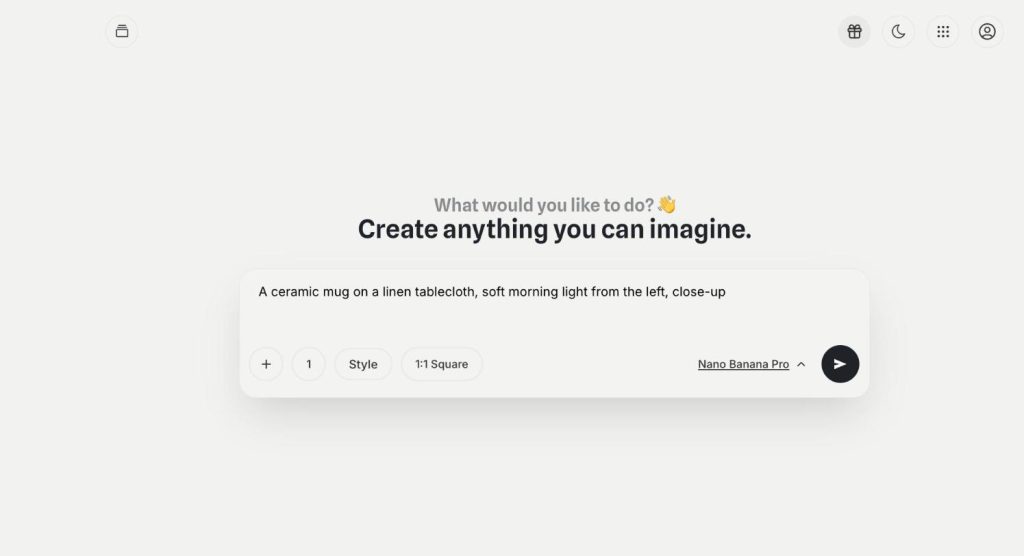
Describe the image and pick a model.
- One login for every image model
- No design skills needed
- Cancel anytime
Every model is a separate subscription
One model is great at photos, another at text in images, and you end up paying for several tools to compare them.
I switch between image tools to find the one that gets it right.
My images come out square when I need a story or a banner.
Every visual looks like it comes from a different brand.
One prompt box for all of it:
- 14 image models
- Up to 4 versions
- 10 aspect ratios
- Style gallery
- Style reference upload
- Gallery of your creations
How It Works
A simple three-step process, start to finish.
-
Write the prompt
Describe the subject, the setting and the light.
-
Set the model and format
Pick the model, the style, the aspect ratio and how many images you want.
-
Generate and keep
Download the best version or open it in Image Assistant for changes.
Why sellers use text to image AI
Product and ad visuals without a photo shoot.
The same idea tested on two models in a minute.
Formats ready for feeds, stories and banners.
Good to know before you start
Image Generation is the text to image AI inside AI Image Pro. You write what a picture should show, and Qyx generates it with the model you choose. Nano Banana Pro is selected by default, and you can switch to another model for every prompt.
Models in the text to image AI
The model menu lists 14 options: Nano Banana Pro and Nano Banana 2, GPT Image 2 with two GPT Image 2.5 versions called Sunburst and Flare, Flux Pro and Flux Realism, SD 3.5 Large, Large Turbo and Medium, Ultra Diffusion, Core Diffusion, SeeDream v4 and Grok Imagine Image. Run one prompt on two models and keep a picture that fits better.
Formats and number of images
With Nano Banana Pro you pick from 10 aspect ratios. Square 1:1 suits a feed post, 9:16 suits stories and reels, and wide 16:9 or 21:9 suits banners and headers. In between there are 3:2, 4:3, 5:4, 4:5, 3:4 and 2:3. A number button sets how many versions you get, from one to four.
Styles and references
Style opens a gallery with looks such as Photorealistic, Editorial, Minimal Photoshoot, Cinematic, Analog Camera, Oil Painting, Anime or 3D Render. You can search a gallery and keep favourites. Add Style Reference lets you upload an image whose look the model should follow. The plus button next to the prompt opens your media library, where you upload files or pick images you already have.
Where the images go
Every result lands in My creations, a library of your images. Get Inspired shows images from other people, and Bookmarks keeps the ones you want to come back to. For changes by chat, use Image Assistant. To test ideas while you type, try Realtime Image.
Prompts that text to image AI understands
Name the subject first, then the place, the light and a camera angle. „A lavender candle on an oak table, soft window light from the left, close-up“ works far better than „candle photo“. Put any text that should appear in the image in quotes, and check every letter before you publish, because image models still misspell words.
Questions, answered
It is the Qyx text to image AI. You write a prompt, pick one of 14 models and get up to four images.
Nano Banana Pro. You can switch to GPT Image, Flux, SD 3.5, SeeDream, Grok Imagine Image and others for any prompt.
With Nano Banana Pro there are 10, from 21:9 ultra wide to 9:16 portrait.
Yes. Upload an image with Add Style Reference, and the model follows its look.
In My creations. Bookmarks keeps the ones you save.
More AI Image Pro features
-
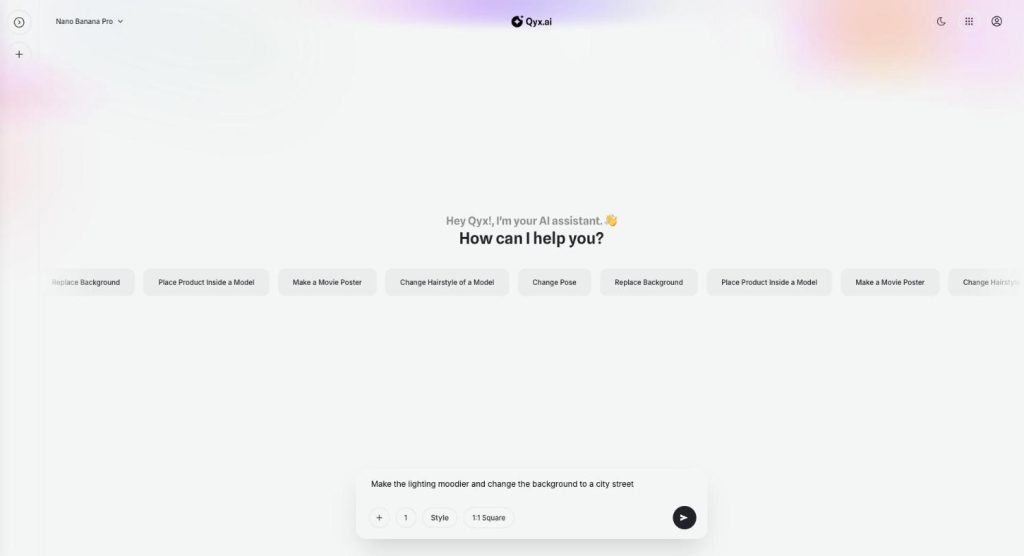
Image Assistant
Fix your images by just talking to them
Image Assistant is the Qyx chat where you edit images with AI. Upload a picture or generate one, then ask for a new background, another pose or a different light, and keep refining in the same conversation.
-
Realtime Image
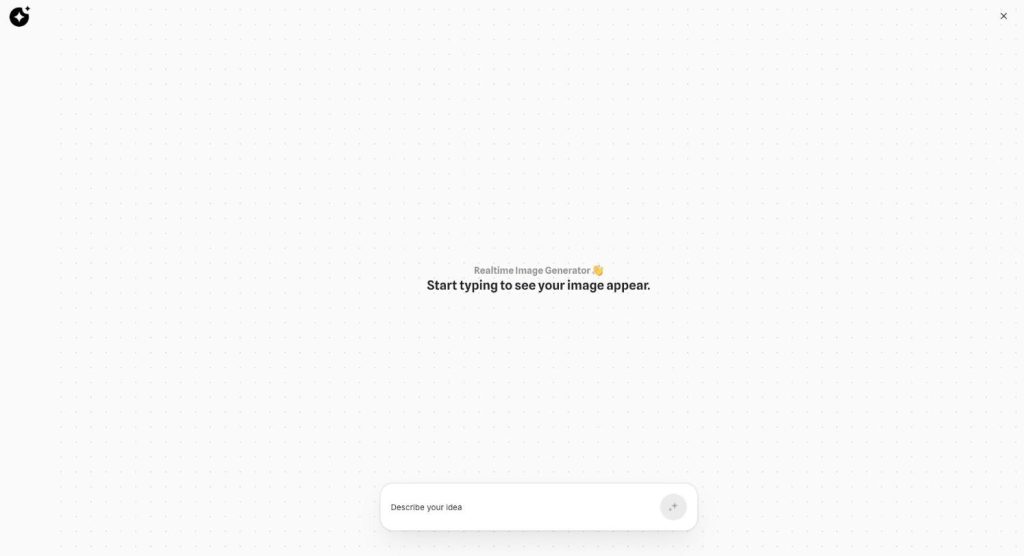
See the image while you type
Realtime Image is the realtime image generator in Qyx AI Image Pro. Start typing an idea, and a picture appears on the canvas and updates with your words.
Generate your next product image
From $29/month · 7-day money-back guarantee · Cancel anytime