External Chatbot · Booking agent
Let customers book in the chat
The booking agent is an AI booking assistant for your website chatbot. Add your Calendly or Cal.com embed, and the bot offers a meeting when a visitor is ready and lets them book without leaving the chat.
- Calendly and Cal.com
- Booking inside the chat window
- Rules for when to offer a meeting
- Works with your trained chatbot
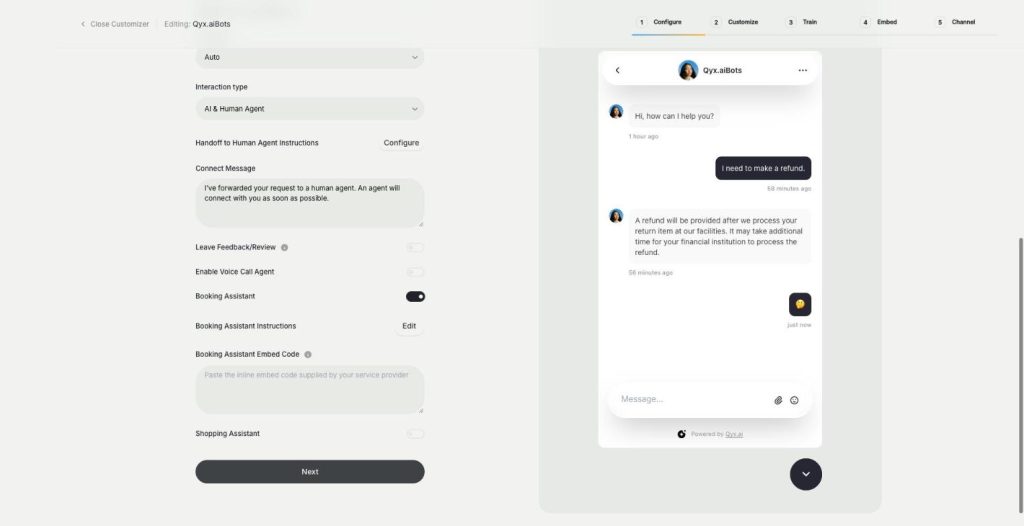
Paste your Calendly or Cal.com embed code.
- Trained on your own content
- Works on any website
- Cancel anytime
Interested visitors never book
Someone asks about a demo at 9 pm, gets a form, and forgets about you by the morning.
Leads ask for a call and then go quiet.
Booking links get lost in long email threads.
My calendar fills with people who are not ready.
One assistant for meetings:
- Calendly embed
- Cal.com embed
- Booking in the chat
- Meeting triggers
- Instructions you edit
- Trained answers
How It Works
A simple three-step process, start to finish.
-
Get the embed code
Copy the inline embed code from Calendly or Cal.com.
-
Turn on Booking Assistant
Paste the code and pick when the bot should offer a meeting.
-
Take bookings
Visitors pick a time in the chat, and it lands in your calendar.
Why teams use an AI booking assistant
Meetings booked at the moment of interest.
No back and forth about times.
Better qualified calls, because the bot answered first.
Good to know before you start
The booking agent is the AI booking assistant in External Chatbot. It connects your scheduling tool to the chat, so a visitor who wants a meeting can pick a time right there. The bot answers questions first and offers a booking when it makes sense.
When the AI booking assistant offers a meeting
Booking Assistant Instructions list the moments to offer a meeting, and you can edit them. The defaults include when the user explicitly asks to schedule a meeting, asks for examples or real demos, mentions team size or agency use, expresses hesitation or objections, or asks to see how it works.
Connecting Calendly
In Calendly, open your event, choose Share, then Add to website, and pick the inline embed. Turn on the options to hide page details and the cookie banner, copy the code and paste it into the Booking Assistant embed code field.
Connecting Cal.com
In Cal.com, open the options of an event type, choose Embed, then the inline embed. Adjust the height and width to fit a chat window, copy the code and paste it into the same field. The booking then appears inside the chat window.
Who it suits
Software companies that sell through a demo call. Agencies and consultants who start every project with a call. Studios, coaches and clinics that work by appointment. Real estate agents who arrange a viewing for each buyer. In each case, the bot answers the first questions and books the meeting while the visitor is still interested, instead of sending them to a contact form.
Tips for an AI booking assistant that fills the calendar
Offer one clear event type, such as a 20 minute demo, instead of five choices. Train the bot on your pricing and use cases, so people arrive at a call informed. Keep the instructions strict, so the bot does not push a meeting on someone who only needs a quick answer. For product sales instead of meetings, see the sales agent. For calls over the phone, see the phone call agent.
Questions, answered
It is the AI booking assistant in Qyx External Chatbot. Visitors book a meeting through Calendly or Cal.com inside the chat.
Calendly and Cal.com, through their inline embed code.
When the visitor asks for one, asks for a demo, mentions team size or shows doubts. You can edit these rules.
No. The booking form appears inside the chat window.
You need an event in Calendly or Cal.com that offers an inline embed code.
More External Chatbot features
-
Website chatbot
A custom AI chatbot for your website
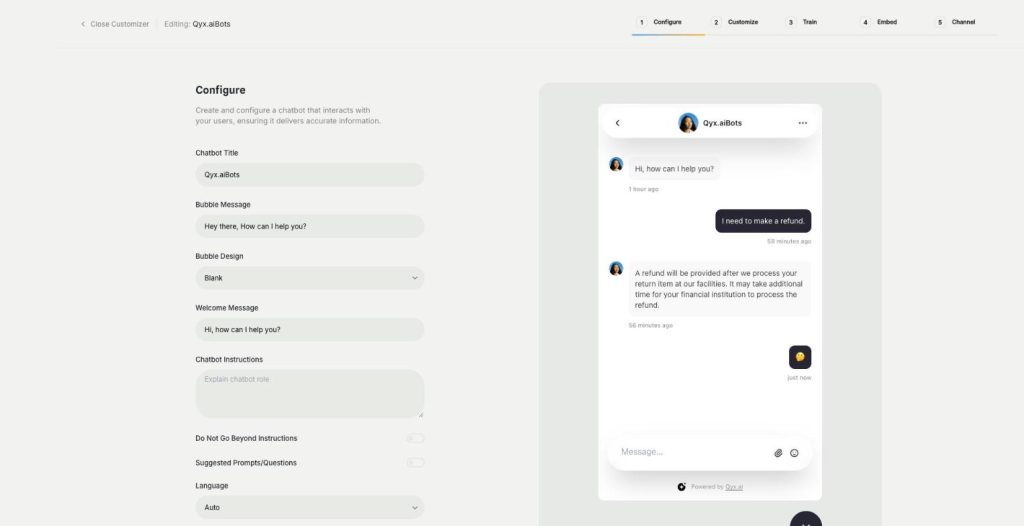
The website chatbot in Qyx is a custom AI chatbot trained on your pages, files and FAQs. It answers visitors in seconds, day and night, in your brand colours and on your rules.
-
Sales agent
Sell directly inside the chat
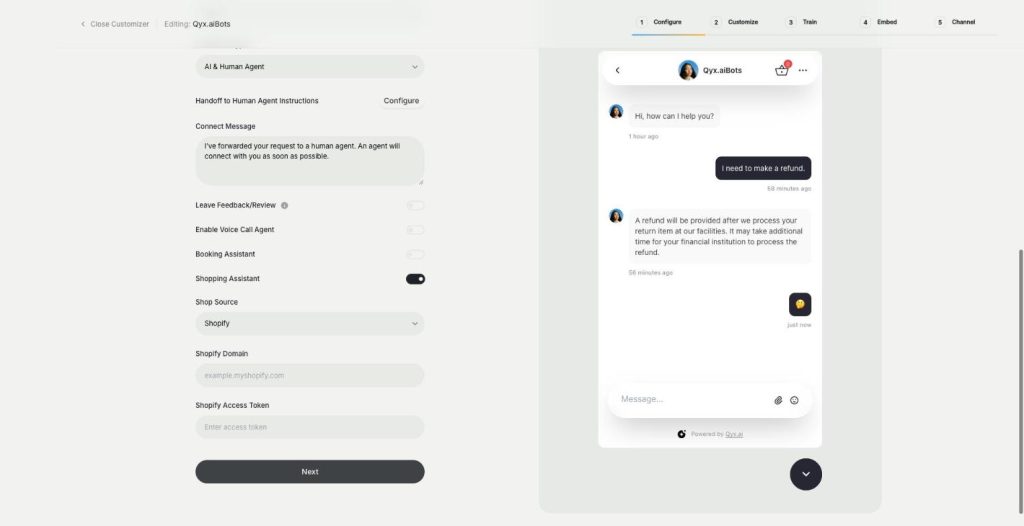
The sales agent turns External Chatbot into an AI shopping assistant for Shopify and WooCommerce. It recommends products, shows variants and prices, and sends buyers to checkout without leaving the chat.
-
Voice chat
Talk to visitors with real voice
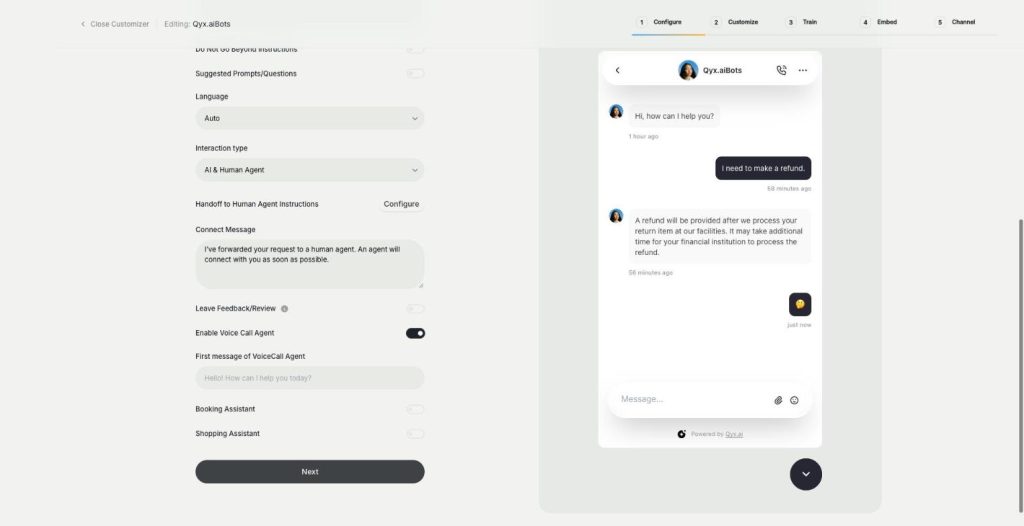
Voice chat makes your website bot an AI voice chatbot. Turn on the Voice Call Agent, and visitors can talk to your assistant out loud and switch back to text at any time.
-
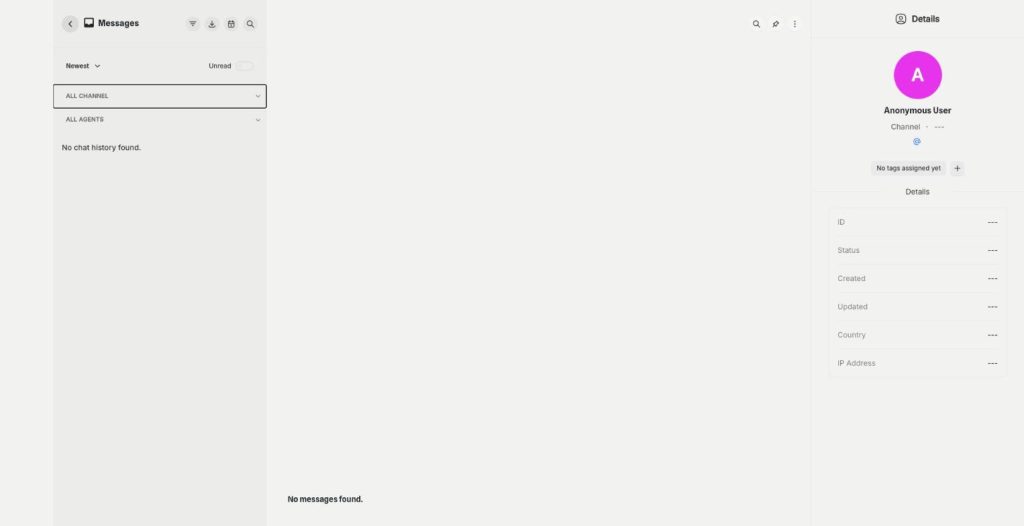
Smart inbox
Every conversation in one inbox
The smart inbox is the live chat inbox of External Chatbot. Read and answer conversations from your website and your messaging apps in one place, with tags and notes, plus canned responses.
-
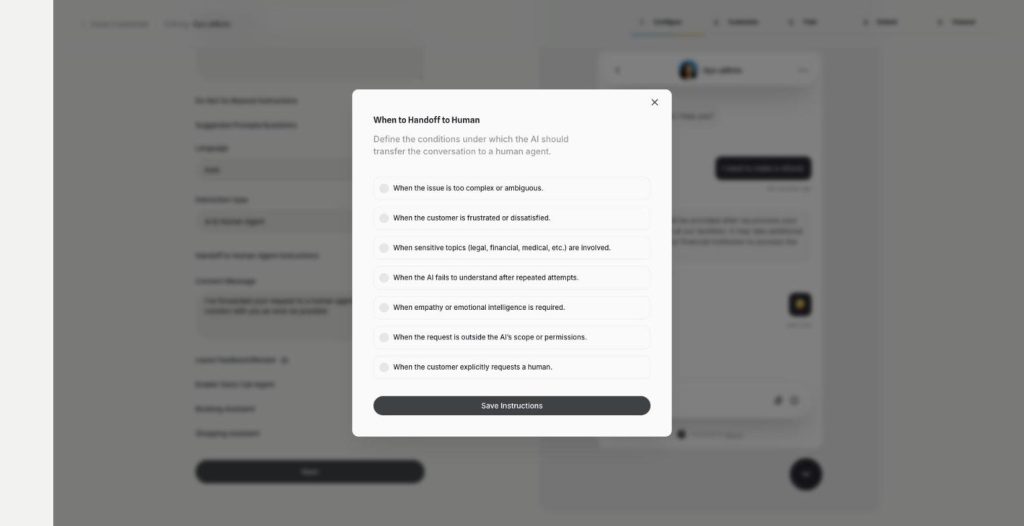
Human agent
Hand over to a person when it matters
Human agent adds chatbot human handoff to External Chatbot. Choose when the AI passes the conversation to your team, and the customer gets a person exactly when they need one.
-
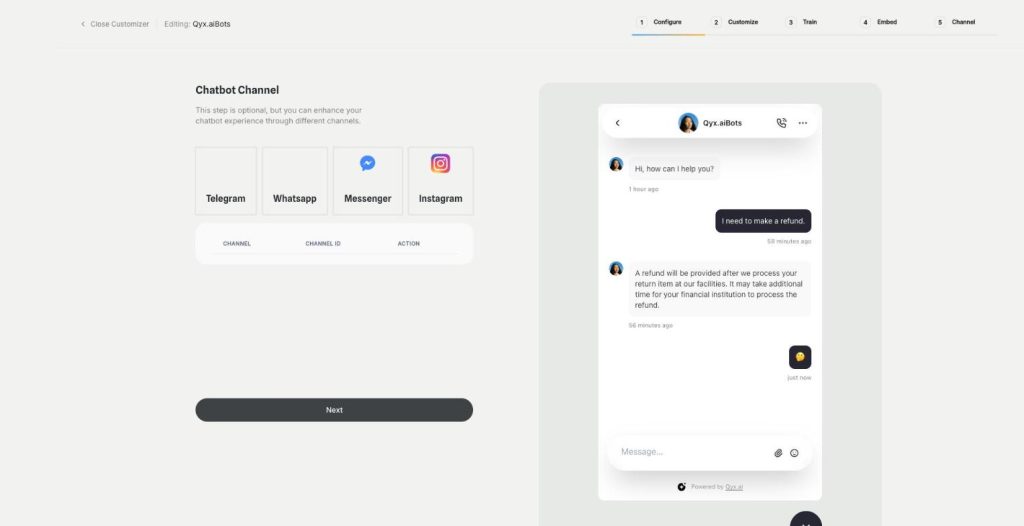
Instagram
Answer Instagram DMs with your AI bot
Connect External Chatbot to Instagram and get an Instagram chatbot that answers direct messages with your trained knowledge. Customers ask in the app they use every day, and the bot replies in seconds.
-
Facebook Messenger
Your AI bot in Messenger
Connect External Chatbot to your Facebook Page and get a Messenger chatbot that answers customers with your trained knowledge, around the clock, with a person ready when needed.
-
WhatsApp and Telegram
The same bot in WhatsApp and Telegram
Connect External Chatbot to WhatsApp and Telegram and get a WhatsApp chatbot that answers customers with your trained knowledge, in the messaging app they already use.
-
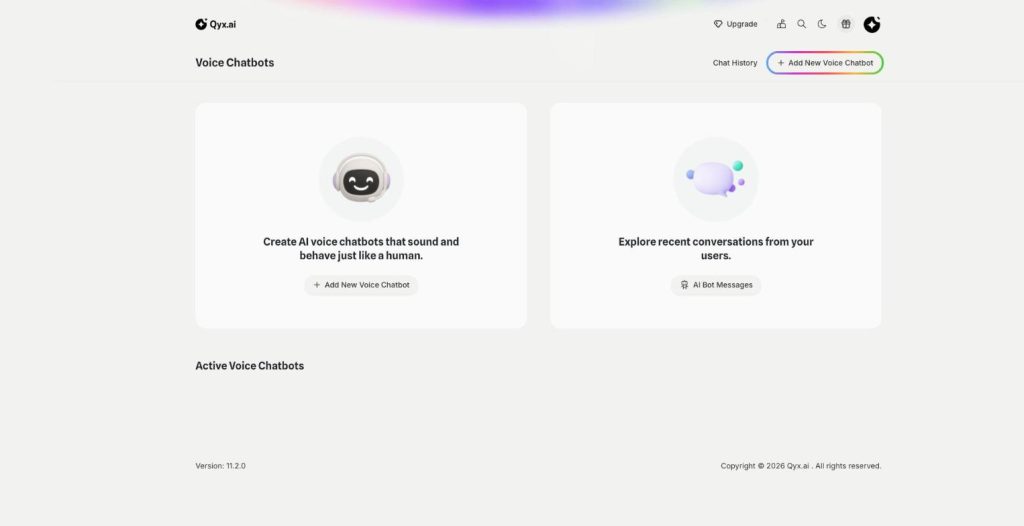
Phone call agent
An AI agent that answers your phone
The phone call agent is an AI phone agent for your business. It picks up real phone calls, answers questions, books appointments and qualifies leads around the clock.
Let your chatbot book your next meeting
From $29/month · 7-day money-back guarantee · Cancel anytime