External Chatbot · Sales agent
Sell directly inside the chat
The sales agent turns External Chatbot into an AI shopping assistant for Shopify and WooCommerce. It recommends products, shows variants and prices, and sends buyers to checkout without leaving the chat.
- Shopify and WooCommerce
- Product search by category, feature or price
- Images, variants and prices in the chat
- Order status and availability answers
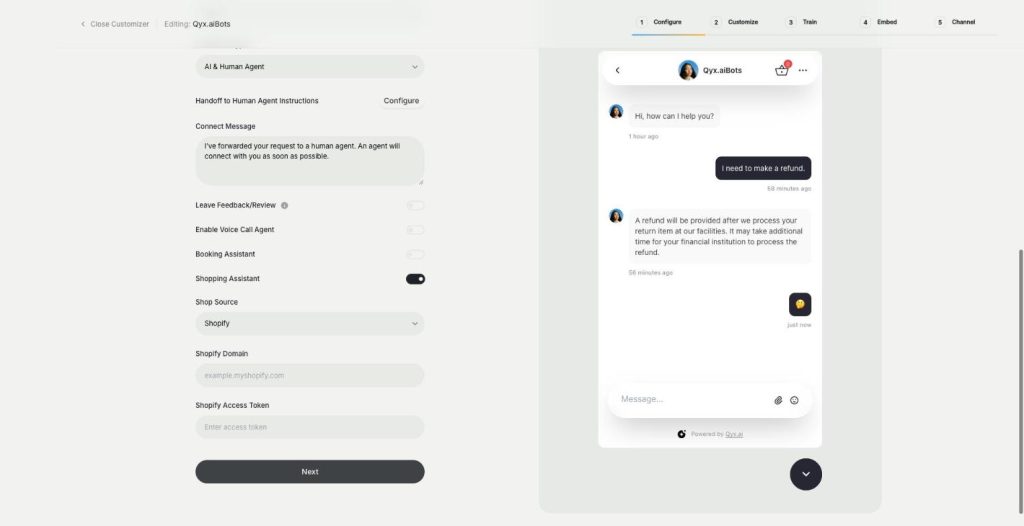
Connect your Shopify or WooCommerce store.
- Read-only access to your store data
- Works on any website
- Cancel anytime
Shoppers can't find the right product
Your catalogue is big, the filters are confusing, and people leave without asking.
Visitors ask which size or model fits them.
I answer "where is my order" all day.
Good products hide deep in the catalogue.
One assistant for shopping questions:
- Product recommendations
- Variants and prices
- Product images
- Cart and checkout link
- Order status
- Stock availability
How It Works
A simple three-step process, start to finish.
-
Connect the store
Add your Shopify domain and token, or the WooCommerce plugin and keys.
-
Set the rules
Tell the bot how to recommend and what to avoid.
-
Let it sell
Visitors ask, the bot recommends, and buyers go to checkout.
Why shops use an AI shopping assistant
Help with choosing, at any hour.
Fewer order status emails.
More visitors who reach checkout.
Good to know before you start
The sales agent is the AI shopping assistant in External Chatbot. Connect a Shopify or WooCommerce store, and the bot works with your real catalogue. It finds products by category, feature or price, shows images with variants and prices, and sends the visitor to the store with the cart ready.
What the AI shopping assistant does
A visitor writes „I need a gift under 30 euros“ or „do you have this in blue?“. The bot searches your products, shows matching items in the chat and answers a follow-up question about size or material. After a purchase, it can tell customers the status of their order, tracking information and whether a product is in stock.
Connecting Shopify
Enter the myshopify.com domain of your store and a Shopify Admin API access token. You create the token in Shopify under Settings, then Apps and sales channels, then Develop apps, with read permission for orders and products. The bot reads your data as a viewer and does not change it.
Connecting WooCommerce
Install the plugin offered in the chatbot on your WordPress site, a one-time step. In WooCommerce, create REST API keys under Advanced and copy them into the chatbot. Permalinks need to be set to Post Name, a standard WordPress option.
Questions it handles well
„Which serum is best for dry skin?“ „Do you have running shoes in size 44 under 100 euros?“ „What is the difference between these two blenders?“ „Is the green one back in stock?“ These are the moments when a shop assistant in a real store would help, and when online visitors usually give up.
Tips for an AI shopping assistant that sells
Give each product a clear title and description, because the bot recommends from them. Add Q&A pairs for sizing, delivery and returns, so it can answer the doubts that stop a purchase. Tell it in the instructions which products to suggest first, such as a bestseller or a bundle. For meetings and demos instead of orders, use the booking agent, and for questions that need a person, set up a human handoff.
Questions, answered
It is the AI shopping assistant in Qyx External Chatbot. It recommends products from your Shopify or WooCommerce store in the chat.
It works with a Shopify or a WooCommerce store.
Yes. It shows images, variants and prices, and sends the buyer to the store with the cart ready.
Yes. It can give a customer the order status, tracking information and product availability.
On Shopify it uses read permission for orders and products only.
More External Chatbot features
-
Website chatbot
A custom AI chatbot for your website
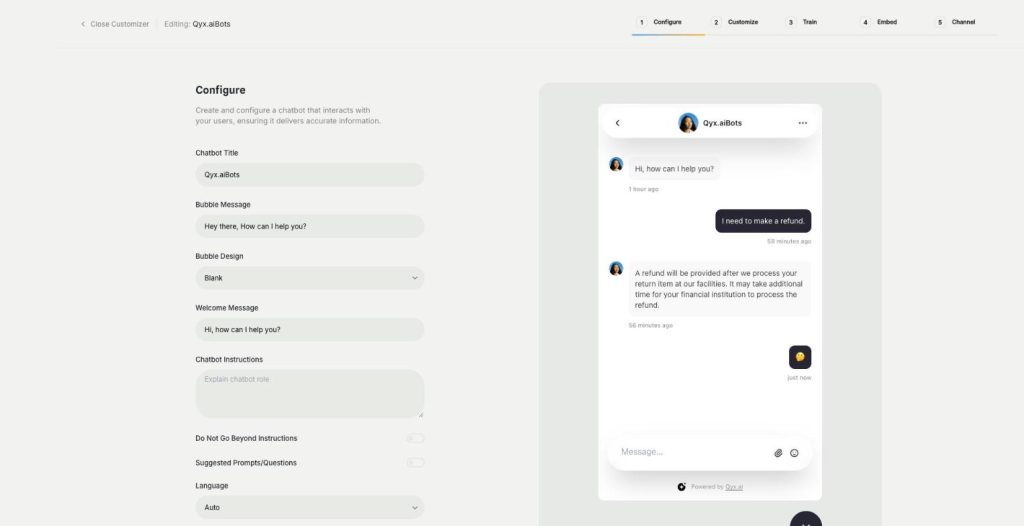
The website chatbot in Qyx is a custom AI chatbot trained on your pages, files and FAQs. It answers visitors in seconds, day and night, in your brand colours and on your rules.
-
Booking agent
Let customers book in the chat
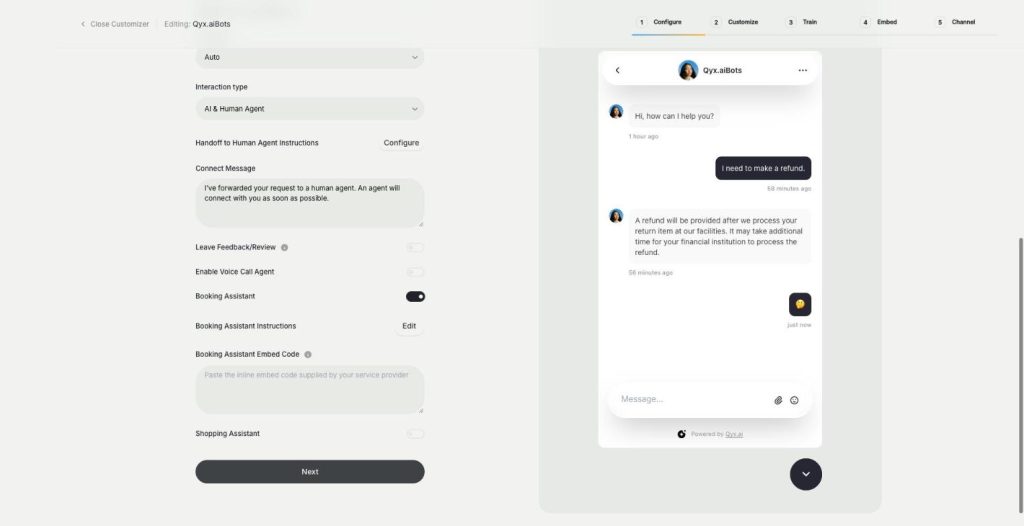
The booking agent is an AI booking assistant for your website chatbot. Add your Calendly or Cal.com embed, and the bot offers a meeting when a visitor is ready and lets them book without leaving the chat.
-
Voice chat
Talk to visitors with real voice
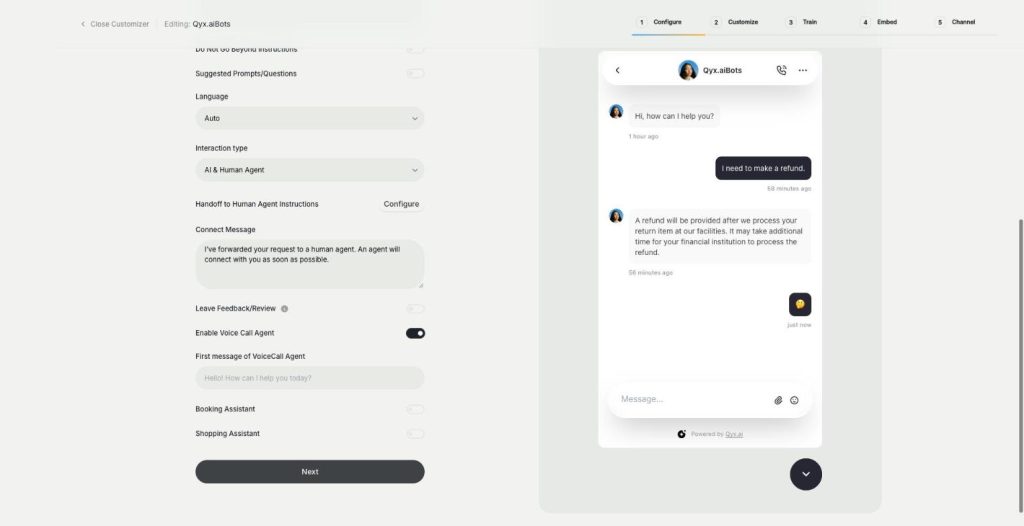
Voice chat makes your website bot an AI voice chatbot. Turn on the Voice Call Agent, and visitors can talk to your assistant out loud and switch back to text at any time.
-
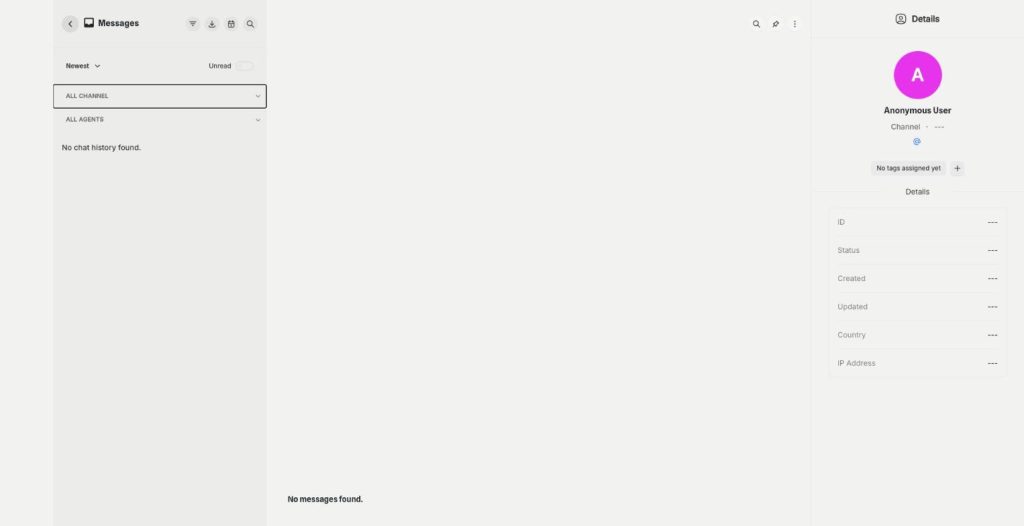
Smart inbox
Every conversation in one inbox
The smart inbox is the live chat inbox of External Chatbot. Read and answer conversations from your website and your messaging apps in one place, with tags and notes, plus canned responses.
-
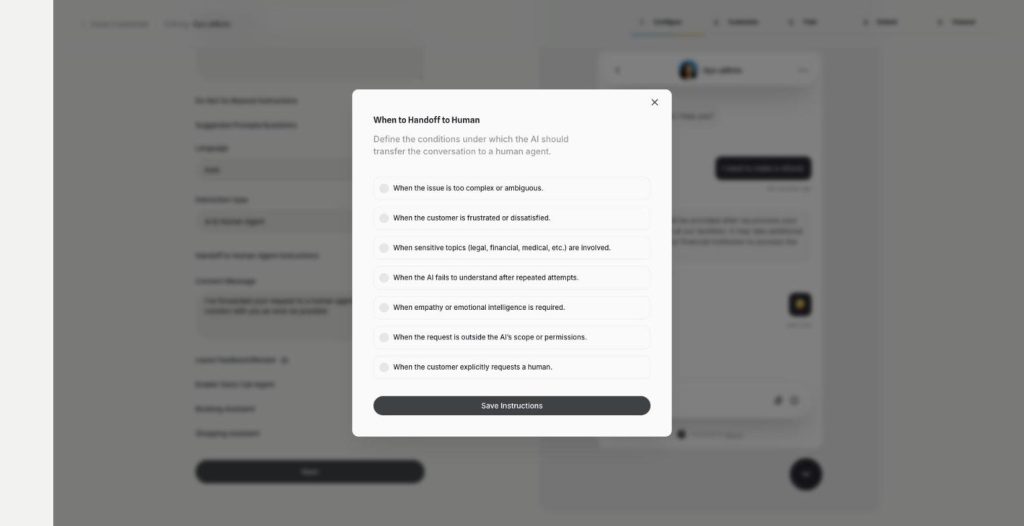
Human agent
Hand over to a person when it matters
Human agent adds chatbot human handoff to External Chatbot. Choose when the AI passes the conversation to your team, and the customer gets a person exactly when they need one.
-
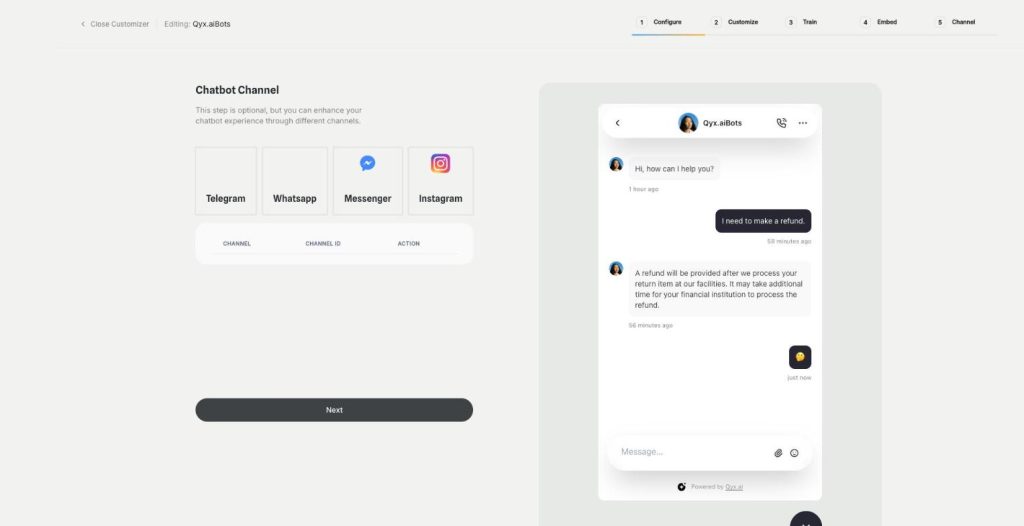
Instagram
Answer Instagram DMs with your AI bot
Connect External Chatbot to Instagram and get an Instagram chatbot that answers direct messages with your trained knowledge. Customers ask in the app they use every day, and the bot replies in seconds.
-
Facebook Messenger
Your AI bot in Messenger
Connect External Chatbot to your Facebook Page and get a Messenger chatbot that answers customers with your trained knowledge, around the clock, with a person ready when needed.
-
WhatsApp and Telegram
The same bot in WhatsApp and Telegram
Connect External Chatbot to WhatsApp and Telegram and get a WhatsApp chatbot that answers customers with your trained knowledge, in the messaging app they already use.
-
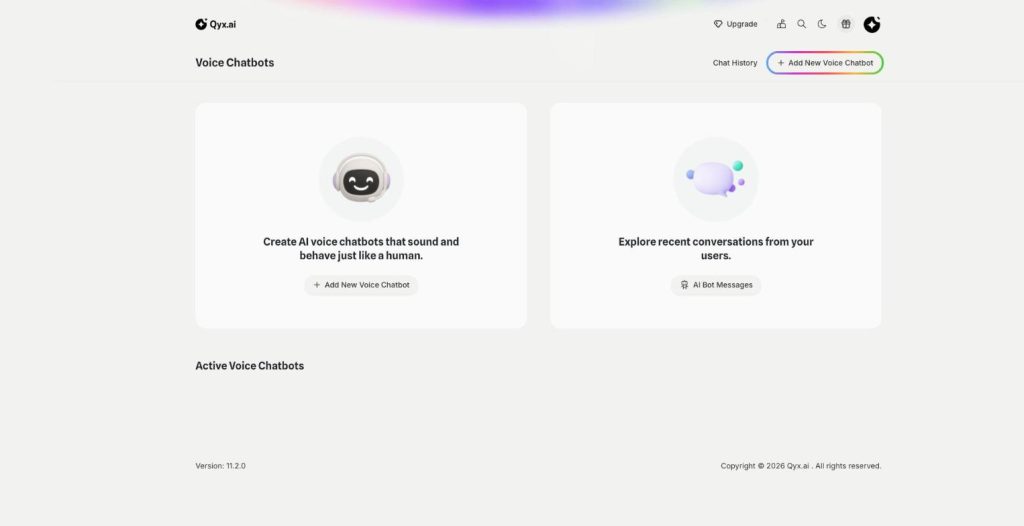
Phone call agent
An AI agent that answers your phone
The phone call agent is an AI phone agent for your business. It picks up real phone calls, answers questions, books appointments and qualifies leads around the clock.
Turn your chatbot into a salesperson
From $29/month · 7-day money-back guarantee · Cancel anytime