AI Social Media Suite · Carousels
Eye catching carousels in seconds
Carousels in AI Social Media Suite are an AI carousel generator for Instagram, Facebook and LinkedIn. Describe the images or let the post text guide them, choose how many, and publish them as one swipeable post.
- Up to 10 images on Instagram and Facebook
- Up to 9 images on LinkedIn
- Images from your prompt or the post text
- Your own uploads up to 5 MB
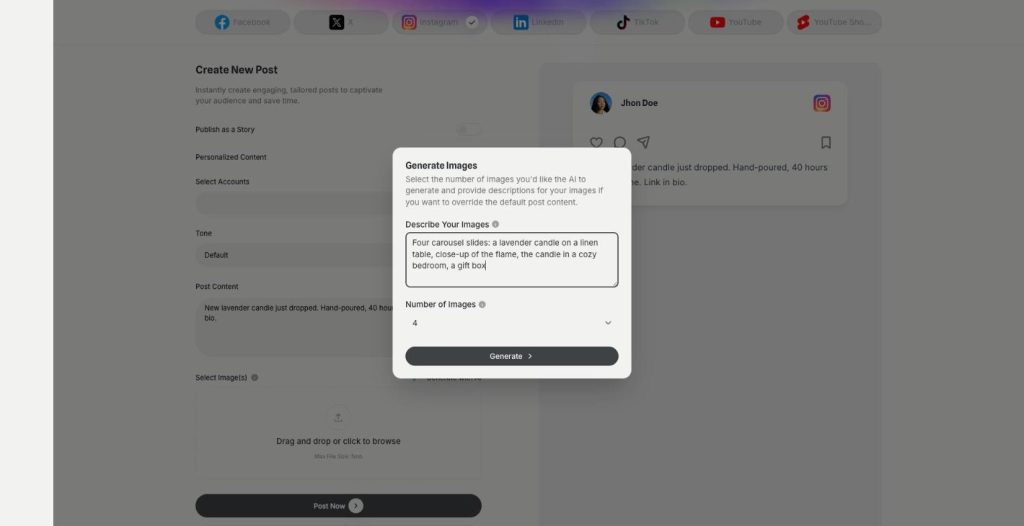
Write the post and generate the images.
- Seven platforms from one login
- Works in your browser
- Cancel anytime
One image is not enough
A carousel keeps people swiping, but designing ten matching slides takes an afternoon.
I need several images for one post and have none.
My carousel slides never look like they belong together.
Stock photos look like everyone else's.
One generator for the whole carousel:
- Several images at once
- Prompt or post text
- Platform limits built in
- Own uploads
- AI caption
- Scheduling
How It Works
A simple three-step process, start to finish.
-
Write the post
Add the caption or let AI write it.
-
Generate the images
Open Generate with AI, describe the images and pick the number.
-
Publish the carousel
Post it now or schedule it to your accounts.
Why marketers use an AI carousel generator
More swipes and saves than a single image.
A whole set of visuals without a designer.
Text and images made in one place.
Good to know before you start
Carousels in AI Social Media Suite work as an AI carousel generator. You write a post, open Generate with AI under Select Image(s), choose how many images you want and get them in one step. The suite publishes them together as one post that people swipe through.
How the AI carousel generator works
The Generate Images window has two fields. Describe Your Images takes your own description, for example „five flat lay photos of a skincare routine on beige linen“. If you leave it empty, the post content becomes the image prompt. Number of Images sets the count, and the maximum depends on the platform you post to.
Limits per platform
Instagram and Facebook take up to ten images in one post. LinkedIn takes up to nine. X takes one image, so a carousel there becomes a single picture. You can mix generated images with your own uploads, each up to 5 MB.
Carousel ideas for online shops
Show one product from five angles. Explain a how-to in steps, one step per slide. Compare three variants of a product side by side, then end with a slide that says where to buy. Turn customer questions into a short FAQ carousel. Each format gives people a reason to swipe and to save the post.
Who uses carousels
A clothing brand turns a new collection into a lookbook post. Coaches share a checklist that followers save for later. A bakery shows a recipe from flour to finished cake, and the last slide points to the shop. Companies that sell to other businesses use LinkedIn carousels to explain a process in plain steps, which often gets more reach than a link post.
Tips for an AI carousel generator
Describe one shared look for all images, such as the same background and light, so the slides feel like a set. Put the most interesting image first, because it decides whether people swipe. Keep text out of the images and put it in the caption, and check every image for mistakes before you schedule the post. For designed slides with text and layout, use Creative Suite.
Questions, answered
It is part of AI Social Media Suite. It generates several images for one post and publishes them as a carousel.
Up to ten on Instagram and Facebook and up to nine on LinkedIn. X takes one image.
No. If you leave Describe Your Images empty, the post text is used as the prompt.
Yes. Upload your own images, up to 5 MB each.
Yes. Publish it now or schedule it like any other post.
More AI Social Media Suite features
-
Publishing
Post everywhere from one place
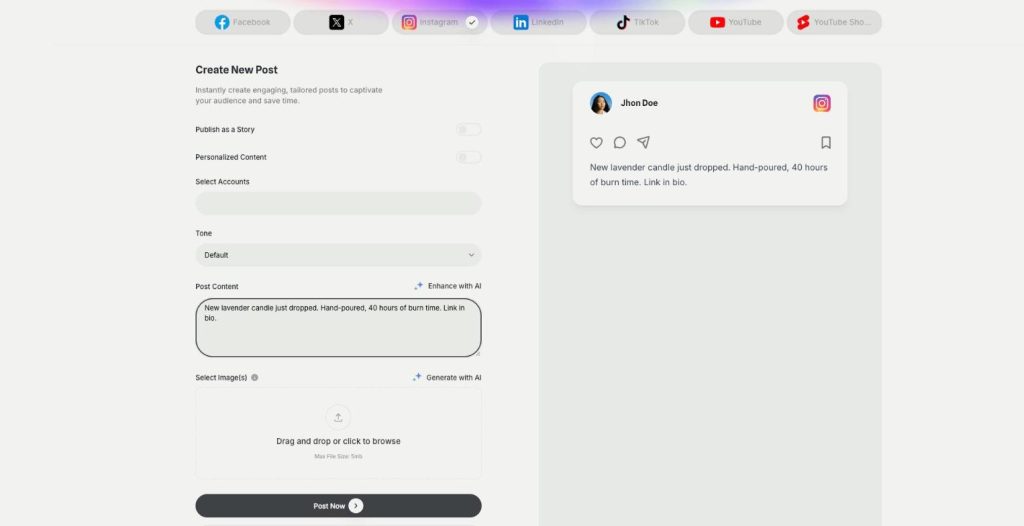
Publishing in AI Social Media Suite is a social media scheduler with AI writing built in. Connect Facebook, Instagram, X, LinkedIn, TikTok and YouTube, write the post with AI and publish it now or on a schedule.
-
Posts and stories
Publish posts or stories
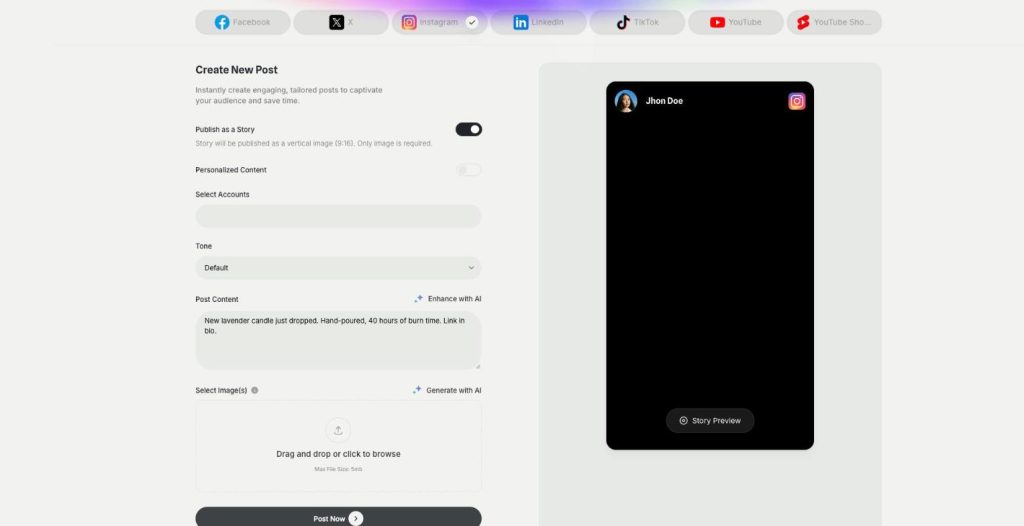
AI Social Media Suite lets you schedule Instagram stories, Facebook stories and TikTok stories next to regular posts. Switch on Publish as a Story, add a vertical image or video and send it now or later.
-
YouTube and Shorts
Generate and post YouTube and Shorts
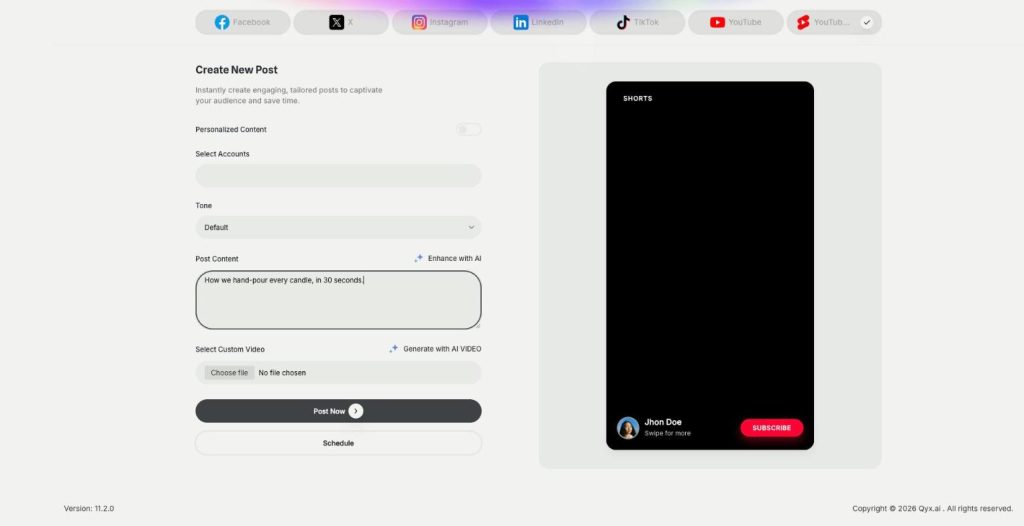
AI Social Media Suite lets you schedule YouTube Shorts and regular YouTube videos. Upload your own video or generate one with AI from the post text, preview it and publish it now or later.
-
DM and comment agent
Reply to every comment and DM
The DM and comment agent brings Instagram DM automation and comment replies to AI Social Media Suite. Build the agent in a visual workflow, and it answers comments and messages on Instagram, Facebook and X.
-
YouTube comment automation
Answer YouTube comments automatically
YouTube comment automation in AI Social Media Suite lets you auto reply to YouTube comments. The agent watches new comments on your channel and answers the common questions in your tone.
-
Analytics
See which posts work
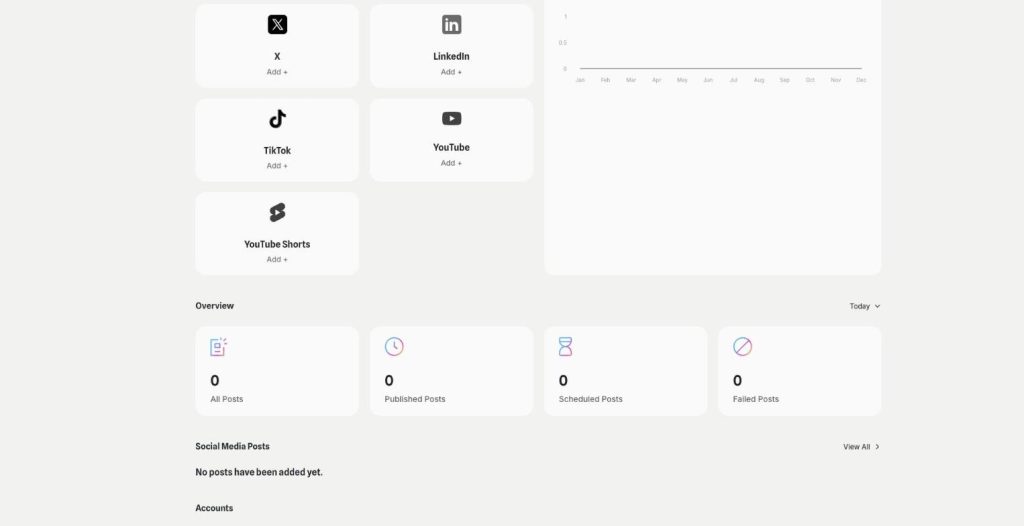
Analytics in AI Social Media Suite is social media analytics for every connected platform. See which posts went out or failed, compare platforms and find the posts worth repeating.
Create your next carousel with AI
From $29/month · 7-day money-back guarantee · Cancel anytime