AI Template: Changelog Creator. How to Write a Changelog for a Release? Examples
To write a changelog for a release, enter the version and the list of changes in the Changelog Creator template in Qyx and get a changelog to publish. The Changelog Creator template is a Qyx Smart Template that turns a version and your changes into a changelog in the language you pick.
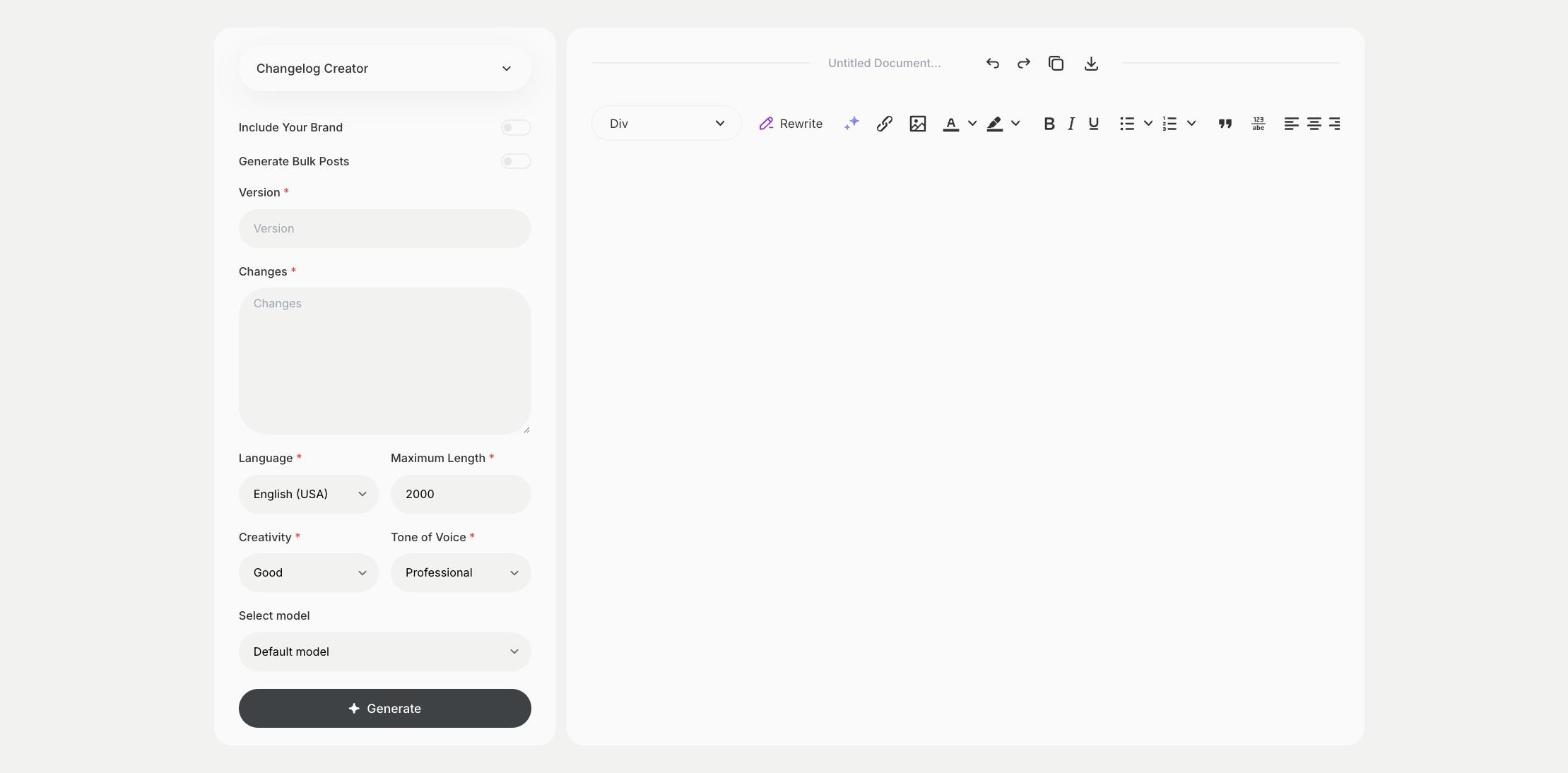
What is the Changelog Creator template?
The Changelog Creator template is a ready-made template in Qyx for release notes in software, apps and plugins. You enter the version number and list the changes, such as new features, fixes and removals, and Qyx writes a structured changelog. Group the changes into added, changed and fixed, so users find what matters to them. Write from the user's point of view and leave out internal details. Publish the changelog in your app, docs or blog. Keep the same format for each release, so users know where to look.
-
Structured release notes
Get changes grouped by type.
-
Written for users
Turn technical notes into clear sentences.
-
Notes in other languages
Pick the output language for users in other markets.
How does it work?
- Open the Changelog Creator template in Qyx.
- Fill in the version number in Version and the list of changes in Changes, then choose the language, tone of voice, creativity and maximum length.
- Click Generate, pick the best result and edit it right in the editor.
Who is it for?
-
SaaS teams
Publish release notes for each update.
-
App developers
Write notes for app store updates.
-
Open source maintainers
Keep a clear changelog in the repository.
-
Product managers
Share what changed with customers and the team.
Practical example
What you enter
Version: the version number of the release. Changes: the list of new features, changes and fixes, in your own words.
What you get
A changelog for your release. Check that nothing is missing, add links to docs and publish it where your users look for updates.
Conclusion
The Changelog Creator template gives you release notes for each version. Explain a new feature in detail with the Features Page template in Qyx.