AI Template: Social Media Post Business. How to Write Social Media Posts for Your Company? Examples
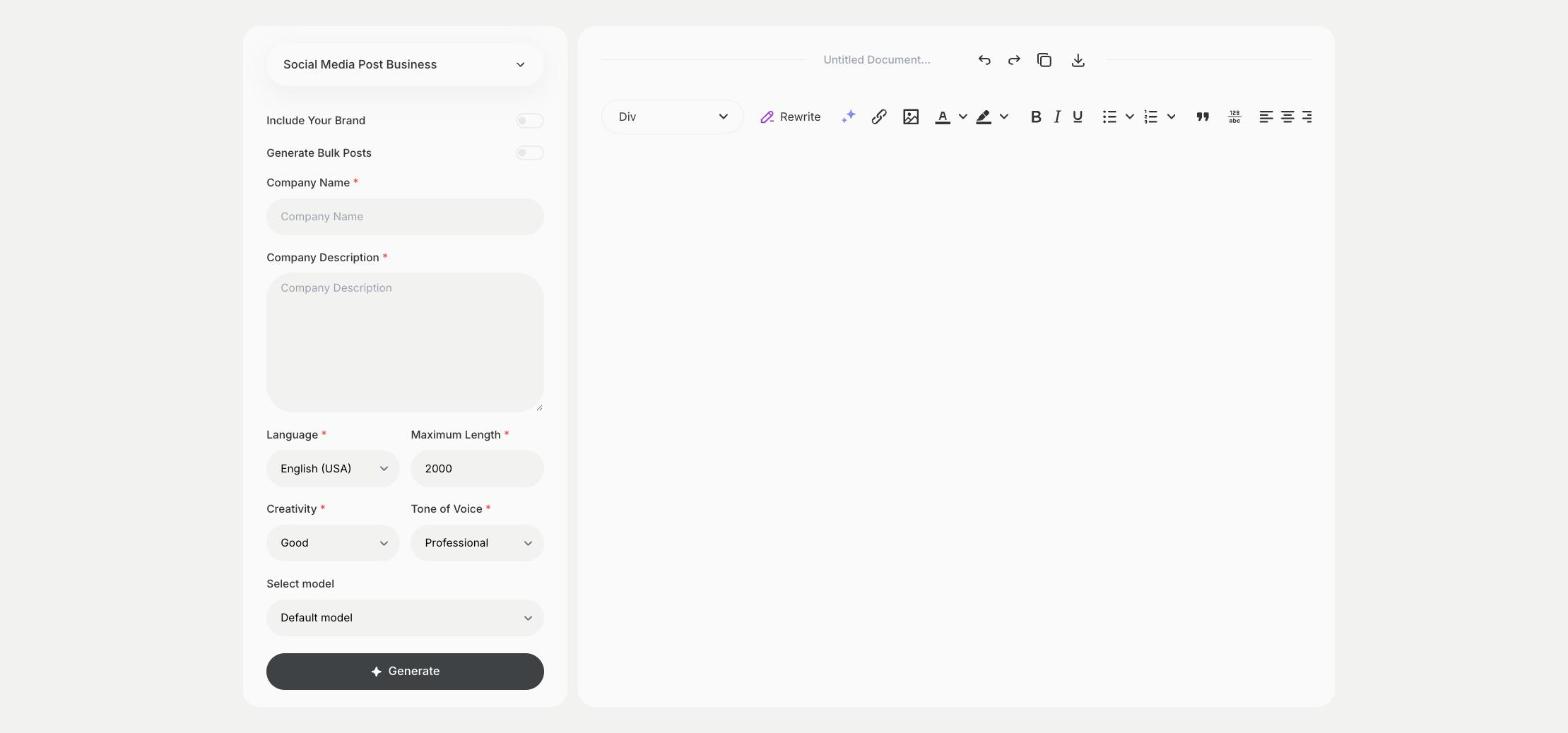
To write social media posts for your company, enter the company name and a description in the Social Media Post Business template in Qyx and get a post for your business profiles. The Social Media Post Business template is a Qyx Smart Template that turns your company details into a business social media post in the language you pick.
What is the Social Media Post Business template?
The Social Media Post Business template is a ready-made template in Qyx for company pages on Facebook, LinkedIn or Instagram. You enter the company name and describe what you do, or what you want to say this week, and Qyx writes a post. Change the description for each post, so your profile doesn't repeat the same message. Use it for introductions, offers, news from the team and seasonal posts. Plan a week of posts in one sitting and schedule them in the tools of each network.
-
Posts about your company
The post is built on your company name and what you write about it.
-
One text for several networks
Use the post on Facebook, LinkedIn or Instagram and shorten it where needed.
-
A steady brand voice
Turn on Include Your Brand, so your posts sound like one company.
How does it work?
- Open the Social Media Post Business template in Qyx.
- Fill in your company in Company Name and what you do or want to announce in Company Description, then choose the language, tone of voice, creativity and maximum length.
- Click Generate, pick the best result and edit it right in the editor.
Who is it for?
-
Small businesses
Keep your company profiles active with regular posts.
-
Local businesses
Post about opening hours, offers and events.
-
Online stores
Introduce the shop and its products to new followers.
-
Freelancers and agencies
Post about your services and recent work.
Practical example
What you enter
Company Name: the name of your business. Company Description: what you do and the message of this post, such as an offer, a new service or news.
What you get
A social media post for your business. Add a photo, adjust the length for the network and publish it on your company profile.
Conclusion
The Social Media Post Business template gives you posts for your company profiles. For a post on a specific topic, use the Facebook Post template in Qyx.