AI Tool: AI Web Chat. How to Ask Questions About a Web Page? Examples
To ask questions about a web page, share its address in AI Web Chat in Qyx and chat about its content. AI Web Chat is a Qyx AI tool that lets you chat with a website and get answers based on the page.
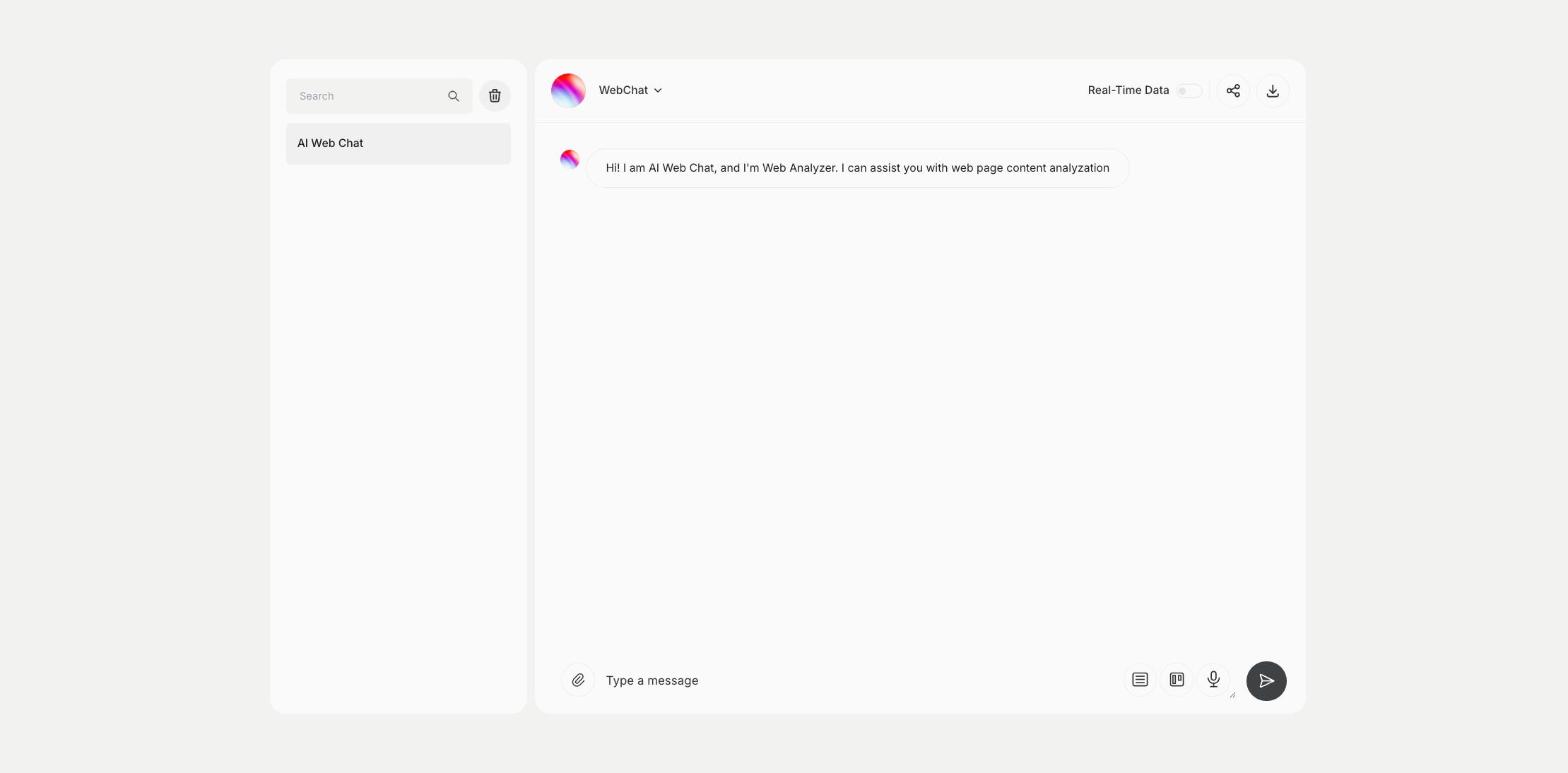
What is the AI Web Chat template?
AI Web Chat is a Qyx tool for analyzing web pages, such as competitor sites, articles, landing pages and documentation. You write the address of the page in the chat and ask what you want to know, and Qyx answers from the page content. Ask for a summary, the main offer, the prices listed or ideas to improve the copy. Turn on Real-Time Data when you need current information. Each conversation is saved in the list on the left, and you can share or download it. Ask one question per message, so each answer stays focused. Check important facts on the page itself before you act on them.
-
Answers about a page
Ask questions and get answers from the page content.
-
Competitor research
Summarize offers, prices and messages of other sites.
-
Saved chats
Return to the analysis later.
How does it work?
- Open the AI Web Chat template in Qyx.
- Fill in the message box with the page address and your question.
- Click Generate, pick the best result and edit it right in the editor.
Who is it for?
-
Marketers
Analyze competitor landing pages.
-
SEO specialists
Review the content of a page.
-
Store owners
Compare offers and prices of other stores.
-
Students
Summarize long articles.
Practical example
What you enter
Message: the address of the web page and your question, such as a summary of the offer or ideas to improve the headline.
What you get
Answers based on the page in the chat. Ask follow-up questions, copy the parts you need and check key facts on the page.
Conclusion
AI Web Chat lets you chat with web pages. To chat with a PDF or a spreadsheet, use the File Analyzer in Qyx.