AI Tool: AI Speech to Text. How to Transcribe an Audio File Into Text? Examples
To transcribe an audio file into text, upload the recording to the AI Speech to Text tool in Qyx and get a transcript. AI Speech to Text is a Qyx AI tool that turns an audio file into written text.
What is the AI Speech to Text template?
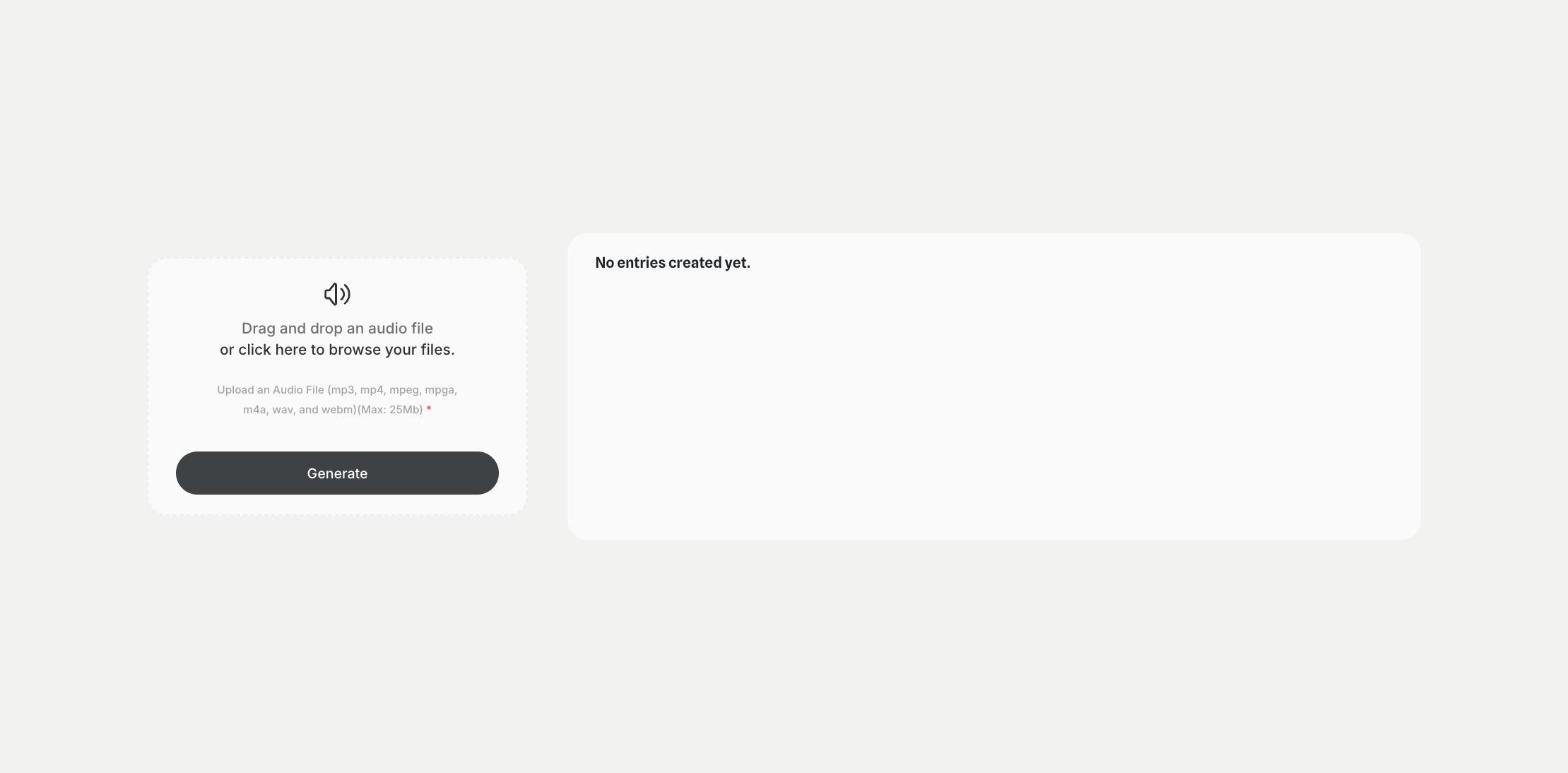
AI Speech to Text is a Qyx tool for interviews, meetings, podcasts, voice notes and videos. You drag the audio file into the upload area, click Generate, and Qyx writes out what was said. The tool accepts mp3, mp4, mpeg, mpga, m4a, wav and webm files up to 25 MB. Each transcript appears in your results list, where you can open it again later. A clear recording with little background noise gives a more accurate transcript, so record close to the microphone. Read the transcript through before you publish it, and check names, numbers and technical terms. Ask the people you recorded for consent before you transcribe a conversation. For long recordings, split the file into parts under 25 MB and transcribe them one by one.
-
Common audio formats
Upload mp3, mp4, m4a, wav, webm and other formats.
-
Text you can reuse
Turn a recording into notes, captions, show notes or an article draft.
-
Transcripts in one list
Find earlier transcripts in your results.
How does it work?
- Open the AI Speech to Text template in Qyx.
- Fill in the upload area with your audio file (mp3, mp4, mpeg, mpga, m4a, wav or webm, up to 25 MB).
- Click Generate, pick the best result and edit it right in the editor.
Who is it for?
-
Podcasters
Turn episodes into show notes and articles.
-
Journalists and researchers
Transcribe interviews for quotes and analysis.
-
Teams
Turn recorded meetings into written notes.
-
Video creators
Get text for captions and descriptions.
Practical example
What you enter
Audio file: a recording of an interview, a meeting, a lecture or a voice note in one of the supported formats, up to 25 MB.
What you get
A text transcript of the recording. Read it through, fix names and terms, and use it for notes, captions or a blog post.
Conclusion
AI Speech to Text turns your recordings into text. If the recording has a lot of background noise, clean it first with the AI Voice Isolator in Qyx.