AI Template: Services Page. How to Write a Services Page for Your Website? Examples
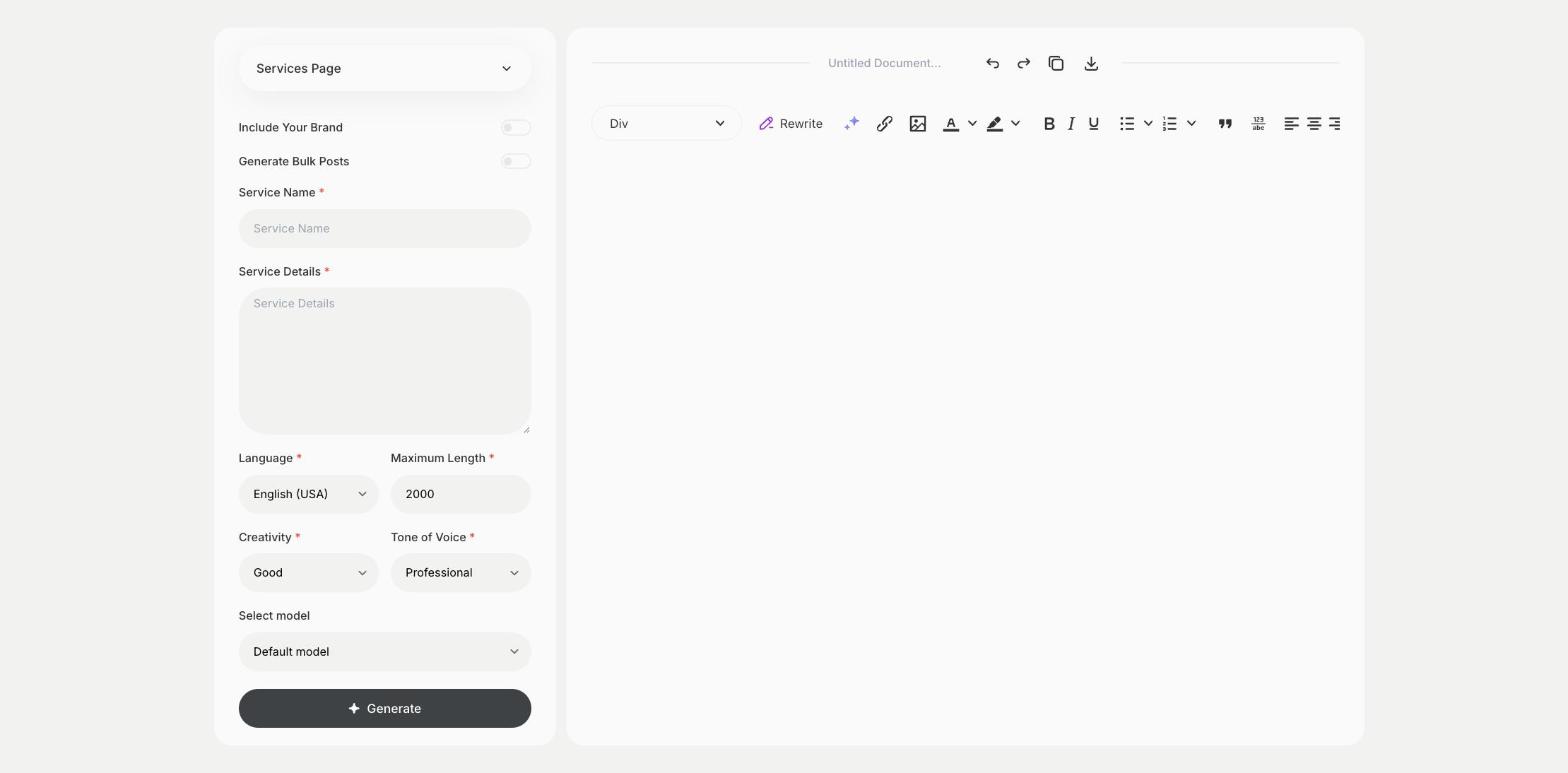
To write a services page for your website, enter the service name and the service details in the Services Page template in Qyx and get page content that explains your service. The Services Page template is a Qyx Smart Template that turns a service and its details into services page content in the language you pick.
What is the Services Page template?
The Services Page template is a ready-made template in Qyx for agencies, freelancers and local businesses that sell services. You enter the service name and describe what is included, who it is for and how it works, and Qyx writes the page content. Clients want to know what they get, how long it takes and what it costs, so add those details. End the page with one clear way to get in touch. Write a separate page for each main service.
-
A page for each service
Write clear content for each service you offer.
-
The questions clients ask
Cover what is included, who it is for and how it works.
-
Pages in other languages
Pick the output language for clients abroad.
How does it work?
- Open the Services Page template in Qyx.
- Fill in the service in Service Name and what is included, who it is for and how it works in Service Details, then choose the language, tone of voice, creativity and maximum length.
- Click Generate, pick the best result and edit it right in the editor.
Who is it for?
-
Agencies
Write a page for each service you sell.
-
Freelancers
Explain your services on your portfolio site.
-
Local businesses
Describe services such as repairs, cleaning or consulting.
-
Consultants
Present your packages to potential clients.
Practical example
What you enter
Service Name: the name of the service. Service Details: what is included, who it is for, how it works, how long it takes and the price if you show it.
What you get
Content for your services page. Add a contact button and an example of your work, then publish the page on your website.
Conclusion
The Services Page template gives you content for each service you offer. For product features, use the Features Page template in Qyx.