AI Template: Sitemap. How to Plan the Page Structure of a Website? Examples
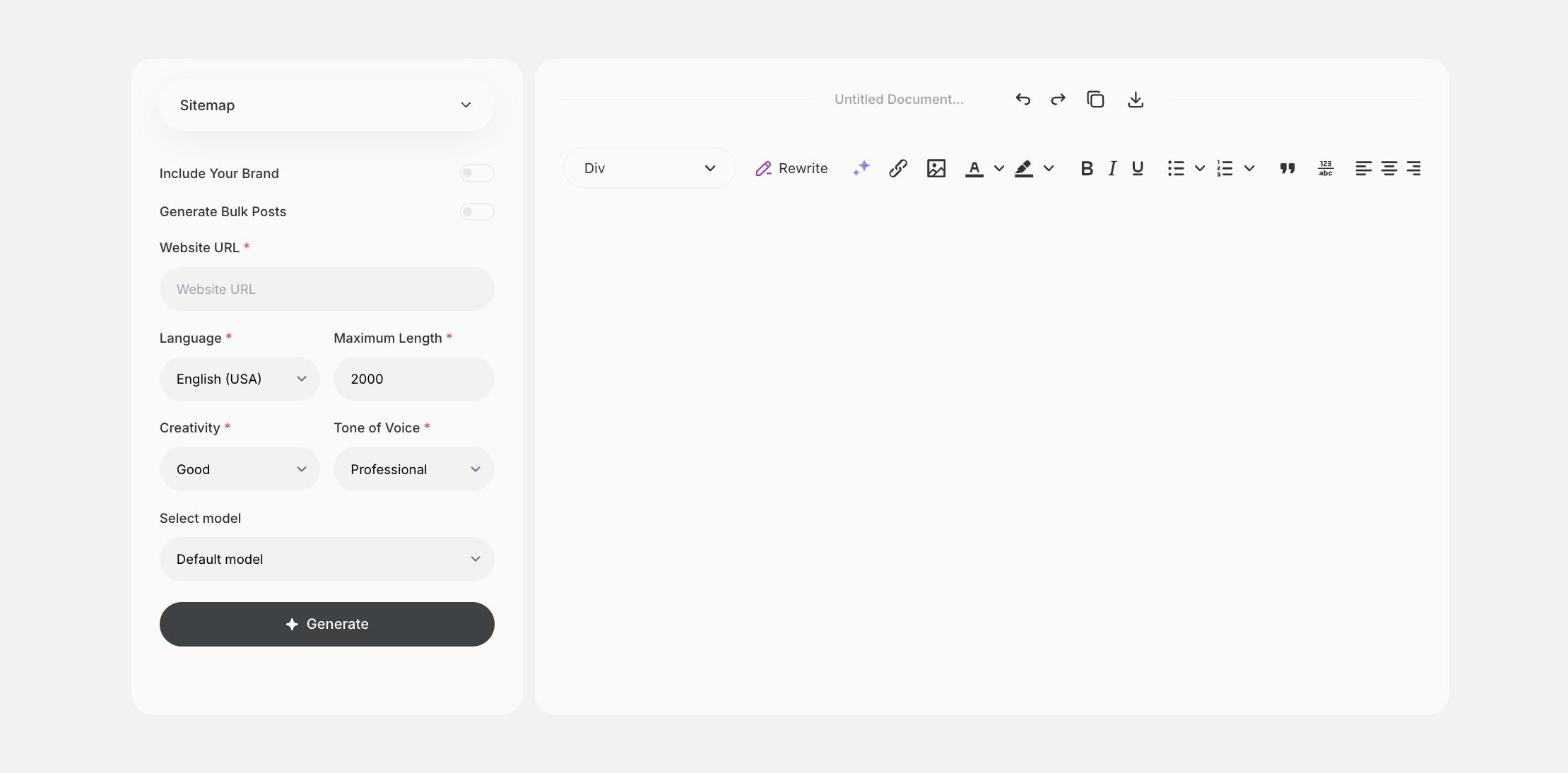
To plan the page structure of a website, enter the website URL in the Sitemap template in Qyx and get a suggested sitemap with main pages and subpages. The Sitemap template is a Qyx Smart Template that turns a website address into a sitemap plan in the language you pick.
What is the Sitemap template?
The Sitemap template is a ready-made template in Qyx for planning which pages a website needs and how they connect. You enter the website URL, and Qyx suggests a sitemap with main sections and subpages. Use it as a planning draft for a new site or a redesign, and compare it with the pages your site has today. A clear structure helps visitors and search engines find your pages. For the XML sitemap that search engines read, use your CMS or an SEO plugin.
-
A structure to plan with
Get main sections and subpages in one list.
-
For new sites and redesigns
Use it before you build or rebuild a website.
-
A base for the menu
Turn the main sections into your navigation.
How does it work?
- Open the Sitemap template in Qyx.
- Fill in the address in Website URL, then choose the language, tone of voice, creativity and maximum length.
- Click Generate, pick the best result and edit it right in the editor.
Who is it for?
-
Web designers and agencies
Plan the structure of a client site.
-
Small business owners
Decide which pages your website needs.
-
Online stores
Plan categories and information pages.
-
SEO specialists
Review the structure of a site before a redesign.
Practical example
What you enter
Website URL: the address of the website you are planning or redesigning.
What you get
A suggested sitemap with main pages and subpages. Compare it with your current site, adjust it to your business and use it to plan the menu and the content.
Conclusion
The Sitemap template helps you plan the page structure of a website. Write the copy for each page with the Website - Copywriting template in Qyx.