AI Template: Google Ads Description. How to Write Descriptions for Google Ads? Examples
To write descriptions for Google Ads, enter the product name, a description and your audience in the Google Ads Description template in Qyx and get description lines for your search ads. The Google Ads Description template is a Qyx Smart Template that turns your product details into Google Ads descriptions in the language you pick.
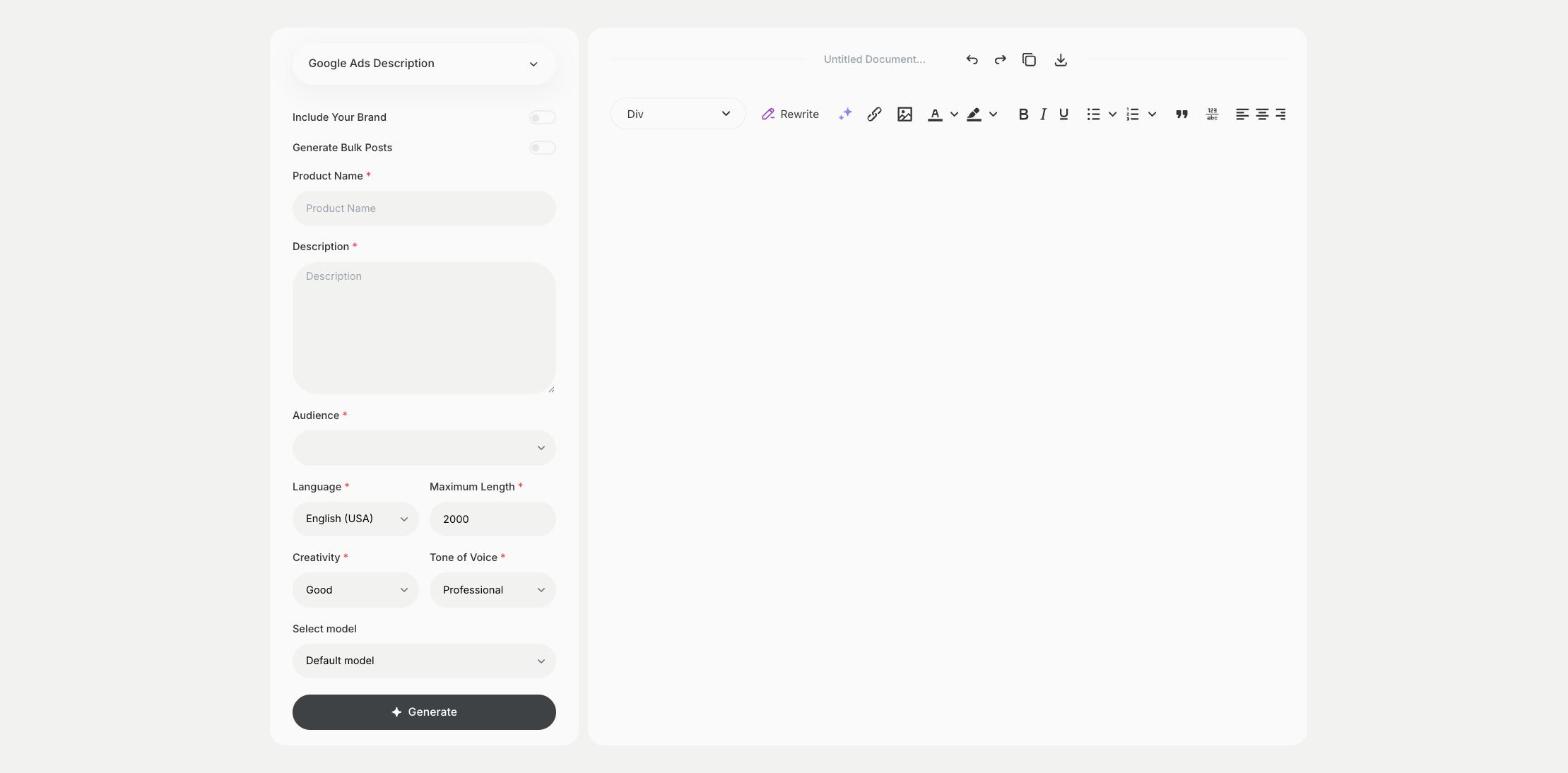
What is the Google Ads Description template?
The Google Ads Description template is a ready-made template in Qyx for the description lines under the headlines of a search ad. You enter the product name, describe what it offers and choose the audience, and Qyx writes descriptions. Google Ads limits each description to 90 characters, so check the length before you paste them. Use the descriptions for details the headlines can't fit, such as delivery, guarantees or a call to action. Keep the claims true to your landing page.
-
Lines for search ads
Get description lines to load into one ad.
-
Details that convince
Add delivery, guarantees or offers to the description.
-
Ads in other languages
Pick the output language for campaigns in other countries.
How does it work?
- Open the Google Ads Description template in Qyx.
- Fill in your product in Product Name, what it offers in Description and the audience in Audience, then choose the language, tone of voice, creativity and maximum length.
- Click Generate, pick the best result and edit it right in the editor.
Who is it for?
-
PPC specialists
Write description lines for responsive search ads.
-
Online stores
Add delivery and return details to product ads.
-
Service businesses
Explain what clients get in a few words.
-
Agencies
Prepare description lines for client campaigns.
Practical example
What you enter
Product Name: the product or service you advertise. Description: what it offers, the main benefit and any offer. Audience: who the ad is for.
What you get
Google Ads description lines. Check that each fits the character limit, add them to your ad and make sure they match the landing page.
Conclusion
The Google Ads Description template gives you description lines for search ads. Write the headlines with the Google Ads Headlines template in Qyx.