AI Template: Proofreading. How to Proofread a Text Before You Publish It? Examples
To proofread a text before you publish it, paste it into the Proofreading template in Qyx and get suggestions for typos, punctuation and wording. The Proofreading template is a Qyx Smart Template that turns a finished draft into proofreading suggestions in the language you pick.
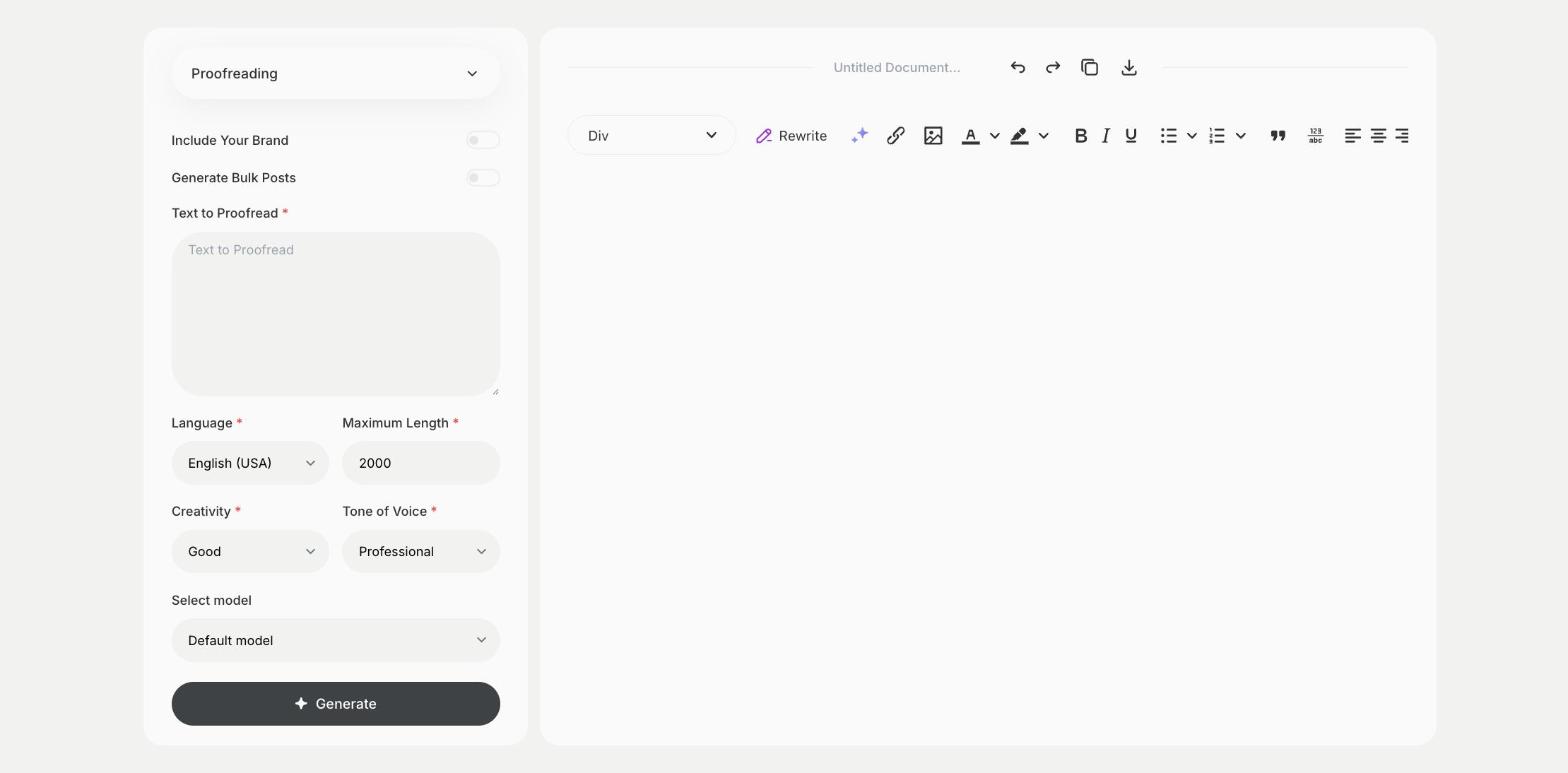
What is the Proofreading template?
The Proofreading template is a ready-made template in Qyx for the last check before a text goes out. You paste a finished draft, and Qyx suggests fixes for typos, punctuation, repeated words and unclear sentences. Proofreading works best on a text that is already complete, so finish your edits first. Read the final version once more on the device your readers will use. Proofread headings, buttons and image captions too, because readers notice errors there first. For long texts, work section by section.
-
A last check
Catch typos and small errors before readers do.
-
Suggestions to review
See what Qyx would change and decide yourself.
-
Proofread in many languages
Pick the output language that matches your text.
How does it work?
- Open the Proofreading template in Qyx.
- Fill in your finished draft in Text to Proofread, then choose the language, tone of voice, creativity and maximum length.
- Click Generate, pick the best result and edit it right in the editor.
Who is it for?
-
Bloggers and writers
Proofread posts and articles before publishing.
-
Online stores
Check product pages and newsletters.
-
Marketing teams
Proofread ads, landing pages and brochures.
-
Students and researchers
Proofread theses and papers before you submit them.
Practical example
What you enter
Text to Proofread: the finished text you want to publish or send, pasted in full.
What you get
Proofreading suggestions for your text. Apply the fixes you agree with, then read the final version once more before you publish it.
Conclusion
The Proofreading template gives your text a last check before it goes out. For deeper changes to style and clarity, use the Improve template in Qyx.