AI Chat Pro · Realtime voice chat
Talk to AI out loud
Realtime voice chat makes AI Chat Pro an AI voice chat you can talk to hands free. Speak naturally, interrupt when you want, and hear the answer right away.
- Live voice with natural turn-taking
- Hands free conversation
- Dictation with Record audio
- Text chat a click away
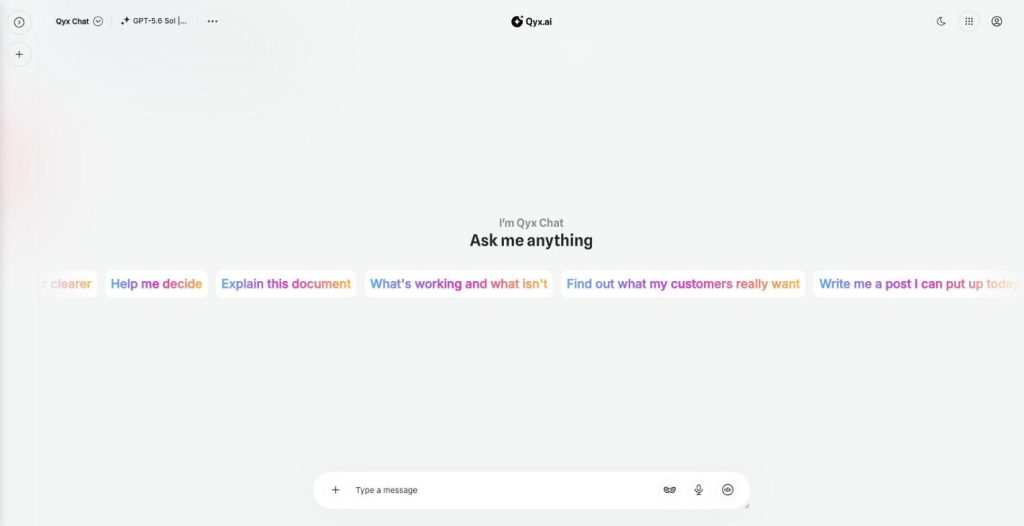
Click the Real-Time Chat button.
- Top models in one login
- Works in your browser
- Cancel anytime
Typing slows your thinking
Some ideas come out better when you say them, on a walk, in the car or between meetings.
I think faster than I type.
I can't type while I'm on the move.
Long prompts feel like homework.
One button for voice:
- Real-Time Chat
- Natural turn-taking
- Record audio
- Voice models
- Hands free
- Text fallback
How It Works
A simple three-step process, start to finish.
-
Click Real-Time Chat
Find the button on the right of the message field.
-
Speak
Ask your question or think out loud.
-
Listen and continue
Hear the answer and keep talking.
Why people use AI voice chat
Ideas captured while you walk or drive.
Faster than typing long prompts.
A natural way to think a problem through.
Good to know before you start
Realtime voice chat is the AI voice chat in AI Chat Pro. Instead of typing, you click the Real-Time Chat button and talk. The AI answers out loud, and the conversation flows like a call, with natural turn-taking.
How AI voice chat works
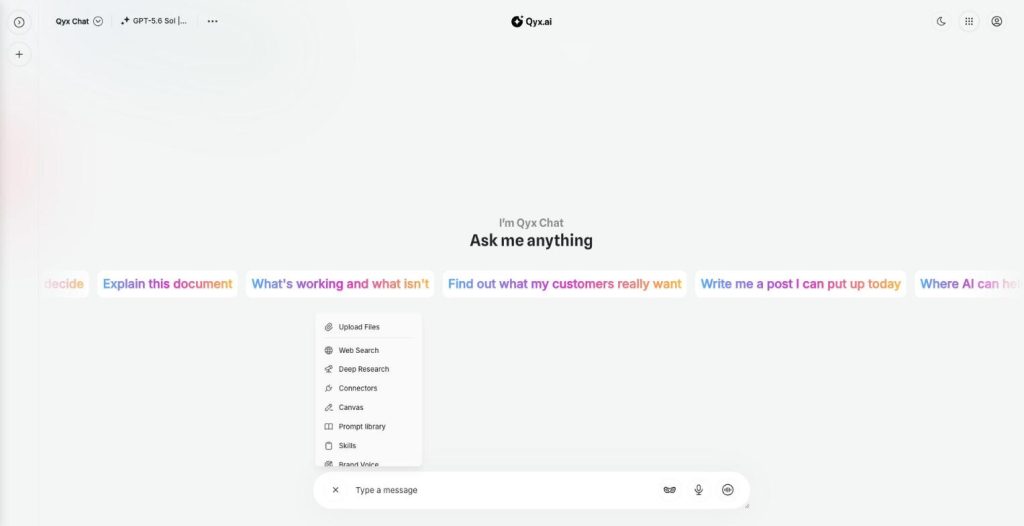
On the right side of the message field there are two voice buttons. Record audio turns your speech into a text message, which is handy when you want a written prompt without typing. Real-Time Chat starts a live voice conversation. The voice models in the list, GPT Realtime and GPT-Live 1 with a faster Mini version, are labelled for live voice conversations with natural turn-taking.
What to use it for
Brainstorm campaign ideas on a walk. Practise a sales pitch and ask for feedback. Talk through a difficult email before you write it. Get a quick explanation of a topic while your hands are busy. Prepare questions for a meeting on the way there.
Voice and text together
You can go back to the text chat at any time and continue there, for example to get a written summary of what you discussed. For long documents, move the result to Canvas.
Who it suits
People who think best while talking. Sales staff who rehearse calls. Language learners who want to practise speaking. Busy owners who drive between locations and still want to plan the week. Anyone who finds long typed prompts tiring will notice how much faster a spoken question is.
Privacy around you
Voice chats are heard by people nearby, so pick a quiet place for anything confidential. In open offices, Record audio with headphones is a discreet middle way: you speak quietly and read the answer instead of listening to it.
Tips for AI voice chat
Use a headset in noisy places. Say what you want first, then the details. Interrupt when the answer goes in the wrong direction. For a voice assistant on your website for customers, see External Chatbot.
Questions, answered
It is the Qyx AI voice chat. You talk to the AI and hear its answers in a live conversation.
Click the Real-Time Chat button on the right of the message field.
Yes. Record audio turns your speech into a text message.
Live voice models such as GPT Realtime and GPT-Live 1.
Yes. Return to the text chat at any time.
More AI Chat Pro features
-
All Models
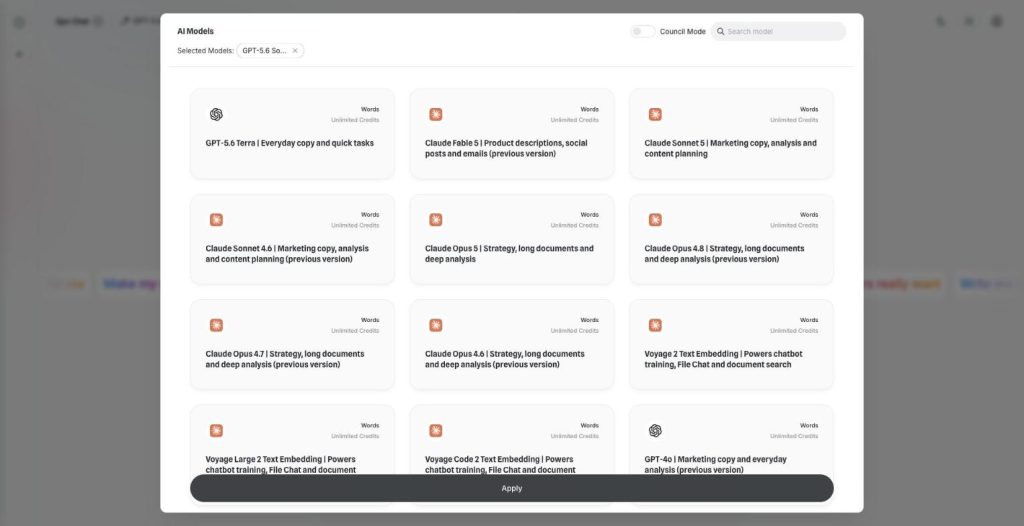
Over 30 AI models, one chat window
AI Chat Pro puts all AI models in one place: GPT, Claude, Gemini, Grok and DeepSeek in one chat. Pick the right model for each task and switch in the middle of a conversation.
-
Multi-model chat
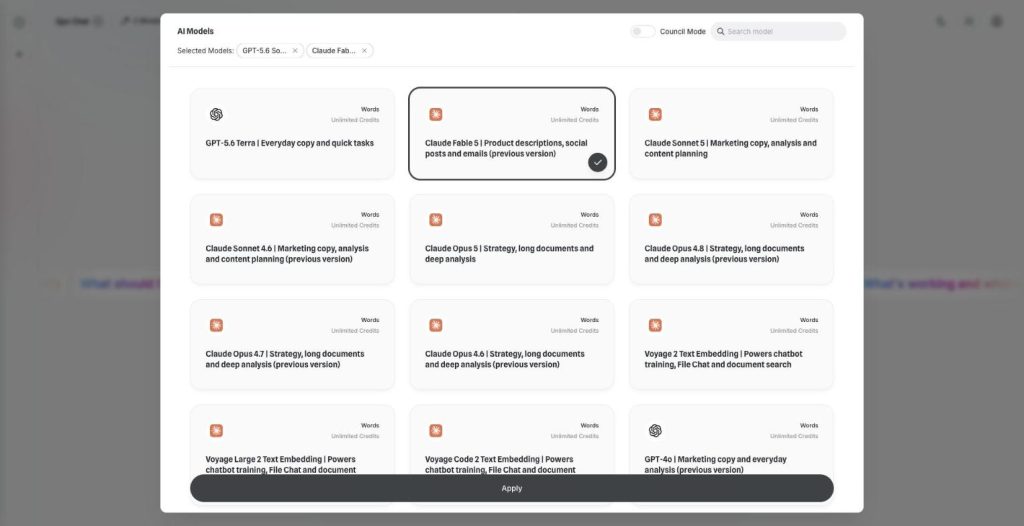
Ask every model at once
Multi-model chat lets you compare AI models side by side. Pick two models, send one prompt and read both answers next to each other before you decide which one to use.
-
Council Mode
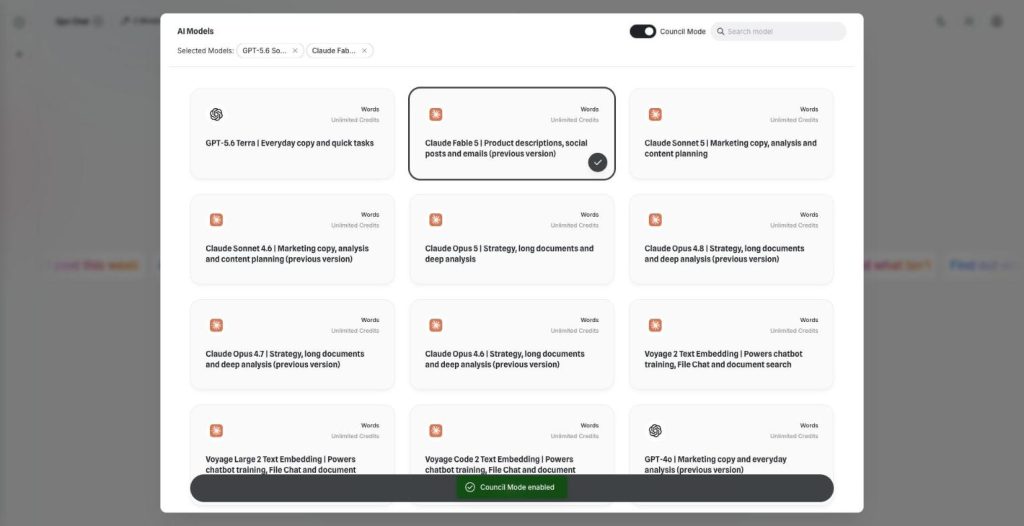
Let the best models agree
AI Council Mode runs two to five models on the same question, shows where they agree and disagree, and writes one consensus answer with a confidence score.
-
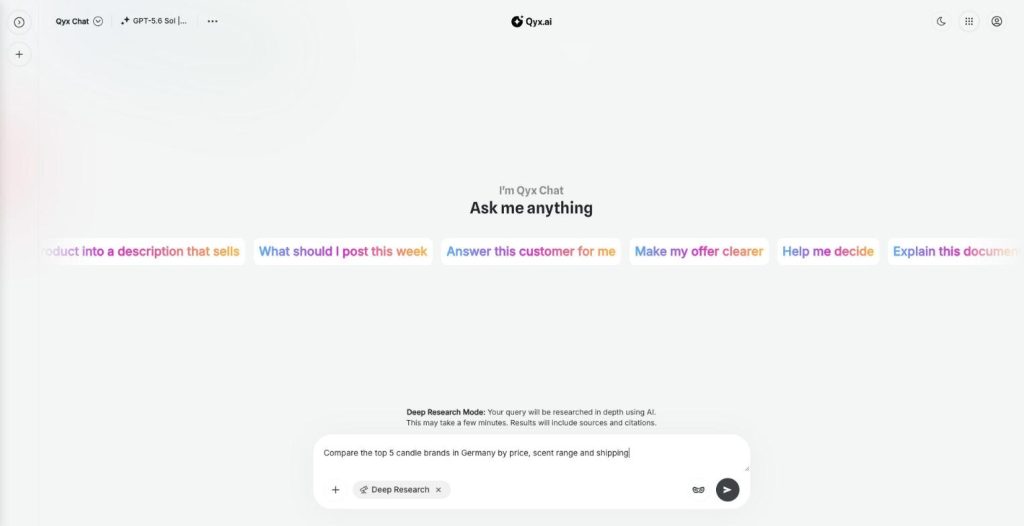
Deep Research
Research anything, with sources
AI deep research in Qyx turns your question into a multi-step investigation of the web. It reads many sources, writes a detailed report with citations and opens it in Canvas.
-
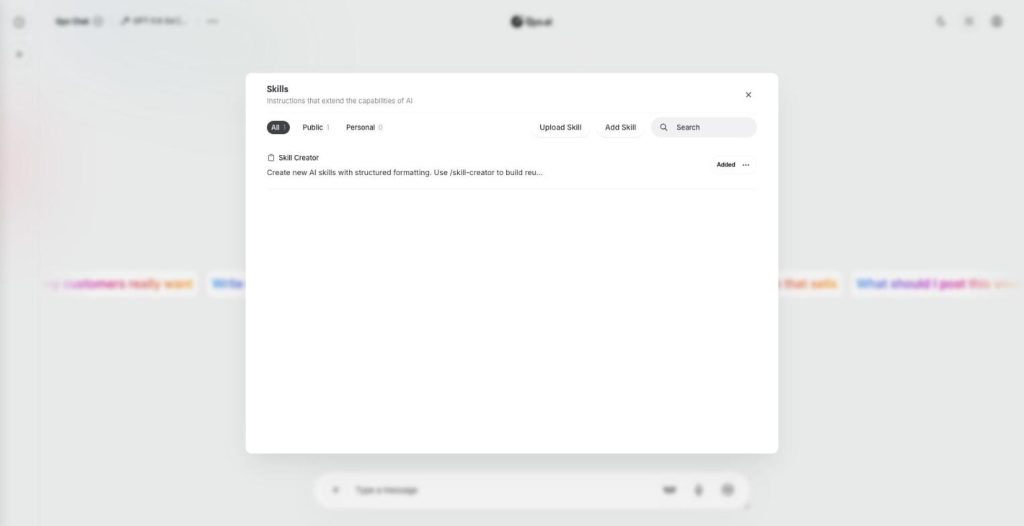
Skills
Teach your AI new skills
Skills are custom AI skills for AI Chat Pro: saved instructions that teach the AI your process. Create one with the Skill Creator or upload a SKILL.md file, and the AI follows it every time.
-
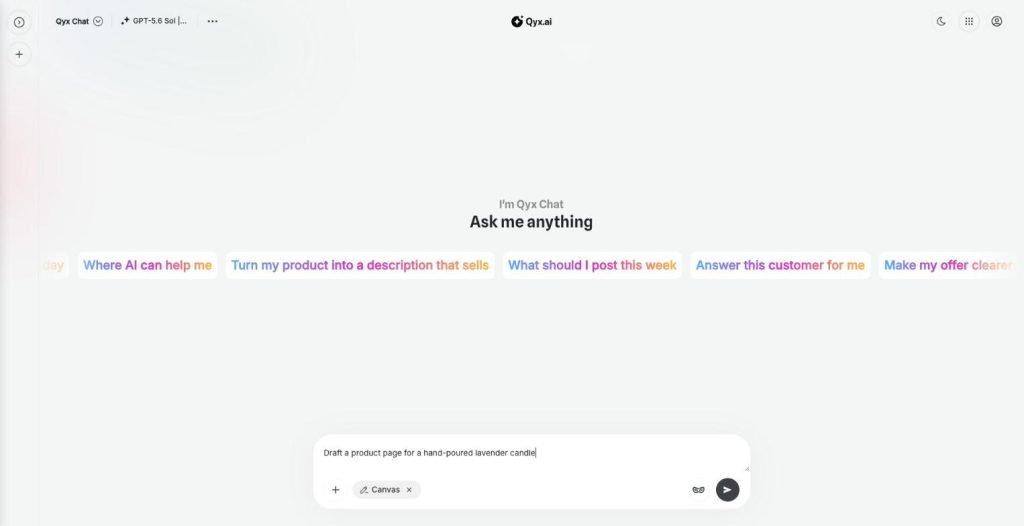
Canvas
Write and edit right inside the chat
Canvas is the AI canvas editor in AI Chat Pro. It opens a document next to the chat, so you write, edit and keep long texts and research reports without copying them anywhere else.
-
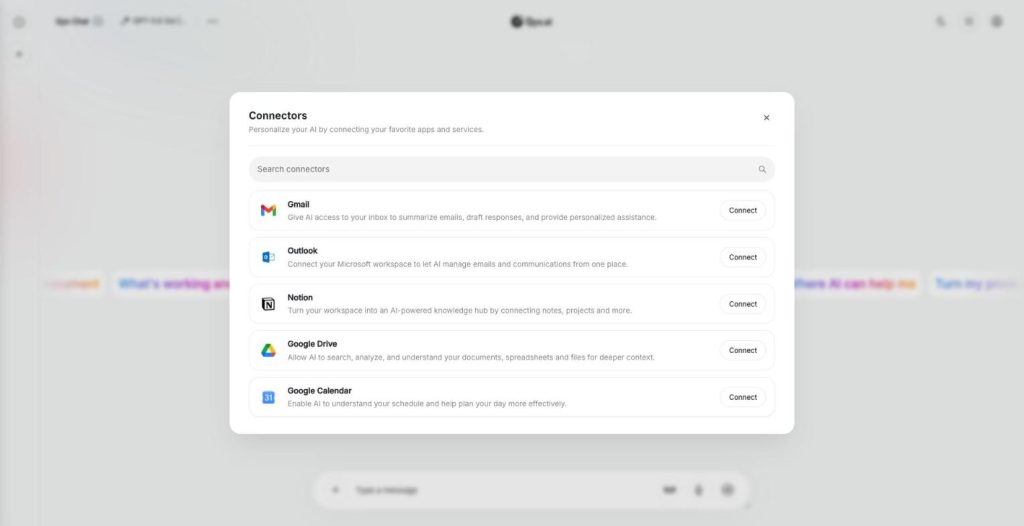
Connectors
Connect your own tools and context
AI connectors link AI Chat Pro to Gmail, Outlook, Notion, Google Drive and Google Calendar. The AI then reads your real emails, notes, files and meetings and answers with your own context.
-
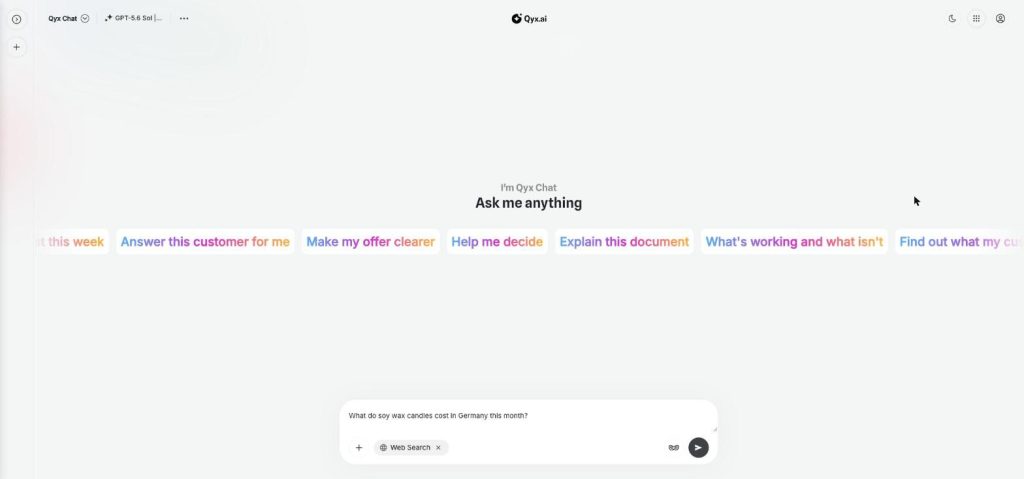
Web search
Fresh answers from the web
Web search adds AI web search to every chat in AI Chat Pro. Turn it on, and the AI looks up live results from the internet before it answers, so prices or dates match today.
-
Document chat
Ask your documents anything
Document chat lets you chat with PDF files, Word documents and images in AI Chat Pro. Upload a file, ask questions, get summaries and pull out the facts you need.
-
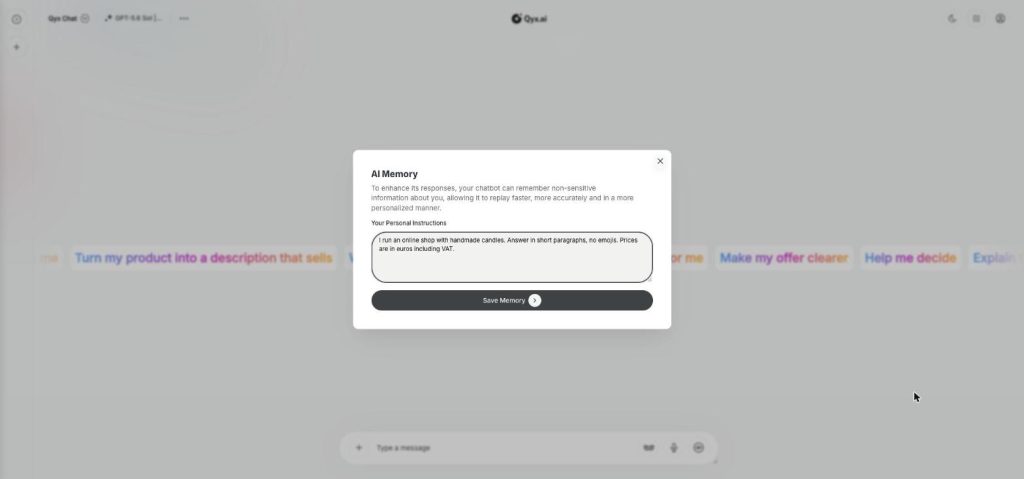
Smart memory
An AI that remembers you
AI Memory gives AI Chat Pro a memory of your personal instructions. Tell it once who you are and how you like answers, and every chat starts with that context.
-
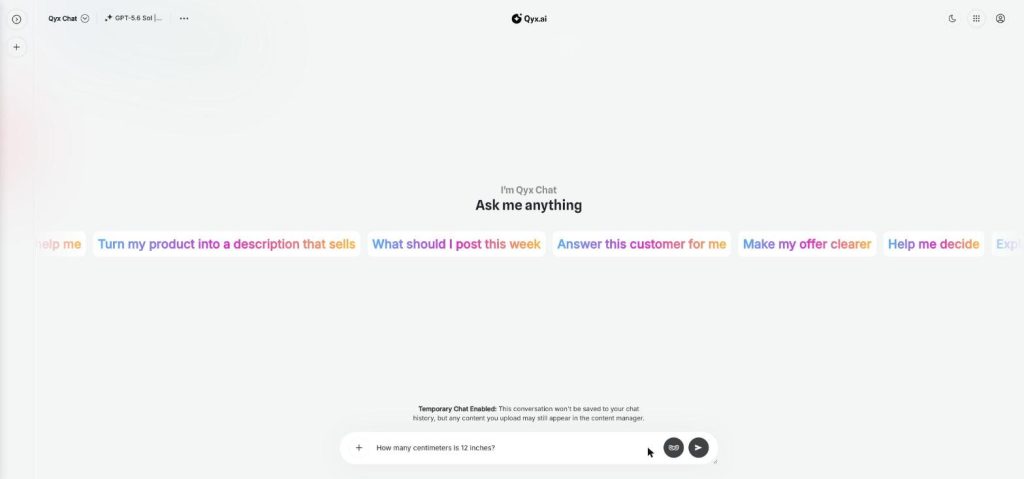
Temporary chat
Chat without leaving a trace
Temporary chat is a private AI chat mode in AI Chat Pro. Start a conversation that is not saved to your chat history, for quick questions or topics you don't want in your list.
Talk through your next idea out loud
From $29/month · 7-day money-back guarantee · Cancel anytime