External Chatbot · WhatsApp and Telegram
The same bot in WhatsApp and Telegram
Connect External Chatbot to WhatsApp and Telegram and get a WhatsApp chatbot that answers customers with your trained knowledge, in the messaging app they already use.
- WhatsApp through Twilio
- Telegram through your own bot
- Same training as your website bot
- Human agent replies from the inbox
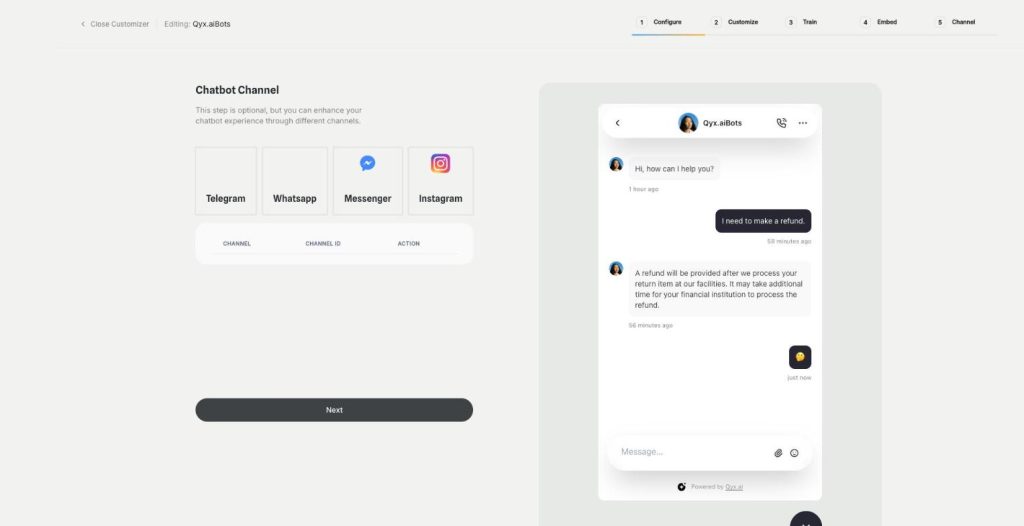
Connect WhatsApp or Telegram in the Channel step.
- Same bot on every channel
- Works around the clock
- Cancel anytime
Customers prefer to message
Many customers would rather send a WhatsApp message than fill in a form or wait on the phone.
WhatsApp questions wait on one phone.
I can't answer Telegram users at all.
Each channel gets a different answer.
One bot for messaging apps:
- WhatsApp chatbot
- Telegram bot
- Trained knowledge
- Human handoff
- Inbox filters
- Same rules everywhere
How It Works
A simple three-step process, start to finish.
-
Prepare the channel
Get Twilio details for WhatsApp, or a token from BotFather for Telegram.
-
Connect it
Open the Channel step and enter the details.
-
Let it answer
Customers write, the bot replies, and your team sees every chat.
Why shops use a WhatsApp chatbot
Answers where customers already chat.
No phone needed to cover WhatsApp.
The same answers as on your website.
Good to know before you start
The WhatsApp and Telegram channels connect your bot from External Chatbot to the two messaging apps. You get a WhatsApp chatbot and a Telegram bot that answer with the same training, instructions and limits as your website chat.
Connecting the WhatsApp chatbot
WhatsApp works through Twilio. Open a chatbot, go to the Channel step and choose WhatsApp. Copy the Account SID and Auth Token from Twilio, add your Twilio phone number and the sandbox number for testing, and save. Qyx creates a webhook URL that you paste into the WhatsApp settings in Twilio.
Connecting Telegram
In Telegram, open BotFather, send the newbot command, choose a name and a username, and copy the access token. In Qyx, choose Telegram in the Channel step, enter the bot name and the token, and save. People can then find your bot in Telegram and start a chat with it.
People in the loop
With the Human Agent feature on, customers on WhatsApp and Telegram can ask for a person, and your team replies from the dashboard. Both channels have their own filter in the smart inbox.
Who uses it
Shops in countries where WhatsApp is the normal way to contact a business. Restaurants that take questions about a table or a menu. Service companies whose customers send photos of a problem. Communities and courses that run on Telegram, where members ask about schedules and access. Delivery and logistics firms whose customers ask „where is my parcel“ many times a day.
Chatbot or campaigns
This channel answers people who write to you. To send promotions to your contact lists, use Marketing Bot campaigns. Many shops use both: campaigns to start the conversation, the chatbot to answer what comes back.
What it costs to run
Twilio charges for WhatsApp messages according to its own price list, separately from Qyx. A Telegram bot is free to create. Check the Twilio pricing for your country before you move a busy support line to WhatsApp.
Tips for a WhatsApp chatbot customers trust
Answer in short messages, a single topic each. Say early that a person is available on request. Add your number to the website footer and order emails, so customers know they can write there. Test with the Twilio sandbox before you switch to a real number.
Questions, answered
It is External Chatbot connected to WhatsApp through Twilio. It answers customers with your trained knowledge.
Enter your Twilio Account SID, Auth Token and phone numbers in the Channel step, then paste the webhook URL into Twilio.
Create a bot with BotFather, then enter the bot name and access token in the Channel step.
Yes. With the Human Agent feature on, your team replies from the dashboard.
No. The chatbot answers incoming messages. Marketing Bot sends campaigns to your contacts.
More External Chatbot features
-
Website chatbot
A custom AI chatbot for your website
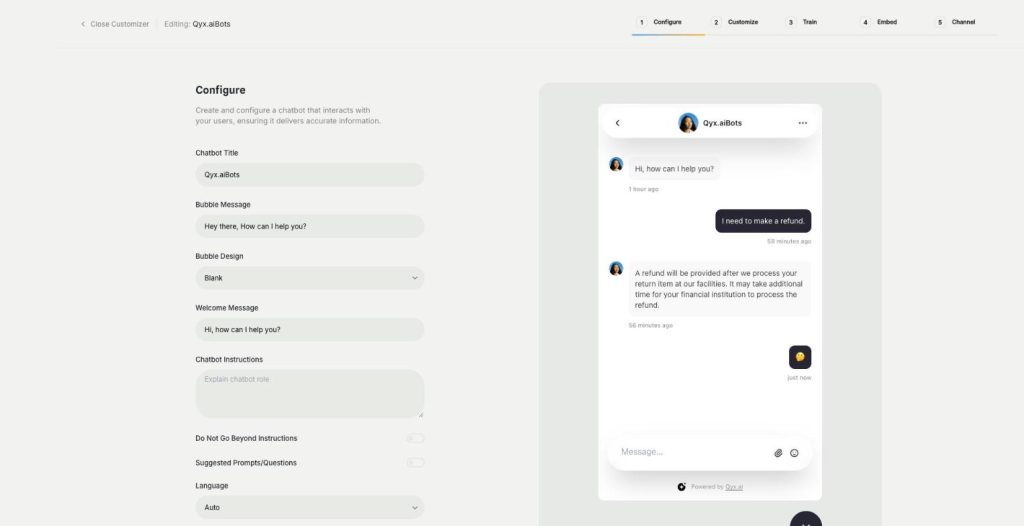
The website chatbot in Qyx is a custom AI chatbot trained on your pages, files and FAQs. It answers visitors in seconds, day and night, in your brand colours and on your rules.
-
Sales agent
Sell directly inside the chat
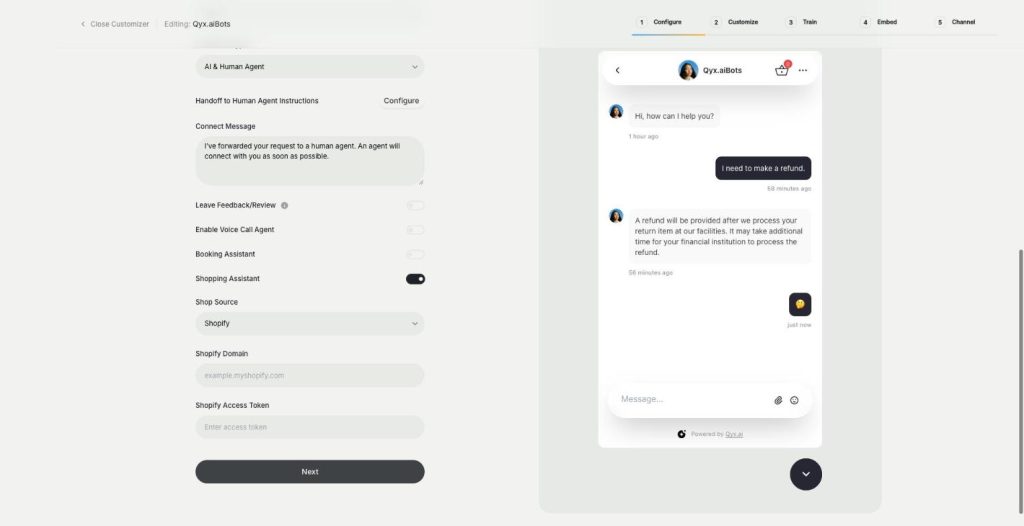
The sales agent turns External Chatbot into an AI shopping assistant for Shopify and WooCommerce. It recommends products, shows variants and prices, and sends buyers to checkout without leaving the chat.
-
Booking agent
Let customers book in the chat
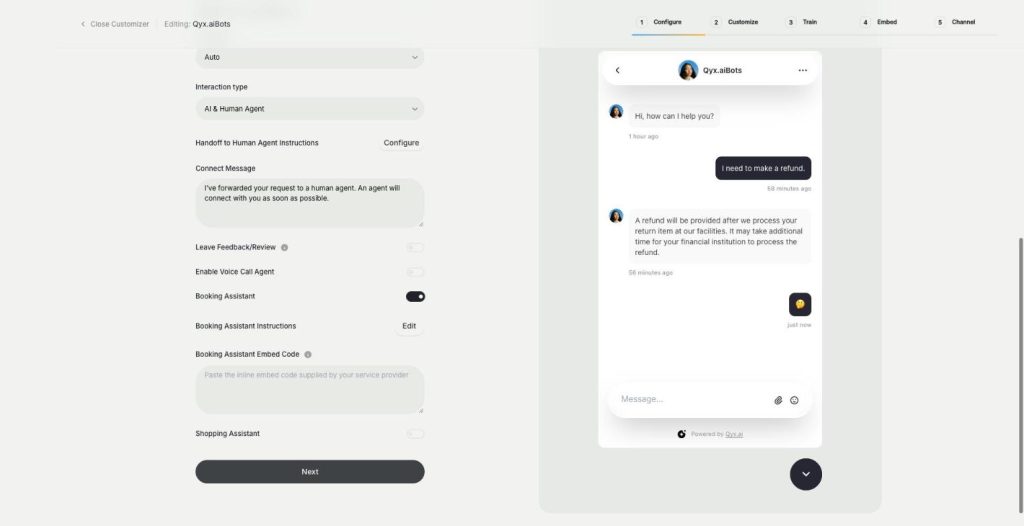
The booking agent is an AI booking assistant for your website chatbot. Add your Calendly or Cal.com embed, and the bot offers a meeting when a visitor is ready and lets them book without leaving the chat.
-
Voice chat
Talk to visitors with real voice
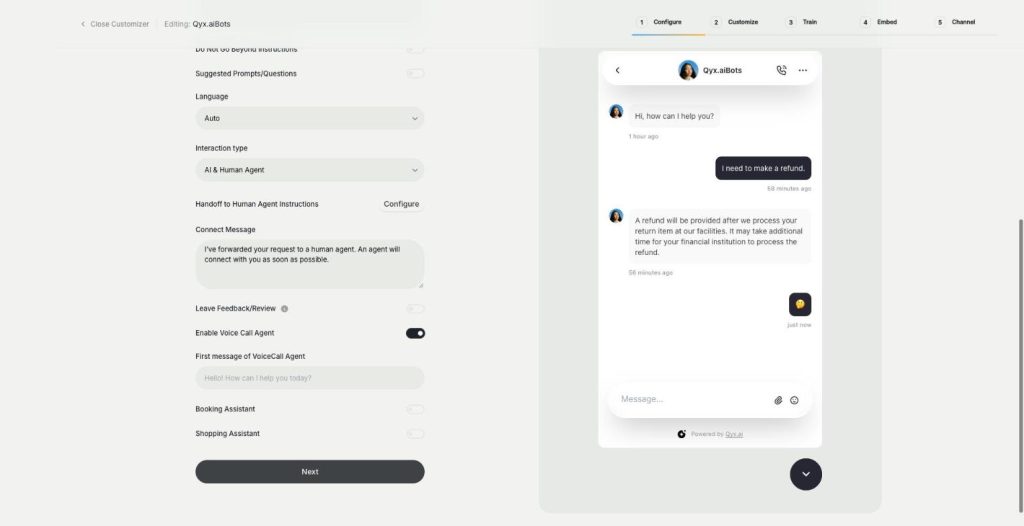
Voice chat makes your website bot an AI voice chatbot. Turn on the Voice Call Agent, and visitors can talk to your assistant out loud and switch back to text at any time.
-
Smart inbox
Every conversation in one inbox
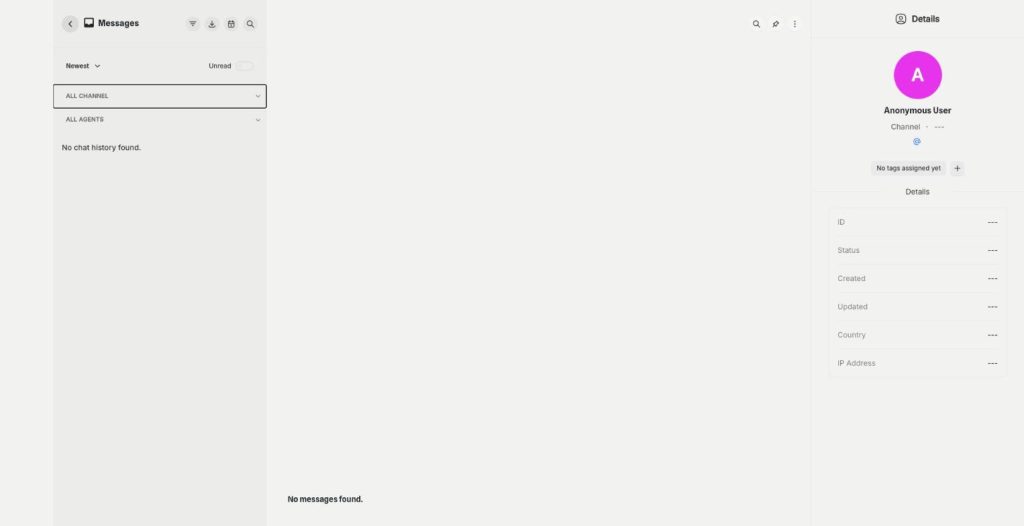
The smart inbox is the live chat inbox of External Chatbot. Read and answer conversations from your website and your messaging apps in one place, with tags and notes, plus canned responses.
-
Human agent
Hand over to a person when it matters
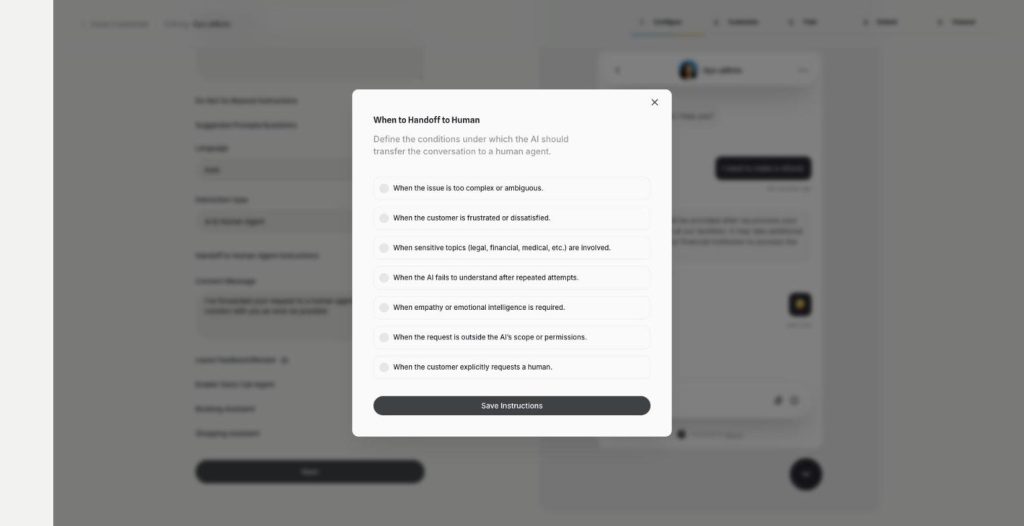
Human agent adds chatbot human handoff to External Chatbot. Choose when the AI passes the conversation to your team, and the customer gets a person exactly when they need one.
-
Instagram
Answer Instagram DMs with your AI bot
Connect External Chatbot to Instagram and get an Instagram chatbot that answers direct messages with your trained knowledge. Customers ask in the app they use every day, and the bot replies in seconds.
-
Facebook Messenger
Your AI bot in Messenger
Connect External Chatbot to your Facebook Page and get a Messenger chatbot that answers customers with your trained knowledge, around the clock, with a person ready when needed.
-
Phone call agent
An AI agent that answers your phone
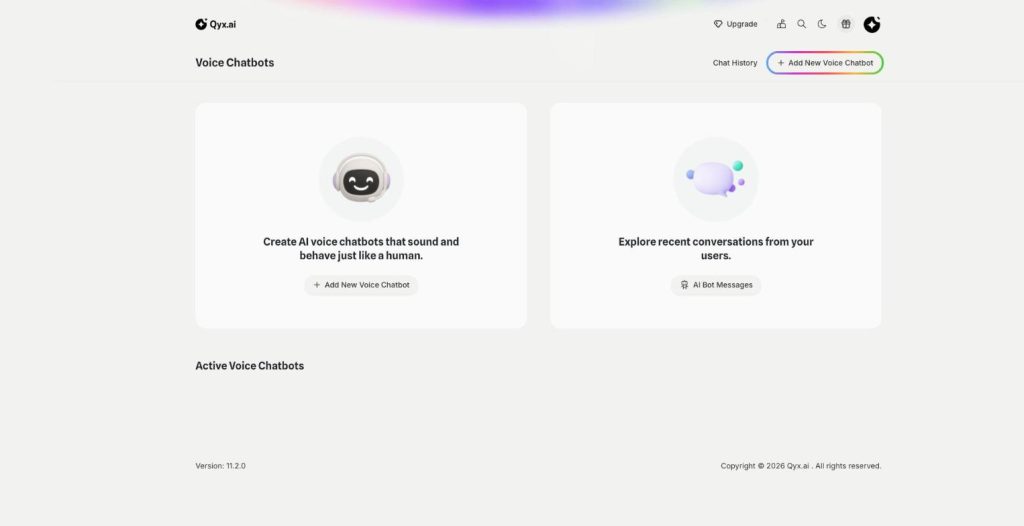
The phone call agent is an AI phone agent for your business. It picks up real phone calls, answers questions, books appointments and qualifies leads around the clock.
Put your bot in WhatsApp and Telegram
From $29/month · 7-day money-back guarantee · Cancel anytime