External Chatbot · Website chatbot
A custom AI chatbot for your website
The website chatbot in Qyx is a custom AI chatbot trained on your pages, files and FAQs. It answers visitors in seconds, day and night, in your brand colours and on your rules.
- Trained on URLs, PDFs, spreadsheets and Q&A
- Instructions and limits you write
- Six bubble designs and your branding
- One script tag to embed
Add your website and train the bot.
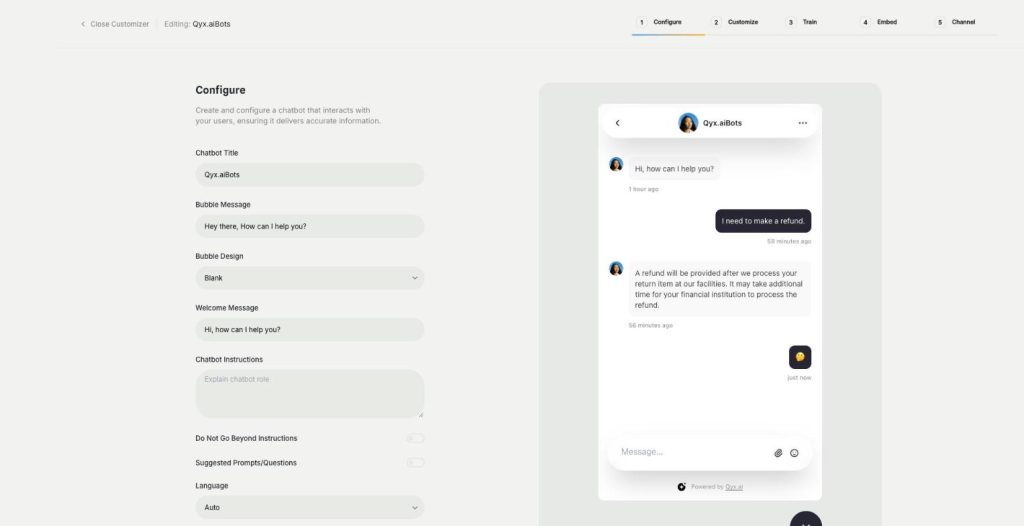
- Trained on your own content
- Works on any website
- Cancel anytime
Visitors leave with questions
People land on your site at night, can't find the delivery terms and close the tab.
I answer the same five questions every day.
Nobody replies to chat at night or on weekends.
Generic chatbots give answers that are not ours.
One bot that knows your business:
- Website training
- File upload
- Q&A pairs
- Chatbot instructions
- Brand design
- Embed code
How It Works
A simple three-step process, start to finish.
-
Configure
Name the bot, write the welcome message and the instructions.
-
Train
Add your website, upload files or write questions with answers.
-
Embed
Copy one script tag into your site and set trusted domains.
Why shops add a custom AI chatbot
Answers in seconds, at any hour.
Fewer repeated emails for your team.
Visitors who stay instead of leaving.
Good to know before you start
The website chatbot is a custom AI chatbot built with External Chatbot. You train it on your own content, so it answers with your facts instead of general knowledge. It sits on your site as a chat bubble and replies to visitors at any hour.
Training a custom AI chatbot
In the Train step you add a website URL and choose which pages the bot should read. You can upload PDF, XLSX or CSV files up to 25 MB, paste plain text or write question and answer pairs for the topics that must be exact. Knowledge Base articles add longer help texts the bot can point to.
Instructions and limits
Chatbot Instructions describe the role of the bot, for example a friendly shop assistant for a candle brand. Do Not Go Beyond Instructions keeps it on topic. Suggested Prompts give visitors quick starter questions, and Language can be set to Auto, so the bot replies in the visitor’s language.
Design that fits your brand
The bubble comes in six designs: Blank and Plain, Links or Modern, Suggestions, plus a Promo Banner. You set the title, the bubble message and the welcome message, then add your logo and avatar in your accent colour. The bot can ask for the visitor’s email, show a GDPR notice and let visitors leave feedback.
Embedding on your site
The Embed step gives you one script tag for your website, plus a list of trusted domains allowed to load the bot. It works on WordPress, Shopify or any site where you can add code. The same bot can later answer in WhatsApp and Telegram too.
Tips for a custom AI chatbot that helps
Start with the pages behind the most common questions, such as delivery, returns and sizes. Write rules, not wishes: „never promise a delivery date“ works better than „be careful“. Read the first conversations every day for a week and add missing answers as Q&A. When questions need a person, set up a human handoff.
Questions, answered
It is a custom AI chatbot built with External Chatbot, trained on your pages, files and FAQs.
Website pages, PDF, XLSX or CSV files up to 25 MB, plain text and question and answer pairs.
Yes. With Language set to Auto, it replies in the visitor's language.
Copy the script tag from the Embed step into your website.
Yes. Turn on Do Not Go Beyond Instructions.
More External Chatbot features
-
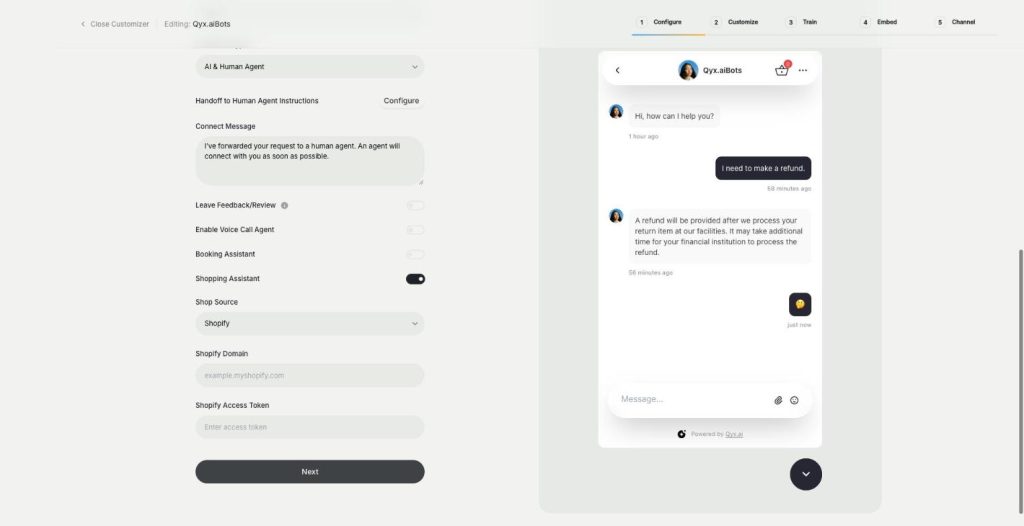
Sales agent
Sell directly inside the chat
The sales agent turns External Chatbot into an AI shopping assistant for Shopify and WooCommerce. It recommends products, shows variants and prices, and sends buyers to checkout without leaving the chat.
-
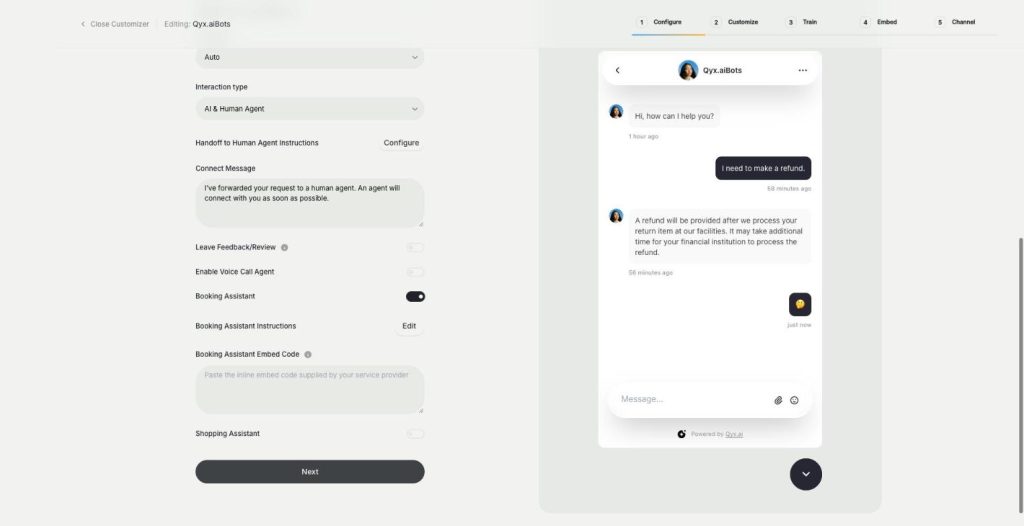
Booking agent
Let customers book in the chat
The booking agent is an AI booking assistant for your website chatbot. Add your Calendly or Cal.com embed, and the bot offers a meeting when a visitor is ready and lets them book without leaving the chat.
-
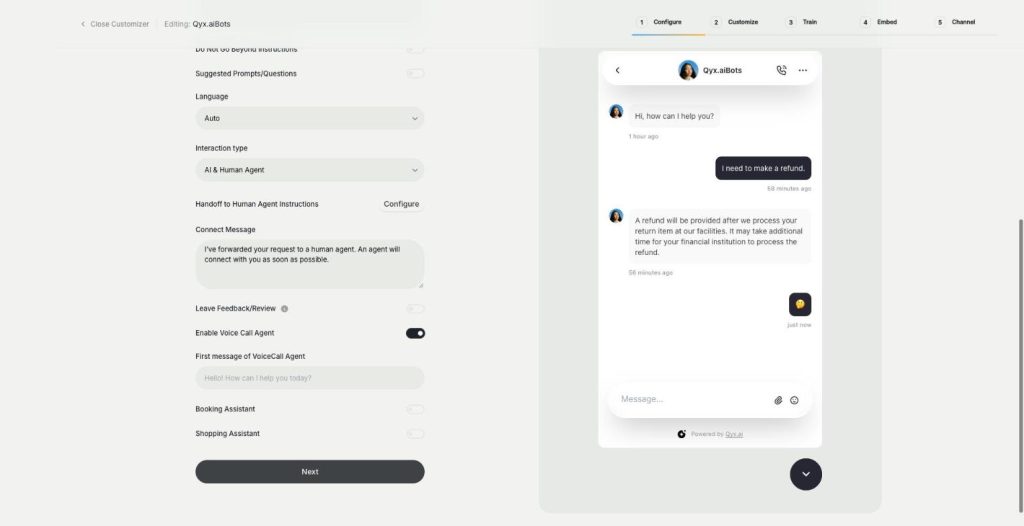
Voice chat
Talk to visitors with real voice
Voice chat makes your website bot an AI voice chatbot. Turn on the Voice Call Agent, and visitors can talk to your assistant out loud and switch back to text at any time.
-
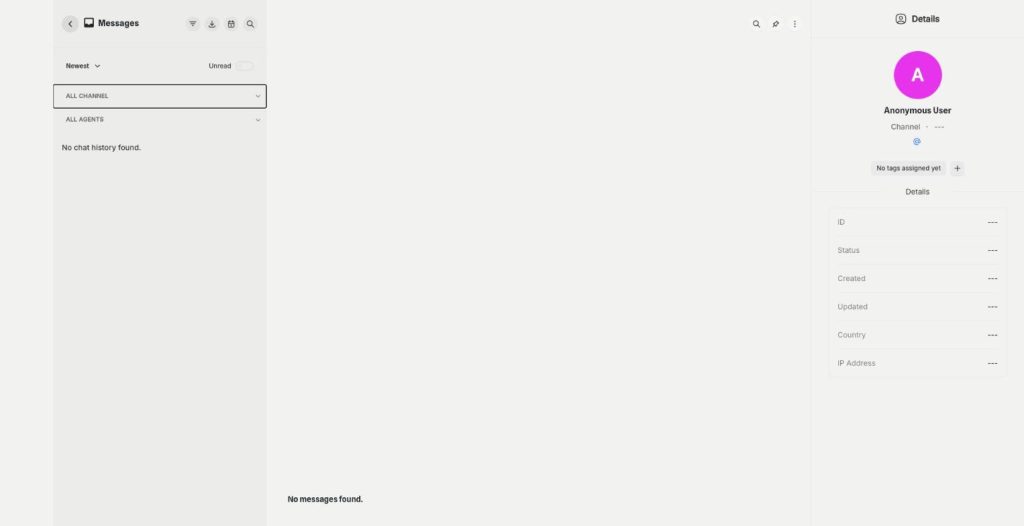
Smart inbox
Every conversation in one inbox
The smart inbox is the live chat inbox of External Chatbot. Read and answer conversations from your website and your messaging apps in one place, with tags and notes, plus canned responses.
-
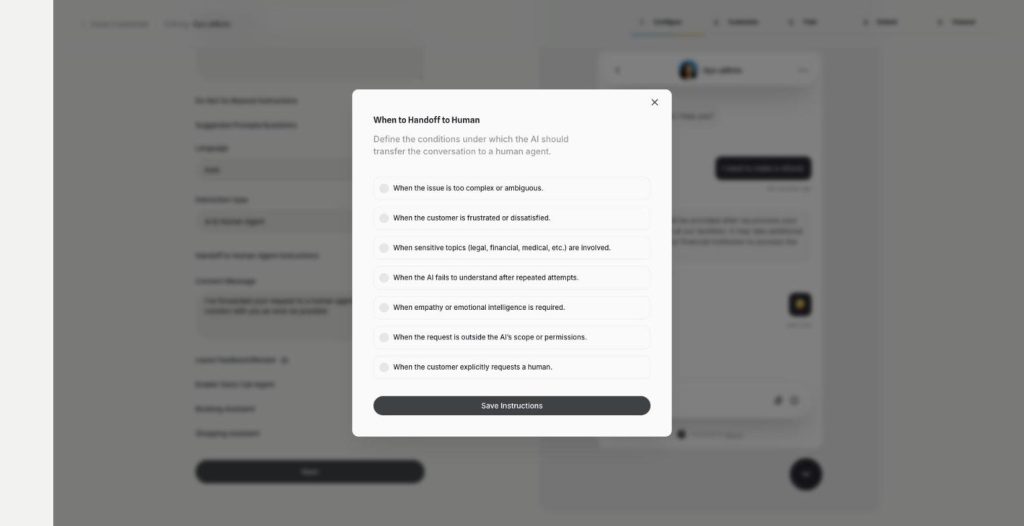
Human agent
Hand over to a person when it matters
Human agent adds chatbot human handoff to External Chatbot. Choose when the AI passes the conversation to your team, and the customer gets a person exactly when they need one.
-
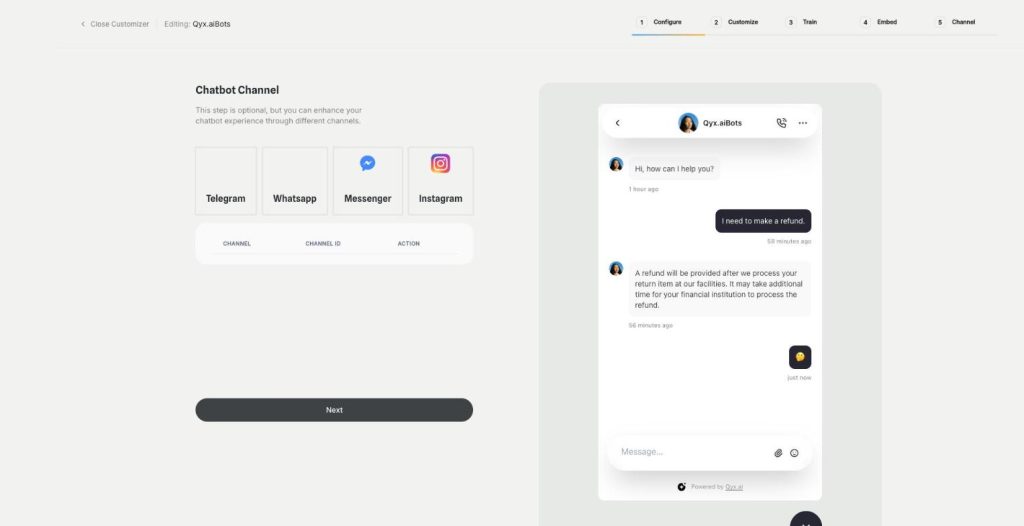
Instagram
Answer Instagram DMs with your AI bot
Connect External Chatbot to Instagram and get an Instagram chatbot that answers direct messages with your trained knowledge. Customers ask in the app they use every day, and the bot replies in seconds.
-
Facebook Messenger
Your AI bot in Messenger
Connect External Chatbot to your Facebook Page and get a Messenger chatbot that answers customers with your trained knowledge, around the clock, with a person ready when needed.
-
WhatsApp and Telegram
The same bot in WhatsApp and Telegram
Connect External Chatbot to WhatsApp and Telegram and get a WhatsApp chatbot that answers customers with your trained knowledge, in the messaging app they already use.
-
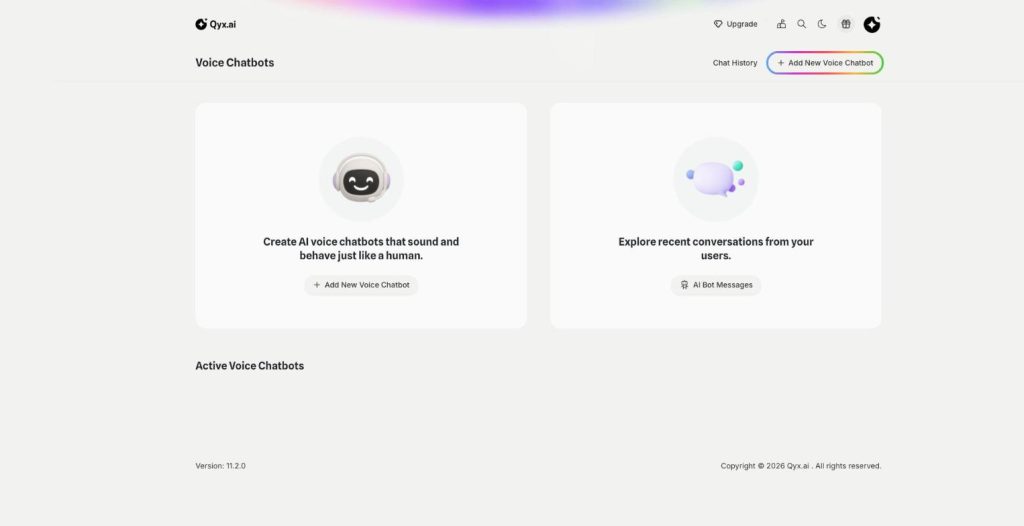
Phone call agent
An AI agent that answers your phone
The phone call agent is an AI phone agent for your business. It picks up real phone calls, answers questions, books appointments and qualifies leads around the clock.
Put a trained AI chatbot on your site
From $29/month · 7-day money-back guarantee · Cancel anytime