External Chatbot · Voice chat
Talk to visitors with real voice
Voice chat makes your website bot an AI voice chatbot. Turn on the Voice Call Agent, and visitors can talk to your assistant out loud and switch back to text at any time.
- Spoken conversations in the chat widget
- Your own first message
- Same training and rules as the text bot
- Voice bots with ElevenLabs voices
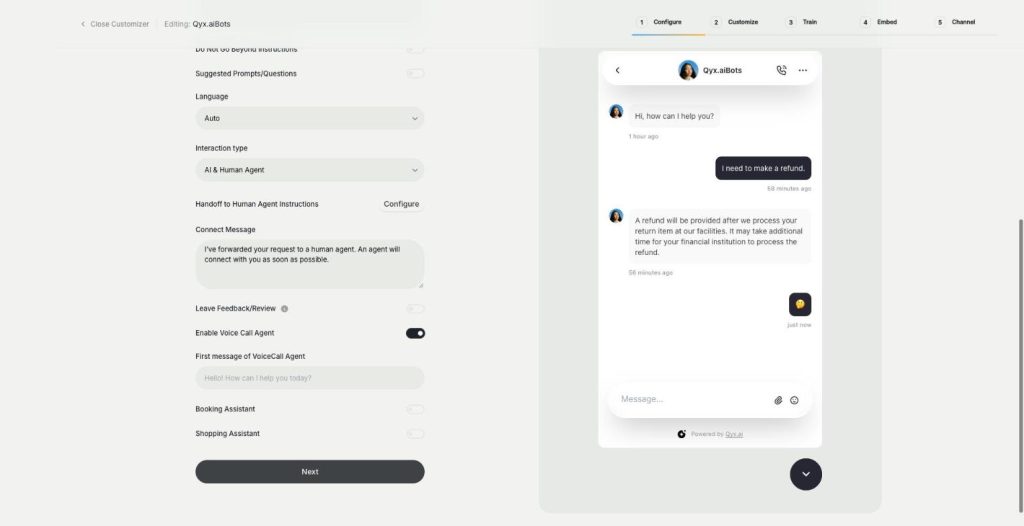
Turn on Voice Call Agent in Configure.
- Trained on your own content
- Works on any website
- Cancel anytime
Not everyone wants to type
On a phone, in a car or with a long question, typing is the slowest way to ask for help.
Mobile visitors give up on long chat messages.
Older customers prefer to call rather than type.
My chatbot feels like a form, not a conversation.
One switch for spoken answers:
- Voice in the widget
- Custom first message
- Trained knowledge
- Text fallback
- Voice bot builder
- Conversation history
How It Works
A simple three-step process, start to finish.
-
Turn on voice
Enable Voice Call Agent in the Configure step.
-
Write the first message
Set what the assistant says when the call starts.
-
Let visitors talk
They speak, the bot answers out loud, and text stays available.
Why brands add an AI voice chatbot
Help for people who don't want to type.
A more personal first contact.
The same knowledge in voice and text.
Good to know before you start
Voice chat turns the bot from External Chatbot into an AI voice chatbot. When the Voice Call Agent is on, visitors can start a spoken conversation from the chat widget, ask their question out loud and hear the answer. They can switch back to text whenever they want.
Setting up the AI voice chatbot
In the Configure step, switch on Enable Voice Call Agent and write the first message the assistant says when the call starts, for example „Hi, I’m Mia from the shop, how can I help?“. The voice agent uses the same training, instructions and limits as your text bot, so the answers stay consistent.
Standalone voice bots
Next to the chat widget, Qyx has AI Voice Bots: voice chatbots that speak and respond naturally, built on ElevenLabs Conversational AI. You create them in their own section, embed them on your website and review the conversations later, with a Summarize button for long chats.
Where voice helps most
Voice works well for questions that are easier to say than to write: describing a problem with a product, asking for advice on a gift, or getting directions to a store. It also helps visitors who browse on a phone while doing something else.
Who it suits
Shops with older customers who would rather speak than type. Hotels and restaurants where guests ask quick practical questions. Service businesses where people describe a problem in their own words. Brands that want a warmer, more personal first contact on their website than a text box.
Tips for an AI voice chatbot people enjoy
Keep the first message short and friendly, and tell visitors they can also type. Write answers in your training content as you would say them, without long lists. Test the voice on a phone in a quiet and a noisy room. For calls to a real phone number instead of the website, see the phone call agent. For a personal voice assistant for yourself, see the realtime voice chat in AI Chat Pro.
Questions, answered
It is an AI voice chatbot mode. Visitors talk to your website bot out loud and hear its answers.
Switch on Enable Voice Call Agent in the Configure step and write the first message.
Yes. It uses the same training, instructions and limits.
Yes. They can type again at any time.
Standalone voice chatbots built on ElevenLabs Conversational AI that you embed on your site.
More External Chatbot features
-
Website chatbot
A custom AI chatbot for your website
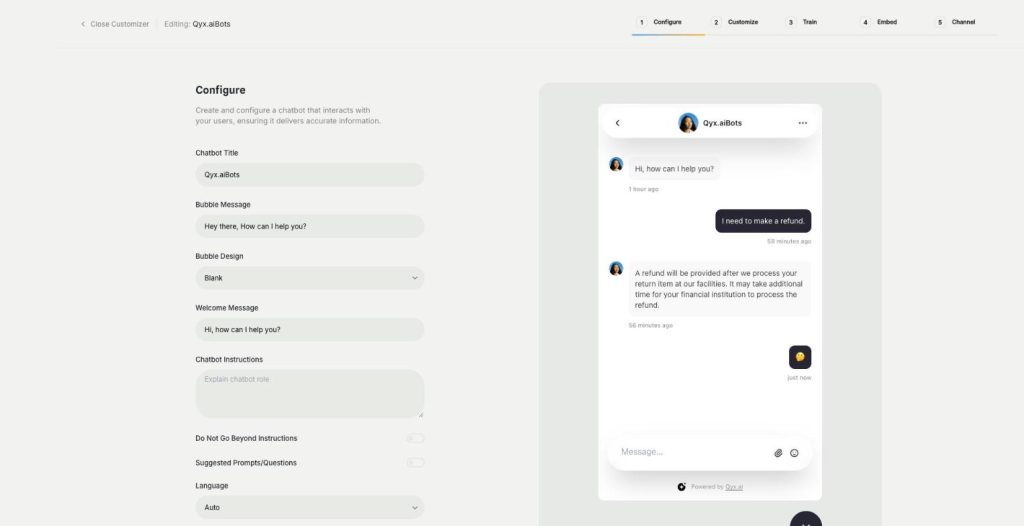
The website chatbot in Qyx is a custom AI chatbot trained on your pages, files and FAQs. It answers visitors in seconds, day and night, in your brand colours and on your rules.
-
Sales agent
Sell directly inside the chat
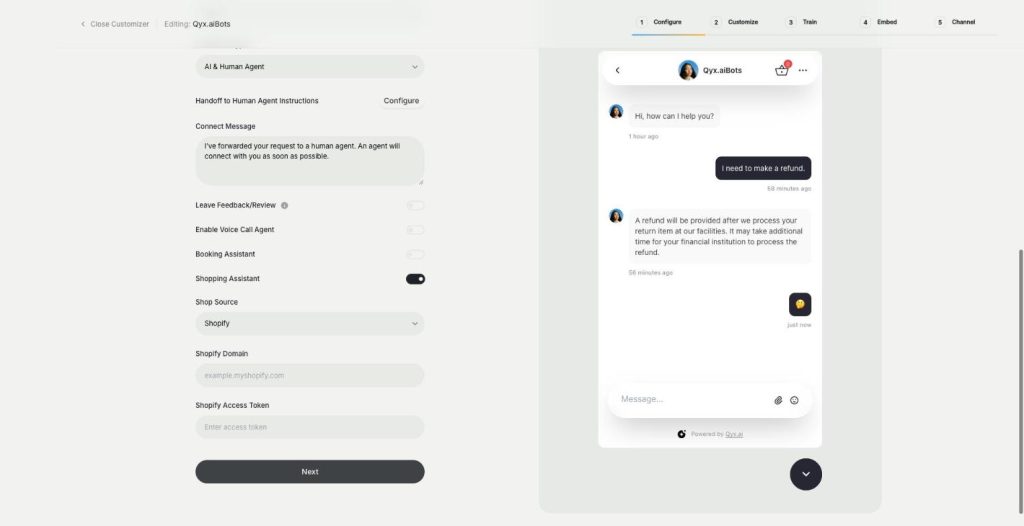
The sales agent turns External Chatbot into an AI shopping assistant for Shopify and WooCommerce. It recommends products, shows variants and prices, and sends buyers to checkout without leaving the chat.
-
Booking agent
Let customers book in the chat
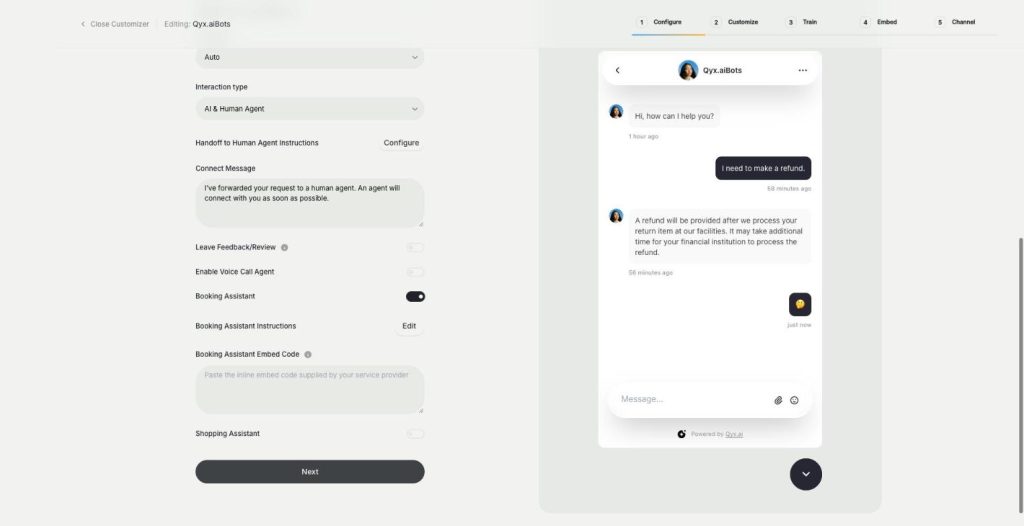
The booking agent is an AI booking assistant for your website chatbot. Add your Calendly or Cal.com embed, and the bot offers a meeting when a visitor is ready and lets them book without leaving the chat.
-
Smart inbox
Every conversation in one inbox
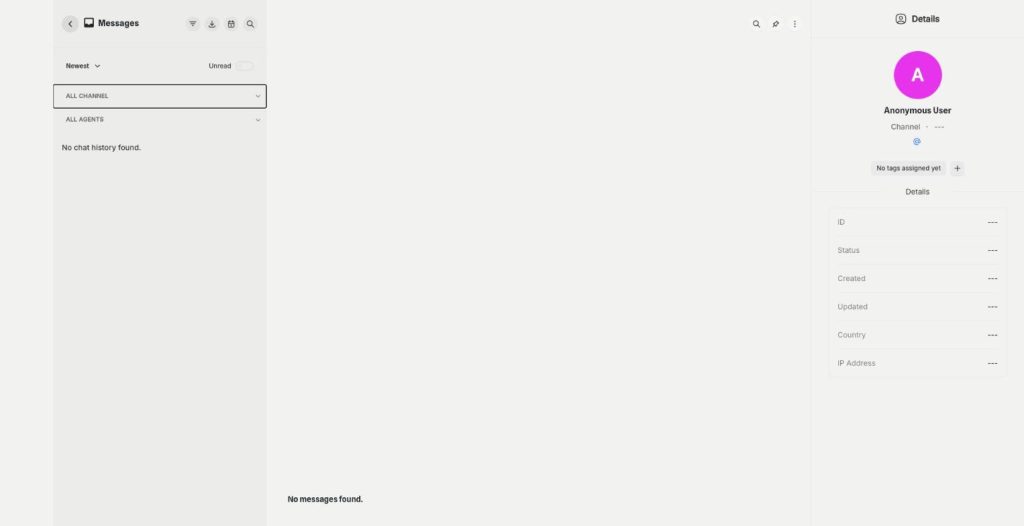
The smart inbox is the live chat inbox of External Chatbot. Read and answer conversations from your website and your messaging apps in one place, with tags and notes, plus canned responses.
-
Human agent
Hand over to a person when it matters
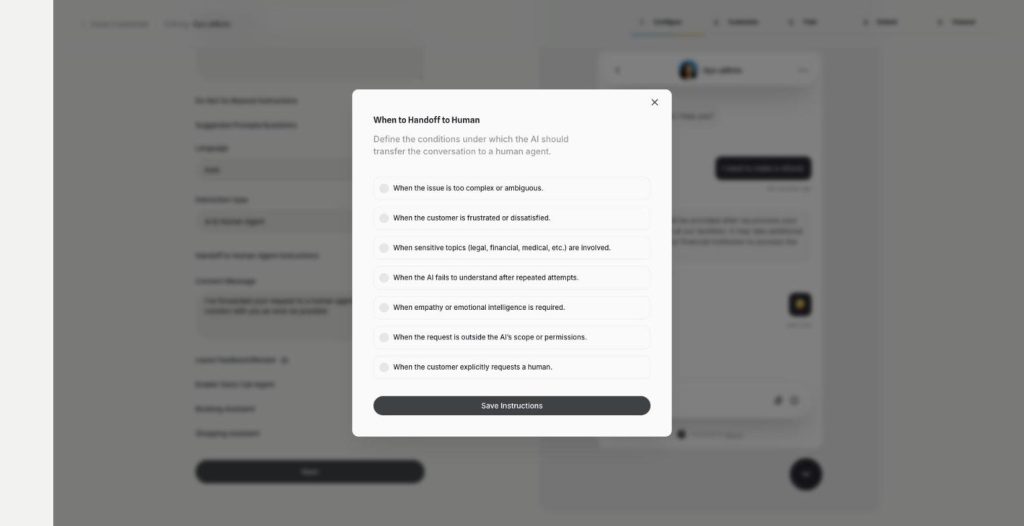
Human agent adds chatbot human handoff to External Chatbot. Choose when the AI passes the conversation to your team, and the customer gets a person exactly when they need one.
-
Instagram
Answer Instagram DMs with your AI bot
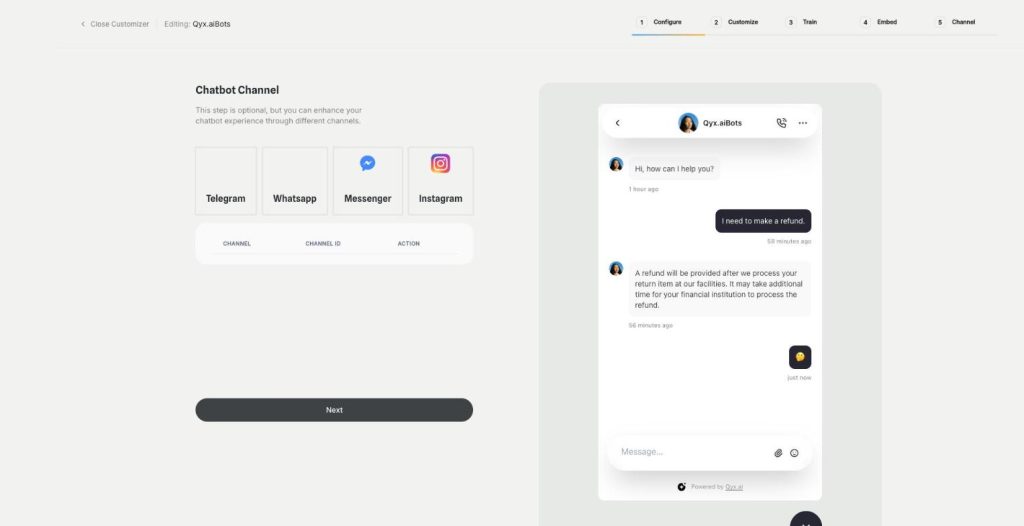
Connect External Chatbot to Instagram and get an Instagram chatbot that answers direct messages with your trained knowledge. Customers ask in the app they use every day, and the bot replies in seconds.
-
Facebook Messenger
Your AI bot in Messenger
Connect External Chatbot to your Facebook Page and get a Messenger chatbot that answers customers with your trained knowledge, around the clock, with a person ready when needed.
-
WhatsApp and Telegram
The same bot in WhatsApp and Telegram
Connect External Chatbot to WhatsApp and Telegram and get a WhatsApp chatbot that answers customers with your trained knowledge, in the messaging app they already use.
-
Phone call agent
An AI agent that answers your phone
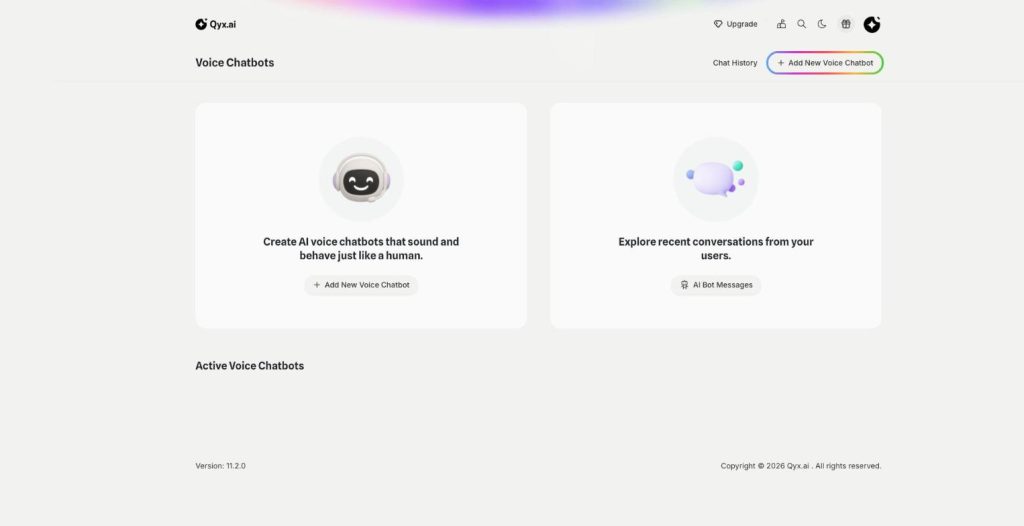
The phone call agent is an AI phone agent for your business. It picks up real phone calls, answers questions, books appointments and qualifies leads around the clock.
Give your chatbot a voice
From $29/month · 7-day money-back guarantee · Cancel anytime