AI Chat Pro · Smart memory
An AI that remembers you
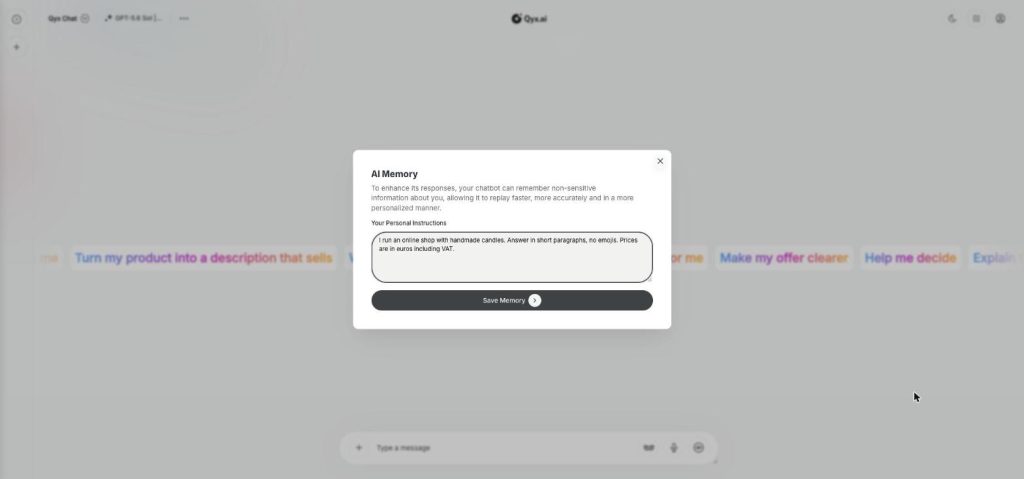
AI Memory gives AI Chat Pro a memory of your personal instructions. Tell it once who you are and how you like answers, and every chat starts with that context.
- Personal instructions saved once
- Used in every new chat
- Faster, more personal answers
- Edit or clear it anytime
Open AI Memory in the chat options.
- You decide what it remembers
- Works in your browser
- Cancel anytime
Introducing yourself in every chat
Every new chat starts from zero, so you explain your business, your tone and your market again.
I repeat who I am in every new chat.
Answers ignore my language or market.
The AI forgets my preferred format.
One memory for your context:
- Personal instructions
- Business context
- Tone and format
- Language
- Every new chat
- Edit anytime
How It Works
A simple three-step process, start to finish.
-
Open AI Memory
Click the three dots at the top and choose AI Memory.
-
Write your instructions
Add who you are, what you sell and how you want answers.
-
Save
Click Save Memory, and new chats use it.
Why regular users turn on AI memory
No more repeating the basics.
Answers that fit your business from the start.
Consistent format across chats.
Good to know before you start
AI memory is a feature of AI Chat Pro. The app describes it simply: your chatbot can remember non-sensitive information about you, so it replies faster, more accurately and in a more personal way. You write a short set of personal instructions once, and then they shape every answer.
Setting up AI memory
Click the three dots next to the model name at the top of the chat and choose AI Memory. Write your personal instructions in the field, then click Save Memory. Later, you can come back and change the text, or remove it when a situation changes.
What to put into your memory
Your role and your company in one line, for example „I run an online shop with handmade candles in Germany“. The language you want answers in. Your preferred format, such as short bullet points or a table. Add a list of words you never use and a line about the tone of your brand. Keep it to facts that stay true for a few months.
What to leave out
Do not store passwords, bank details or personal data of customers. As a rule, the memory is meant for non-sensitive information that improves answers, not for a secret.
Memory, skills and folders
In short, the memory holds who you are, and a skill holds how a specific task should be done. Folders in the sidebar keep chats sorted by project or client, so together they save you from repeating context.
Example instructions
„Answer in German unless I write in English.“ „My shop sells natural cosmetics to women aged 30 to 50.“ „Use short paragraphs and no emojis.“ „Prices are in euros including VAT.“ Four lines like these change the quality of every answer more than a long prompt each time.
Tips for AI memory that helps
Write each instruction as a short statement on a separate line. Review them once a quarter. When an answer surprises you, check whether an old instruction is the cause. For a chat that should not be saved to your history, open a temporary chat.
Questions, answered
It is a memory of your personal instructions that AI Chat Pro uses to give faster, more personal answers.
Click the three dots at the top of the chat, choose AI Memory, write your instructions and save.
Non-sensitive facts such as your role and company, plus the language and format you prefer.
Yes. Open the memory window again and edit or remove the text.
No. Memory is for non-sensitive information only.
More AI Chat Pro features
-
All Models
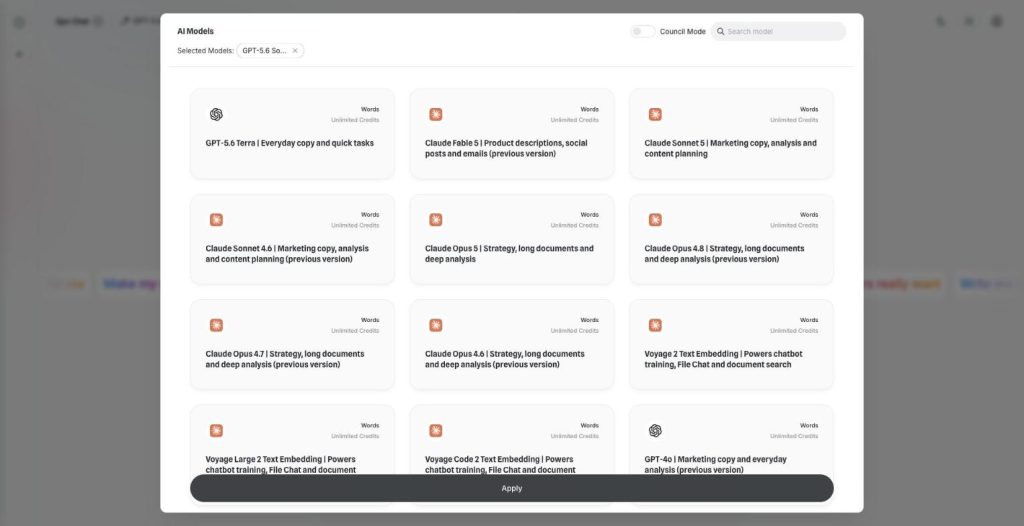
Over 30 AI models, one chat window
AI Chat Pro puts all AI models in one place: GPT, Claude, Gemini, Grok and DeepSeek in one chat. Pick the right model for each task and switch in the middle of a conversation.
-
Multi-model chat
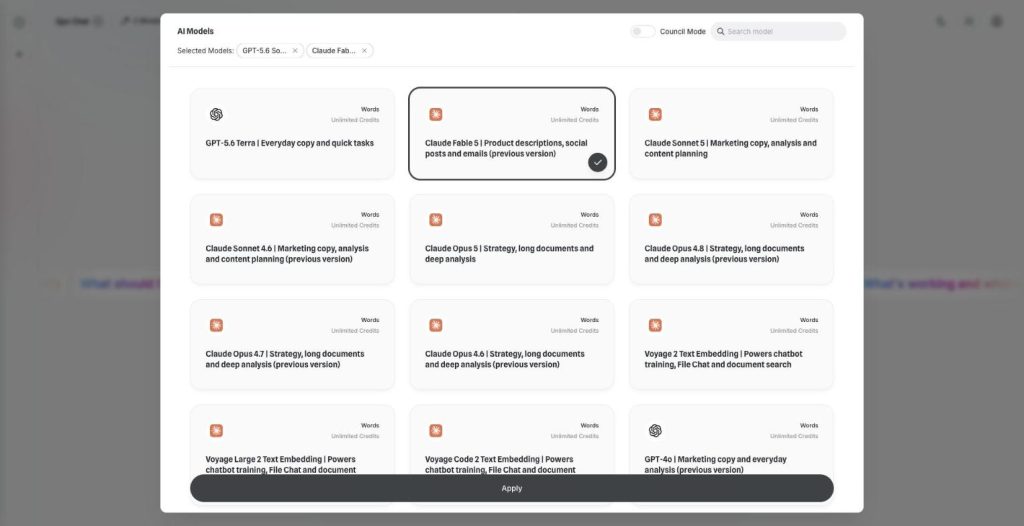
Ask every model at once
Multi-model chat lets you compare AI models side by side. Pick two models, send one prompt and read both answers next to each other before you decide which one to use.
-
Council Mode
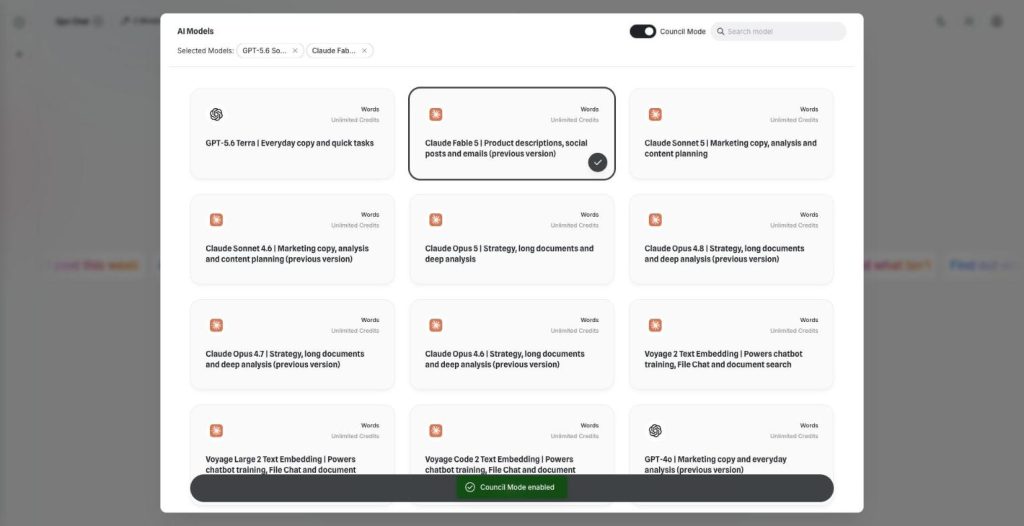
Let the best models agree
AI Council Mode runs two to five models on the same question, shows where they agree and disagree, and writes one consensus answer with a confidence score.
-
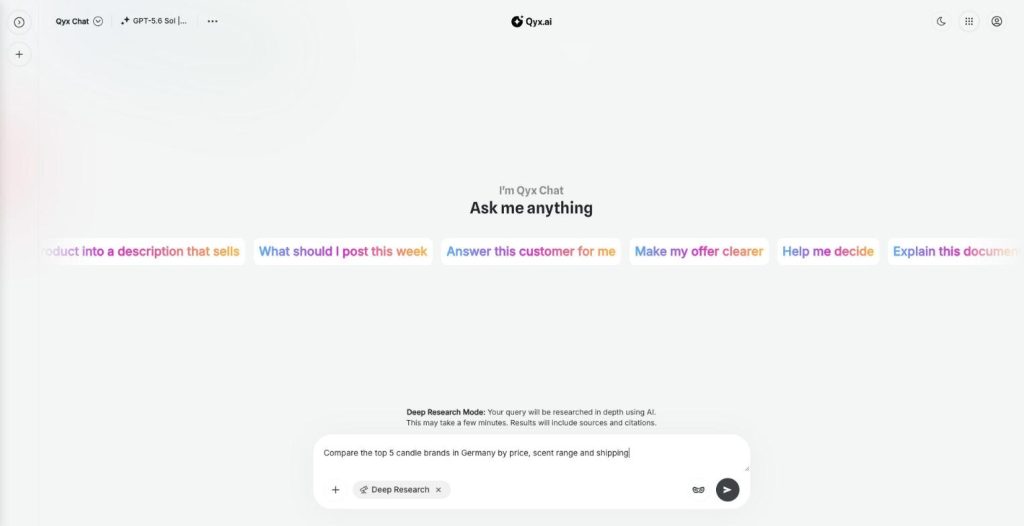
Deep Research
Research anything, with sources
AI deep research in Qyx turns your question into a multi-step investigation of the web. It reads many sources, writes a detailed report with citations and opens it in Canvas.
-
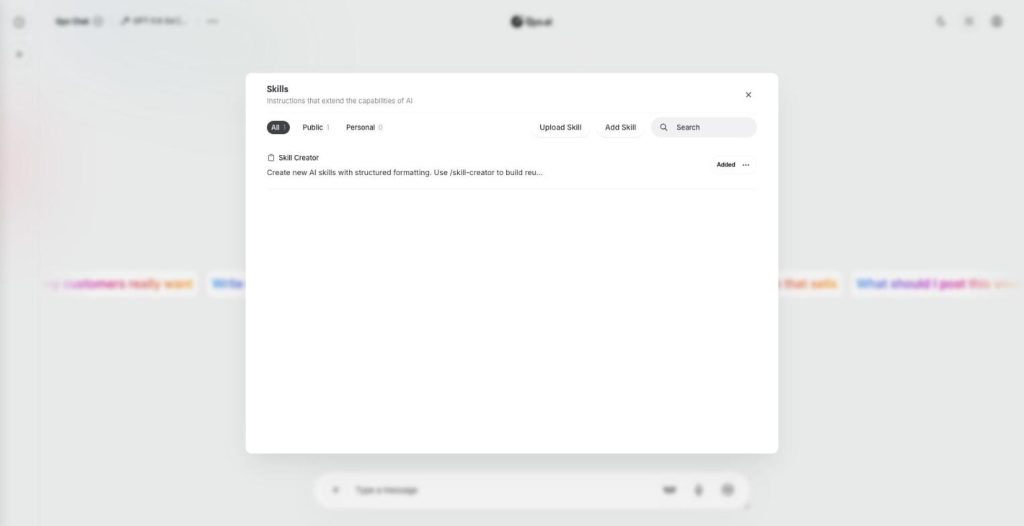
Skills
Teach your AI new skills
Skills are custom AI skills for AI Chat Pro: saved instructions that teach the AI your process. Create one with the Skill Creator or upload a SKILL.md file, and the AI follows it every time.
-
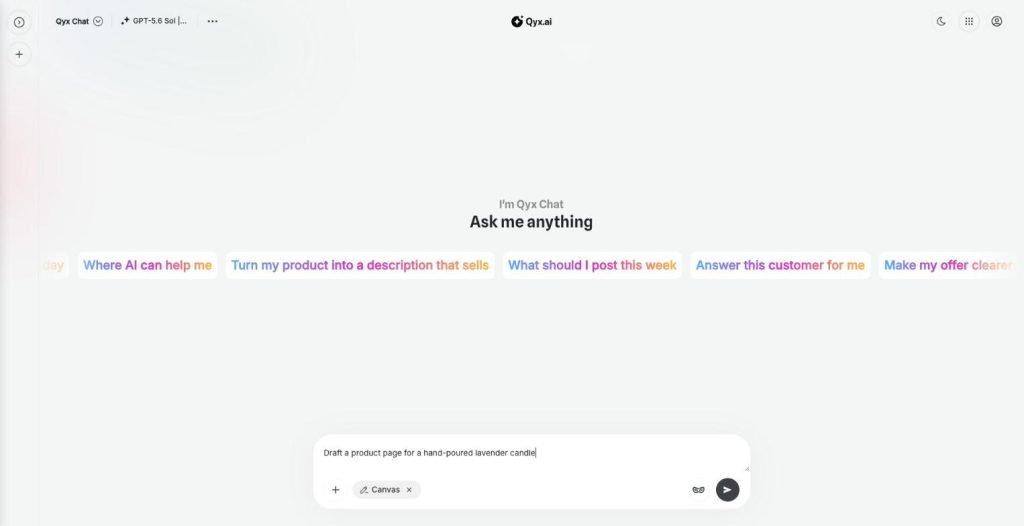
Canvas
Write and edit right inside the chat
Canvas is the AI canvas editor in AI Chat Pro. It opens a document next to the chat, so you write, edit and keep long texts and research reports without copying them anywhere else.
-
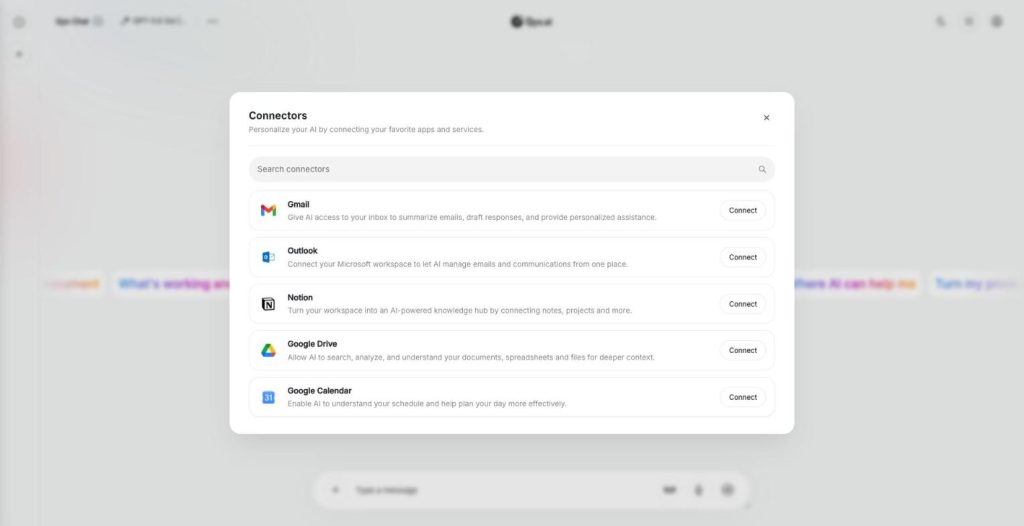
Connectors
Connect your own tools and context
AI connectors link AI Chat Pro to Gmail, Outlook, Notion, Google Drive and Google Calendar. The AI then reads your real emails, notes, files and meetings and answers with your own context.
-
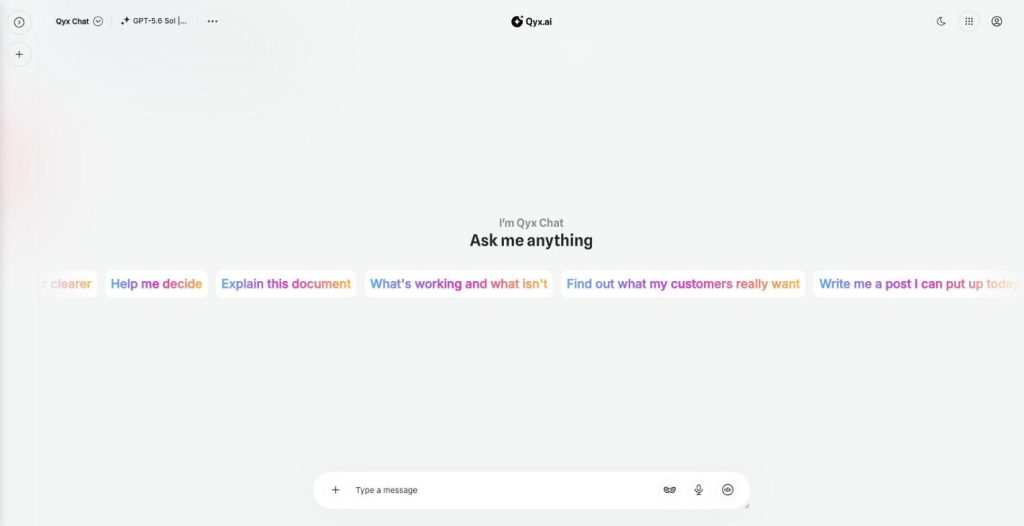
Realtime voice chat
Talk to AI out loud
Realtime voice chat makes AI Chat Pro an AI voice chat you can talk to hands free. Speak naturally, interrupt when you want, and hear the answer right away.
-
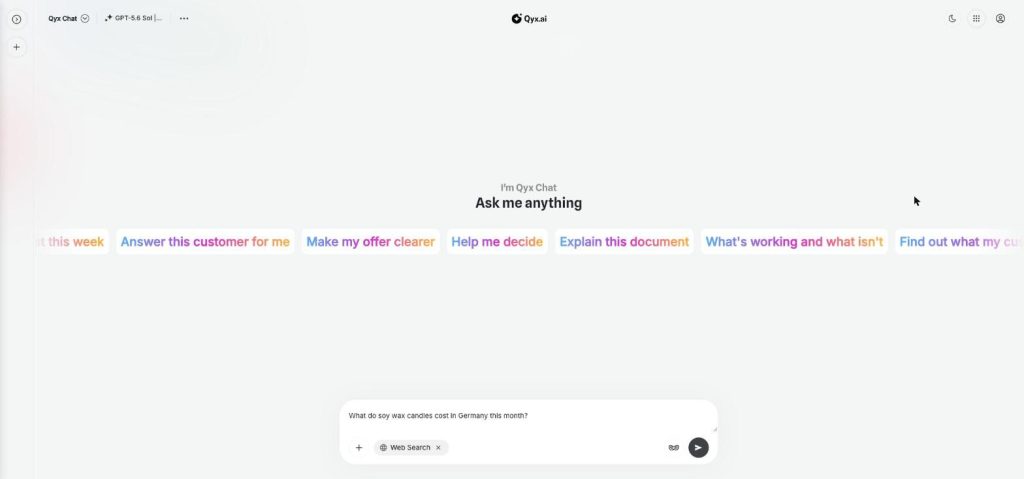
Web search
Fresh answers from the web
Web search adds AI web search to every chat in AI Chat Pro. Turn it on, and the AI looks up live results from the internet before it answers, so prices or dates match today.
-
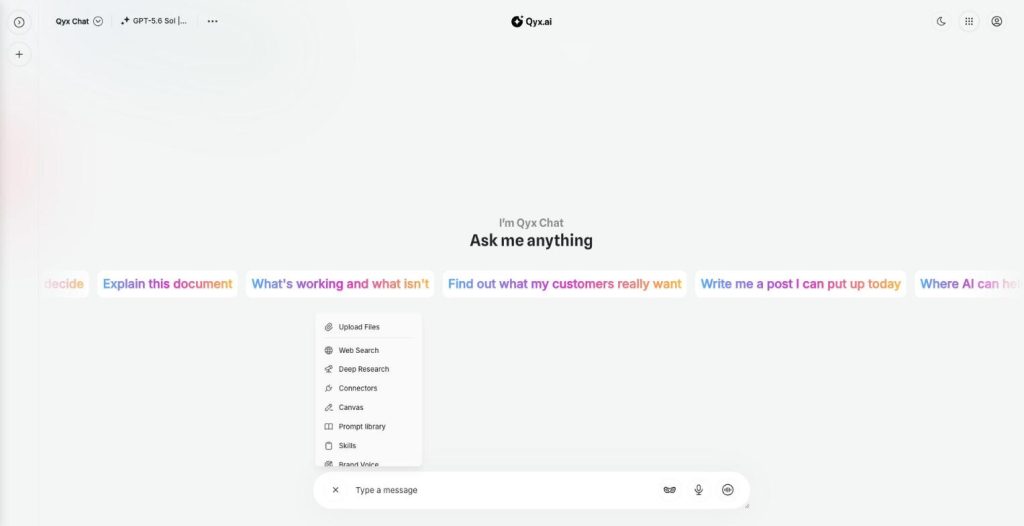
Document chat
Ask your documents anything
Document chat lets you chat with PDF files, Word documents and images in AI Chat Pro. Upload a file, ask questions, get summaries and pull out the facts you need.
-
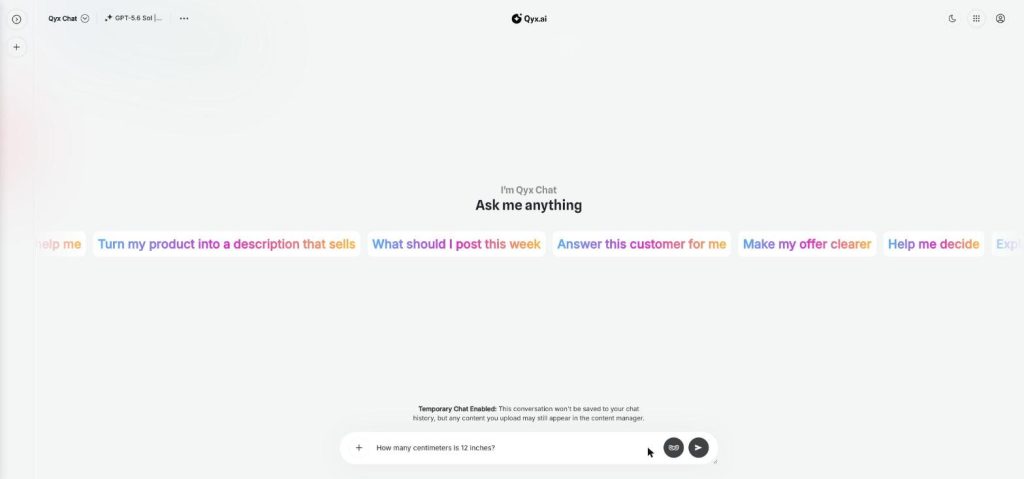
Temporary chat
Chat without leaving a trace
Temporary chat is a private AI chat mode in AI Chat Pro. Start a conversation that is not saved to your chat history, for quick questions or topics you don't want in your list.
Tell the AI once who you are
From $29/month · 7-day money-back guarantee · Cancel anytime