AI Chat Pro · Document chat
Ask your documents anything
Document chat lets you chat with PDF files, Word documents and images in AI Chat Pro. Upload a file, ask questions, get summaries and pull out the facts you need.
- PDF, Word documents and images
- Summaries and answers from the file
- Works with the model you choose
- Connect Google Drive for more files
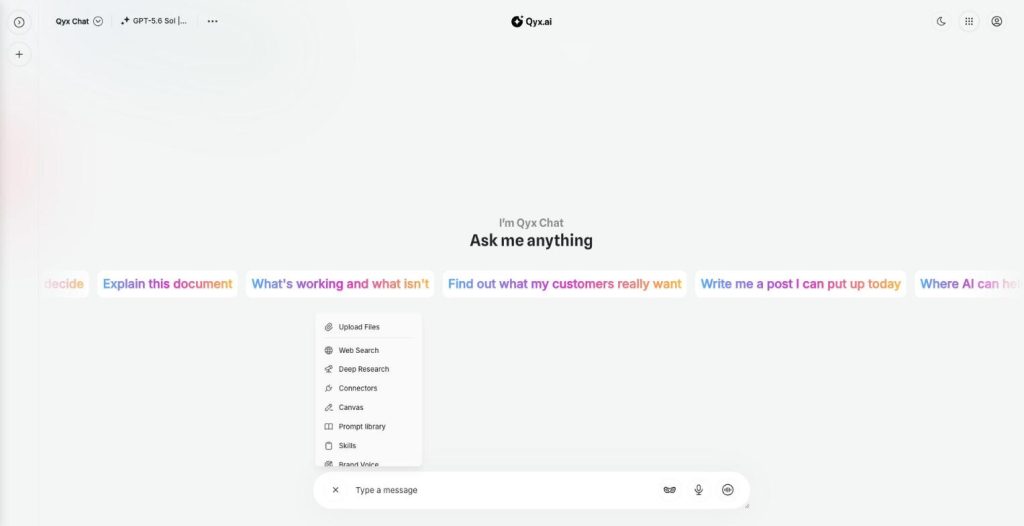
Upload a file with the plus button.
- Top models in one login
- Works in your browser
- Cancel anytime
Fifty pages, one question
You need one clause from a contract or one number from a report, and you read the whole thing to find it.
I read long PDFs to find one detail.
I copy text out of documents into the chat.
Summaries of reports take me hours.
One chat for your files:
- PDF upload
- Word documents
- Images
- Summaries
- Questions and answers
- Drive connector
How It Works
A simple three-step process, start to finish.
-
Upload the file
Click the plus button and choose Upload Files.
-
Ask
Ask for a summary, a specific fact or a comparison.
-
Use the answer
Copy it, refine it or move it to Canvas.
Why people chat with PDF files
Answers in seconds instead of reading for an hour.
Key points from long reports.
Facts found with their context.
Good to know before you start
Document chat lets you chat with PDF files and other documents in AI Chat Pro. You upload a file, and the AI reads it and answers your questions about it. You get a summary, a specific figure or a list of points without reading the whole document yourself.
How to chat with PDF files
Click the plus button next to the message field and choose Upload Files. Add a PDF, a Word document or an image, then ask your question. The model you picked reads the content and answers. In the model list, embedding models such as Voyage and Gemini Text Embedding are labelled as powering File Chat and document search, which is how long files are searched.
What to ask a document
„Summarize this report in ten bullet points.“ „What is the notice period in this contract?“ „List every price mentioned in this offer.“ „Compare this supplier’s terms with the previous version.“ „Explain this technical sheet to a customer in simple words.“
Files from your apps
When the file lives in Google Drive, you do not need to download and upload it. Connect Drive through Connectors and ask the AI to find and read the document there.
Who uses it
Shop owners reading supplier contracts and price lists. Marketers digging through research reports for one statistic. Teams onboarding with long manuals. Freelancers checking a client brief for requirements they might have missed. Anyone who receives more documents than they have time to read.
Images and scans
Upload a photo of a receipt, a screenshot of a dashboard or a picture of a product label, and ask about what is in it. For image understanding, the model list includes DeepSeek V4 Flash Vision, labelled for visual analysis.
Tips to chat with PDF files reliably
Ask the AI to quote the passage it used, so you can check it. Upload one document per question when precision matters. Use a strong model for contracts and long reports. For legal or financial decisions, treat the answer as a first read and confirm it with an expert.
Questions, answered
Yes. Upload a PDF, and the AI answers questions about it and summarizes it.
PDF files, Word documents and images.
Yes. Connect Google Drive in Connectors, and the AI can search your files.
The chat model you picked, with embedding models that power document search.
Yes. Ask it to quote the passage it used, so you can check the answer.
More AI Chat Pro features
-
All Models
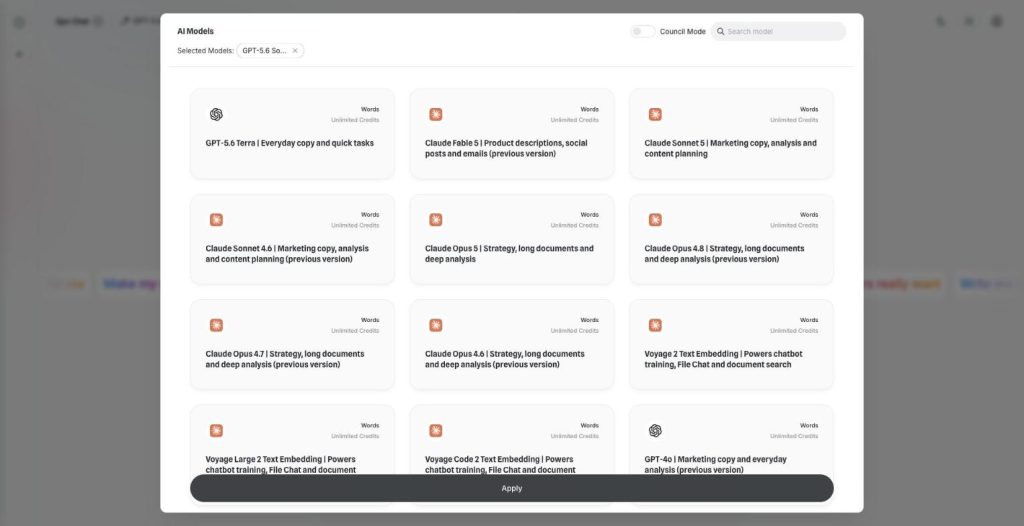
Over 30 AI models, one chat window
AI Chat Pro puts all AI models in one place: GPT, Claude, Gemini, Grok and DeepSeek in one chat. Pick the right model for each task and switch in the middle of a conversation.
-
Multi-model chat
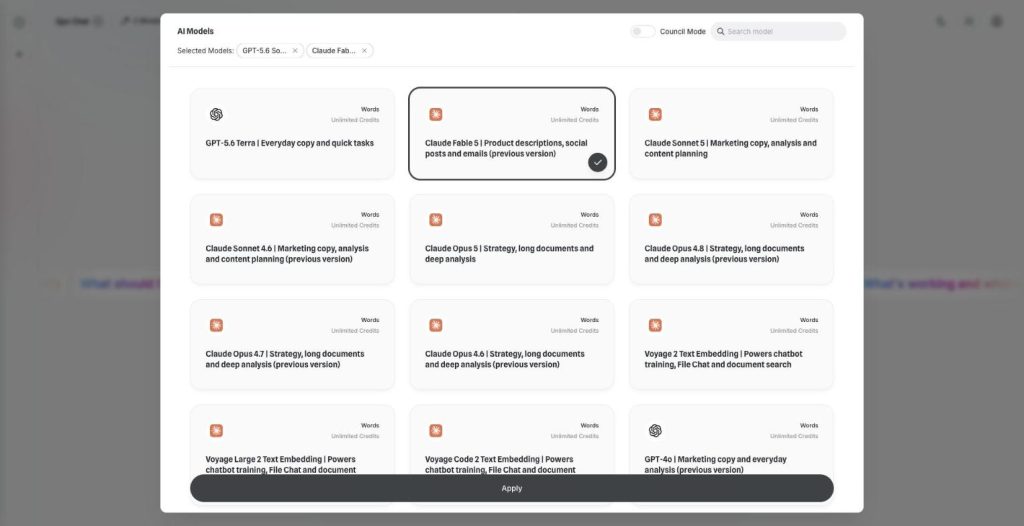
Ask every model at once
Multi-model chat lets you compare AI models side by side. Pick two models, send one prompt and read both answers next to each other before you decide which one to use.
-
Council Mode
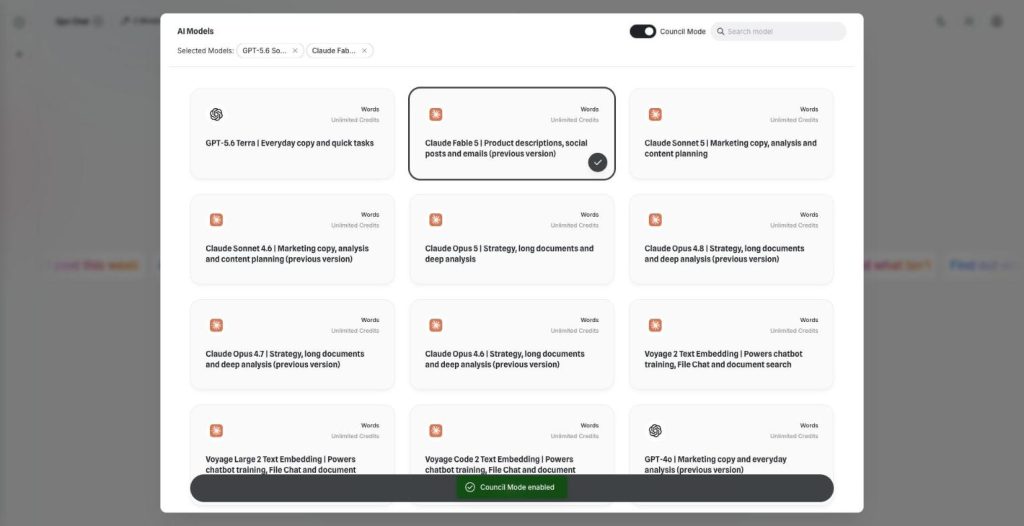
Let the best models agree
AI Council Mode runs two to five models on the same question, shows where they agree and disagree, and writes one consensus answer with a confidence score.
-
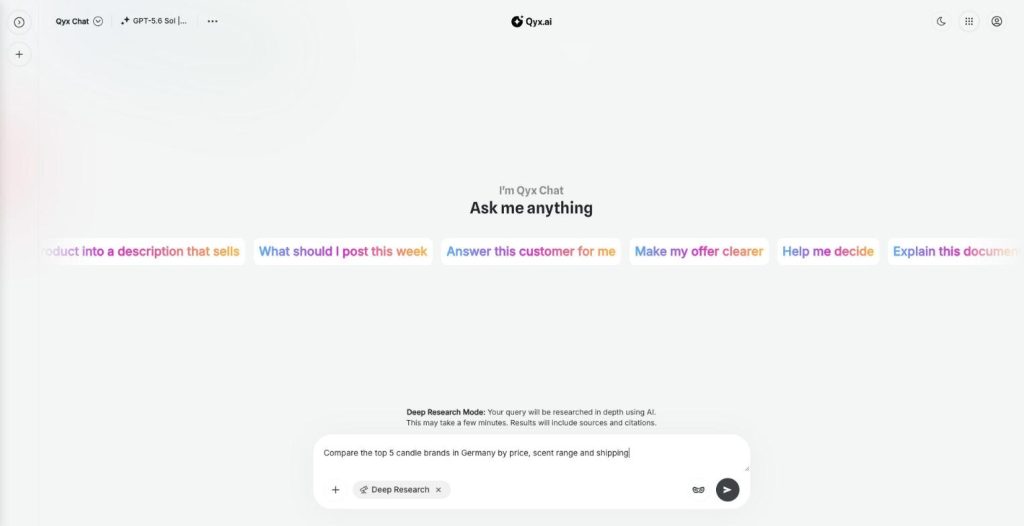
Deep Research
Research anything, with sources
AI deep research in Qyx turns your question into a multi-step investigation of the web. It reads many sources, writes a detailed report with citations and opens it in Canvas.
-
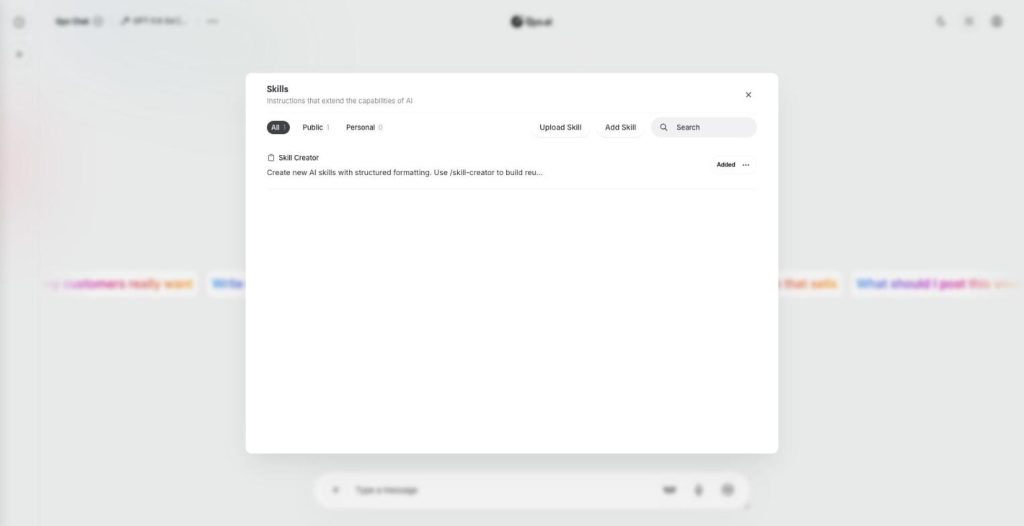
Skills
Teach your AI new skills
Skills are custom AI skills for AI Chat Pro: saved instructions that teach the AI your process. Create one with the Skill Creator or upload a SKILL.md file, and the AI follows it every time.
-
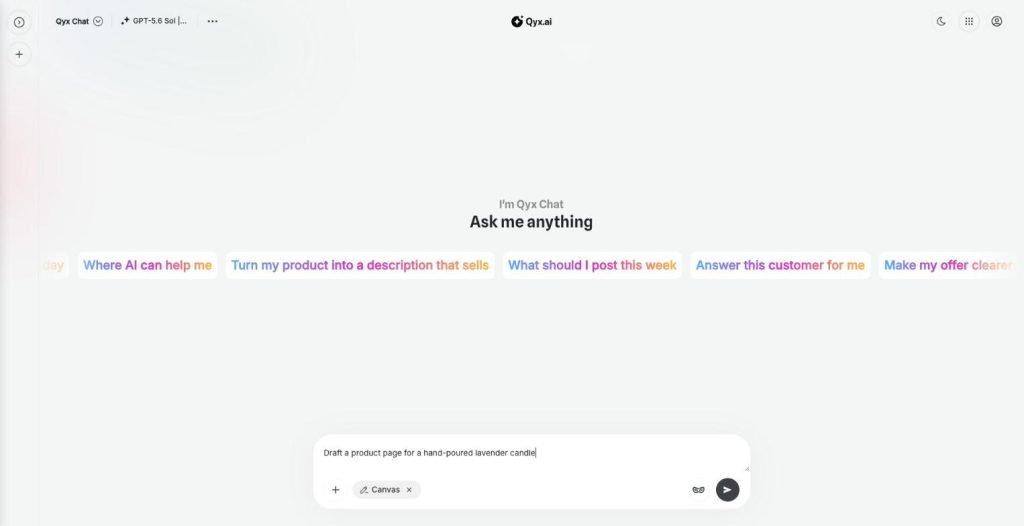
Canvas
Write and edit right inside the chat
Canvas is the AI canvas editor in AI Chat Pro. It opens a document next to the chat, so you write, edit and keep long texts and research reports without copying them anywhere else.
-
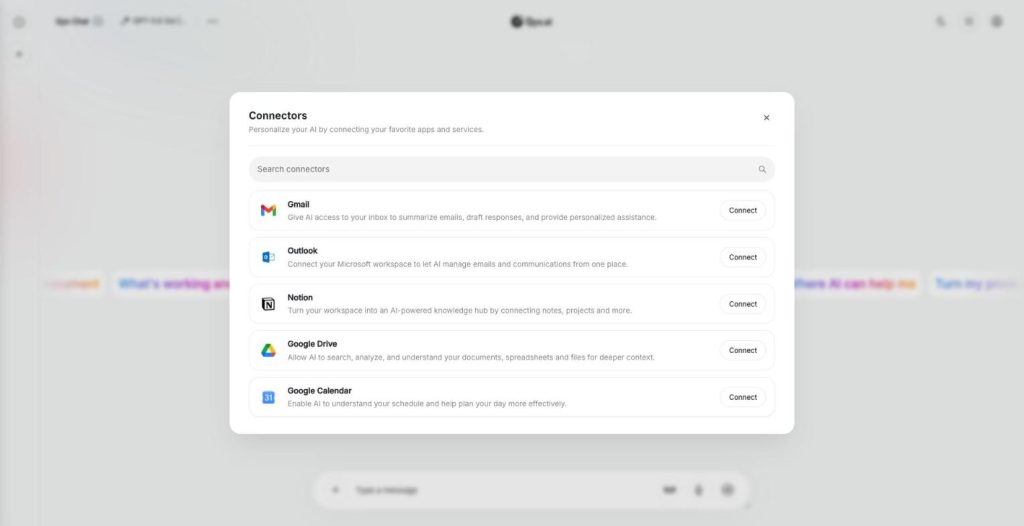
Connectors
Connect your own tools and context
AI connectors link AI Chat Pro to Gmail, Outlook, Notion, Google Drive and Google Calendar. The AI then reads your real emails, notes, files and meetings and answers with your own context.
-
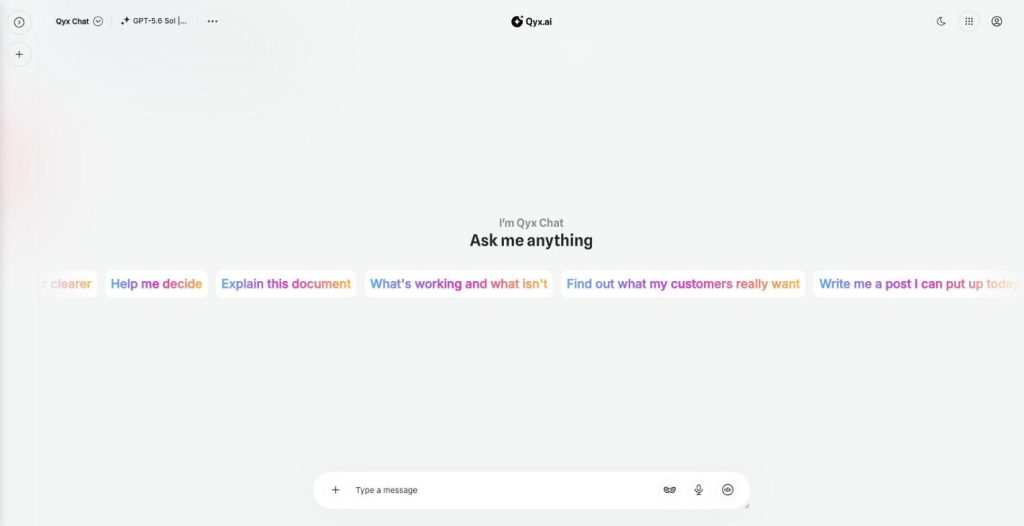
Realtime voice chat
Talk to AI out loud
Realtime voice chat makes AI Chat Pro an AI voice chat you can talk to hands free. Speak naturally, interrupt when you want, and hear the answer right away.
-
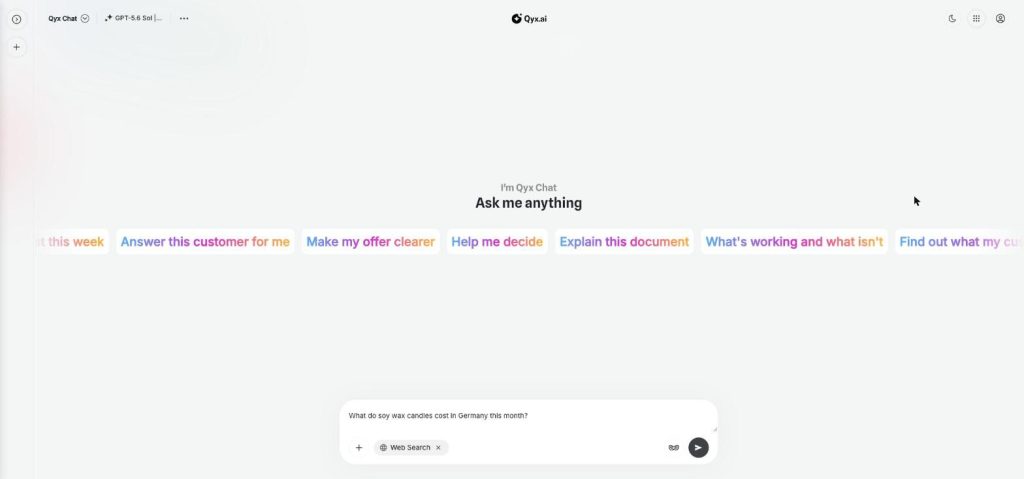
Web search
Fresh answers from the web
Web search adds AI web search to every chat in AI Chat Pro. Turn it on, and the AI looks up live results from the internet before it answers, so prices or dates match today.
-
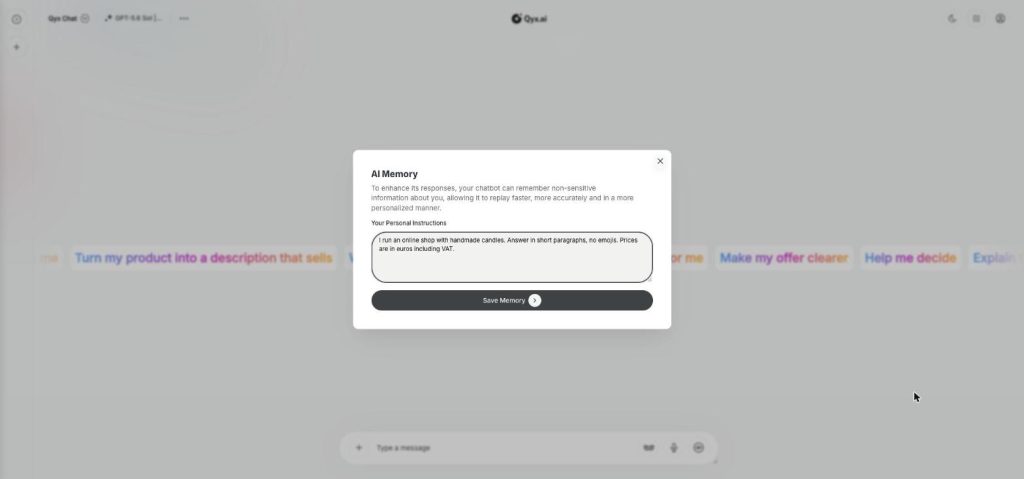
Smart memory
An AI that remembers you
AI Memory gives AI Chat Pro a memory of your personal instructions. Tell it once who you are and how you like answers, and every chat starts with that context.
-
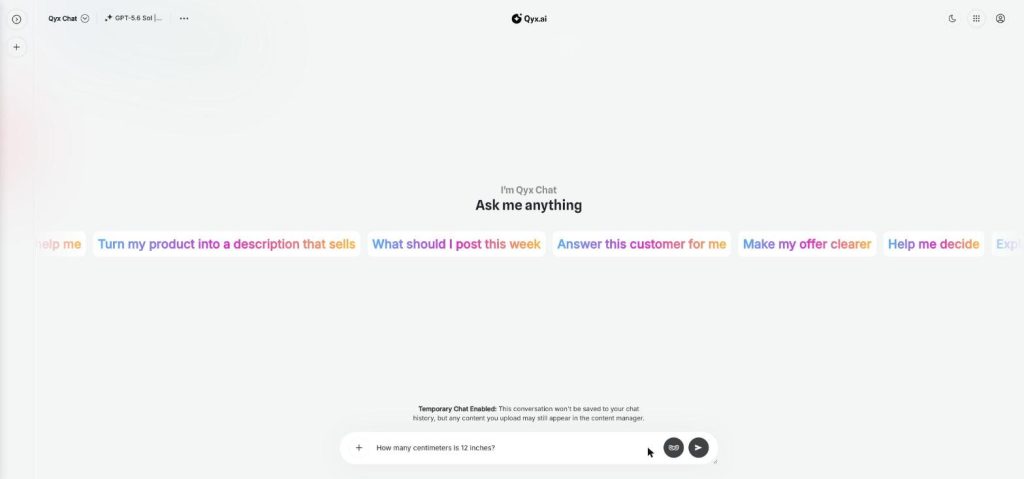
Temporary chat
Chat without leaving a trace
Temporary chat is a private AI chat mode in AI Chat Pro. Start a conversation that is not saved to your chat history, for quick questions or topics you don't want in your list.
Upload a document and ask your first question
From $29/month · 7-day money-back guarantee · Cancel anytime