AI Image Pro · Image Assistant
Fix your images by just talking to them
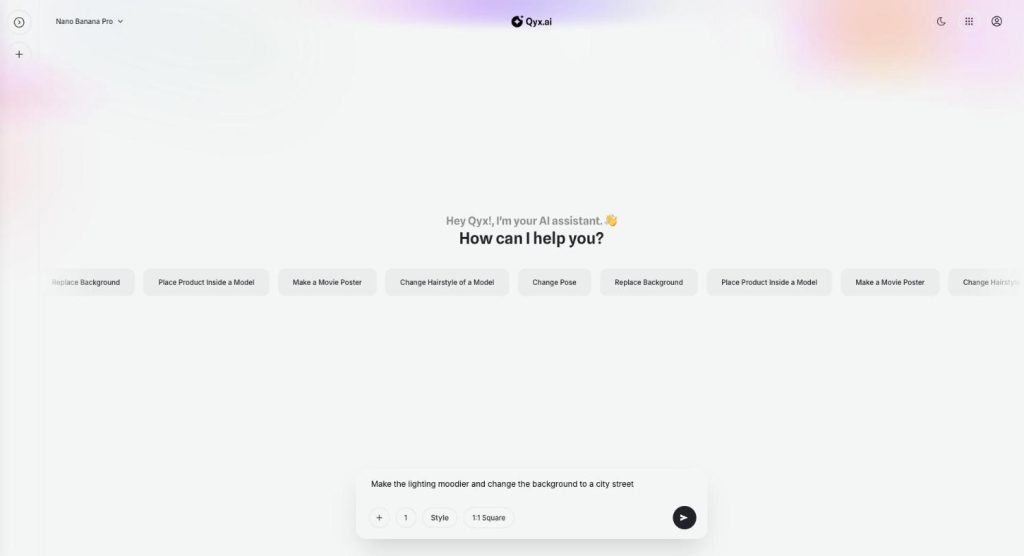
Image Assistant is the Qyx chat where you edit images with AI. Upload a picture or generate one, then ask for a new background, another pose or a different light, and keep refining in the same conversation.
- Edits in plain words, step by step
- 14 image models to choose from
- Your own photos or library images
- Chats saved in folders
Upload an image and say what to change.
- No masking or layers
- Works in your browser
- Cancel anytime
Close is not good enough
The image is nearly right, and a new prompt gives you a completely different picture.
I rewrite the whole prompt to change one detail.
Photo editors take me an hour for a simple background swap.
I lose track of which version was the good one.
One chat for every change:
- Edits in plain words
- Your own photos
- Background replacement
- Pose and hairstyle changes
- Product placement
- Saved chat history
How It Works
A simple three-step process, start to finish.
-
Add the image
Upload a photo with the plus button or generate a new one.
-
Ask for the change
Write what should change, for example a new background.
-
Refine and download
Keep asking in the same chat until it fits, then download.
Why teams edit images with AI in a chat
Small fixes without starting over.
Every version kept in one conversation.
Edits anyone on the team can make.
Good to know before you start
Image Assistant lets you edit images with AI in a chat inside AI Image Pro. You add a picture, write what should change, and the assistant returns a new version. Then you ask for the next change in the same conversation, so you never have to start from an empty prompt.
How to edit images with AI in Image Assistant
The plus button opens your media library, where you upload a file or pick an image you already have. Write the change under it, for example „put the bottle in her hand“ or „make the light warmer“. You choose the number of results from one to four, a style and the aspect ratio, just like in Image Generation.
Ready-made requests
The start screen suggests common jobs: Replace Background, Change Pose, Change Hairstyle of a Model, Place Product Inside a Model and Make a Movie Poster. Click one to start with it, then add your own details.
Models and history
The model menu at the top offers the same 14 models as Image Generation, with Nano Banana Pro as the default. Your conversations stay in the side panel, and you can sort them into folders per client or campaign.
When a chat beats a new prompt
Use the chat when the picture is nearly right: the background is wrong, the product needs to sit in a hand, or the model should face the other way. For a completely different idea, a fresh prompt in Image Generation is faster. For a precise edit of one marked area, use Annotation Mode in Creative Suite.
Examples from online shops
A fashion seller can move a model photo from the studio to a city street, then ask for evening light. Cosmetics brands can place a serum bottle in a model’s hand for an Instagram ad. A café can turn a plain product shot into a movie-style poster for a weekend event, then adjust the colours to match the menu.
Tips to edit images with AI
Ask for one change per message, and say what to keep, for example „keep the face and the jacket“. Name the result you want instead of the problem. If you sell the product, compare the edited image with the real item before you publish it.
Questions, answered
Image Assistant is the Qyx chat where you edit images with AI by describing the change in plain words.
Yes. Upload a file with the plus button or pick an image from your media library.
For example the background, the pose, the hairstyle of a model or where a product sits.
You pick from the same 14 models as Image Generation. Nano Banana Pro is the default.
Yes. They stay in the side panel, and you can sort them into folders.
More AI Image Pro features
-
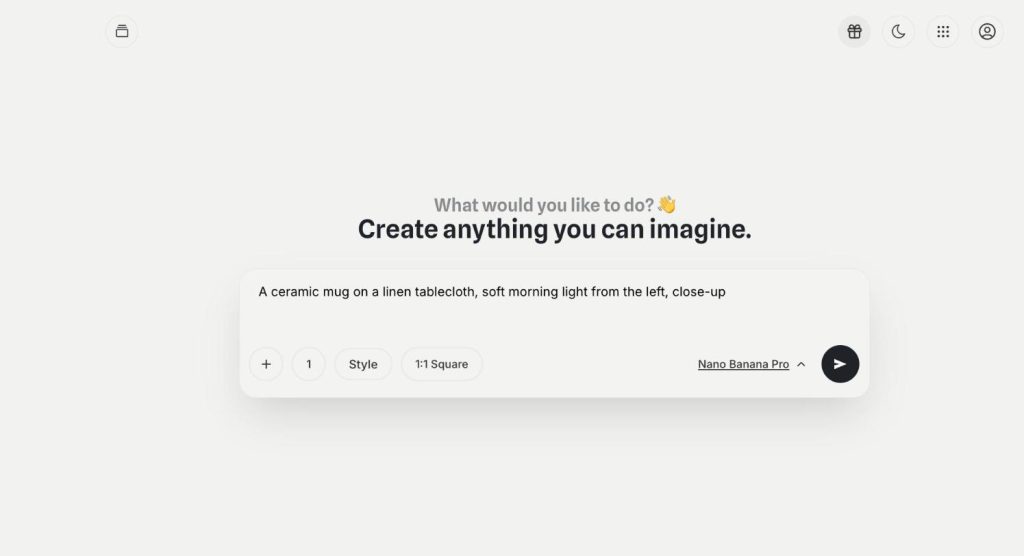
Image Generation
Any image you can imagine
Image Generation in Qyx AI Image Pro is text to image AI with 14 models in one place. Describe the picture, pick a model, a style and a format, and get up to four versions at once.
-
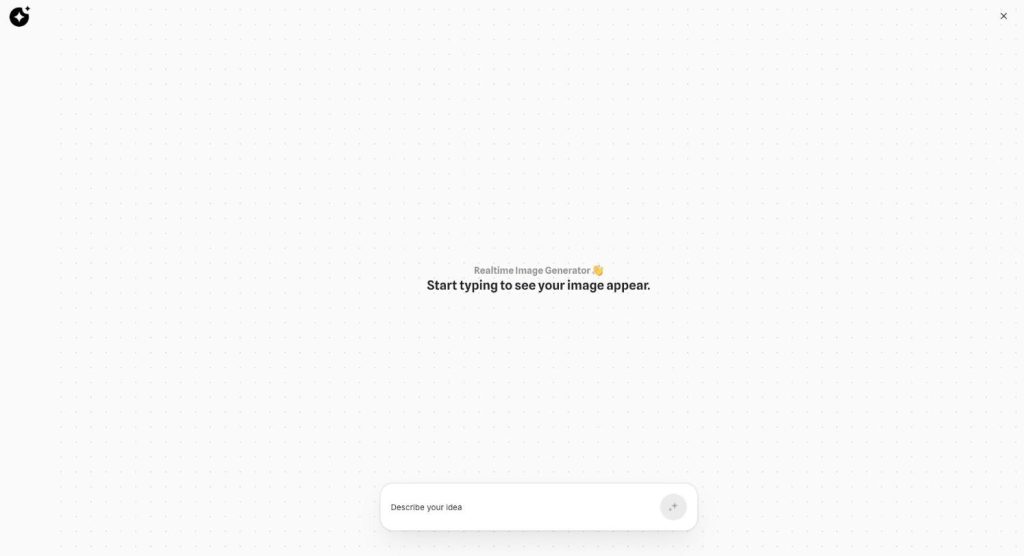
Realtime Image
See the image while you type
Realtime Image is the realtime image generator in Qyx AI Image Pro. Start typing an idea, and a picture appears on the canvas and updates with your words.
Fix your next image in a chat
From $29/month · 7-day money-back guarantee · Cancel anytime