AI Template: Press Release. How to Write a Press Release? Examples
To write a press release, describe your announcement in the Press Release template in Qyx and get a press release to send to journalists. The Press Release template is a Qyx Smart Template that turns an announcement into a press release in the language you pick.
What is the Press Release template?
The Press Release template is a ready-made template in Qyx for news you want the media to cover, such as a product launch, an event or a new partnership. You describe the announcement with the key facts, and Qyx writes the release with a headline and the main details. Put who, what, when and where in the first paragraph, because journalists decide fast. Add a quote, contact details and links before you send it.
-
From facts to release
Write the facts of your news in Announcement and get a structured release.
-
The main news first
The release opens with the facts journalists look for.
-
Releases for other markets
Pick the output language for media in other countries.
How does it work?
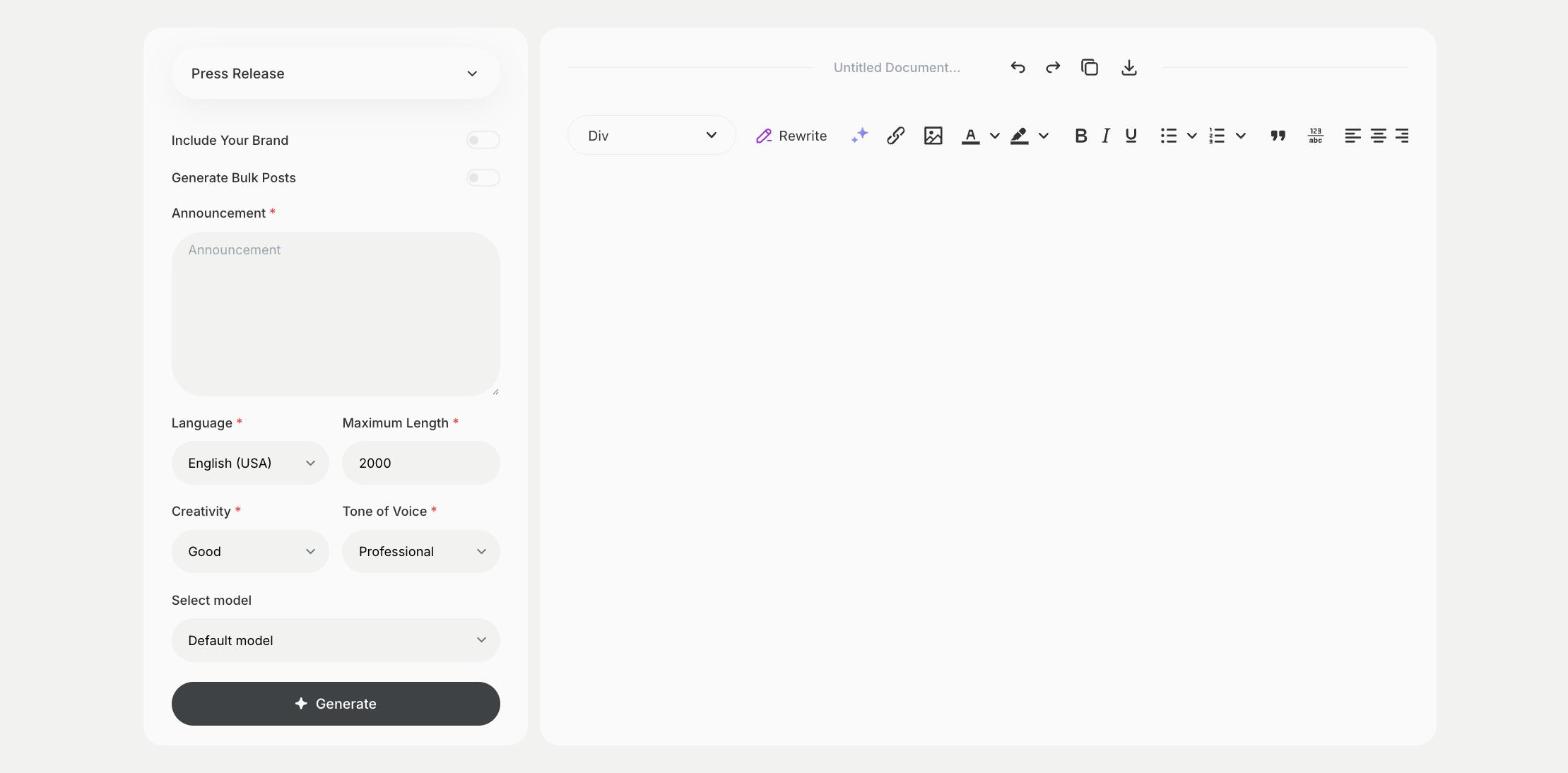
- Open the Press Release template in Qyx.
- Fill in the news and its key facts in Announcement, then choose the language, tone of voice, creativity and maximum length.
- Click Generate, pick the best result and edit it right in the editor.
Who is it for?
-
Startups
Announce a launch, funding or a new product.
-
PR and communication teams
Prepare first drafts of releases.
-
Event organizers
Announce events to local and trade media.
-
Nonprofits
Announce campaigns, results and events.
Practical example
What you enter
Announcement: what happened or will happen, who is involved, when and where, and why it matters.
What you get
A press release with a headline and the main details. Add a quote from a spokesperson and your press contact, then send it to journalists or publish it in your newsroom.
Conclusion
The Press Release template turns your news into a press release. Share the same news on social media with the Social Media Post Business template in Qyx.