AI Tool: File Analyzer. How to Chat With a PDF or Another Document? Examples
To chat with a PDF or another document, upload the file to the File Analyzer in Qyx and ask questions about its content. The File Analyzer is a Qyx AI tool that answers questions about the document you upload.
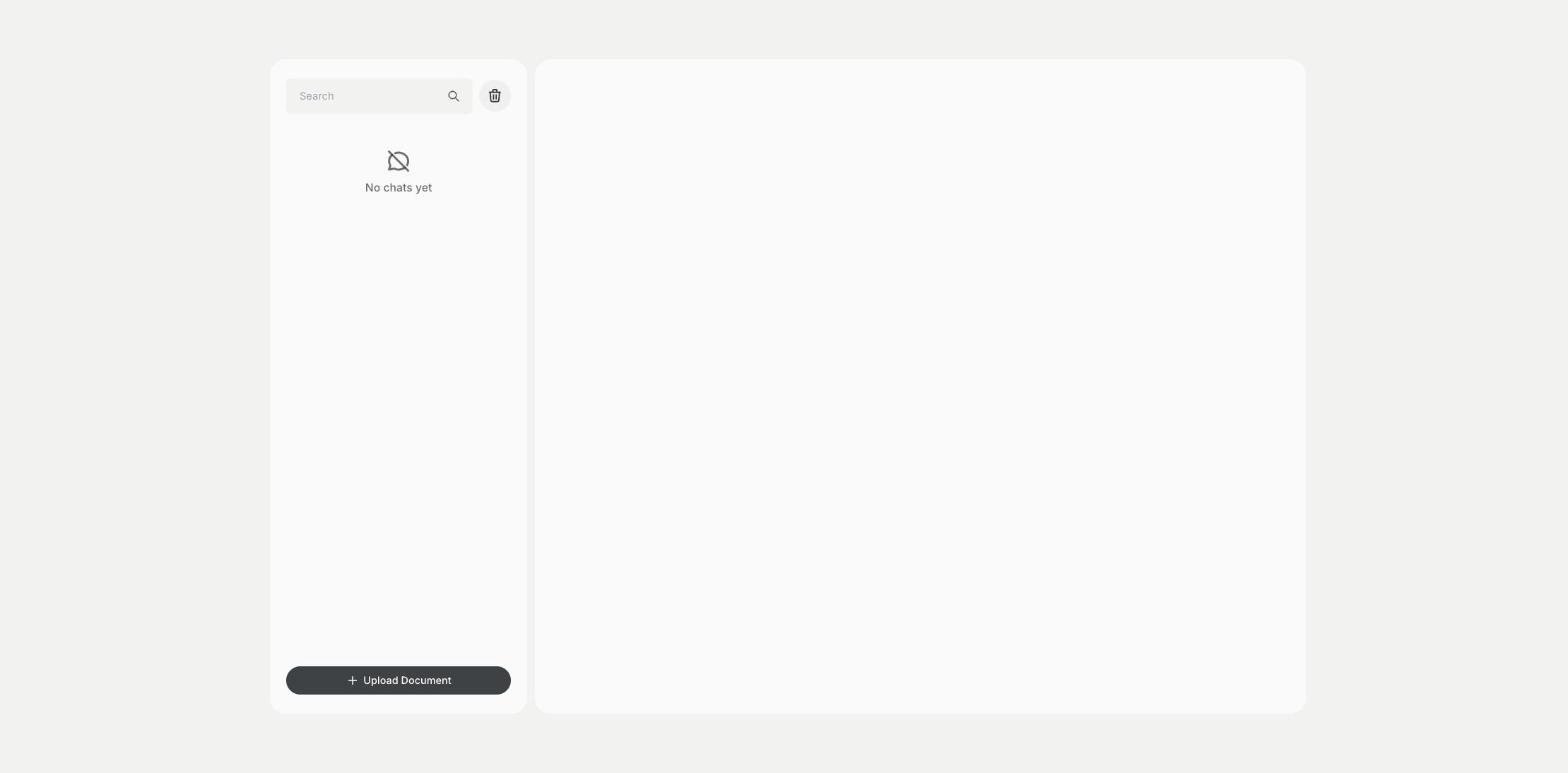
What is the File Analyzer template?
The File Analyzer is a Qyx tool for reports, contracts, manuals, price lists, research papers and spreadsheets. You click Upload Document, choose a PDF, CSV, DOCX, XLSX or XLS file, and ask questions about it in the chat. Qyx answers from the content of the file, so you can find a clause, summarize a chapter or pull figures from a table. Each document gets its own chat, saved in the list, so you can return to it. Ask precise questions and name the part of the document you mean. Check important answers against the original file, and avoid uploading files with personal data you are not allowed to share. Start with a summary of the whole file, then ask about the parts that matter to you.
-
Common file types
Upload PDF, Word, Excel and CSV files.
-
Answers from the document
Ask questions and get answers based on the file.
-
One chat per file
Return to the chat about a document later.
How does it work?
- Open the File Analyzer template in Qyx.
- Fill in the chat with your questions after you click Upload Document and choose a PDF, CSV, DOCX, XLSX or XLS file.
- Click Generate, pick the best result and edit it right in the editor.
Who is it for?
-
Business owners
Find terms in contracts and offers.
-
Students and researchers
Summarize papers and find key passages.
-
Analysts
Ask questions about data in a spreadsheet.
-
Support teams
Search manuals for answers to customer questions.
Practical example
What you enter
Document: a PDF, Word, Excel or CSV file. Questions: what you want to know, such as a summary of one chapter or the figures in one table.
What you get
Answers based on your document in the chat. Check the important ones against the file and copy the summary or the figures into your notes.
Conclusion
The File Analyzer lets you chat with your documents. To ask questions about a web page, use AI Web Chat in Qyx.