External Chatbot · Facebook Messenger
Your AI bot in Messenger
Connect External Chatbot to your Facebook Page and get a Messenger chatbot that answers customers with your trained knowledge, around the clock, with a person ready when needed.
- Answers Messenger chats on your Page
- Same training as your website bot
- Human agent replies from the inbox
- Connection through your Meta app
Connect your Facebook Page.
- Official Meta API
- Same bot on every channel
- Cancel anytime
Your Page inbox waits for you
People message your Facebook Page with questions, and the response time badge keeps getting worse.
Page messages wait until Monday.
I copy answers from old chats by hand.
Nobody on the team watches the Page inbox.
One bot for your Page messages:
- Messenger answers
- Trained knowledge
- Human handoff
- Inbox filter
- Webhook connection
- Same rules everywhere
How It Works
A simple three-step process, start to finish.
-
Create a Meta app
Add Messenger, pick your Page and generate a Page access token.
-
Connect the channel
Enter the app and Page details in the Channel step.
-
Paste the webhook
Copy the webhook URL from Qyx into your Meta app.
Why businesses use a Messenger chatbot
Quick replies on your Facebook Page.
No missed messages on weekends.
A person when the bot is not enough.
Good to know before you start
The Facebook Messenger channel turns your bot from External Chatbot into a Messenger chatbot for your Facebook Page. Customers write to your Page as usual, and the bot answers with the same knowledge as on your website.
What the Messenger chatbot does
It answers questions about your products and services, from a price to delivery or opening hours. When a customer asks for human support, the chat appears in the Human Agent panel, where your team replies directly. In the smart inbox you filter Messenger chats separately.
Setting up the Meta app
In Meta for Developers, create an app of the Business type and save the App ID and App Secret. Add the Messenger product, select the Facebook Page to connect and generate a Page access token. Under webhooks, create a verify token and subscribe to the events you need, such as messages and postbacks.
Connecting it in Qyx
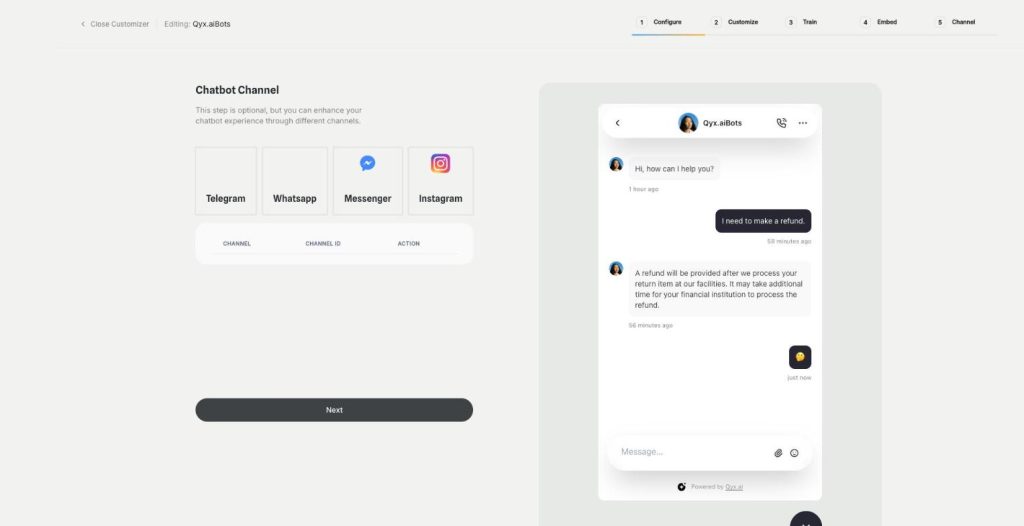
Open a chatbot, go to the Channel step and choose Facebook Messenger. Enter the App ID, App Secret, Page name, access token and a verify token of your choice, then save. Open the channel details, copy the webhook URL and paste it as the callback URL in your Meta app.
Who uses it
Local businesses whose customers find them on Facebook first, such as restaurants, garages or fitness studios. Online shops with an active Page and ads that lead to a Messenger chat. Community groups and event organisers who answer the same practical questions before every event. Older audiences often prefer Messenger to a website chat, so the bot meets them where they are.
Messenger and ads
Click-to-Messenger ads send people straight into a chat with your Page. With the bot connected, each of those clicks gets an immediate answer instead of waiting for someone to notice, which keeps the money you spent on the ad from going to waste.
Tips for a Messenger chatbot that helps
Write a welcome message that says what the bot can do, such as „ask me about sizes, delivery or opening hours“. Keep Page information like address and hours up to date in the training content. Set a clear handoff rule for complaints. The same bot can answer on Instagram and in WhatsApp and Telegram too.
Questions, answered
It is External Chatbot connected to your Facebook Page. It answers Messenger chats with your trained knowledge.
A Facebook Page and a Meta app with the Messenger product, a Page access token and a verify token.
Yes. Chats that need a person go to the Human Agent panel and the smart inbox.
Yes. It follows the same training and instructions, with the same limits.
Yes. Connect Instagram as another channel.
More External Chatbot features
-
Website chatbot
A custom AI chatbot for your website
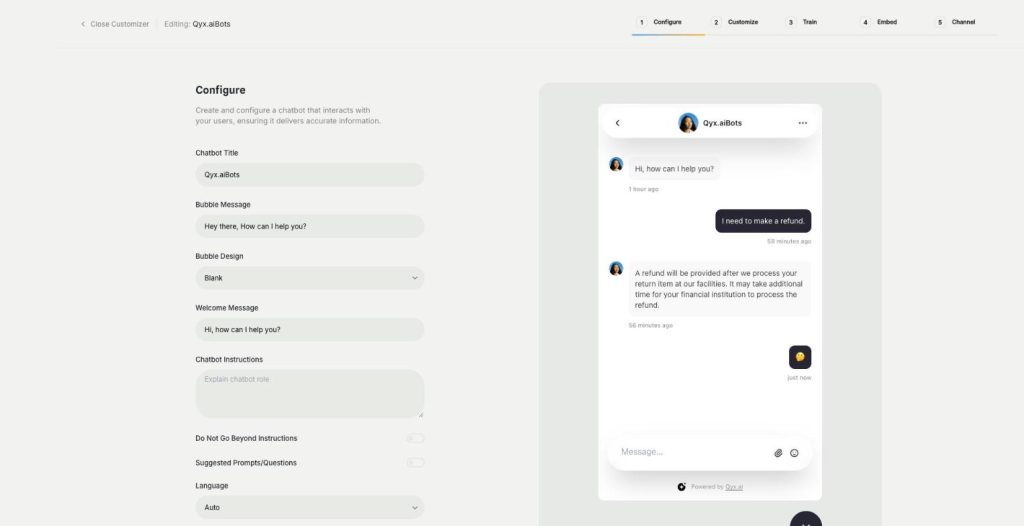
The website chatbot in Qyx is a custom AI chatbot trained on your pages, files and FAQs. It answers visitors in seconds, day and night, in your brand colours and on your rules.
-
Sales agent
Sell directly inside the chat
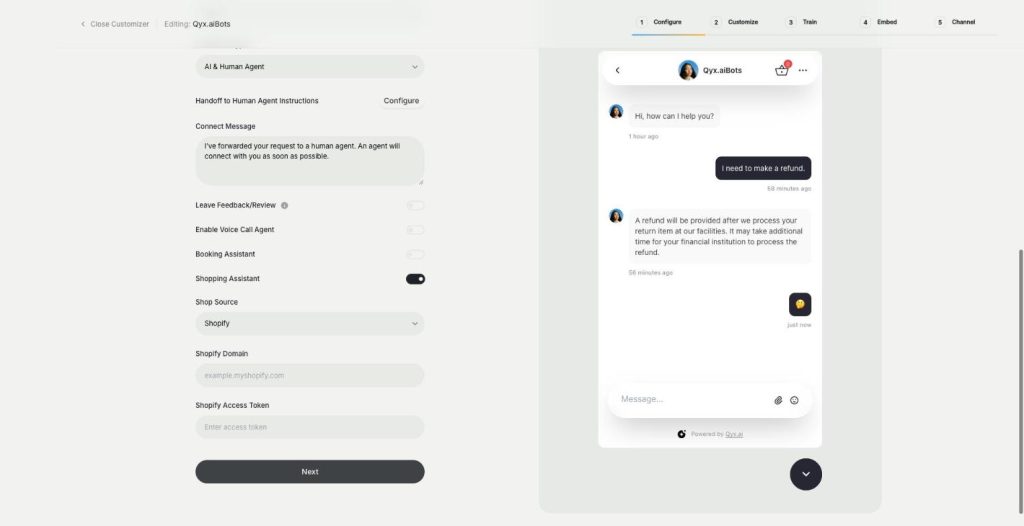
The sales agent turns External Chatbot into an AI shopping assistant for Shopify and WooCommerce. It recommends products, shows variants and prices, and sends buyers to checkout without leaving the chat.
-
Booking agent
Let customers book in the chat
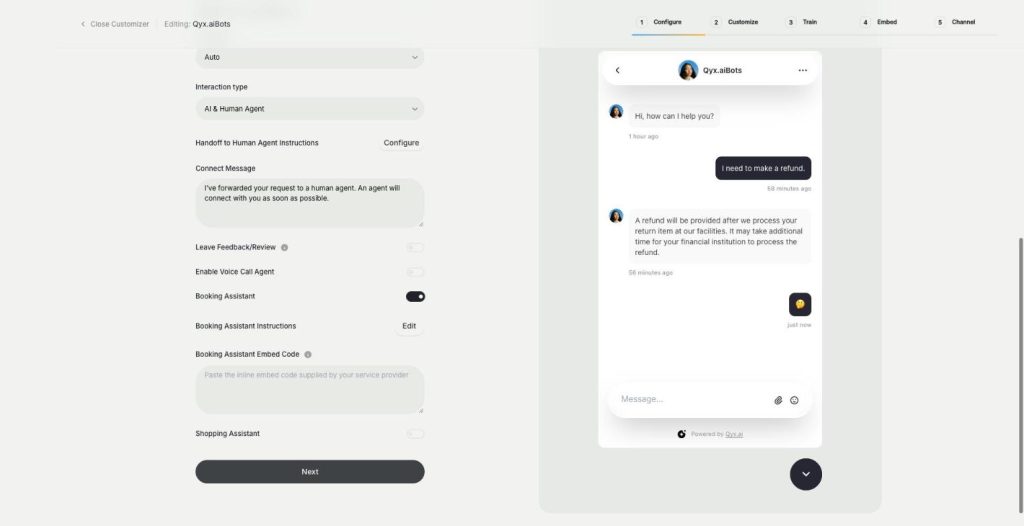
The booking agent is an AI booking assistant for your website chatbot. Add your Calendly or Cal.com embed, and the bot offers a meeting when a visitor is ready and lets them book without leaving the chat.
-
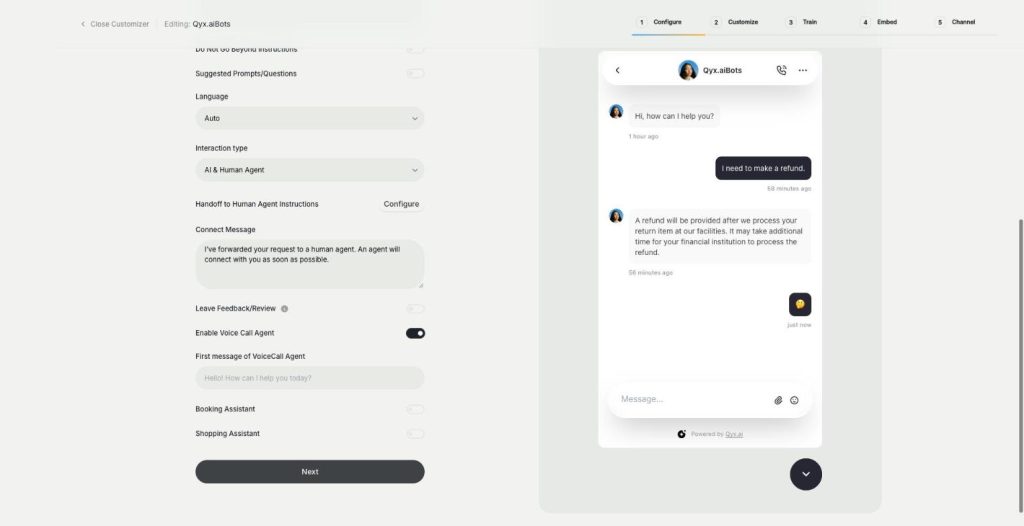
Voice chat
Talk to visitors with real voice
Voice chat makes your website bot an AI voice chatbot. Turn on the Voice Call Agent, and visitors can talk to your assistant out loud and switch back to text at any time.
-
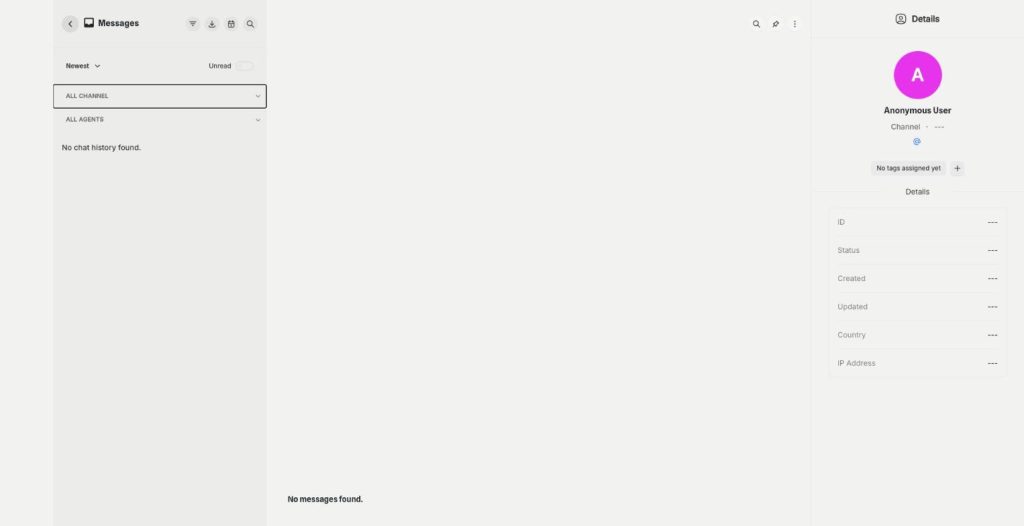
Smart inbox
Every conversation in one inbox
The smart inbox is the live chat inbox of External Chatbot. Read and answer conversations from your website and your messaging apps in one place, with tags and notes, plus canned responses.
-
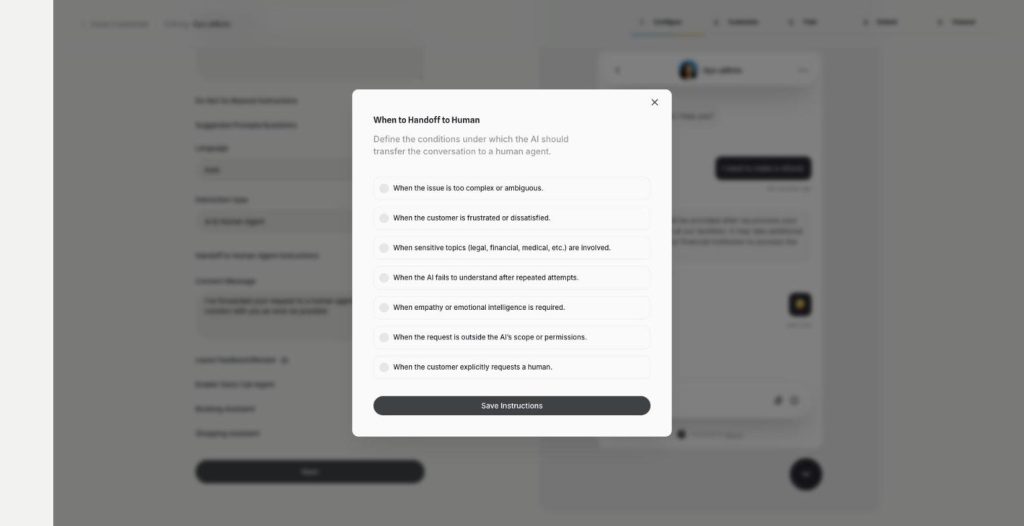
Human agent
Hand over to a person when it matters
Human agent adds chatbot human handoff to External Chatbot. Choose when the AI passes the conversation to your team, and the customer gets a person exactly when they need one.
-
Instagram
Answer Instagram DMs with your AI bot
Connect External Chatbot to Instagram and get an Instagram chatbot that answers direct messages with your trained knowledge. Customers ask in the app they use every day, and the bot replies in seconds.
-
WhatsApp and Telegram
The same bot in WhatsApp and Telegram
Connect External Chatbot to WhatsApp and Telegram and get a WhatsApp chatbot that answers customers with your trained knowledge, in the messaging app they already use.
-
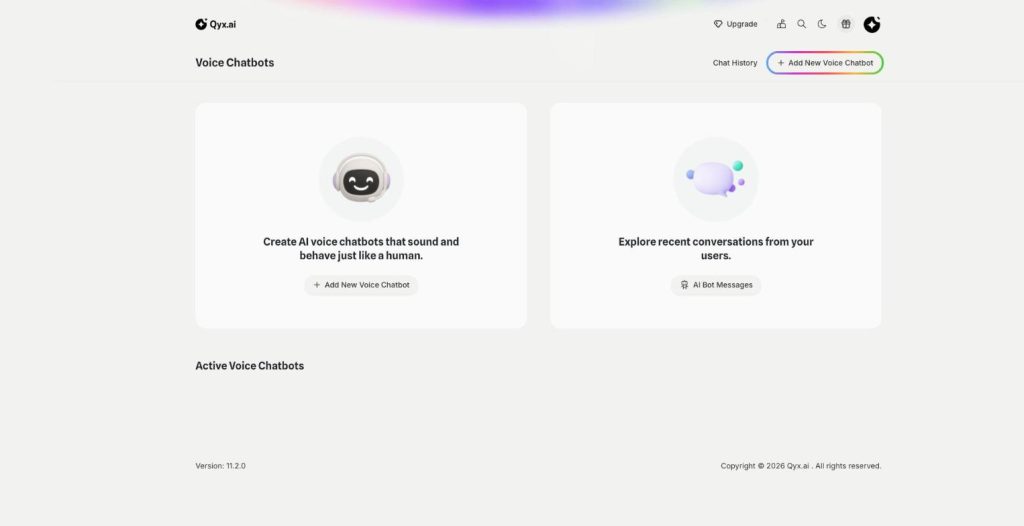
Phone call agent
An AI agent that answers your phone
The phone call agent is an AI phone agent for your business. It picks up real phone calls, answers questions, books appointments and qualifies leads around the clock.
Let your bot answer your Facebook Page
From $29/month · 7-day money-back guarantee · Cancel anytime