External Chatbot · Human agent
Hand over to a person when it matters
Human agent adds chatbot human handoff to External Chatbot. Choose when the AI passes the conversation to your team, and the customer gets a person exactly when they need one.
- AI only, human only, or both
- Handoff rules you can edit
- Your own connect message
- Agents answer from one inbox
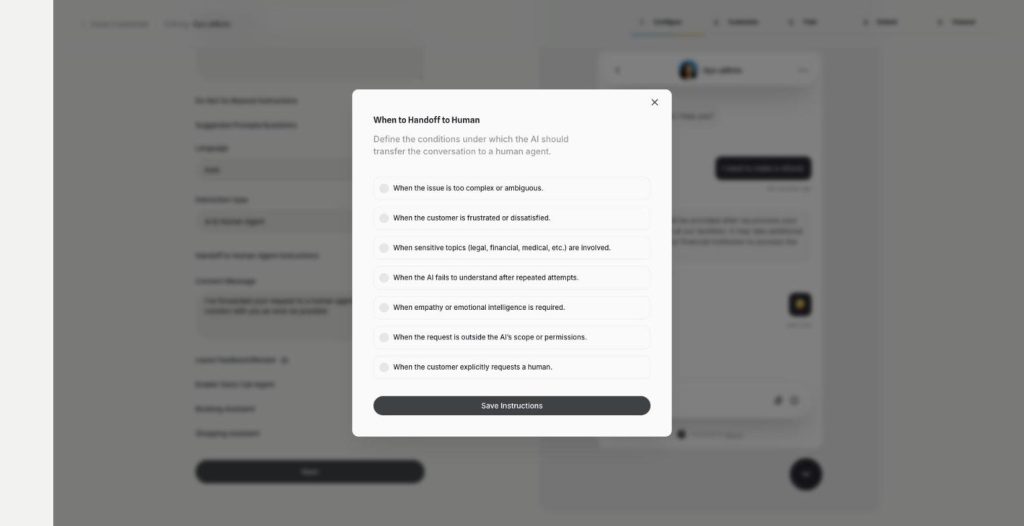
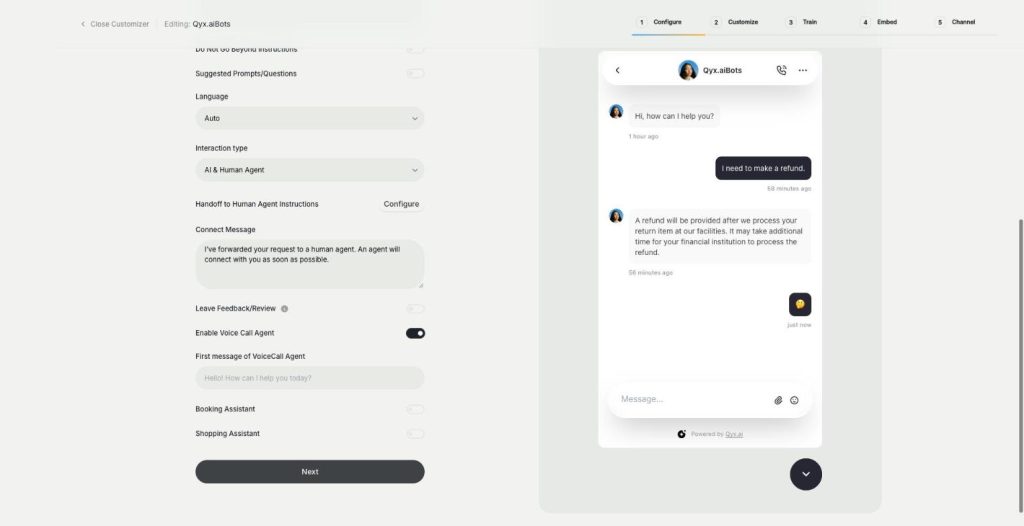
Choose AI & Human Agent as interaction type.
- The AI knows when to step back
- Works on every connected channel
- Cancel anytime
Bots that never let go
A frustrated customer types "human" five times and still gets the same answer.
My bot keeps answering when a person is needed.
Complaints get a cheerful robot reply.
My team can't see what the bot already said.
One handoff that works:
- Interaction types
- Handoff rules
- Connect message
- Agent inbox
- Notes for the team
- Analytics per agent
How It Works
A simple three-step process, start to finish.
-
Pick the interaction type
Choose AI & Human Agent, Only AI or Only Human Agent.
-
Set the handoff rules
Tick when the AI should pass the chat on.
-
Answer in the inbox
Agents take over the conversation with the full history.
Why support teams need chatbot human handoff
Angry customers reach a person fast.
Sensitive topics stay with people.
Agents spend time only where it counts.
Good to know before you start
Human agent is the chatbot human handoff in External Chatbot. The AI answers routine questions, and when a conversation needs a person, it passes the chat to your team. The customer sees a message that someone is on the way, and your agent continues in the smart inbox.
Interaction types
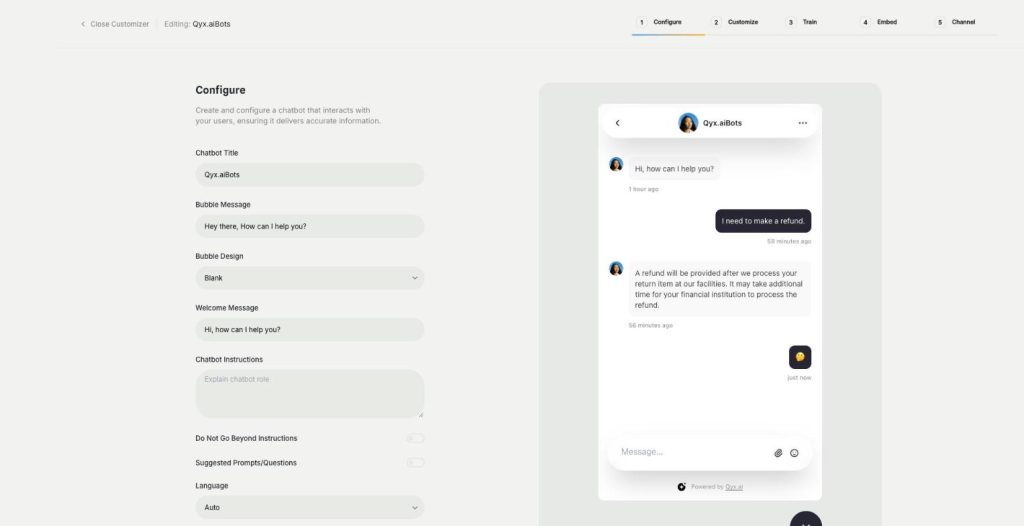
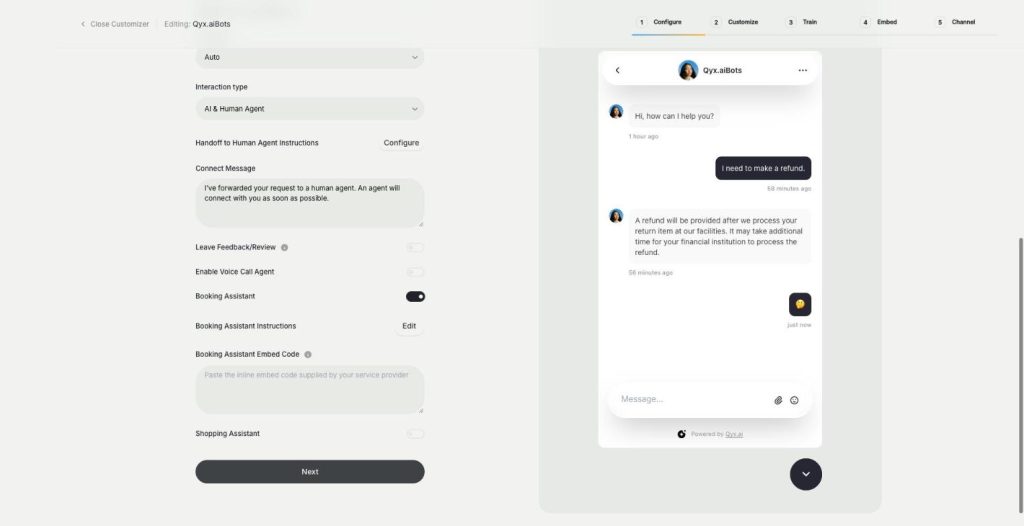
In the Configure step you choose who answers a visitor. AI & Human Agent lets the bot answer and hand over when needed. Only AI leaves every conversation to the bot, without a person. Only Human Agent turns the widget into a classic live chat for your team.
Rules for chatbot human handoff
Handoff to Human Agent Instructions list the situations, and you can edit them. The defaults cover issues that are too complex, frustrated or dissatisfied customers, sensitive topics such as legal, financial or medical questions, repeated misunderstandings, moments that need empathy, requests outside the AI’s scope, and customers who simply ask for a human.
The connect message
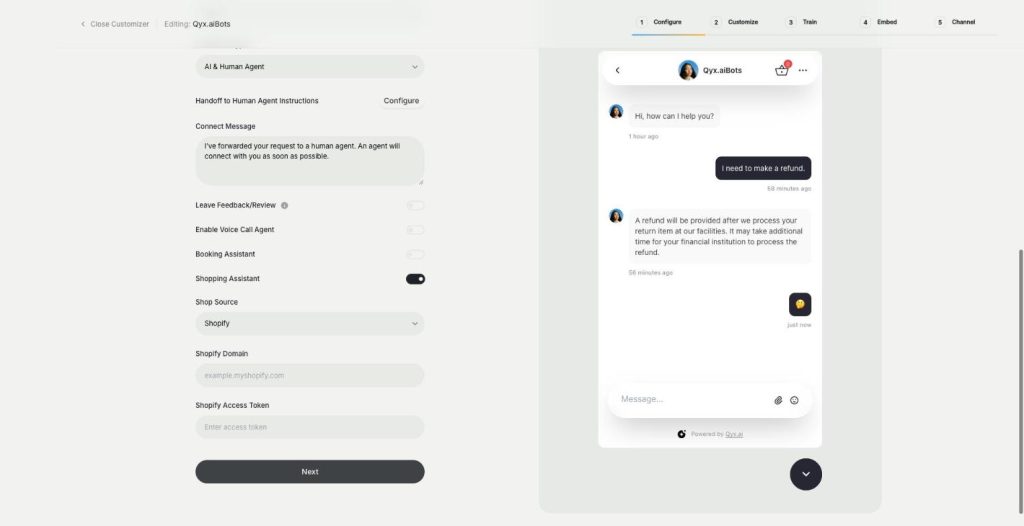
Connect Message is what the customer sees when the AI transfers the chat, for example „I’m passing you to Jana from our team, she’ll reply in a few minutes“. Be honest about the waiting time, especially outside working hours or on a holiday.
Working as an agent
Agents see the whole conversation, including what the AI said, plus the visitor’s details and visited pages. They can reply, leave an internal note and use canned responses. Analytics shows the average time to a first human reply and replies per agent.
Who needs it most
Shops with returns and complaints, where a calm person saves the relationship. Service companies whose customers describe unusual problems. Clinics, law and finance businesses, where sensitive questions should never get an automatic answer. Small teams benefit too, because the AI filters routine questions and people handle only the rest.
Tips for a chatbot human handoff customers like
Hand over early for a complaint or a refund, and late for simple product questions. Tell agents to read the AI part of the chat first, so the customer never repeats themselves. Review handed-over chats once a week and turn common cases into new training content, so the bot handles them next time.
Questions, answered
It is the chatbot human handoff in Qyx External Chatbot. The AI passes a conversation to your team when it needs a person.
For example when the issue is complex, the customer is frustrated, the topic is sensitive or the customer asks for a human. You can edit the rules.
Yes. Choose Only Human Agent for a classic live chat.
Your connect message, for example who will reply and when.
In the smart inbox, with the full chat history and visitor details.
More External Chatbot features
-
Website chatbot
A custom AI chatbot for your website
The website chatbot in Qyx is a custom AI chatbot trained on your pages, files and FAQs. It answers visitors in seconds, day and night, in your brand colours and on your rules.
-
Sales agent
Sell directly inside the chat
The sales agent turns External Chatbot into an AI shopping assistant for Shopify and WooCommerce. It recommends products, shows variants and prices, and sends buyers to checkout without leaving the chat.
-
Booking agent
Let customers book in the chat
The booking agent is an AI booking assistant for your website chatbot. Add your Calendly or Cal.com embed, and the bot offers a meeting when a visitor is ready and lets them book without leaving the chat.
-
Voice chat
Talk to visitors with real voice
Voice chat makes your website bot an AI voice chatbot. Turn on the Voice Call Agent, and visitors can talk to your assistant out loud and switch back to text at any time.
-
Smart inbox
Every conversation in one inbox
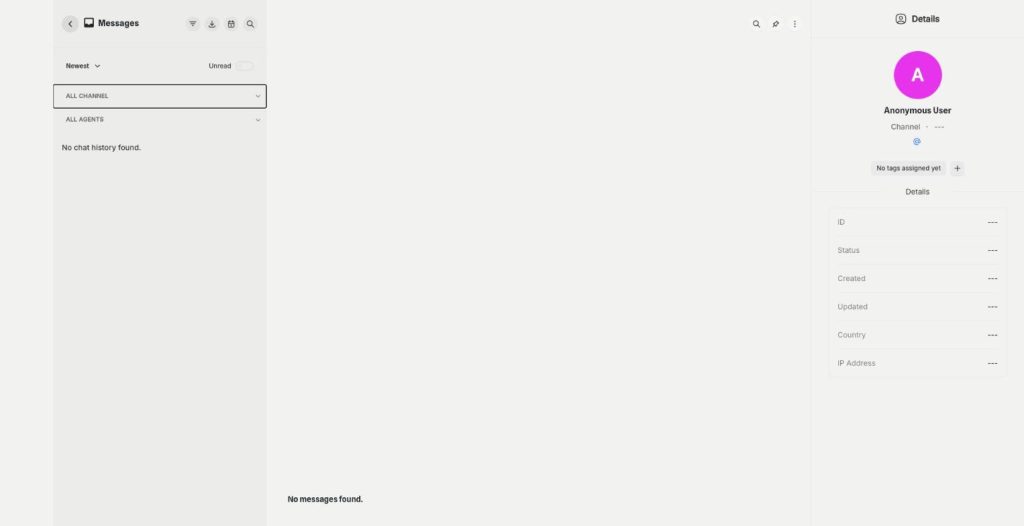
The smart inbox is the live chat inbox of External Chatbot. Read and answer conversations from your website and your messaging apps in one place, with tags and notes, plus canned responses.
-
Instagram
Answer Instagram DMs with your AI bot
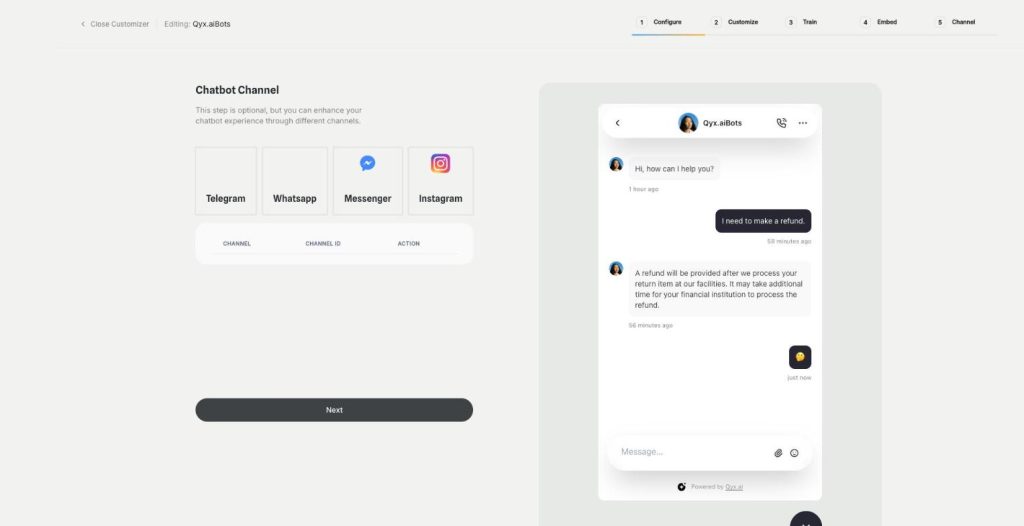
Connect External Chatbot to Instagram and get an Instagram chatbot that answers direct messages with your trained knowledge. Customers ask in the app they use every day, and the bot replies in seconds.
-
Facebook Messenger
Your AI bot in Messenger
Connect External Chatbot to your Facebook Page and get a Messenger chatbot that answers customers with your trained knowledge, around the clock, with a person ready when needed.
-
WhatsApp and Telegram
The same bot in WhatsApp and Telegram
Connect External Chatbot to WhatsApp and Telegram and get a WhatsApp chatbot that answers customers with your trained knowledge, in the messaging app they already use.
-
Phone call agent
An AI agent that answers your phone
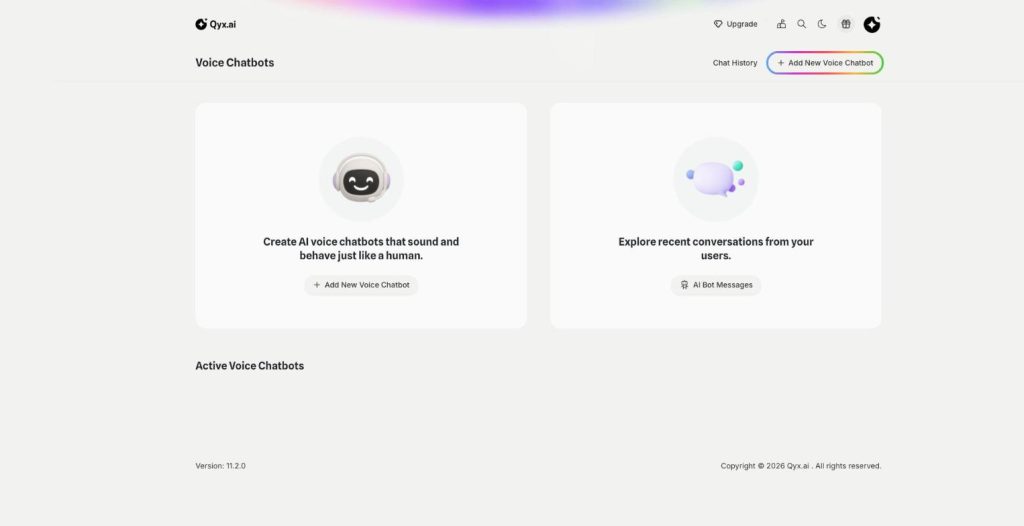
The phone call agent is an AI phone agent for your business. It picks up real phone calls, answers questions, books appointments and qualifies leads around the clock.
Let your bot know when to call a person
From $29/month · 7-day money-back guarantee · Cancel anytime