AI Social Media Suite · YouTube comment automation
Answer YouTube comments automatically
YouTube comment automation in AI Social Media Suite lets you auto reply to YouTube comments. The agent watches new comments on your channel and answers the common questions in your tone.
- Watches new comments on your videos
- Answers common questions
- Your instructions for tone and scope
- Built in the visual Automation Builder
Connect your channel and set up the agent.
- You write the rules
- A person can take over anytime
- Cancel anytime
Comments go unanswered
Each new video brings the same questions about links, prices or settings, and replying to all of them eats the time for the next video.
The same question appears under every video.
Old videos get comments I never see.
Unanswered comments make the channel look abandoned.
One agent for your comment section:
- New comment monitoring
- Answers to common questions
- Your tone
- Visual workflow
- Same agent as Instagram
- Human review
How It Works
A simple three-step process, start to finish.
-
Connect YouTube
Add your channel in AI Social Media Suite.
-
Set up the agent
Describe the tone and the answers to common questions.
-
Let it reply
The agent answers new comments, and you check the rest.
Why creators auto reply to YouTube comments
Faster answers keep viewers engaged.
Old videos get replies too.
More time for making the next video.
Good to know before you start
YouTube comment automation is part of AI Social Media Suite. It lets you auto reply to YouTube comments with the same agent that handles comments and DMs on Instagram, Facebook and X. The agent watches for new comments on your channel and gives a reply to the common questions.
How to auto reply to YouTube comments
Connect your YouTube channel, open the Automation Builder and set up the agent for YouTube. Tell it what people usually ask and what a good answer is, for example where the product from the video is sold, which settings you used or when the next part comes out. When a new comment arrives, the agent writes a reply in your tone.
What the agent should answer
A good candidate is a repeated, factual question: a link, a price, a size, a tool or a timestamp. Leave opinions, criticism and personal stories to yourself, because a real reply matters more there. Write in the instruction which topics the agent should skip, so it does not answer what it should not.
Comments as a growth signal
Viewers who get an answer often come back and comment again, and active comment sections show that the channel is alive. Replies also help newcomers, who read the comments before they decide to subscribe. Use the questions people ask as a source of ideas for your next videos.
Who uses it
Tutorial channels, where viewers ask about a software version and its settings. Product reviewers, who get asked for a link all day. Brands that publish how-to videos for their products and want customers to get help fast, even on videos from last year. Small creators benefit too, because every answered comment makes a new viewer feel noticed.
Tips to auto reply to YouTube comments well
Keep replies short and personal, and avoid a copy of the same sentence under every comment. Pin a comment with the most important link, so the agent can point to it. Read through the replies once a week and update the instruction. To publish the videos themselves, see YouTube and Shorts.
Questions, answered
It is the Qyx agent that auto replies to YouTube comments on your channel, part of AI Social Media Suite.
New comments with common questions, based on the instructions you give it.
Yes. You set the tone, the answers and the topics it should skip.
Yes. It comes from the same Automation Builder as the comment and DM agent.
No. You set it up in a visual workflow.
More AI Social Media Suite features
-
Publishing
Post everywhere from one place
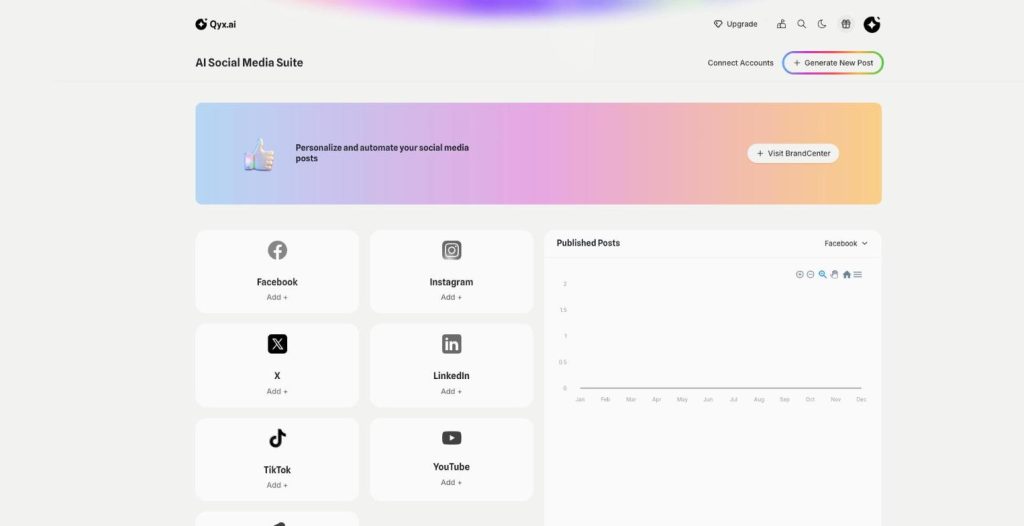
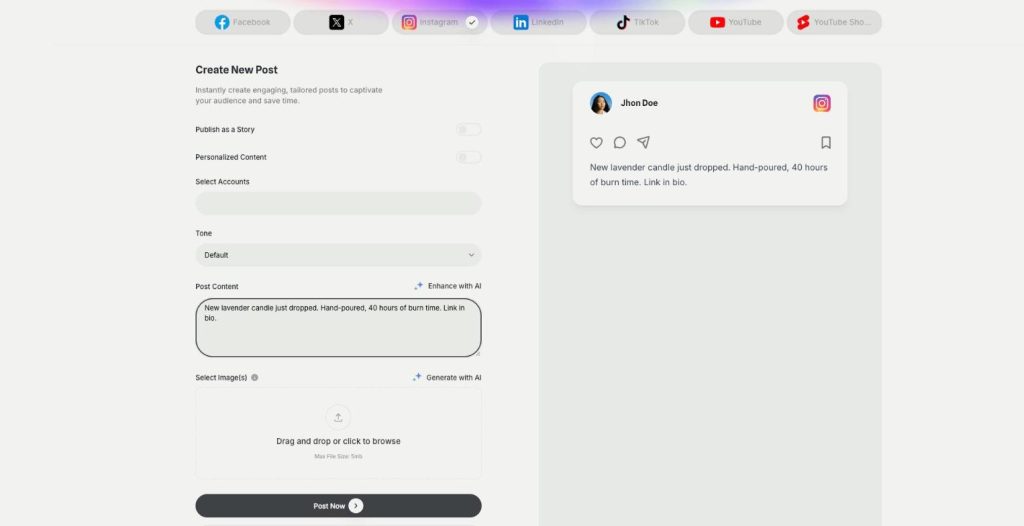
Publishing in AI Social Media Suite is a social media scheduler with AI writing built in. Connect Facebook, Instagram, X, LinkedIn, TikTok and YouTube, write the post with AI and publish it now or on a schedule.
-
Carousels
Eye catching carousels in seconds
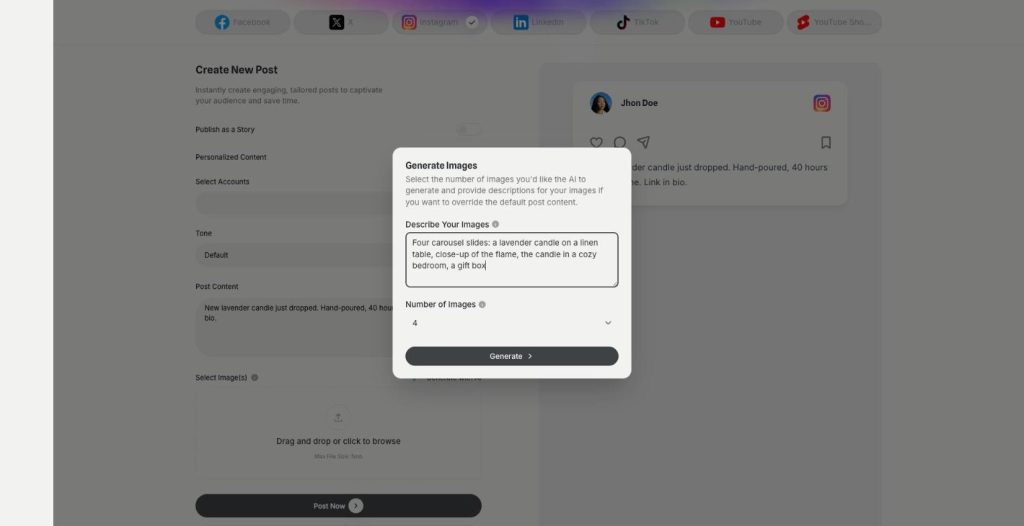
Carousels in AI Social Media Suite are an AI carousel generator for Instagram, Facebook and LinkedIn. Describe the images or let the post text guide them, choose how many, and publish them as one swipeable post.
-
Posts and stories
Publish posts or stories
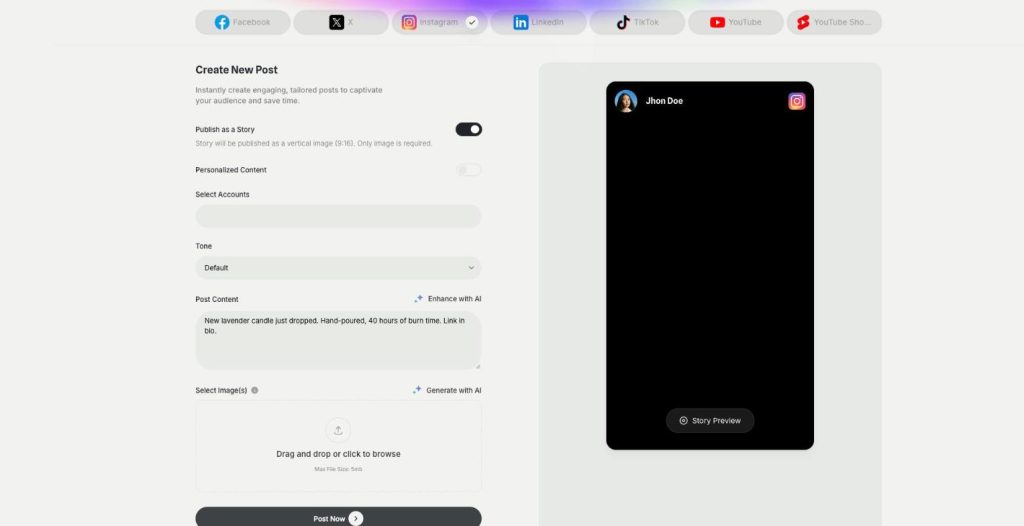
AI Social Media Suite lets you schedule Instagram stories, Facebook stories and TikTok stories next to regular posts. Switch on Publish as a Story, add a vertical image or video and send it now or later.
-
YouTube and Shorts
Generate and post YouTube and Shorts
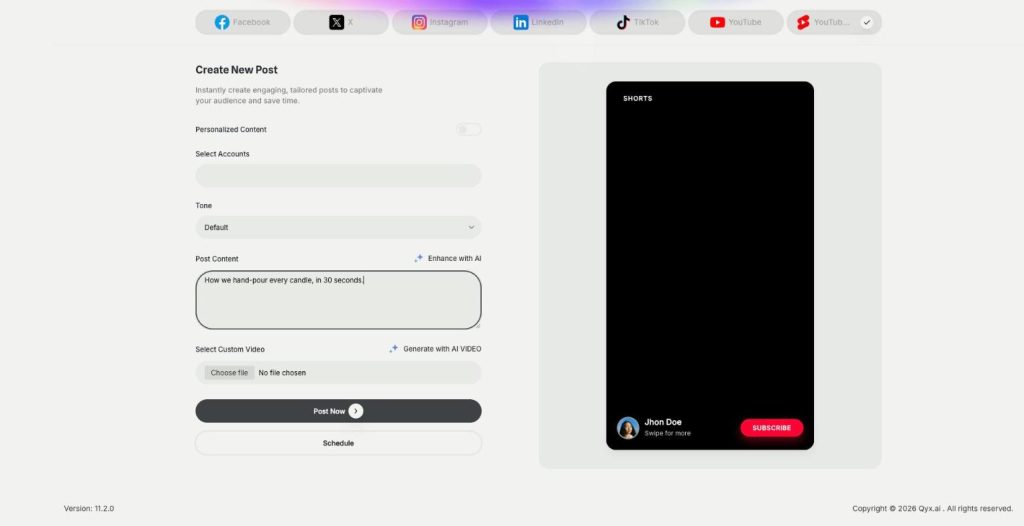
AI Social Media Suite lets you schedule YouTube Shorts and regular YouTube videos. Upload your own video or generate one with AI from the post text, preview it and publish it now or later.
-
DM and comment agent
Reply to every comment and DM
The DM and comment agent brings Instagram DM automation and comment replies to AI Social Media Suite. Build the agent in a visual workflow, and it answers comments and messages on Instagram, Facebook and X.
-
Analytics
See which posts work
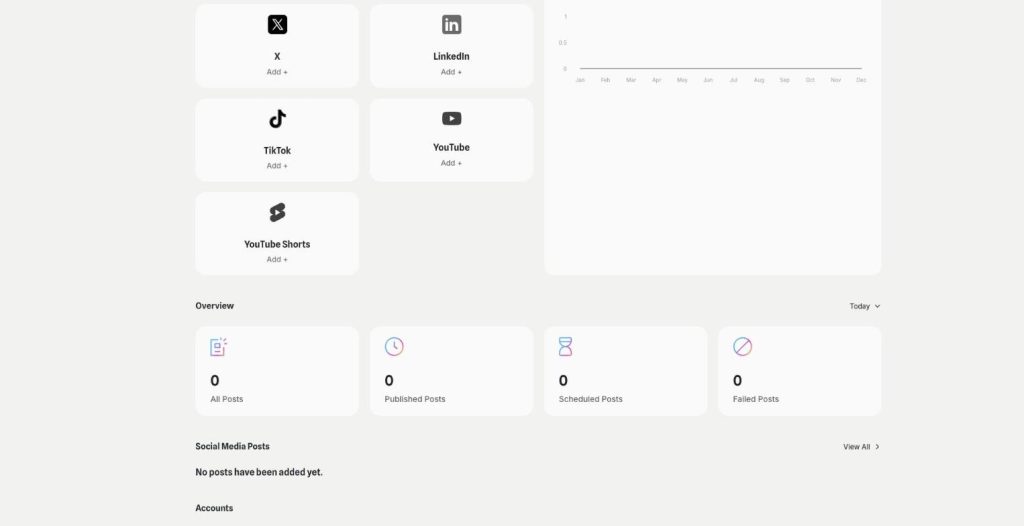
Analytics in AI Social Media Suite is social media analytics for every connected platform. See which posts went out or failed, compare platforms and find the posts worth repeating.
Answer your next video's comments automatically
From $29/month · 7-day money-back guarantee · Cancel anytime