AI Image Pro · Realtime Image
See the image while you type
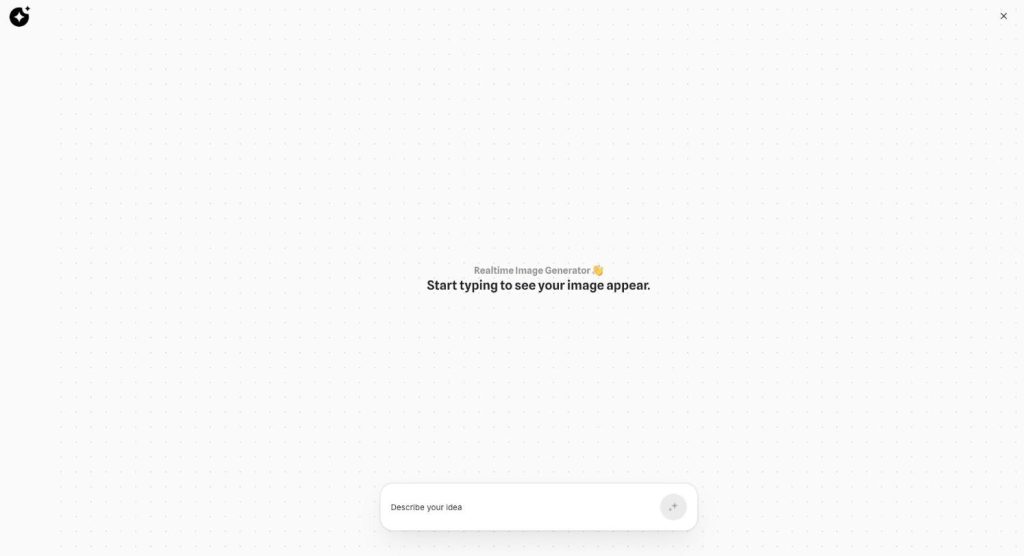
Realtime Image is the realtime image generator in Qyx AI Image Pro. Start typing an idea, and a picture appears on the canvas and updates with your words.
- The picture follows your prompt as you type
- Open canvas with zoom
- Quick way to test ideas
- Final images in Image Generation
Start typing your idea.
- No settings to learn
- Works in your browser
- Cancel anytime
Ideas die while you wait
You write a prompt, wait for the result, change one word and wait again.
I wait for every image before I know if the idea works.
I have ten ideas and no time to generate all of them.
Prompt writing feels like guessing.
One canvas that reacts to your words:
- Image while you type
- Instant prompt testing
- Canvas with zoom
- No settings
- Quick mood boards
- Next step in Image Generation
How It Works
A simple three-step process, start to finish.
-
Open Realtime Image
Find it under Images in the Qyx menu.
-
Type the idea
Write in the Describe your idea field and watch the canvas.
-
Take it further
Move the prompt that works to Image Generation for the final image.
Why creators use a realtime image generator
Ideas tested in seconds, not minutes.
Better prompts, because you see what each word does.
Less time spent on final images that miss.
Good to know before you start
Realtime Image is the realtime image generator in AI Image Pro. The screen says it plainly: start typing to see your image appear. You write into the Describe your idea field, and the picture on the canvas changes with your prompt.
How the realtime image generator works
Realtime Image opens as a clean canvas. There is one prompt field at the bottom, a zoom control at the top and nothing else to set. As you add or remove words, a new version of the picture appears, so you see the effect of each change right away.
What it is good for
Use it to explore. Try a few moods for a campaign, compare light from the left with light from behind, or check whether „minimal“ or „rustic“ fits a product better. It works like a sketchbook for prompts, before you spend time on the final image.
From a quick idea to the final image
When a prompt works, copy it into Image Generation. There you choose one of 14 models, a style, the aspect ratio and up to four versions. To change a finished picture by chat, open Image Assistant.
Who it helps
A shop owner planning a seasonal campaign can try autumn, winter and spring moods for the same candle before deciding. Content creators can sketch thumbnail ideas while drafting a video script. A team in a meeting can type suggestions together and look at the screen instead of arguing about words.
Limits to keep in mind
The quick previews are meant for exploring, so details such as hands, small text or exact product shapes may not hold up. Treat them as drafts. For a picture that goes into an ad or onto a product page, generate the final version with a full model and check it carefully.
Tips for a realtime image generator
Start with the subject, then add the setting, the light and the colour one by one, and watch what each word changes. Short prompts react faster and are easier to read on the canvas. Keep the version you like by copying the prompt before you try the next idea.
Questions, answered
Realtime Image is the Qyx realtime image generator. The picture appears and updates as you type the prompt.
No. Realtime Image has only the prompt field and a zoom control.
Testing ideas and prompts quickly before you generate the final image.
Copy the prompt into Image Generation and pick the model and the format there.
Under Images in the Qyx menu, next to AI Image Pro and Image Assistant.
More AI Image Pro features
-
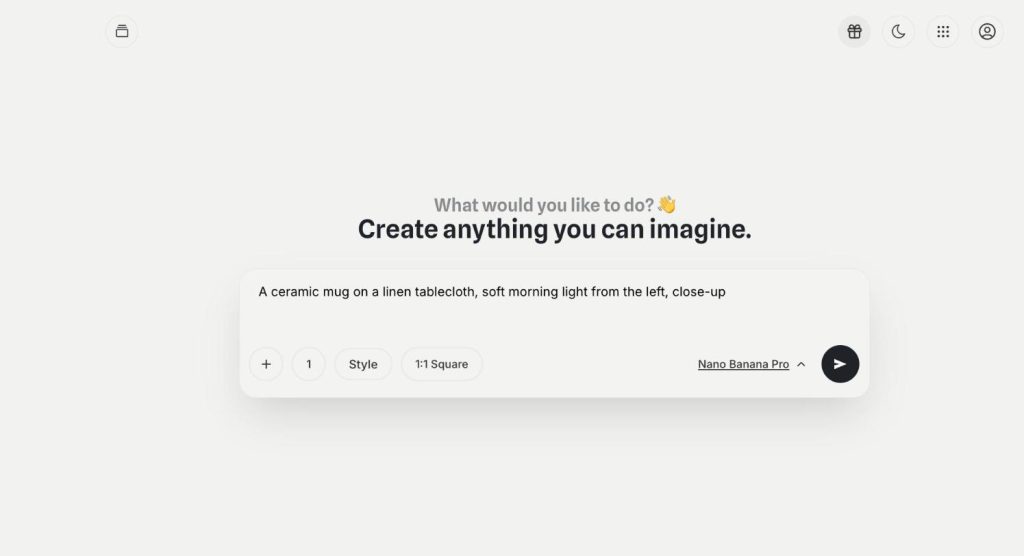
Image Generation
Any image you can imagine
Image Generation in Qyx AI Image Pro is text to image AI with 14 models in one place. Describe the picture, pick a model, a style and a format, and get up to four versions at once.
-
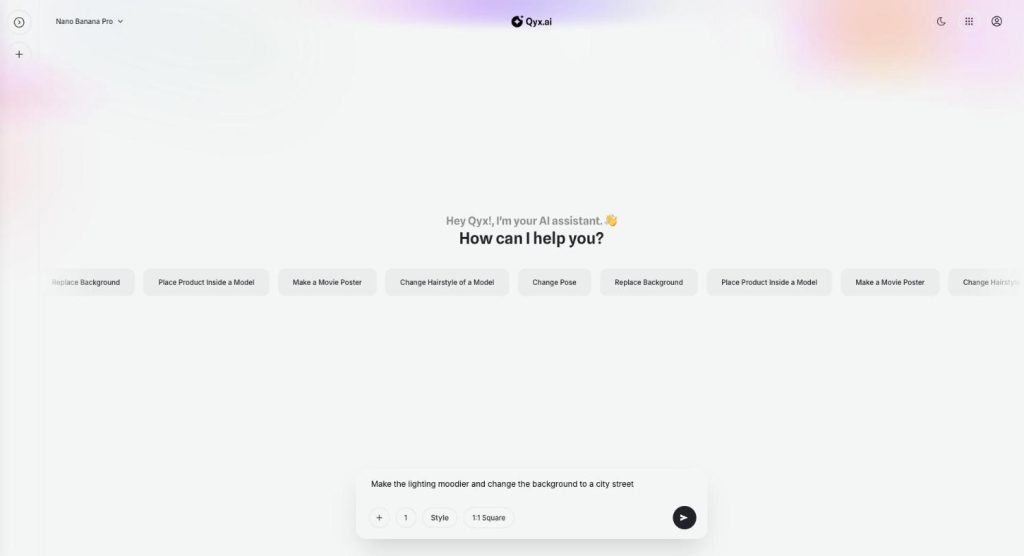
Image Assistant
Fix your images by just talking to them
Image Assistant is the Qyx chat where you edit images with AI. Upload a picture or generate one, then ask for a new background, another pose or a different light, and keep refining in the same conversation.
Type your next idea and watch it appear
From $29/month · 7-day money-back guarantee · Cancel anytime