AI Template: Youtube Video Description. How to Write a Description for a YouTube Video? Examples
To write a description for a YouTube video, enter the video title in the Youtube Video Description template in Qyx and get a description to paste under your video. The Youtube Video Description template is a Qyx Smart Template that turns a video title into a YouTube video description in the language you pick.
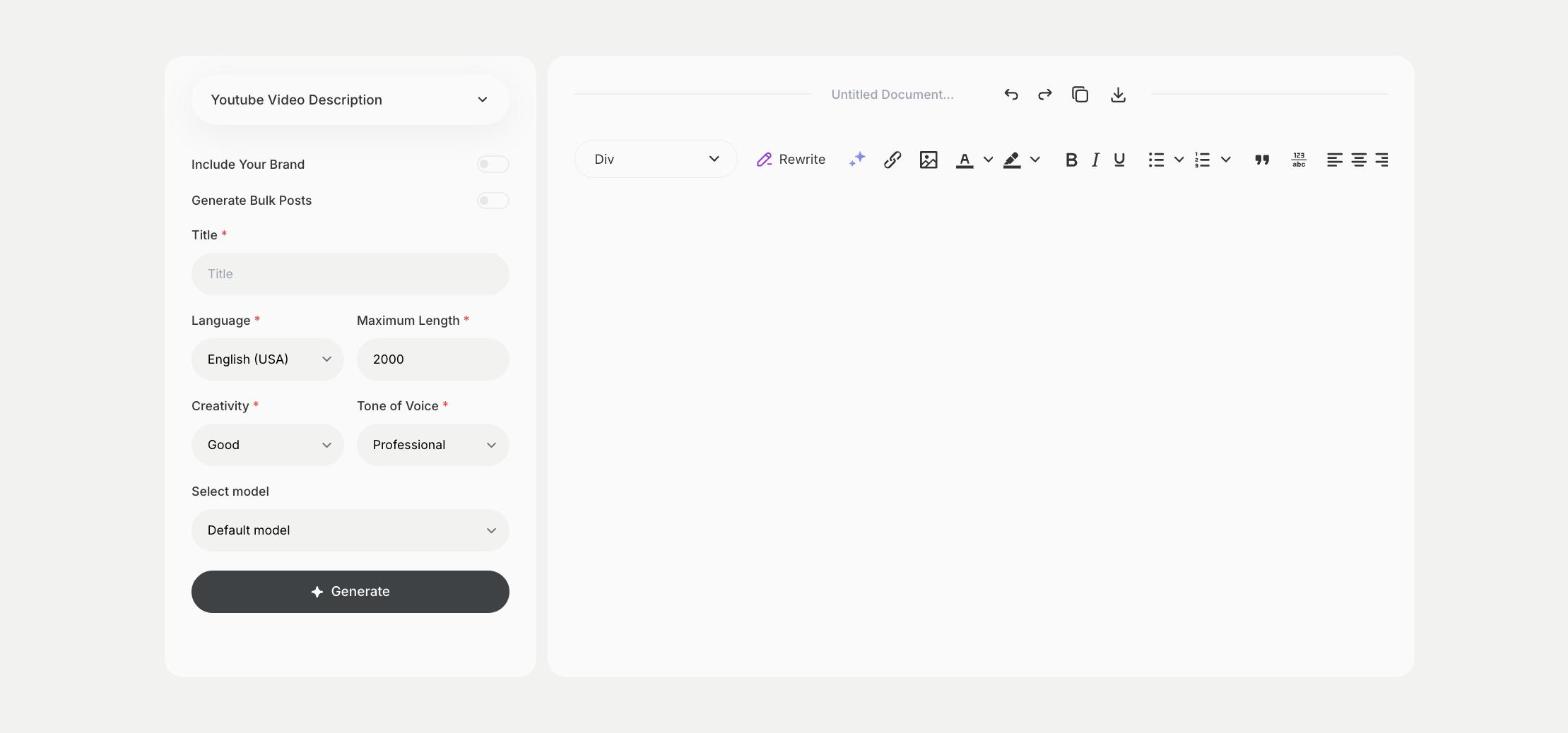
What is the Youtube Video Description template?
The Youtube Video Description template is a ready-made template in Qyx for the text box under each upload. You enter the title of the video, and Qyx writes a description that tells viewers and YouTube search what the video covers. Put the most important line first, because YouTube shows only the start before the viewer clicks to see more. Add your links, chapters and channel info at the end yourself. Write it in full sentences, because YouTube reads the description to understand the video.
-
From title to description
One field is enough to get a description for the upload.
-
Searchable text
The description repeats the topic of the video in words people search for.
-
Channels in other languages
Pick the output language for videos you publish for viewers abroad.
How does it work?
- Open the Youtube Video Description template in Qyx.
- Fill in the title of your video in Title, then choose the language, tone of voice, creativity and maximum length.
- Click Generate, pick the best result and edit it right in the editor.
Who is it for?
-
YouTubers
Write descriptions for each upload without starting from a blank box.
-
Brands with a YouTube channel
Describe product videos, tutorials and webinars.
-
Online stores
Add descriptions to product demos and unboxing videos.
-
Course creators
Describe lessons you publish on YouTube.
Practical example
What you enter
Title: the title of your video exactly as you will publish it on YouTube.
What you get
A description for your video. Check that it matches what the video shows, add your links and timestamps, then paste it into YouTube Studio.
Conclusion
The Youtube Video Description template gives you the text under your YouTube video. Pick the title itself with the Youtube Video Title template in Qyx.