AI Template: Newsletter Generator. How to Write a Newsletter Issue With a Title and Subject Line? Examples
To write a newsletter issue with a title and subject line, enter the description, title and subject in the Newsletter Generator template in Qyx and get the text of the issue. The Newsletter Generator template is a Qyx Smart Template that turns your description, title and subject into a newsletter issue in the language you pick.
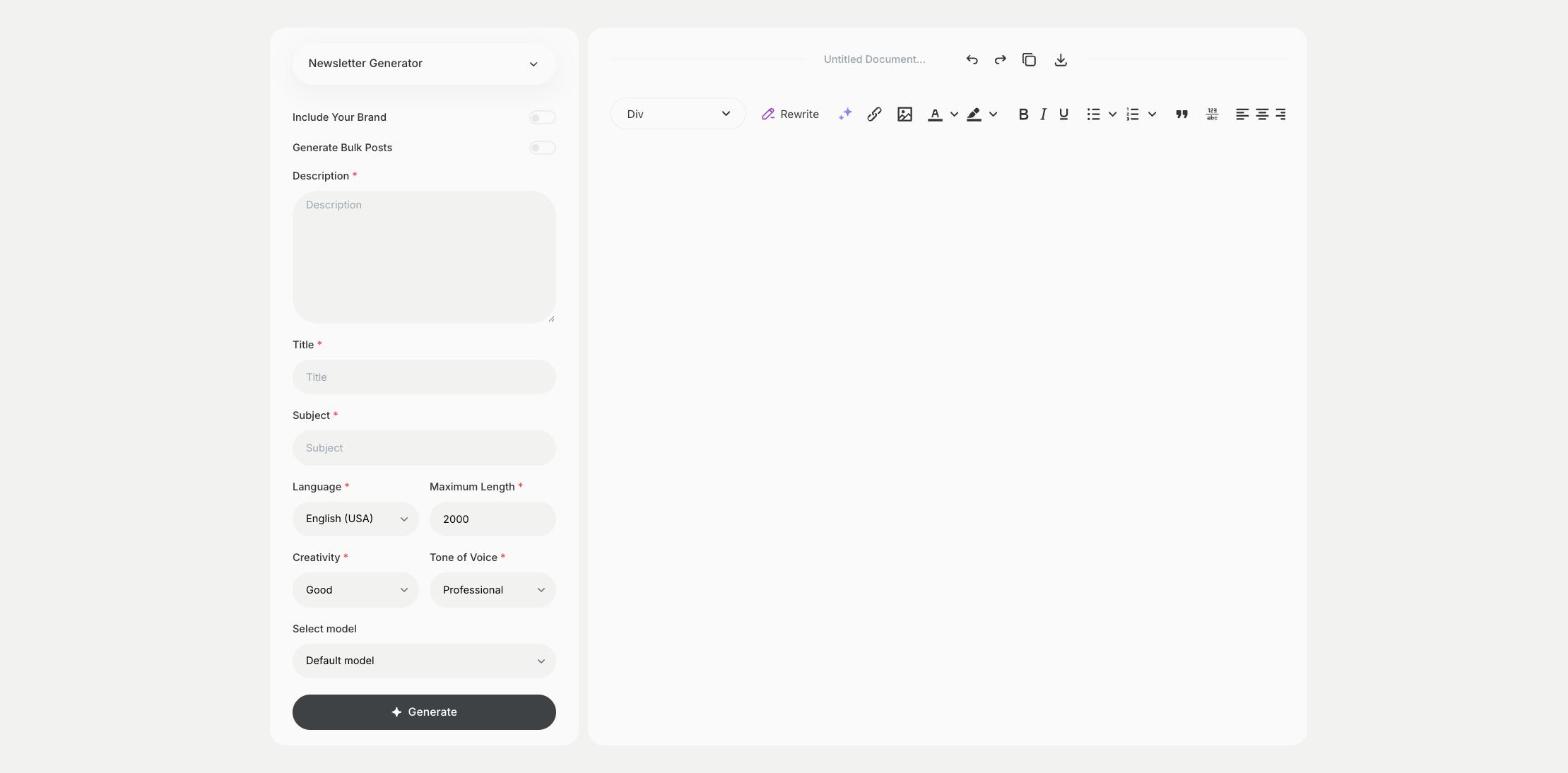
What is the Newsletter Generator template?
The Newsletter Generator template is a ready-made template in Qyx for email newsletters where you already know the title and the subject line. You describe what the issue covers, add the title and the subject, and Qyx writes the issue around them. The subject line decides if people open the email, so keep it short and specific. Paste the result into your email tool and add images and links there.
-
Three fields, one issue
Description, Title and Subject give the issue its content and frame.
-
A subject line you control
Write the subject yourself, and the issue matches it.
-
Issues for each list
Pick the output language for subscribers in other countries.
How does it work?
- Open the Newsletter Generator template in Qyx.
- Fill in what the issue covers in Description, the headline in Title and the email subject line in Subject, then choose the language, tone of voice, creativity and maximum length.
- Click Generate, pick the best result and edit it right in the editor.
Who is it for?
-
Online stores
Send product news and sales to subscribers.
-
Creators and bloggers
Write a regular issue for your audience.
-
SaaS and startups
Send product updates and customer stories.
-
Nonprofits and clubs
Send news and event invitations to members.
Practical example
What you enter
Description: the topics of this issue and what readers should do after reading. Title: the headline of the issue. Subject: the subject line subscribers see in their inbox.
What you get
The text of a newsletter issue built around your title and subject. Paste it into your email tool, add images and links and send a test email to yourself first.
Conclusion
The Newsletter Generator template writes a newsletter issue from your title and subject line. When you only have a topic, start with the Newsletter template in Qyx.