AI Template: Keyword Extractor. How to Extract Keywords From a Text? Examples
To extract keywords from a text, paste the content into the Keyword Extractor template in Qyx and get a list of the main keywords it contains. The Keyword Extractor template is a Qyx Smart Template that turns any text into a list of its keywords in the language you pick.
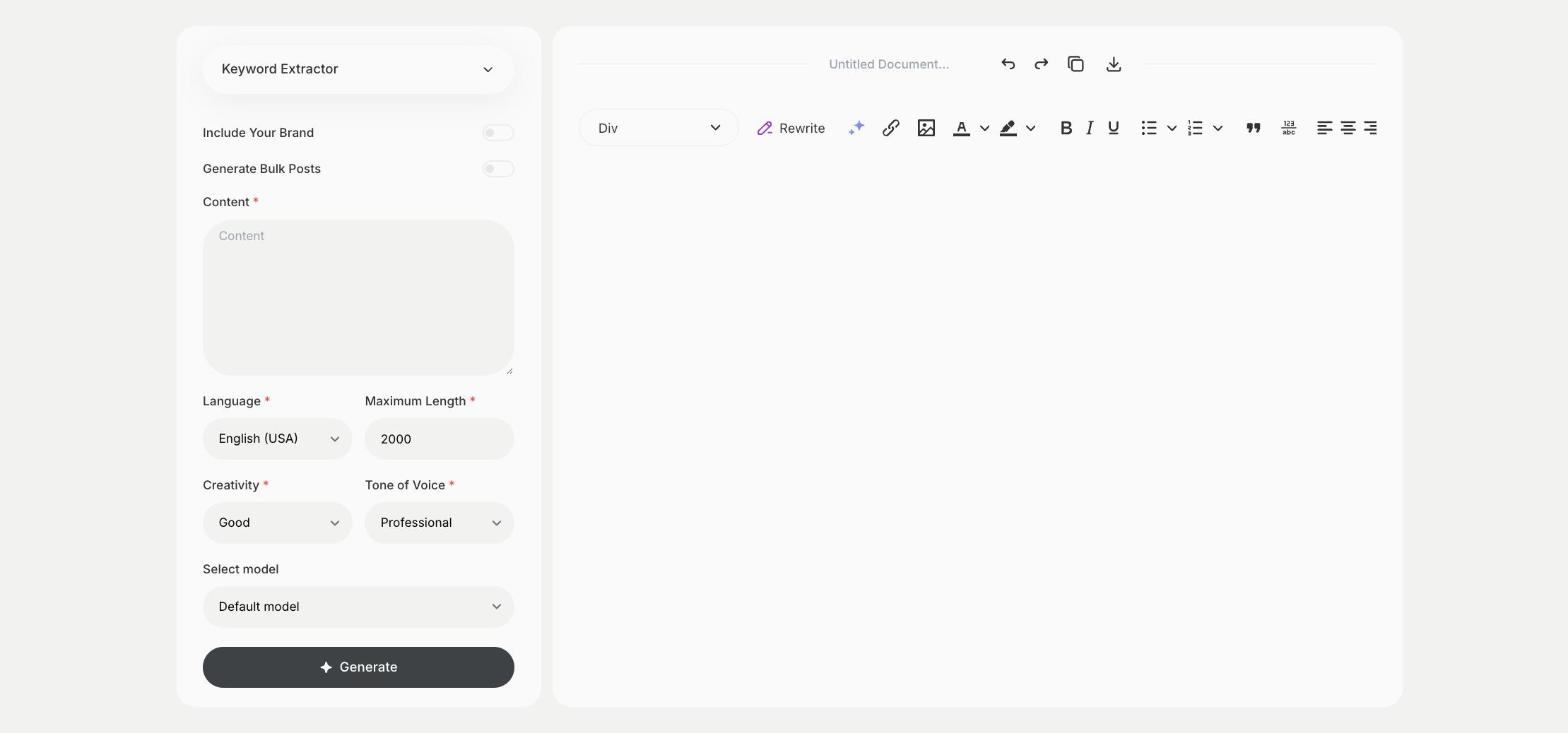
What is the Keyword Extractor template?
The Keyword Extractor template is a ready-made template in Qyx for finding out what a text is about. You paste an article, a page or a competitor's text, and Qyx lists the keywords in it. Use the list to check if your page covers the terms you want, or to tag and sort content. Compare your list with a competitor's to see which topics you are missing. The longer and more focused the text you paste, the more useful the list.
-
Any text, one list
Paste articles, product pages or transcripts and get their keywords.
-
A check for your pages
See if the terms you want to rank for are in the text.
-
Input for other templates
Use the keywords in the SEO or Rewrite with Keywords template.
How does it work?
- Open the Keyword Extractor template in Qyx.
- Fill in the text in Content, then choose the language, tone of voice, creativity and maximum length.
- Click Generate, pick the best result and edit it right in the editor.
Who is it for?
-
SEO specialists
Check which terms a page covers before you optimize it.
-
Content marketers
Tag and group articles by their keywords.
-
Online stores
See which words competitors use in their product texts.
-
Researchers and students
Find the main terms in a long text.
Practical example
What you enter
Content: the article, page or document you want to analyze, pasted in full.
What you get
A list of keywords from your text. Compare it with your target keywords and add the missing ones to the page.
Conclusion
The Keyword Extractor template shows you the keywords in any text. To find new keyword ideas from a topic, use the Keyword Generator template in Qyx.