AI Template: Generate From RSS Feed. How to Write Content From an RSS Feed? Examples
To write content from an RSS feed, paste the feed URL into the Generate From RSS Feed template in Qyx and get content based on the feed. The Generate From RSS Feed template is a Qyx Smart Template that turns an RSS feed into new content in the language you pick.
What is the Generate From RSS Feed template?
The Generate From RSS Feed template is a ready-made template in Qyx for writing about news and updates in your field. You paste the URL of an RSS feed, such as an industry blog or a news site, and Qyx writes content based on the information in it. Use it for news roundups, newsletter sections or posts that comment on recent updates. Check the facts against the original articles and link to your sources. Add your own opinion, because that is what readers come to you for. Use feeds from sources you trust.
-
Content from fresh updates
Write about what is new in your field.
-
For roundups and newsletters
Turn feed items into a weekly summary.
-
Content in other languages
Pick the output language to cover news for your own market.
How does it work?
- Open the Generate From RSS Feed template in Qyx.
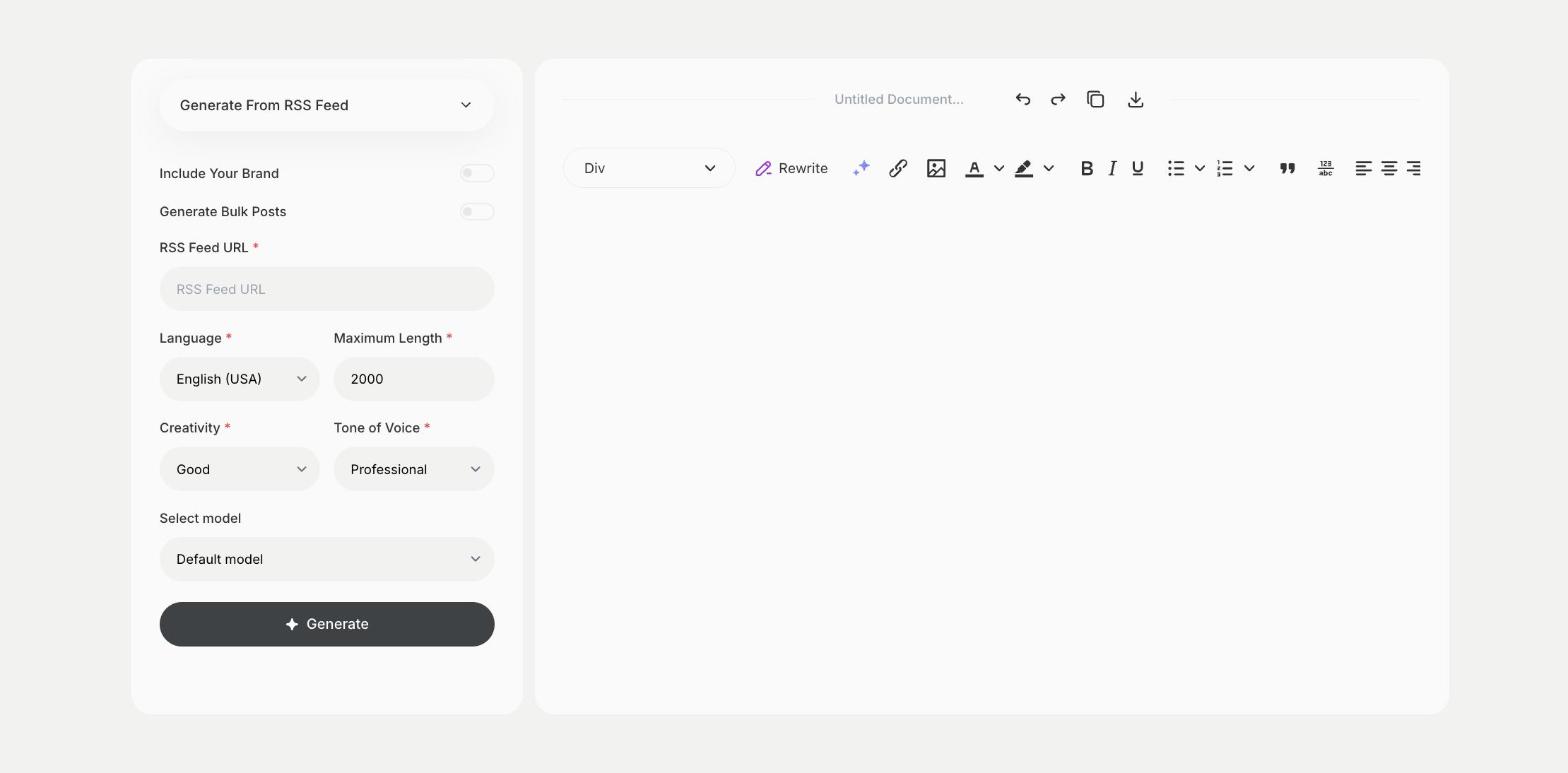
- Fill in the address of the feed in RSS Feed URL, then choose the language, tone of voice, creativity and maximum length.
- Click Generate, pick the best result and edit it right in the editor.
Who is it for?
-
Newsletter writers
Build a weekly roundup of news in your niche.
-
Bloggers
Comment on updates from your industry.
-
Marketing teams
Keep a news section on your website fresh.
-
Analysts
Summarize updates from sources you follow.
Practical example
What you enter
RSS Feed URL: the address of the RSS feed you want to write about.
What you get
Content based on the items in the feed. Check each fact against the source, add links and your own comments, then publish it.
Conclusion
The Generate From RSS Feed template turns feed updates into content. Shorten long articles from the feed with the TL;DR Summarization template in Qyx.