AI Template: Features Page. How to Write a Features Page for Your Product? Examples
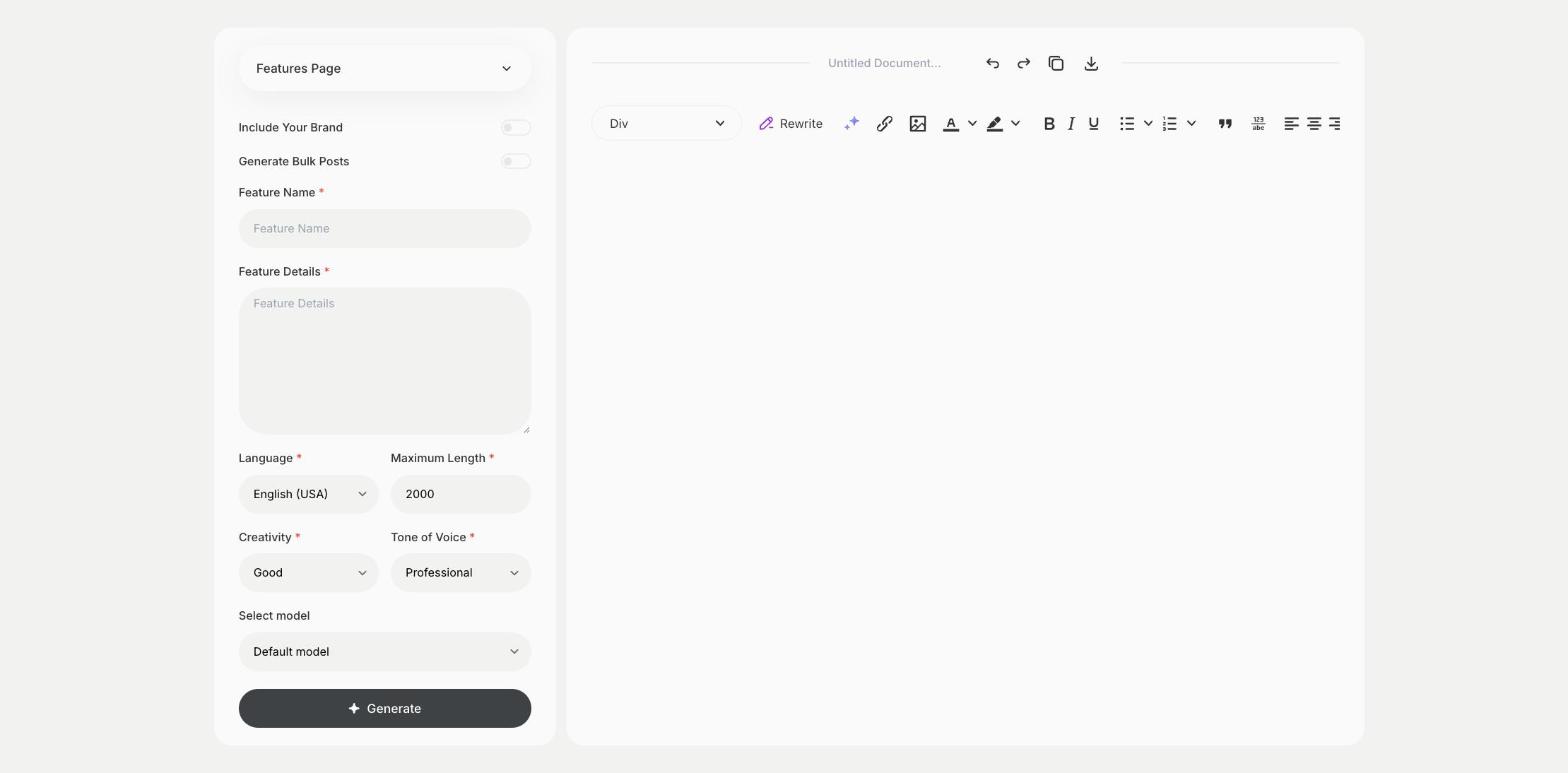
To write a features page for your product, enter the feature name and the feature details in the Features Page template in Qyx and get page content that explains the feature. The Features Page template is a Qyx Smart Template that turns a feature and its details into features page content in the language you pick.
What is the Features Page template?
The Features Page template is a ready-made template in Qyx for software, apps and products with features worth explaining. You enter the feature name and describe what it does and the problem it solves, and Qyx writes the page content. Lead with the benefit for the user and explain the technical details after. Add a screenshot or a short video of the feature in use. Link the page to your pricing or sign-up.
-
A page for each feature
Explain one feature at a time in detail.
-
The benefit first
The content starts with what the user gets.
-
Pages in other languages
Pick the output language for users in other markets.
How does it work?
- Open the Features Page template in Qyx.
- Fill in the feature in Feature Name and what it does and the problem it solves in Feature Details, then choose the language, tone of voice, creativity and maximum length.
- Click Generate, pick the best result and edit it right in the editor.
Who is it for?
-
SaaS teams
Write pages for key features of your software.
-
App developers
Explain features on your app website.
-
Product marketers
Prepare feature pages for a launch.
-
Online stores
Explain the features of a complex product.
Practical example
What you enter
Feature Name: the name of the feature. Feature Details: what it does, who uses it, the problem it solves and how it works.
What you get
Content for your features page. Add a screenshot of the feature, link to pricing or sign-up and publish the page.
Conclusion
The Features Page template gives you content for each product feature. Announce new features to users with the Changelog Creator template in Qyx.