AI Template: FAQ. How to Find Questions for an FAQ Page? Examples
To find questions for an FAQ page, enter your topic in the FAQ template in Qyx and get a list of frequently asked questions for your website. The FAQ template is a Qyx Smart Template that turns a topic into FAQ questions in the language you pick.
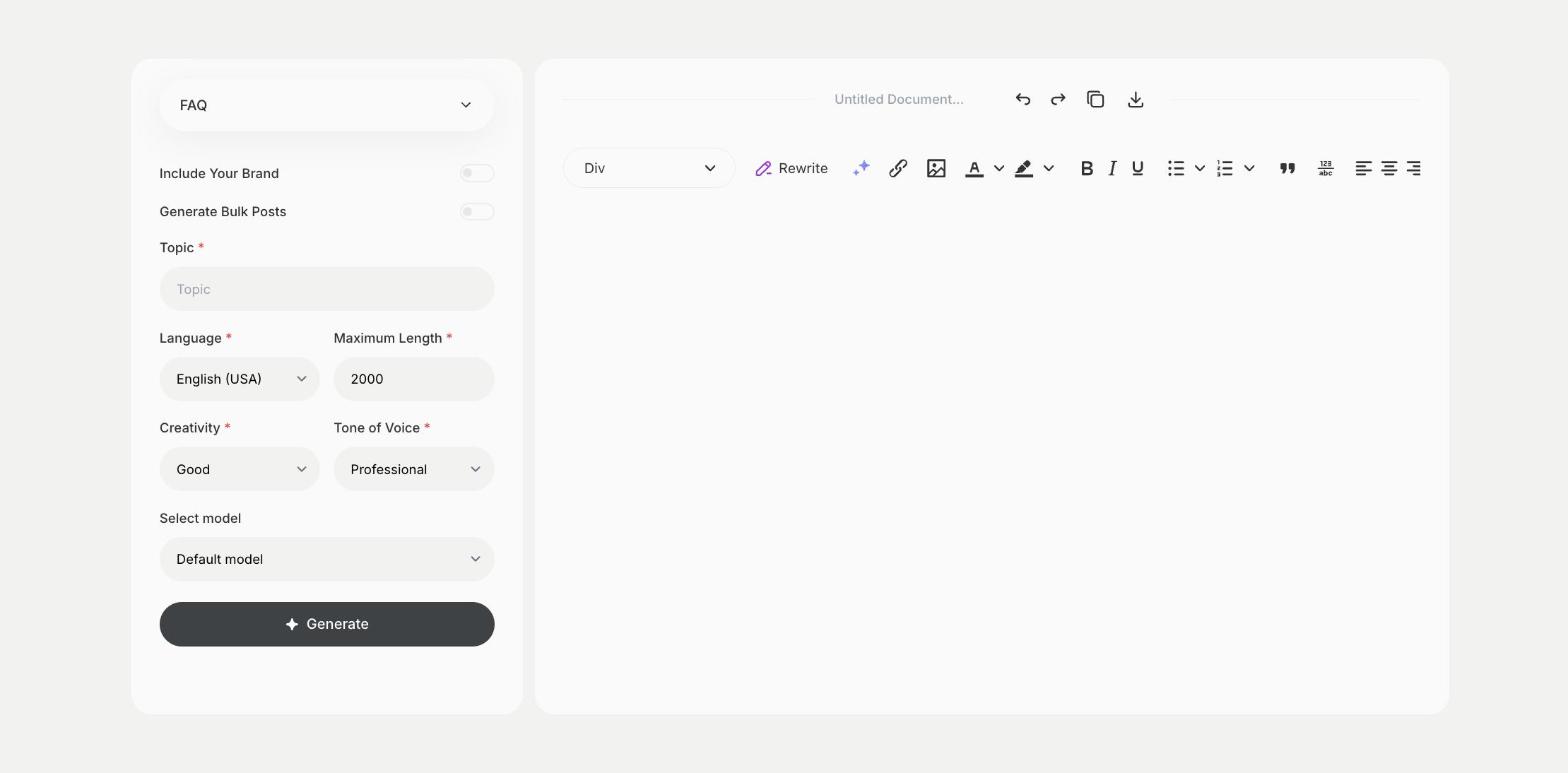
What is the FAQ template?
The FAQ template is a ready-made template in Qyx for planning the questions on an FAQ page or an FAQ section. You enter the topic, such as your product, service or shop policy, and Qyx suggests the questions people are likely to ask. Compare the list with real questions from your inbox and support chat, and keep the ones customers ask. Write the answers yourself with your real policies and prices. When you have a specific question and want a full answer, use the FAQ Generator (All Datas) template.
-
Questions to plan with
Get a list of likely questions on your topic.
-
For pages and sections
Use it for a full FAQ page or a short section on a product page.
-
FAQs in other languages
Pick the output language for each version of your site.
How does it work?
- Open the FAQ template in Qyx.
- Fill in your product, service or policy in Topic, then choose the language, tone of voice, creativity and maximum length.
- Click Generate, pick the best result and edit it right in the editor.
Who is it for?
-
Online stores
Plan FAQs about delivery, returns and products.
-
SaaS teams
Plan the FAQ on your pricing page.
-
Local businesses
Answer common questions before customers call.
-
Event organizers
Plan FAQs for tickets, venue and schedule.
Practical example
What you enter
Topic: the product, service or policy the FAQ is about.
What you get
A list of FAQ questions for your topic. Keep the ones your customers ask, write the answers with your real details and add them to your page.
Conclusion
The FAQ template gives you questions for your FAQ page. Write full answers with the FAQ Generator (All Datas) template in Qyx.