AI Template: Explain Code. How to Understand What a Piece of Code Does? Examples
To understand what a piece of code does, paste it into the Explain Code template in Qyx and get an explanation of how it works. The Explain Code template is a Qyx Smart Template that turns a code section into a clear explanation in the language you pick.
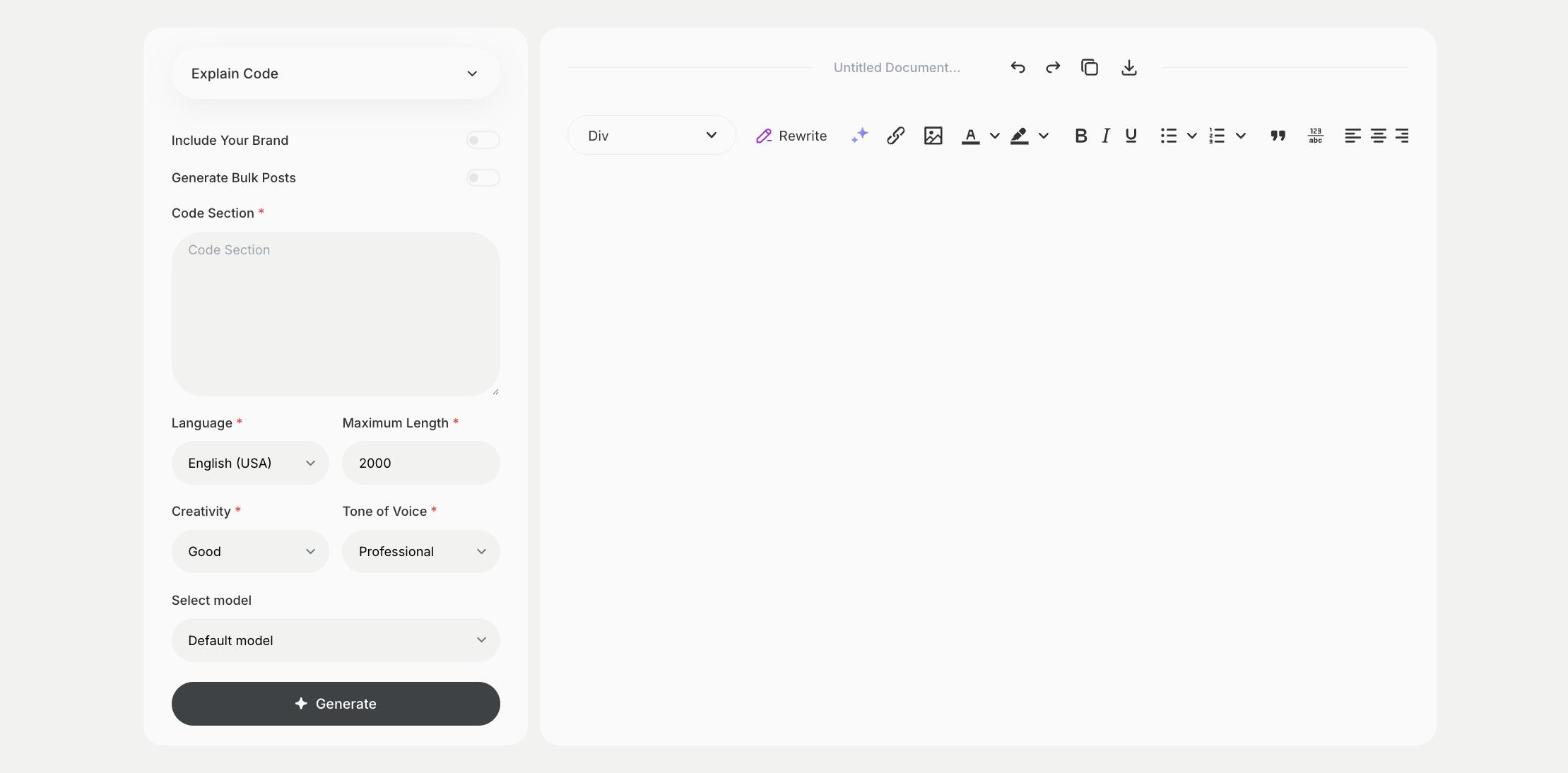
What is the Explain Code template?
The Explain Code template is a ready-made template in Qyx for code you didn't write or don't remember. You paste the code section, and Qyx explains what it does, step by step. It helps when you take over a project, review a pull request or learn a new language. Paste a focused section, such as one function, for a clearer explanation. Remove passwords and API keys before you paste. Ask a follow-up question about the line you still don't understand. Add the language and framework, so the explanation uses the right terms.
-
Step by step
Get an explanation of what each part of the code does.
-
For any language
Use it for scripts, functions and queries.
-
Explanations in your language
Pick the output language you understand best.
How does it work?
- Open the Explain Code template in Qyx.
- Fill in the code you want explained in Code Section, then choose the language, tone of voice, creativity and maximum length.
- Click Generate, pick the best result and edit it right in the editor.
Who is it for?
-
Developers
Understand legacy code before you change it.
-
Code reviewers
Check what a change does.
-
Students
Learn from code examples.
-
Product managers
Understand what a script does at a glance.
Practical example
What you enter
Code Section: the function, script or query you want explained, pasted in full.
What you get
A step-by-step explanation of the code. Use it to add comments to the code or to plan the change you want to make.
Conclusion
The Explain Code template explains what a piece of code does. To learn a concept from the ground up, use the Teach Code template in Qyx.