AI Template: Email Answer Generator. How to Answer an Email You Received? Examples
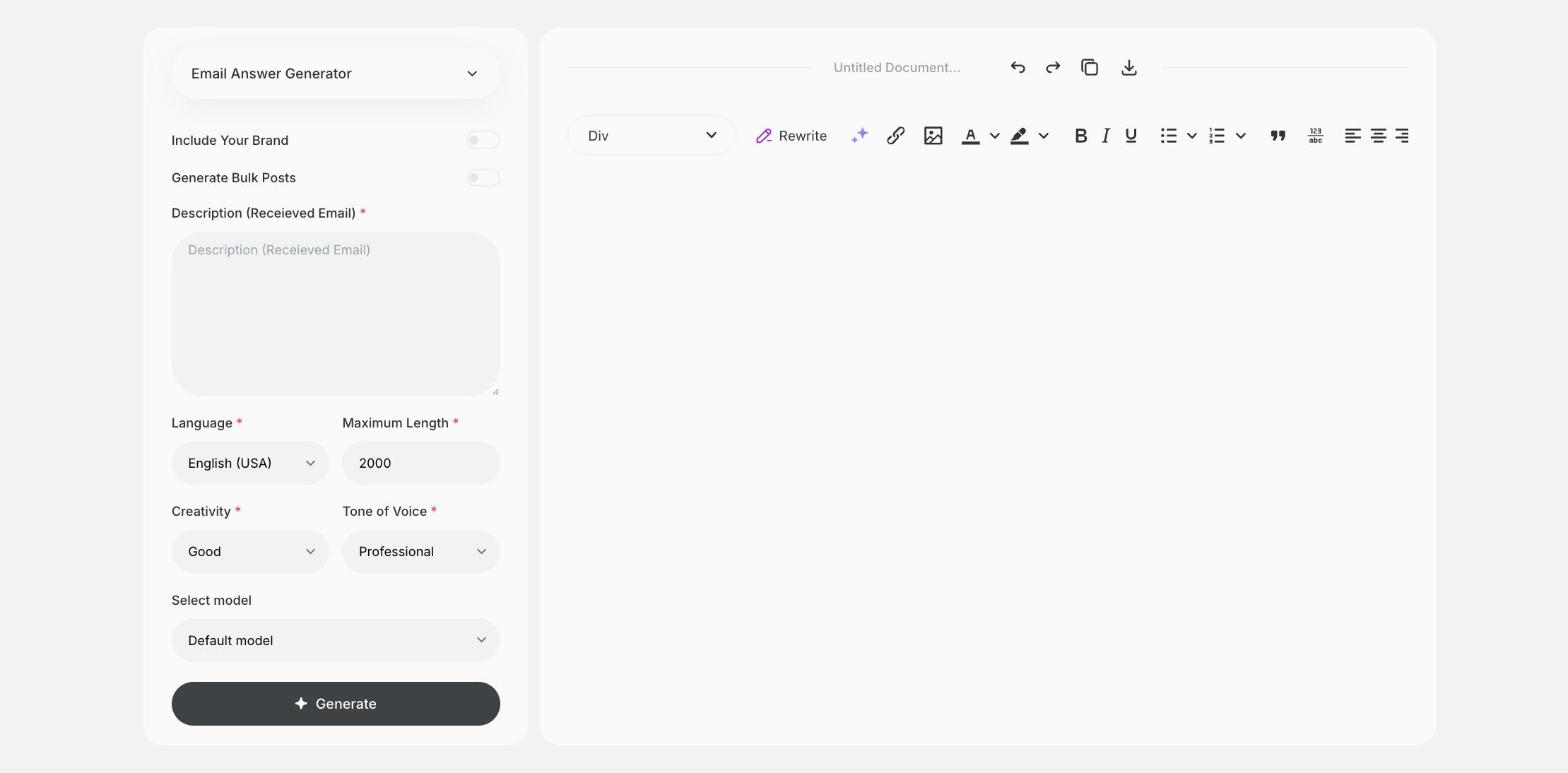
To answer an email you received, paste the email into the Email Answer Generator template in Qyx and get a reply to send back. The Email Answer Generator template is a Qyx Smart Template that turns a received email into a written answer in the language you pick.
What is the Email Answer Generator template?
The Email Answer Generator template is a ready-made template in Qyx for a full inbox. You paste the email you received, and Qyx writes an answer that responds to what the sender asked. Add a line at the end of the pasted email with what you want to say, such as yes, no or a date, so the answer carries your decision. Check any facts, prices or promises before you send it.
-
Start from their email
Paste the message you received and get an answer that responds to it.
-
Your decision in the answer
Add a note with your answer, and Qyx writes the reply around it.
-
Answers in their language
Pick the output language and reply in the language the sender used.
How does it work?
- Open the Email Answer Generator template in Qyx.
- Fill in the email you received, plus a note with your answer, in Description, then choose the language, tone of voice, creativity and maximum length.
- Click Generate, pick the best result and edit it right in the editor.
Who is it for?
-
Customer support teams
Answer common questions from customers.
-
Online stores
Reply to questions about orders, delivery and returns.
-
Freelancers and consultants
Answer client emails about offers and projects.
-
Busy professionals
Clear the inbox with replies you only need to check.
Practical example
What you enter
Description: the full email you received, followed by a short note on what you want to answer.
What you get
An answer to the email that covers what the sender asked. Check the details, add anything only you know and send it.
Conclusion
The Email Answer Generator template writes answers to emails you received. For a reply that starts from the sender's name and subject, use the Reply Email template in Qyx.