AI Template: Ad Script. How to Write a Script for an Ad? Examples
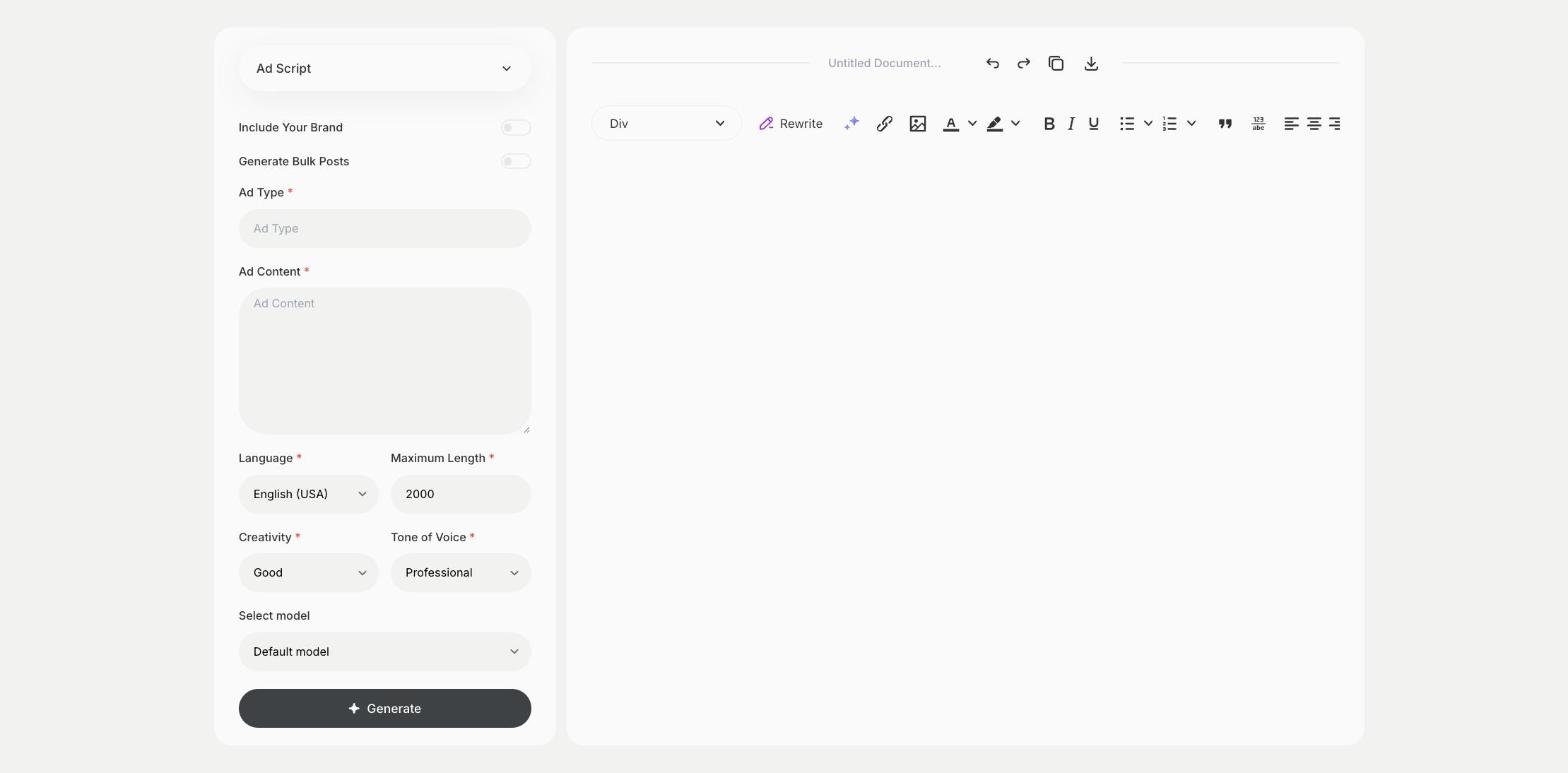
To write a script for an ad, enter the ad type and the ad content in the Ad Script template in Qyx and get a script to record. The Ad Script template is a Qyx Smart Template that turns an ad type and your content into an ad script in the language you pick.
What is the Ad Script template?
The Ad Script template is a ready-made template in Qyx for video, radio, podcast and social media ads. You choose the type of ad and describe the product and the message, and Qyx writes a script with lines to say and, for video, what to show. Read the script aloud with a timer, because ad slots have fixed lengths. Keep one message per ad and end with a clear call to action. Record a test version before the final production. Mention the audience, so the tone fits the people who will hear it.
-
A script for your format
Set the ad type, and the script fits it.
-
Lines ready to record
Get the words for the voice-over or the presenter.
-
Scripts in other languages
Pick the output language for each market.
How does it work?
- Open the Ad Script template in Qyx.
- Fill in the format, such as video, radio or social, in Ad Type and the product and message in Ad Content, then choose the language, tone of voice, creativity and maximum length.
- Click Generate, pick the best result and edit it right in the editor.
Who is it for?
-
Marketers
Write scripts for video and audio campaigns.
-
Podcasters
Write host-read ads for sponsors.
-
Local businesses
Write a radio or social video ad.
-
Video producers
Get a first script to refine with the client.
Practical example
What you enter
Ad Type: the format, such as a video ad, a radio spot or a social ad, and its length. Ad Content: the product, the message and the call to action.
What you get
An ad script for your format. Read it aloud with a timer, cut it to the slot length and record it.
Conclusion
The Ad Script template gives you a script for your ad. Find the idea behind it first with the Advertising Ideas template in Qyx.