AI Template: Brainstorming. How to Brainstorm Ideas for a Problem? Examples
To brainstorm ideas for a problem, enter keywords about the problem in the Brainstorming template in Qyx and get a list of ideas and possible solutions. The Brainstorming template is a Qyx Smart Template that turns your keywords into brainstorming ideas in the language you pick.
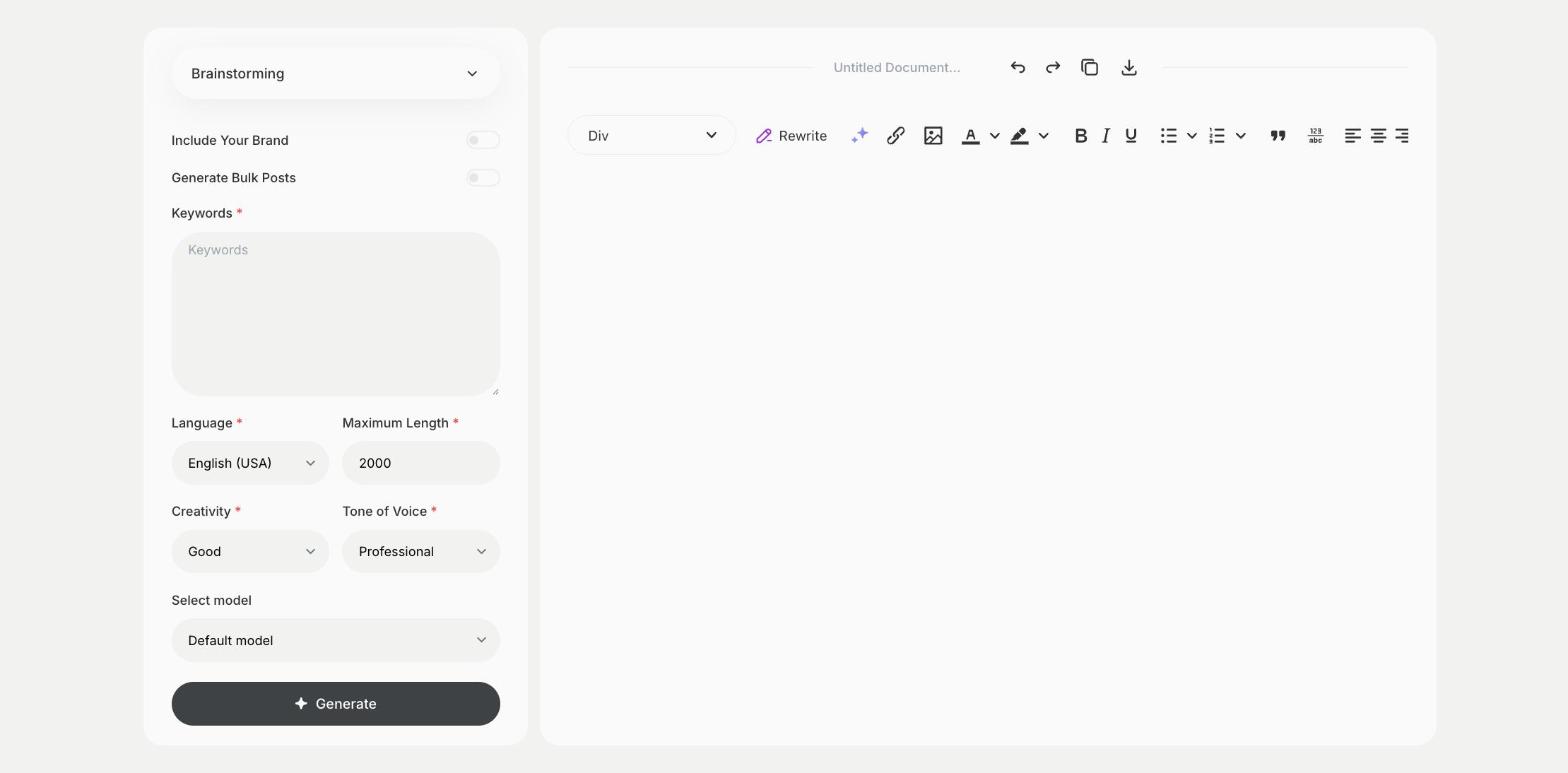
What is the Brainstorming template?
The Brainstorming template is a ready-made template in Qyx for the start of any project, when you need many ideas before you pick one. You enter keywords about the problem or the goal, and Qyx suggests ideas and solutions in a structured list. Use them to warm up a team session or to fill gaps after it. Write the problem as a question, such as how to get more repeat customers, for more focused ideas. Mark the ideas worth testing and drop the rest.
-
Many ideas fast
Get a list of ideas to react to and build on.
-
For teams and solo work
Use it before a workshop or when you work alone.
-
More rounds
Turn on Generate Bulk Posts to get more ideas on the same problem.
How does it work?
- Open the Brainstorming template in Qyx.
- Fill in the problem or goal in Keywords, then choose the language, tone of voice, creativity and maximum length.
- Click Generate, pick the best result and edit it right in the editor.
Who is it for?
-
Marketing teams
Brainstorm campaign ideas.
-
Product teams
Find ideas for new features or fixes.
-
Founders
Explore ways to solve a business problem.
-
Teachers and facilitators
Prepare ideas to start a group session.
Practical example
What you enter
Keywords: the problem or goal, written as a question if you can, plus any limits such as budget or time.
What you get
A list of ideas and possible solutions. Mark the ones worth testing, discuss them with your team and pick one to try first.
Conclusion
The Brainstorming template gives you ideas to start from. Turn the best idea into a plan with the Strategy template in Qyx.