AI Template: TikTok Video Script. How to Plan a TikTok Video Before You Film? Examples
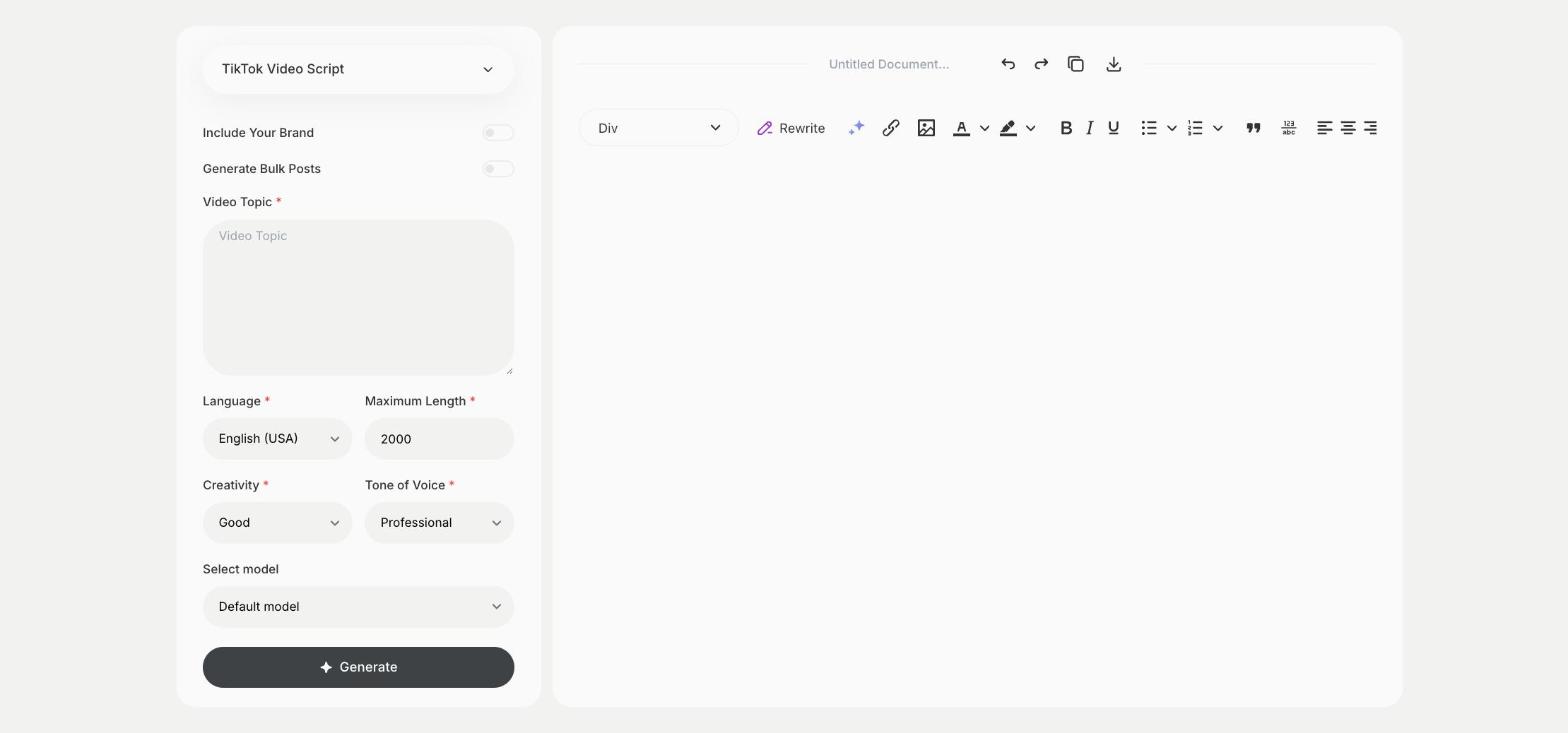
To plan a TikTok video before you film, enter the video topic in the TikTok Video Script template in Qyx and get a script for the whole video. The TikTok Video Script template is a Qyx Smart Template that turns a video topic into a TikTok video script in the language you pick.
What is the TikTok Video Script template?
The TikTok Video Script template is a ready-made template in Qyx for planning a TikTok video from start to finish. You enter the topic, and Qyx writes a script you can turn into a shot list, with what to say and what to show in each part. Planning the shots before you film saves retakes. Use it for tutorials, product videos and short stories. Add notes on text overlays and sounds next to each part of the script.
-
A plan for filming
Turn the script into a list of shots before you start.
-
For tutorials and demos
Plan videos where you show steps or a product.
-
Scripts for other markets
Pick the output language for followers in other countries.
How does it work?
- Open the TikTok Video Script template in Qyx.
- Fill in the subject of the video in Video Topic, then choose the language, tone of voice, creativity and maximum length.
- Click Generate, pick the best result and edit it right in the editor.
Who is it for?
-
TikTok creators
Plan tutorials and story videos shot by shot.
-
Online stores
Plan product demos and unboxing videos.
-
Brands and marketers
Prepare video briefs for creators you work with.
-
Small businesses
Plan a video that shows how you work.
Practical example
What you enter
Video Topic: what the video shows, such as a tutorial, a product demo or a short story.
What you get
A script for your TikTok video. Write the shots next to each part, film them in order and edit the video in the TikTok editor.
Conclusion
The TikTok Video Script template helps you plan a TikTok video before you film. For a talking video to camera, use the TikTok Script template in Qyx.