AI Template: Prompt Generator. How to Get Prompts for Writing and Brainstorming? Examples
To get prompts for writing and brainstorming, enter the type of prompt you want in the Prompt Generator template in Qyx and get a list of creative prompts. The Prompt Generator template is a Qyx Smart Template that turns a prompt type into creative prompts in the language you pick.
What is the Prompt Generator template?
The Prompt Generator template is a ready-made template in Qyx for writers, teachers and teams who need a starting point. You enter the type of prompt, such as journal prompts, story starters or questions for a team workshop, and Qyx writes a list of prompts. Pick one prompt, set a timer and write without stopping. Save the prompts you like for days when ideas are slow. Ask for prompts at a specific level, such as for beginners.
-
Starting points on demand
Get prompts when you don't know where to start.
-
For many uses
Use them for journaling, stories, classes or workshops.
-
More prompts
Turn on Generate Bulk Posts to get more lists of the same type.
How does it work?
- Open the Prompt Generator template in Qyx.
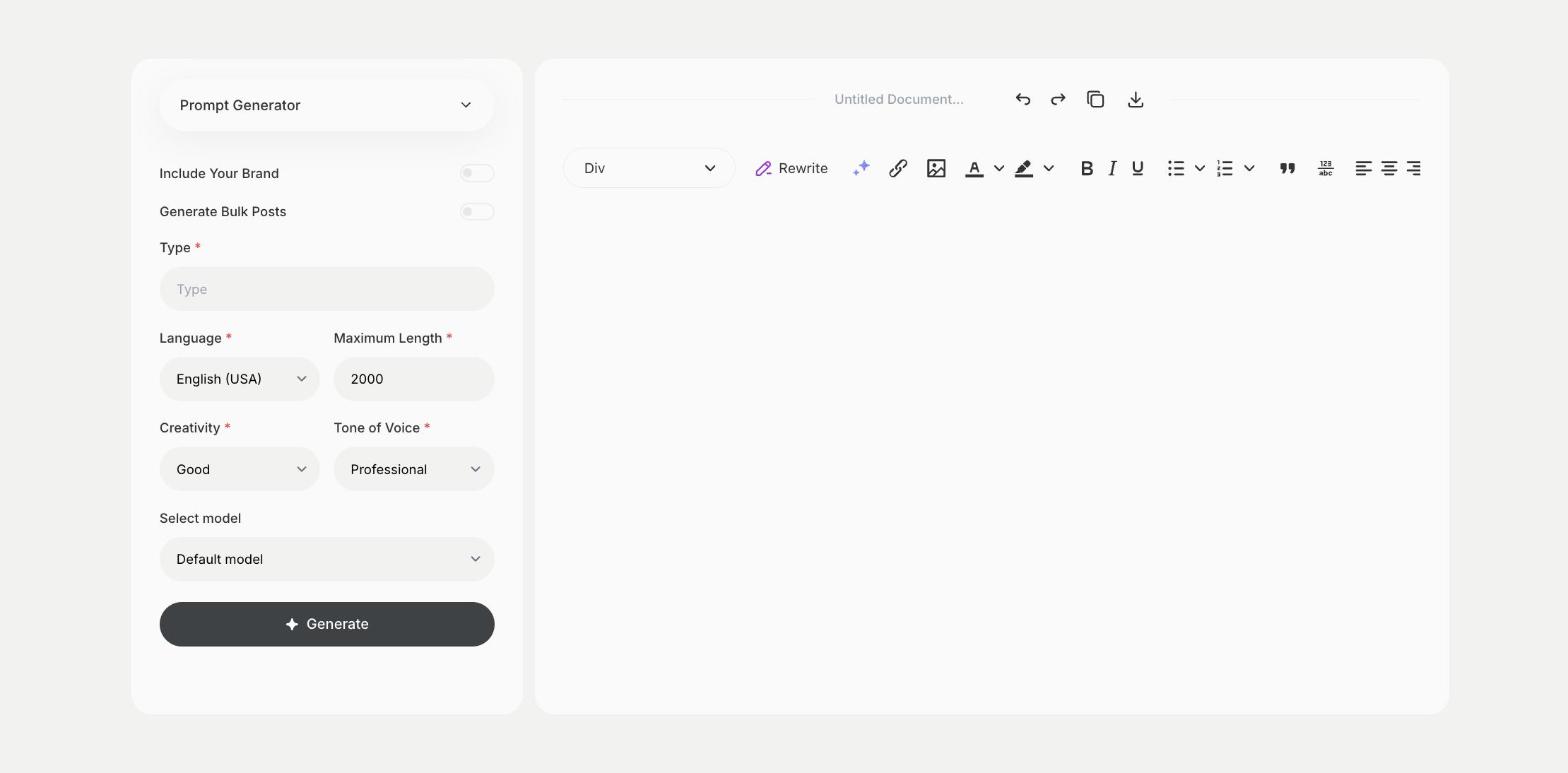
- Fill in the kind of prompts you want in Type, then choose the language, tone of voice, creativity and maximum length.
- Click Generate, pick the best result and edit it right in the editor.
Who is it for?
-
Writers
Get story starters and daily writing prompts.
-
Teachers
Find prompts for writing exercises in class.
-
Team leads
Prepare questions for workshops and retrospectives.
-
Journal keepers
Get questions for daily reflection.
Practical example
What you enter
Type: the kind of prompts you want and what they are for, such as journal prompts about work or story starters for children.
What you get
A list of creative prompts. Pick one, set a timer for ten minutes and write, then save the prompts you want to use later.
Conclusion
The Prompt Generator template gives you creative prompts to start from. Turn a story prompt into a full story with the Story Generator template in Qyx.