AI Template: Learn New Words. How to Learn New Words on a Topic? Examples
To learn new words on a topic, enter the topic in the Learn New Words template in Qyx and get a list of words with their meanings. The Learn New Words template is a Qyx Smart Template that turns a topic into vocabulary to learn in the language you pick.
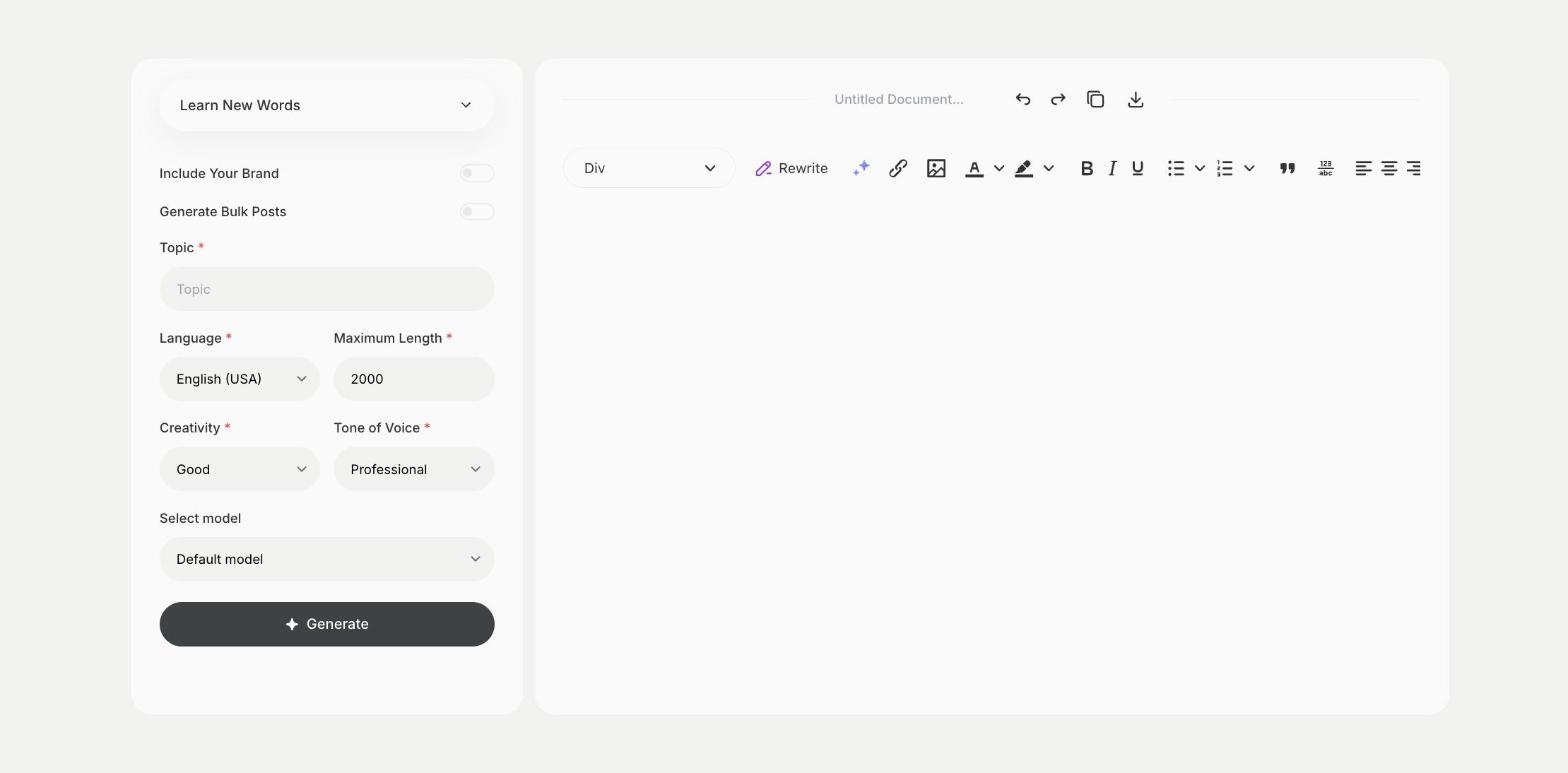
What is the Learn New Words template?
The Learn New Words template is a ready-made template in Qyx for building vocabulary around a topic, such as travel, business meetings or cooking. You enter the topic, and Qyx lists words with their meanings. Pick the output language you are learning to get words in that language. Learn a few words at a time and use each one in a sentence of your own. Ask for words at your level, such as beginner or advanced, in the topic field. Save the lists you get and review them once a week.
-
Words by topic
Learn the vocabulary you need for a specific situation.
-
Meanings included
Each word comes with an explanation.
-
Any language you learn
Pick the output language to build vocabulary in that language.
How does it work?
- Open the Learn New Words template in Qyx.
- Fill in the subject you want vocabulary for in Topic, then choose the language, tone of voice, creativity and maximum length.
- Click Generate, pick the best result and edit it right in the editor.
Who is it for?
-
Language learners
Build vocabulary for a trip, an exam or a new job.
-
Students
Learn the key terms of a school subject.
-
Professionals
Learn the terms used in a new field.
-
Parents
Find words to practise with children.
Practical example
What you enter
Topic: the situation or subject you want words for, such as a job interview or a visit to the doctor.
What you get
A list of words on your topic with their meanings. Pick a few, write a sentence with each and review them again after a few days.
Conclusion
The Learn New Words template builds vocabulary around a topic. To find alternatives for a word you already know, use the List Synonyms template in Qyx.