AI Template: Article Generator - Documentation. How to Write a Documentation Article? Examples
To write a documentation article, enter the article topic and your instructions in the Article Generator - Documentation template in Qyx and get a structured help article. The Article Generator - Documentation template is a Qyx Smart Template that turns a topic and your notes into a documentation article in the language you pick.
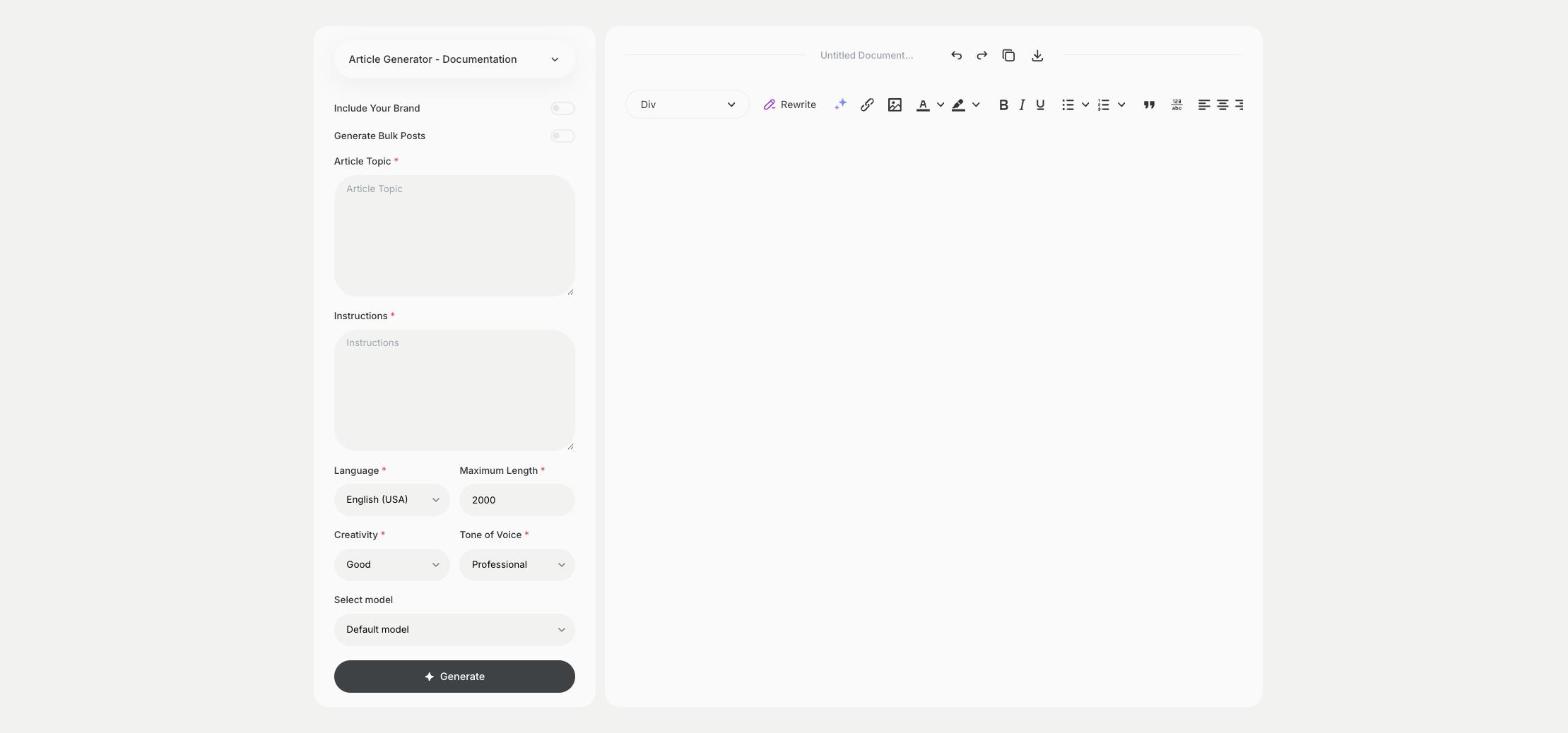
What is the Article Generator – Documentation template?
The Article Generator - Documentation template is a ready-made template in Qyx for help centers, knowledge bases and product docs. You enter what the article explains and add instructions, such as the steps, settings or limits users need to know, and Qyx writes the article. Test each step yourself in the product before you publish, because a wrong step in docs costs your support team time. Add screenshots where the user has to click or choose something.
-
Steps users can follow
Paste your rough steps in Instructions and get a structured help article.
-
Docs in more languages
Pick the output language and publish help articles for users abroad.
-
A consistent help center
Turn on Include Your Brand, so the articles share one tone.
How does it work?
- Open the Article Generator – Documentation template in Qyx.
- Fill in what the article explains in Article Topic and the steps, settings or details in Instructions, then choose the language, tone of voice, creativity and maximum length.
- Click Generate, pick the best result and edit it right in the editor.
Who is it for?
-
SaaS teams
Write help center articles for new features.
-
Customer support teams
Turn repeated answers into knowledge base articles.
-
Technical writers
Get a first draft of a docs page to refine.
-
Online stores
Write guides on delivery, returns or how to use a product.
Practical example
What you enter
Article Topic: the feature or task the article explains. Instructions: the steps in order, the settings involved and anything the user must know before they start.
What you get
A documentation article with the steps in order. Follow the steps yourself in the product, add screenshots and publish it in your help center.
Conclusion
The Article Generator - Documentation template gives you help articles from your notes. For release notes about the same feature, use the Changelog Creator template in Qyx.