AI Tool: AI Image Generator. How to Create an Image From a Text Prompt? Examples
To create an image from a text prompt, describe your idea in the AI Image Generator in Qyx, pick a model and get images to download. The AI Image Generator is a Qyx AI tool that turns a written prompt into images with the model you choose.
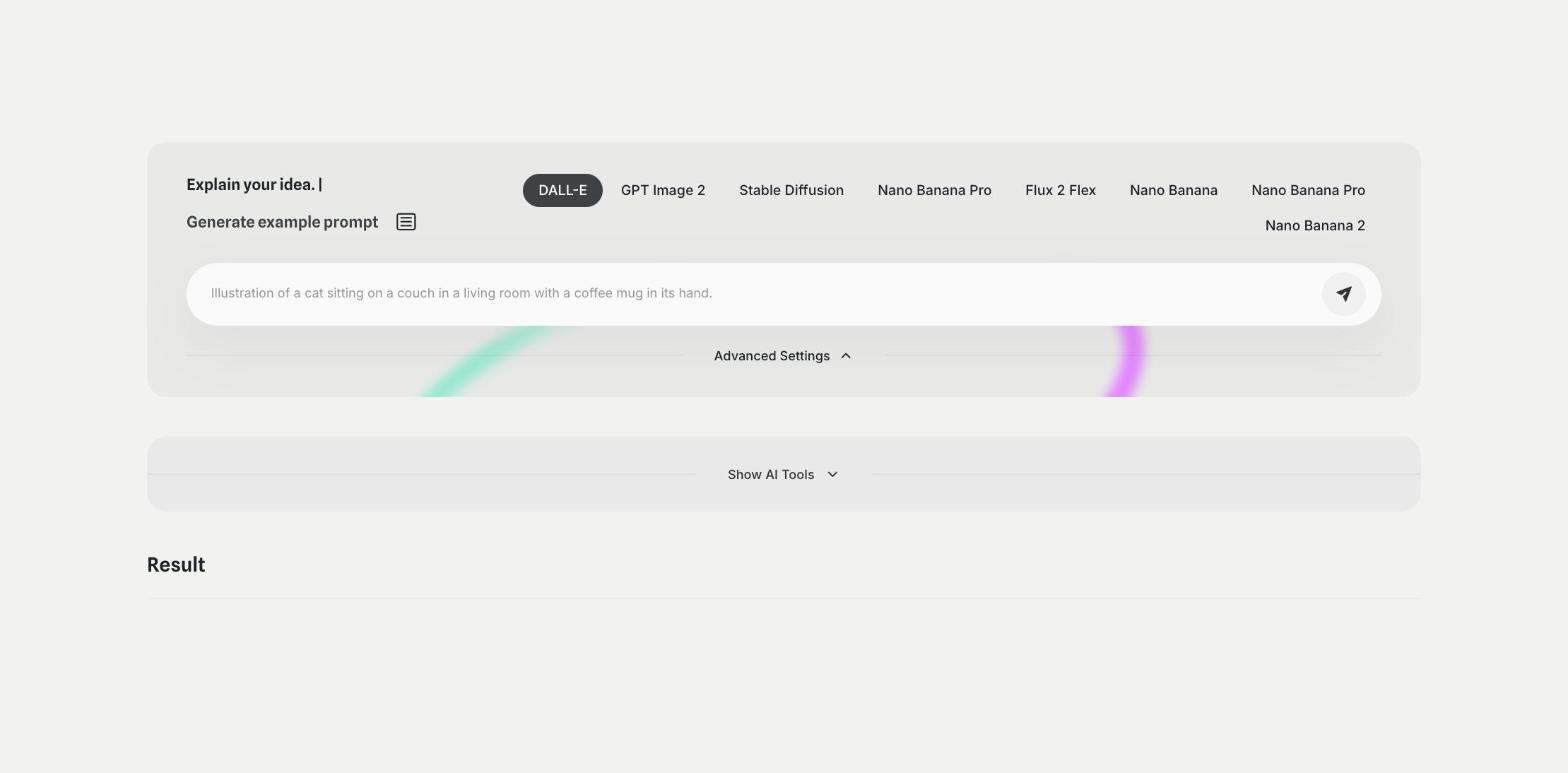
What is the AI Image Generator template?
The AI Image Generator is a Qyx tool for product visuals, social posts, blog headers and ad ideas. You type what the image should show, pick a model such as DALL-E, GPT Image 2, Stable Diffusion, Nano Banana Pro or Flux 2 Flex, and Qyx creates the image. Under Advanced Settings you set the resolution, the art style, the lighting, the mood, the number of images and the quality. Square, horizontal and vertical formats are available, so you can match the size to the place where the image goes. Name the subject, the setting, the light and the style in the prompt, because a precise prompt gives you a closer result. If you don't know where to start, click Generate example prompt. Check the license terms before you use an image in paid ads.
-
Several models in one place
Switch between models and compare the results for the same prompt.
-
Style under control
Set art style, lighting and mood in Advanced Settings.
-
The right format
Pick a square, horizontal or vertical resolution.
How does it work?
- Open the AI Image Generator template in Qyx.
- Fill in your idea in the prompt field, pick the model and open Advanced Settings to set the resolution, art style, lighting style, mood, number of images and quality.
- Click Generate, pick the best result and edit it right in the editor.
Who is it for?
-
Online stores
Create visuals for banners, categories and social posts.
-
Marketers
Test ad concepts before a photo shoot.
-
Bloggers
Create header images for articles.
-
Designers
Explore ideas and moods for a brief.
Practical example
What you enter
Prompt: the subject, the setting, the light and the style of the image. Model: the model you want to try. Advanced Settings: the resolution, art style, lighting, mood and number of images.
What you get
A set of images based on your prompt. Pick the best one, change one detail in the prompt if something is off, generate again and download the final image.
Conclusion
The AI Image Generator creates images from your text prompts. To create images while you talk with the assistant, use the Chat Image tool in Qyx.