AI Template: FAQ Generator (All Datas). How to Write Answers for an FAQ? Examples
To write answers for an FAQ, enter a description and the FAQ question in the FAQ Generator (All Datas) template in Qyx and get a clear answer to publish. The FAQ Generator (All Datas) template is a Qyx Smart Template that turns a question and your details into FAQ content in the language you pick.
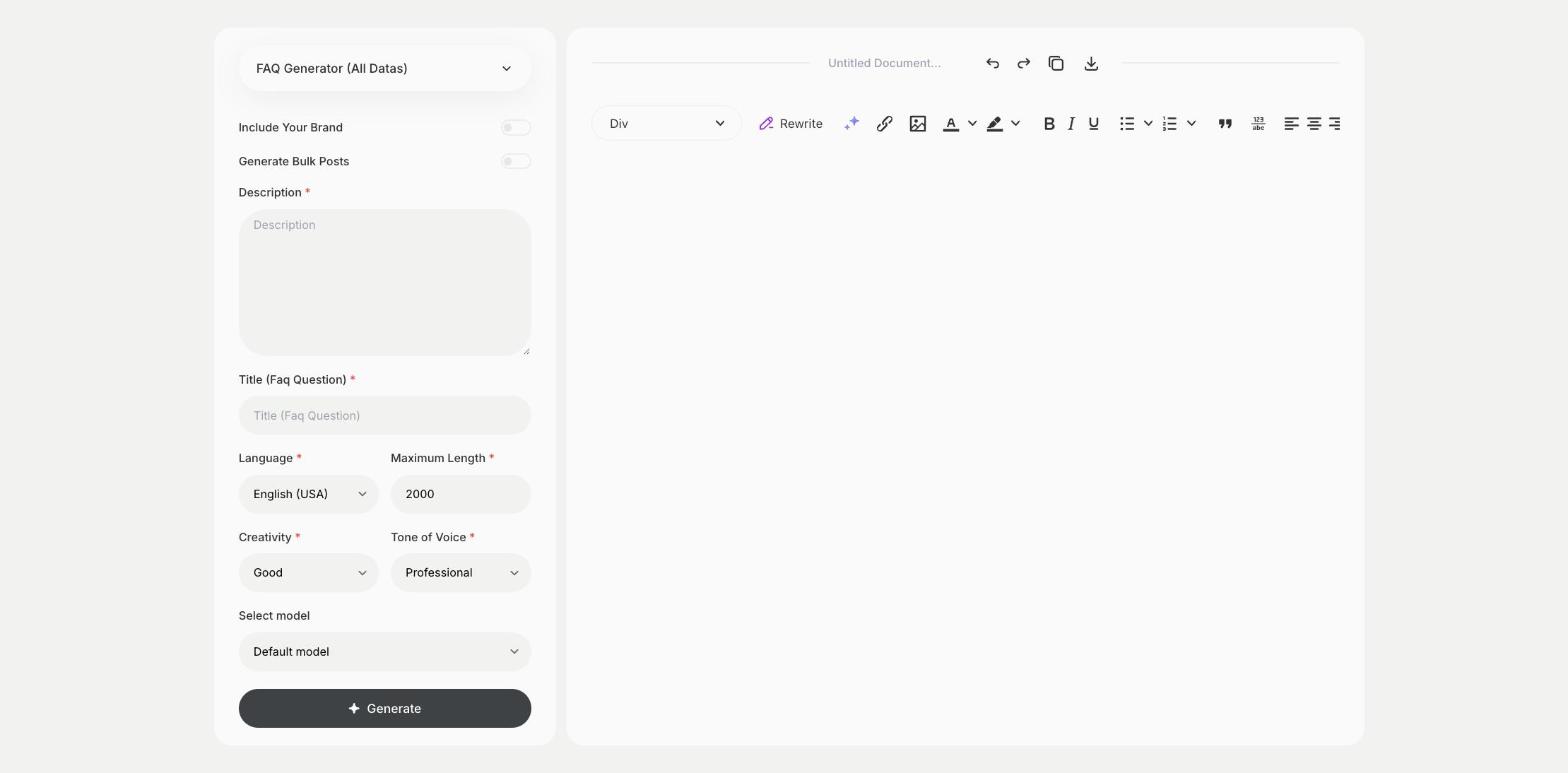
What is the FAQ Generator (All Datas) template?
The FAQ Generator (All Datas) template is a ready-made template in Qyx for writing the answers on your FAQ page. You describe your product or policy and enter the question, and Qyx writes FAQ content around it. Put the real facts in the description, such as delivery times or return rules, so the answer is correct. Short, direct answers work best, because people scan FAQs for one fact. Clear FAQ answers also help search engines and AI assistants understand your page.
-
Answers from your facts
The Description field keeps the answer true to your business.
-
One question at a time
Enter the question in Title and get a focused answer.
-
FAQs in other languages
Pick the output language for each version of your site.
How does it work?
- Open the FAQ Generator (All Datas) template in Qyx.
- Fill in your product or policy facts in Description and the question in Title (Faq Question), then choose the language, tone of voice, creativity and maximum length.
- Click Generate, pick the best result and edit it right in the editor.
Who is it for?
-
Online stores
Answer questions about shipping, returns and sizes.
-
SaaS teams
Answer questions about plans, billing and features.
-
Service businesses
Answer questions about prices, booking and areas you cover.
-
Support teams
Turn repeated questions into published answers.
Practical example
What you enter
Description: the facts the answer should be based on, such as your policy or product details. Title (Faq Question): the question as customers ask it.
What you get
FAQ content for your question. Check the facts against your policy and add it to your FAQ page.
Conclusion
The FAQ Generator (All Datas) template writes FAQ answers from your facts. To find which questions to answer, start with the FAQ template in Qyx.