AI Template: Social Media Post Tweet. How to Write a Tweet From a Title? Examples
To write a tweet from a title, enter the title of what you want to share in the Social Media Post Tweet template in Qyx and get tweets to post on X. The Social Media Post Tweet template is a Qyx Smart Template that turns a short title into a tweet in the language you pick.
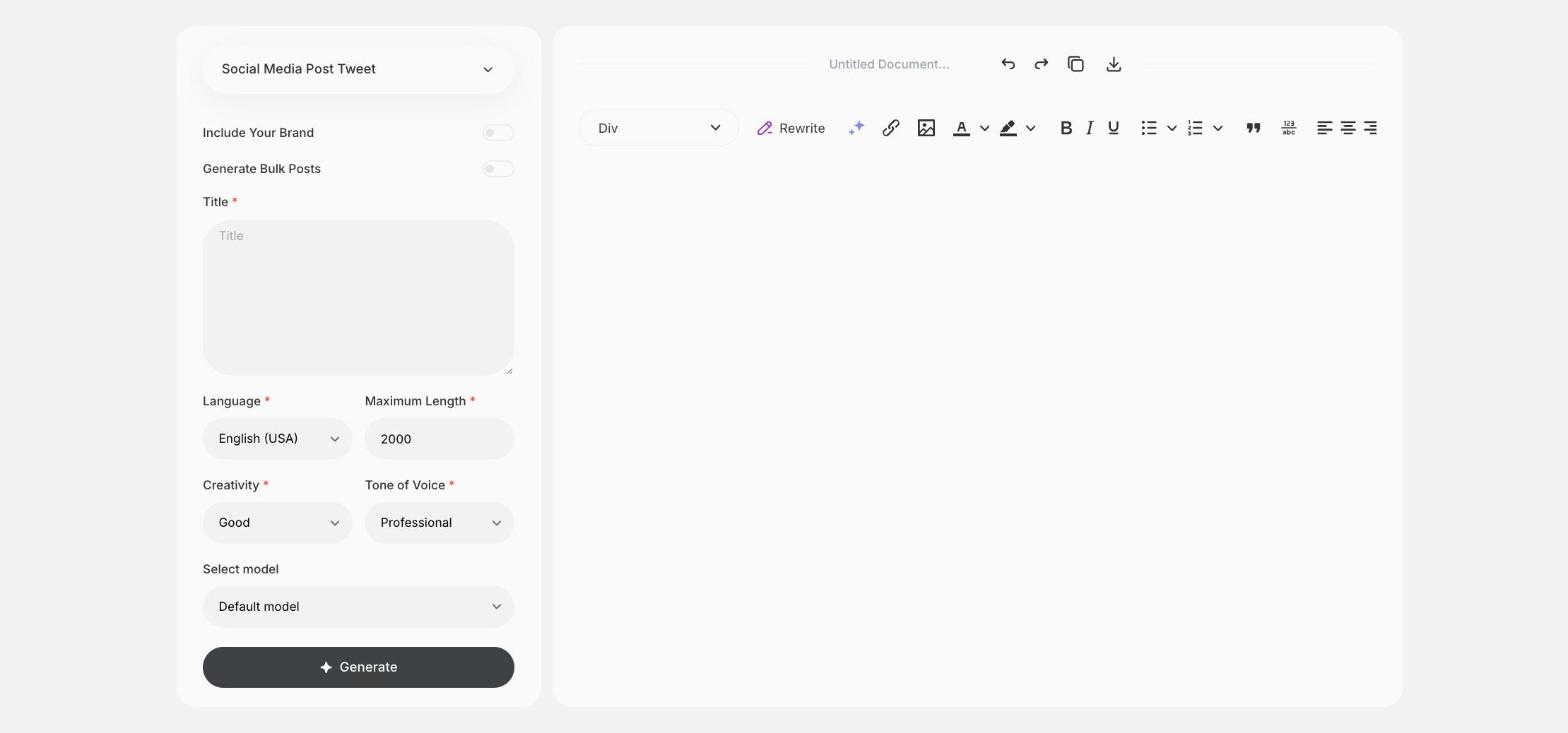
What is the Social Media Post Tweet template?
The Social Media Post Tweet template is a ready-made template in Qyx for sharing an article, a launch or an announcement on X. You enter a title, such as the headline of a blog post or the name of a new feature, and Qyx writes a short post around it. Add the link and check the length before you post. When you already have the full message and want it polished, use the X Tweet template instead. Post the same link again later with a second version to reach followers who missed the first one.
-
A headline becomes a post
Turn the title of an article or launch into a post people want to click.
-
Short by design
The result is written for the short format of X.
-
Versions to test
Turn on Generate Bulk Posts and post different versions on different days.
How does it work?
- Open the Social Media Post Tweet template in Qyx.
- Fill in the headline or announcement in Title, then choose the language, tone of voice, creativity and maximum length.
- Click Generate, pick the best result and edit it right in the editor.
Who is it for?
-
Bloggers
Share each new article on X with a short post.
-
SaaS and startups
Announce new features and releases.
-
Online stores
Promote a new product or a sale on X.
-
Social media managers
Fill a posting schedule from a list of headlines.
Practical example
What you enter
Title: the headline of the article, the name of the product or the announcement you want to share.
What you get
Tweets built around your title. Add the link, check that the post fits the character limit and publish it or schedule it.
Conclusion
The Social Media Post Tweet template turns a title into a post for X. For a longer story in several posts, use the X Thread template in Qyx.