AI Template: Jokes. How to Write Jokes on a Topic? Examples
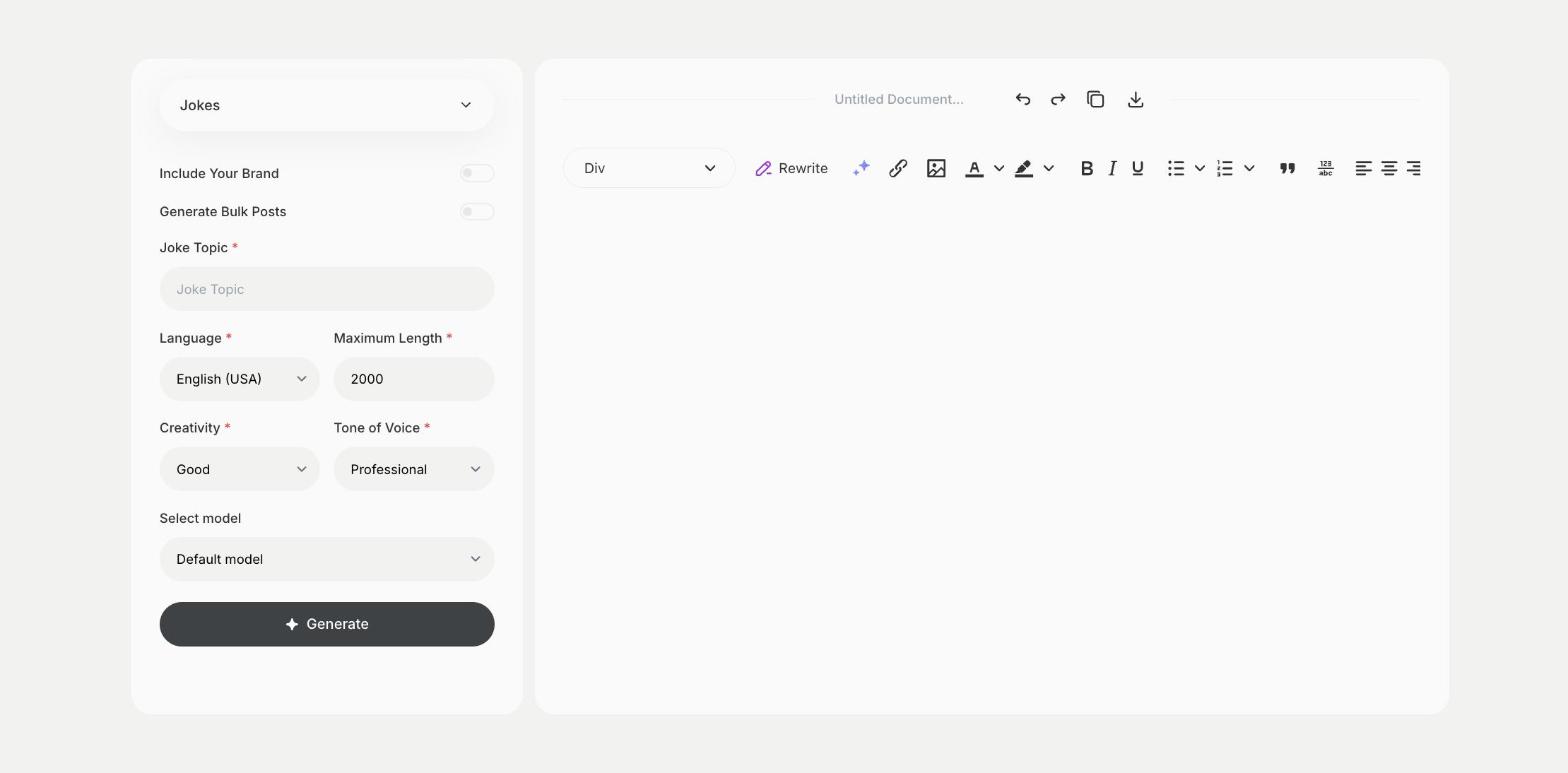
To write jokes on a topic, enter the topic in the Jokes template in Qyx and get jokes to use in a speech, a post or a card. The Jokes template is a Qyx Smart Template that turns a topic into jokes in the language you pick.
What is the Jokes template?
The Jokes template is a ready-made template in Qyx for when you need something funny about a specific topic, such as a profession, a hobby or an event. You enter the topic, and Qyx writes jokes about it. Humor depends on the audience, so read the jokes as your listeners would and drop any that could hurt someone. Pick the Funny or Witty tone of voice for lighter jokes. Ask for a few rounds and keep only the best two or three.
-
Jokes on your topic
Get jokes about the subject your audience knows.
-
For speeches and posts
Use them in toasts, presentations, cards and social posts.
-
Humor in other languages
Pick the output language for your audience.
How does it work?
- Open the Jokes template in Qyx.
- Fill in the subject in Joke Topic, then choose the language, tone of voice, creativity and maximum length.
- Click Generate, pick the best result and edit it right in the editor.
Who is it for?
-
Speakers
Open a presentation or a toast with a light joke.
-
Social media managers
Write a funny post for a slow day.
-
Teachers
Start a class with a joke about the subject.
-
Party hosts
Fill a card or a quiz with jokes.
Practical example
What you enter
Joke Topic: the subject of the jokes, such as a job, a hobby or an occasion, and who will hear them.
What you get
A set of jokes on your topic. Test them on a friend, keep the ones that land and leave out anything your audience could take the wrong way.
Conclusion
The Jokes template gives you jokes on a topic you pick. For a full speech or post, combine them with the Story Generator template in Qyx.