AI Template: Social Media Reply. How to Reply to Comments and Messages on Social Media? Examples
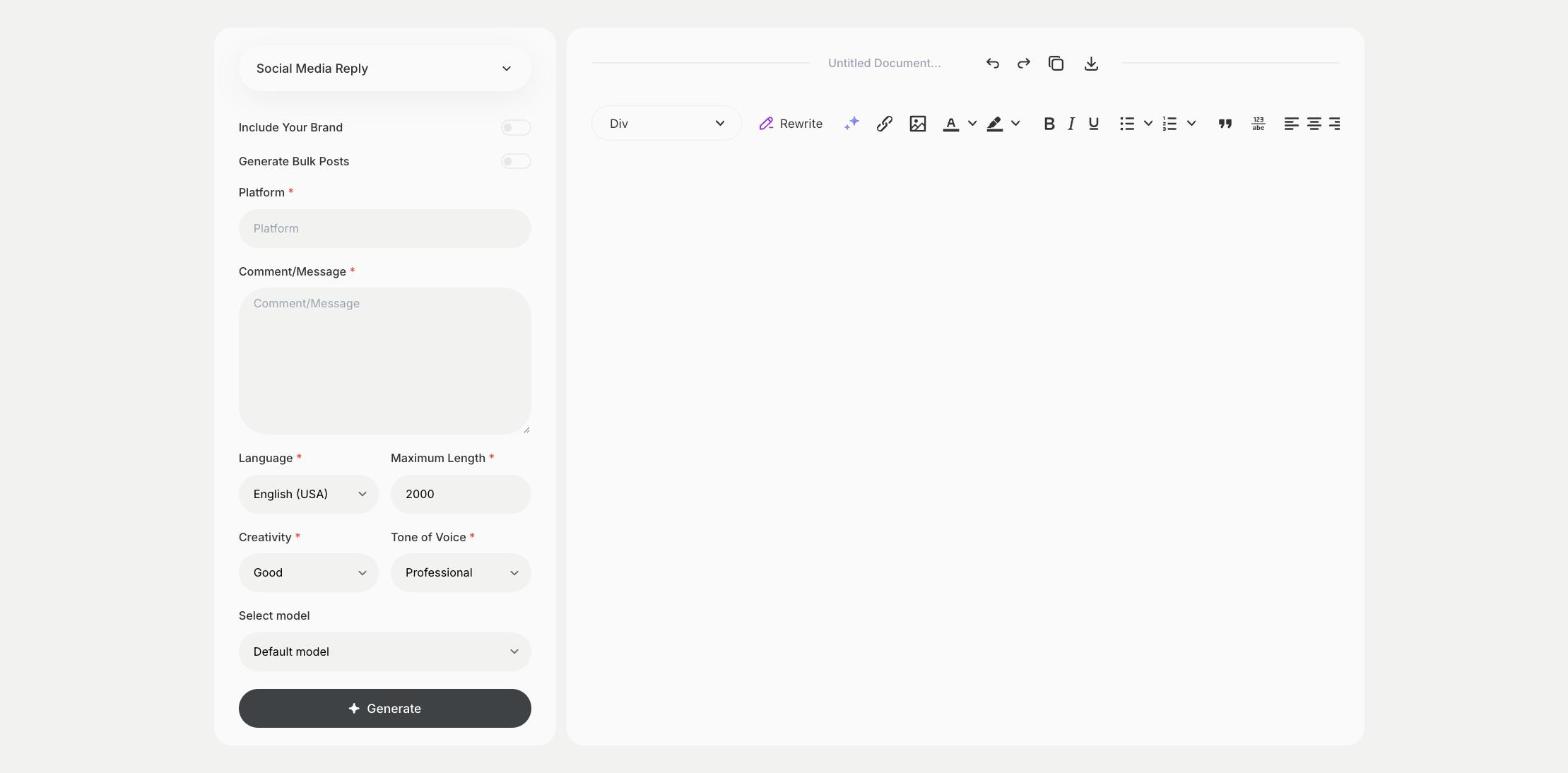
To reply to comments and messages on social media, enter the platform and the comment in the Social Media Reply template in Qyx and get a reply to post. The Social Media Reply template is a Qyx Smart Template that turns a comment or message into a professional social media reply in the language you pick.
What is the Social Media Reply template?
The Social Media Reply template is a ready-made template in Qyx for answering comments and direct messages on your brand profiles. You choose the platform and paste the comment or message, and Qyx writes a reply that fits the tone of that network. Reply to questions and complaints quickly, because other followers see how you handle them. Move conversations about orders or personal data to a private message or email. Keep a few approved replies for common questions.
-
Replies for each network
Set the platform, and the reply fits its style.
-
Calm answers to complaints
Answer criticism in a professional tone.
-
Replies in other languages
Pick the output language to answer followers abroad.
How does it work?
- Open the Social Media Reply template in Qyx.
- Fill in the network in Platform and what the person wrote in Comment/Message, then choose the language, tone of voice, creativity and maximum length.
- Click Generate, pick the best result and edit it right in the editor.
Who is it for?
-
Social media managers
Answer comments across brand profiles.
-
Online stores
Reply to questions about products and orders.
-
Local businesses
Answer messages from customers on Facebook and Instagram.
-
Creators
Reply to followers in a consistent voice.
Practical example
What you enter
Platform: the network where the comment was posted. Comment/Message: the comment or message exactly as written.
What you get
A reply that fits the platform and the comment. Check the facts, add a link if it helps and post the reply.
Conclusion
The Social Media Reply template gives you replies to comments and messages. For replies to reviews on review sites, use the Review Responder template in Qyx.