AI Template: Improve. How to Make a Text You Wrote Better? Examples
To make a text you wrote better, paste it into the Improve template in Qyx and get an improved version with clearer structure and wording. The Improve template is a Qyx Smart Template that turns your draft into an improved text in the language you pick.
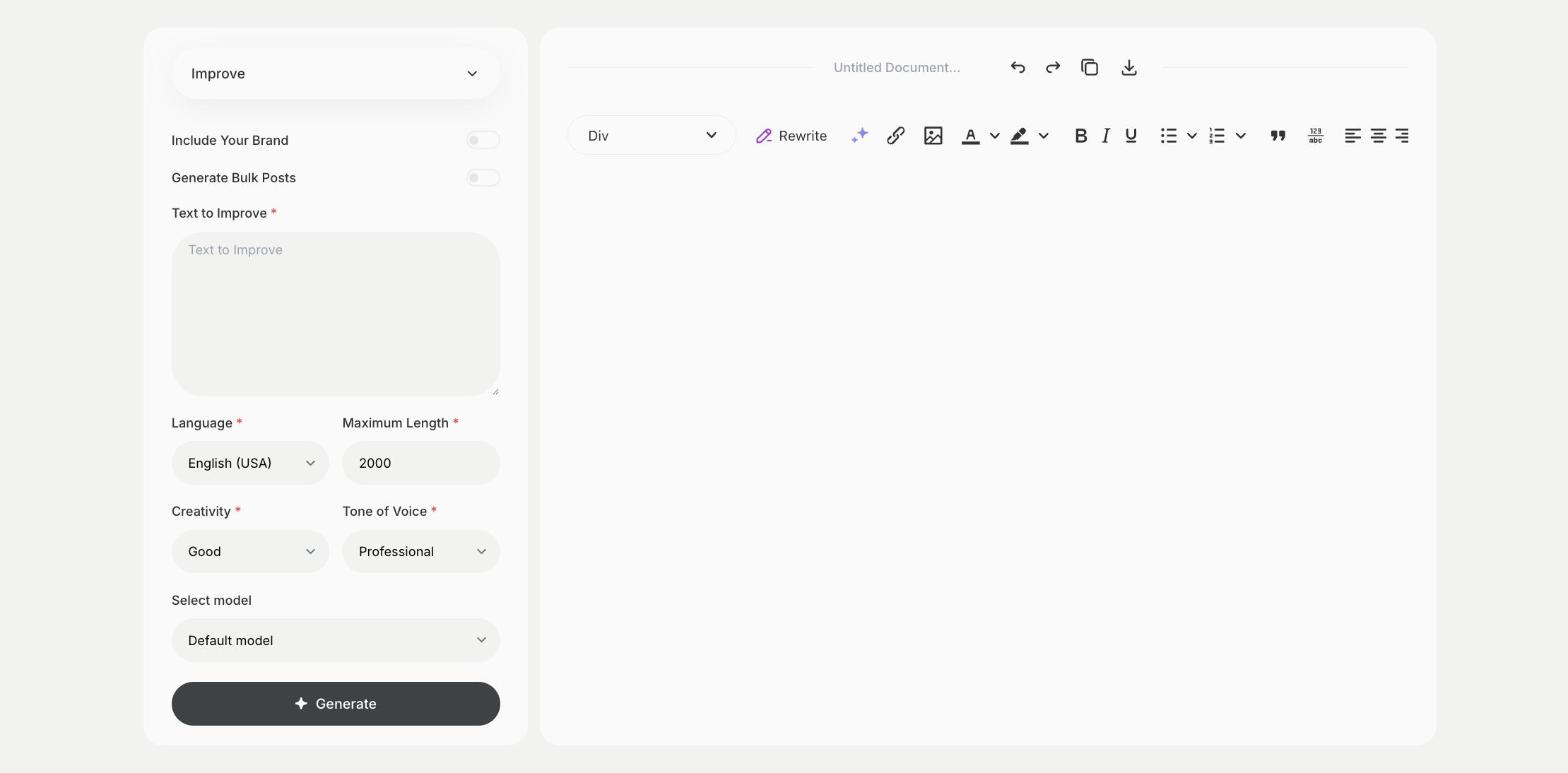
What is the Improve template?
The Improve template is a ready-made template in Qyx for drafts that say the right things but don't read well yet. You paste the text, and Qyx improves its flow, word choice and structure. It is the step between writing a draft and proofreading it. Tell Qyx what the text is for in the first line, such as an email to a client, so the improvements fit that use. Work on one section at a time for long texts. Keep facts, names and numbers as they are, and check them in the result.
-
A better version of your draft
Keep your content and get clearer wording and flow.
-
The right tone
Pick a tone of voice to match where the text will appear.
-
For any length
Improve a short email or a full page of text.
How does it work?
- Open the Improve template in Qyx.
- Fill in your draft in Text to Improve, then choose the language, tone of voice, creativity and maximum length.
- Click Generate, pick the best result and edit it right in the editor.
Who is it for?
-
Business owners
Improve emails and website texts.
-
Writers
Polish drafts before an editor sees them.
-
Non-native writers
Make texts in a second language read more naturally.
-
Students
Improve essays and applications.
Practical example
What you enter
Text to Improve: your draft, with a first line that says what the text is for.
What you get
An improved version of your text. Read it next to the original, keep the changes you like and proofread the final version.
Conclusion
The Improve template makes your draft clearer and easier to read. Give it a final check with the Proofreading template in Qyx.