AI Tool: Chat Image. How to Create Images in a Chat? Examples
To create images in a chat, describe the picture in Chat Image in Qyx and get images as replies. Chat Image is a Qyx AI image chat that creates images from the messages you write.
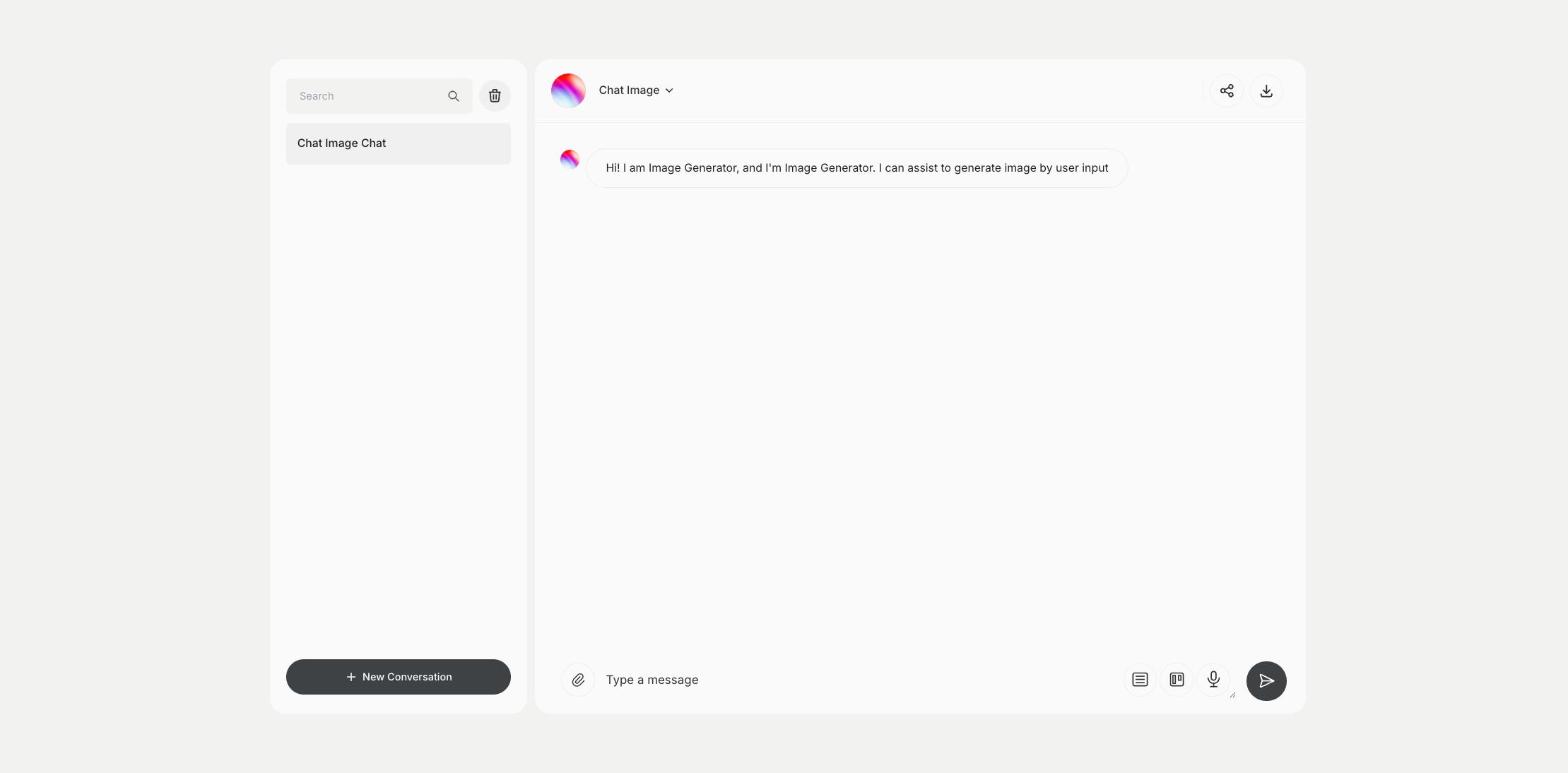
What is the Chat Image template?
Chat Image is a Qyx tool for people who like to work on visuals step by step. You write what the image should show, and Qyx replies with an image in the chat. Then you ask for changes in the next message, such as another background, other colors or a different angle, and keep refining. The conversation is saved in the list on the left, so you can come back to an idea later. Describe the subject, the setting and the style in the first message. Change one thing per message, so you see what each change does. Download the image you want to keep and check the license terms before you use it in ads. Start a new conversation for a new idea, so earlier messages don't affect the next image.
-
Images in a conversation
Describe what you want and get images as replies.
-
Step-by-step changes
Ask for changes in follow-up messages.
-
Saved chats
Return to an earlier image idea.
How does it work?
- Open the Chat Image template in Qyx.
- Fill in the message box with a description of the image, and ask for changes in the next messages.
- Click Generate, pick the best result and edit it right in the editor.
Who is it for?
-
Social media managers
Create visuals for posts and stories.
-
Small business owners
Make images for offers without a designer.
-
Bloggers
Create illustrations for articles.
-
Marketers
Sketch ad visuals before a brief.
Practical example
What you enter
Message: the subject of the image, the setting, the colors and the style. Follow-up messages: the changes you want, one at a time.
What you get
An image that matches your description in the chat. Ask for changes until it fits and download the final version.
Conclusion
Chat Image creates pictures from your messages. For more control over the model, resolution and style, use the AI Image Generator in Qyx.