AI Template: Story Generator. How to Write a Story From a Prompt? Examples
To write a story from a prompt, enter your idea in the Story Generator template in Qyx and get a short story or story ideas to develop. The Story Generator template is a Qyx Smart Template that turns a prompt into a story in the language you pick.
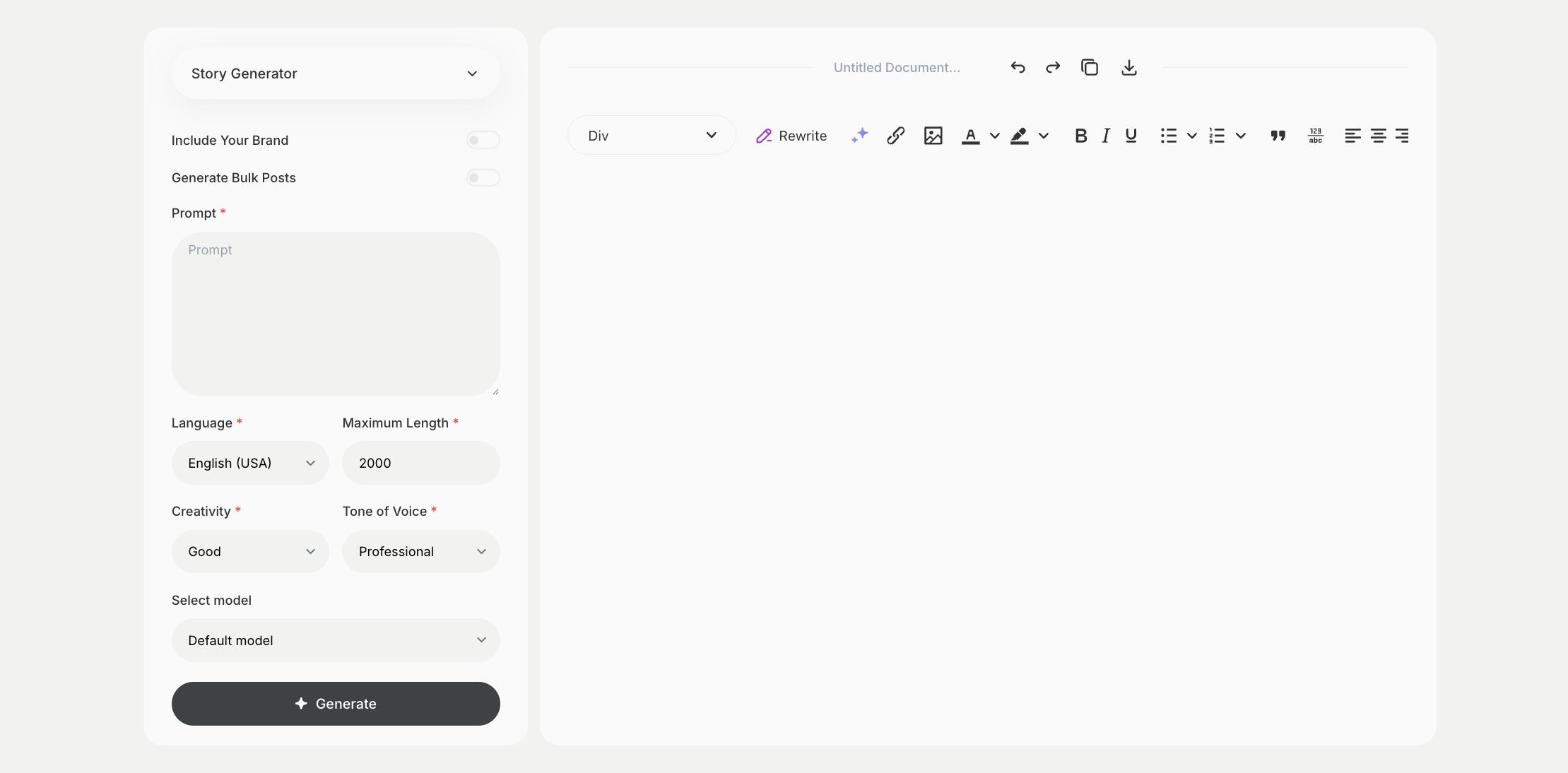
What is the Story Generator template?
The Story Generator template is a ready-made template in Qyx for fiction, bedtime stories and creative writing practice. You write a prompt with the characters, the setting or the situation, and Qyx writes a story or suggests story ideas. The more details you give, such as the mood and who the story is for, the closer the story gets to your idea. Use the result as a draft and add your own voice in the edit. Ask for a different ending if the first one doesn't fit.
-
From a spark to a story
Turn one idea into a full short story.
-
Stories for any reader
Write for children, teenagers or adults by saying who the story is for.
-
A mood you choose
Pick Funny, Dramatic or another tone of voice to set the feel.
How does it work?
- Open the Story Generator template in Qyx.
- Fill in your idea, characters and setting in Prompt, then choose the language, tone of voice, creativity and maximum length.
- Click Generate, pick the best result and edit it right in the editor.
Who is it for?
-
Parents
Make up a bedtime story with your child's ideas.
-
Writers
Get past a blank page with a first draft.
-
Teachers
Create stories for reading practice.
-
Game and role-play fans
Build stories for a game or a campaign.
Practical example
What you enter
Prompt: the main character, the setting, the problem in the story and who the story is for.
What you get
A short story based on your prompt. Read it, change the parts you would tell differently and give it your own ending if you like.
Conclusion
The Story Generator template turns a prompt into a story. For ideas for a longer book, use the Book Ideas template in Qyx.